Solutions · Bring AI into your work
Fill the gaps in your catalogue and keep the decisions
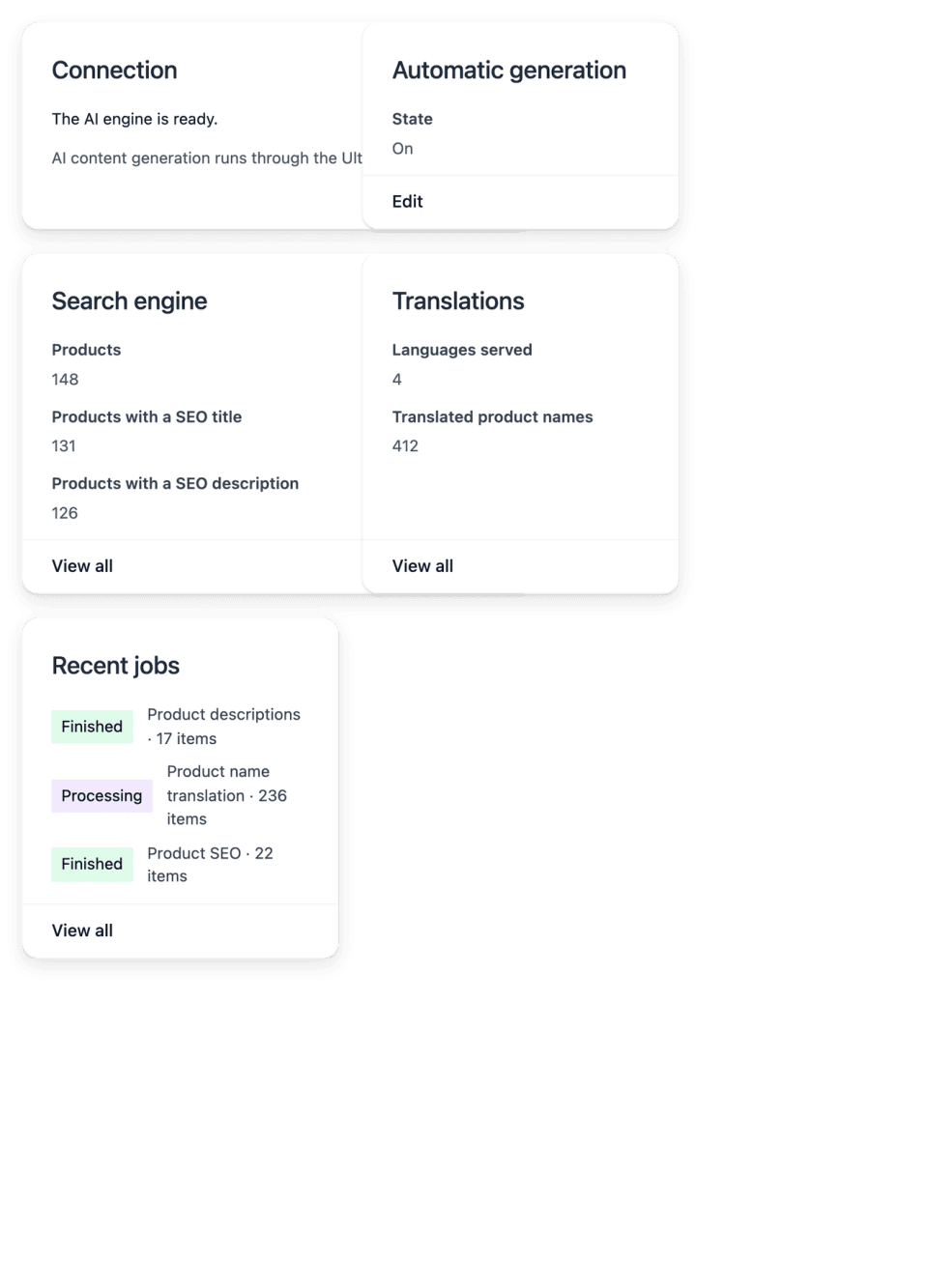
Ultineo E-commerce holds focused AI tasks that generate missing descriptions and search texts, translate content and standardize product photos. You choose the task and its scope, follow each item, and review the result on the record it belongs to.
What keeps the content of a catalogue incomplete
- Records with too little wording
As a range grows, new references go on sale with a name, a price and little else. The writing tasks complete eligible missing product descriptions from the facts available on the product record, and the supported search titles and descriptions for the products you select.
- Languages still to cover
Each country you sell to adds a language in which names and help texts must exist. Translation tasks cover product names for the supported target countries and languages of the shop, eligible customized help articles and supported customized shop wording.
- Photos that do not match
Pictures taken at different times, on different backgrounds, make a range look uneven. The photo task standardizes the backgrounds and the framing of supported product photos without inventing another product: it does not change the color of the product or manufacture a new product scene.
From a missing text to a reviewed record
-
1
Choose the task Each task has a distinct scope: product or category descriptions, search texts, translations, photos. Choose the one that matches the content your shop still needs.
-
2
Select items or languages In the screen of the task, select the eligible items or the target languages. Settle the supported target and the scope before you start a run.
-
3
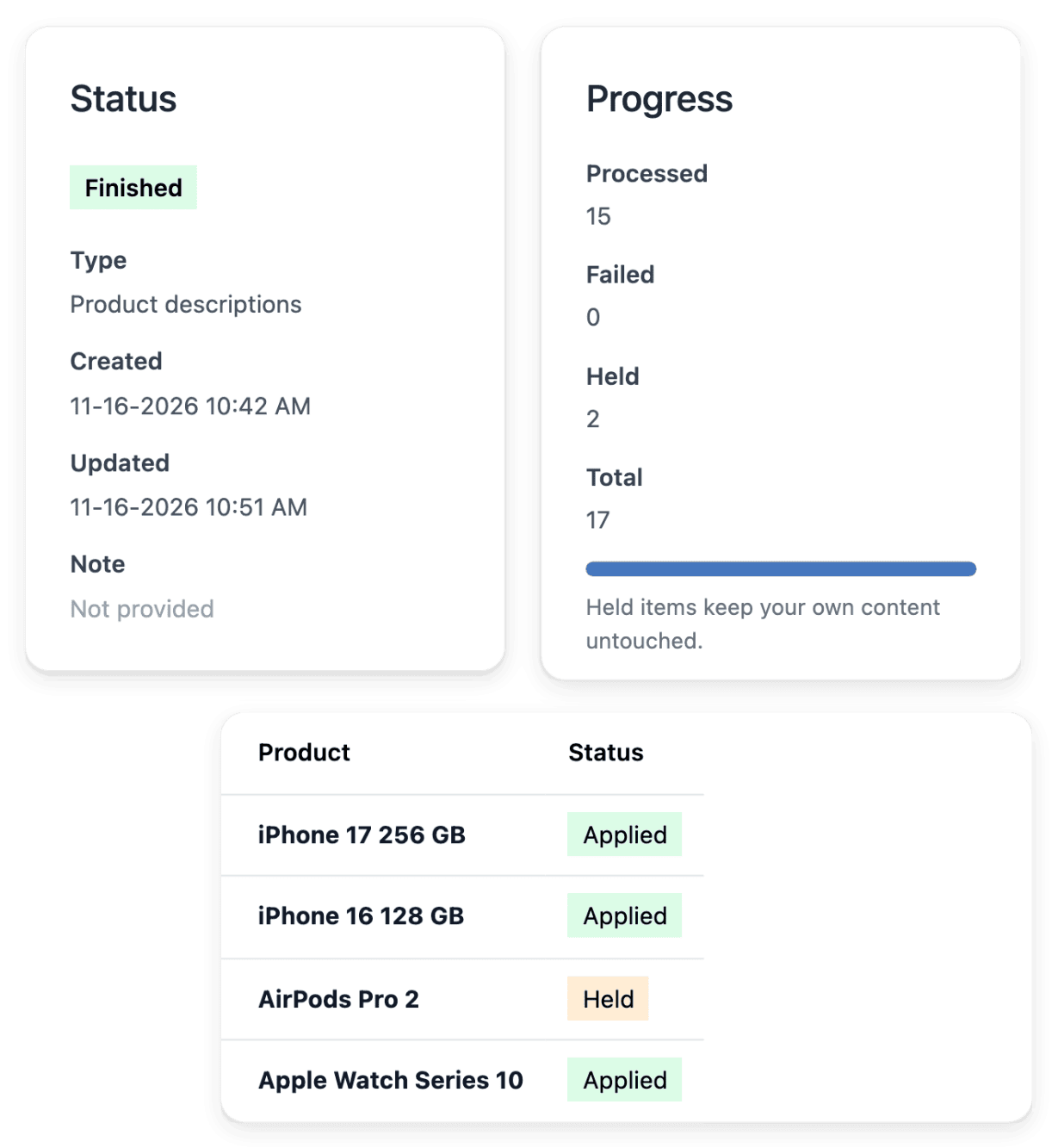
Follow the run Follow the progress and the item-level outcomes: History distinguishes applied items, failed items and unfinished work. You can stop a task when it should no longer continue.
-
4
Review on the record Inspect the result on the product, the category or the article concerned, and make your own corrections there. For a photo, check the processed image against the actual item.
Keep the commercial decisions in your hands
These tasks concern wording and images: the supported writing workflow does not change selling prices, stock or product availability. Generated content is reviewed and corrected on the product, category or help article it belongs to, and your existing wording remains under your control.
Availability depends on the configured AI service. A progress total is not proof that every record was updated: open the detail of a run, which shows its progress and its recorded item outcomes.
Review each result in the content workspace of the product
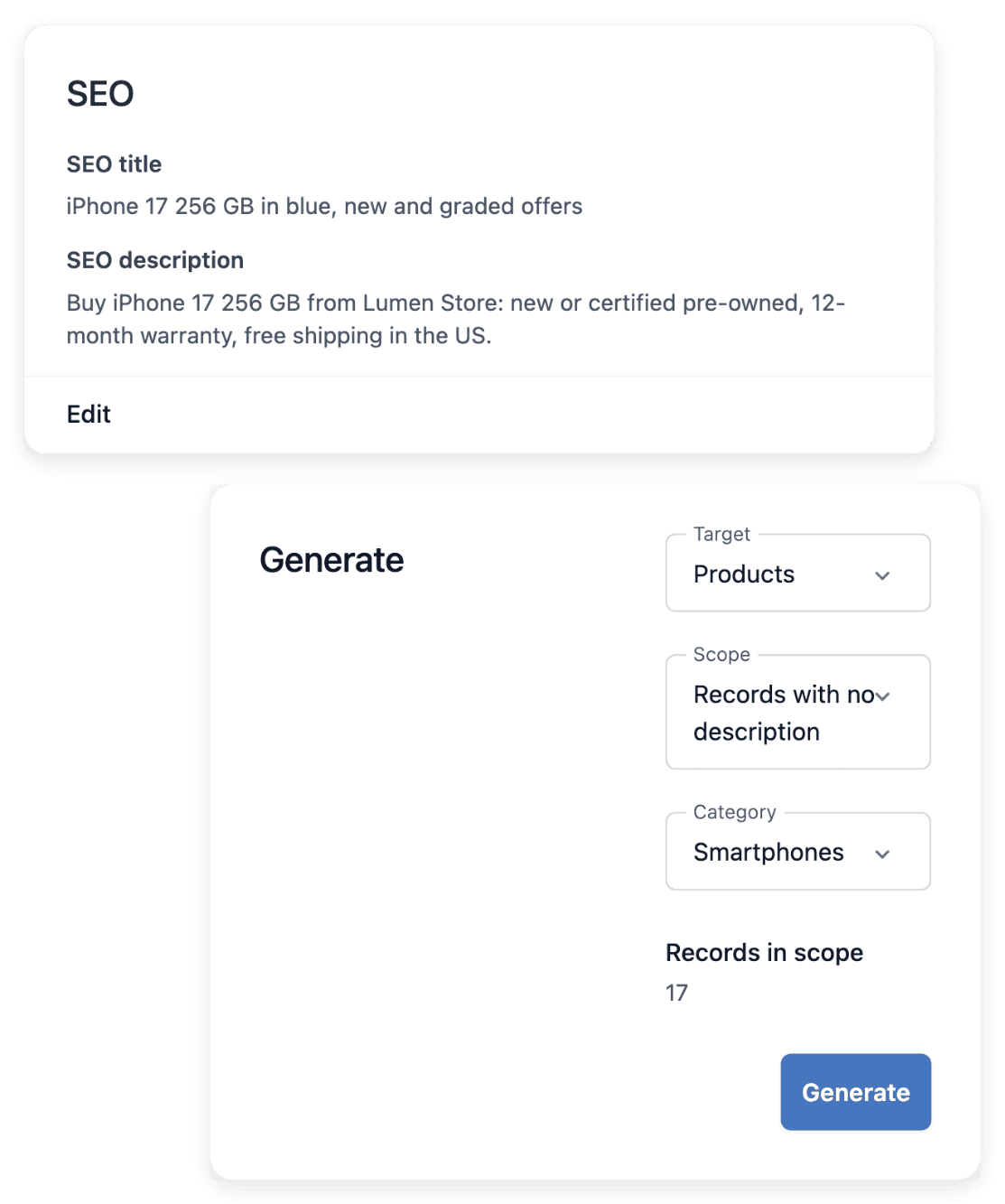
You read what a task wrote in the content workspace of the product, next to its photo gallery: a description explains the actual item, supported by its recorded characteristics, while search wording presents the reference concisely when it appears in results. Reorder the pictures and choose a cover that represents the item clearly.
Better search text does not guarantee placement in a search engine. Keeping the selling conditions precise, without unsupported promises, remains your work.
The capabilities behind it
- Product descriptions
Complete eligible missing descriptions
- Products
Product records, images and categories
- Documentation
Your customer help center
- Support
Requests with order and customer context
See what else you can do
- Bring AI into your work
A recurring task handed to an AI application, launched from your tools, with an answer you can check.
- AI inside your software
A reasoning step added to a screen of your own software, launched through the API and read back.
Go further
- Ultineo E-commerce
Start with the records that still lack content
Apply to open your shop: our team reviews each application before the account is opened.
Questions
No. The AI app of Ultineo E-commerce is not a general chat assistant: it launches defined shop-content tasks and follows their execution. Ultineo Reasoning is a separate product, with its own access, in which an application brings together your instructions and the fields to fill in.
The supported writing workflow preserves your own wording and fills the eligible missing content: description tasks can target the records that have none. Inspect the task and its result, then make your own corrections on the record.
Only if you switch it on. In the Support settings, "AI first reply" set to "Automatic replies" lets the AI answer the customer itself, from your help center, the order and your reply rules; "Draft for review" prepares a reply that your team reads and sends. Support reply assistance also rewrites the reply you typed in the language of the buyer.