Help buyers compare, read reviews and order again
With Ultineo E-commerce, you describe each product with consistent details that buyers can compare, and you choose which ratings, comments and buyer photos appear on your shop. Promotions, a membership programme and a newsletter audience are there for the time between two orders.
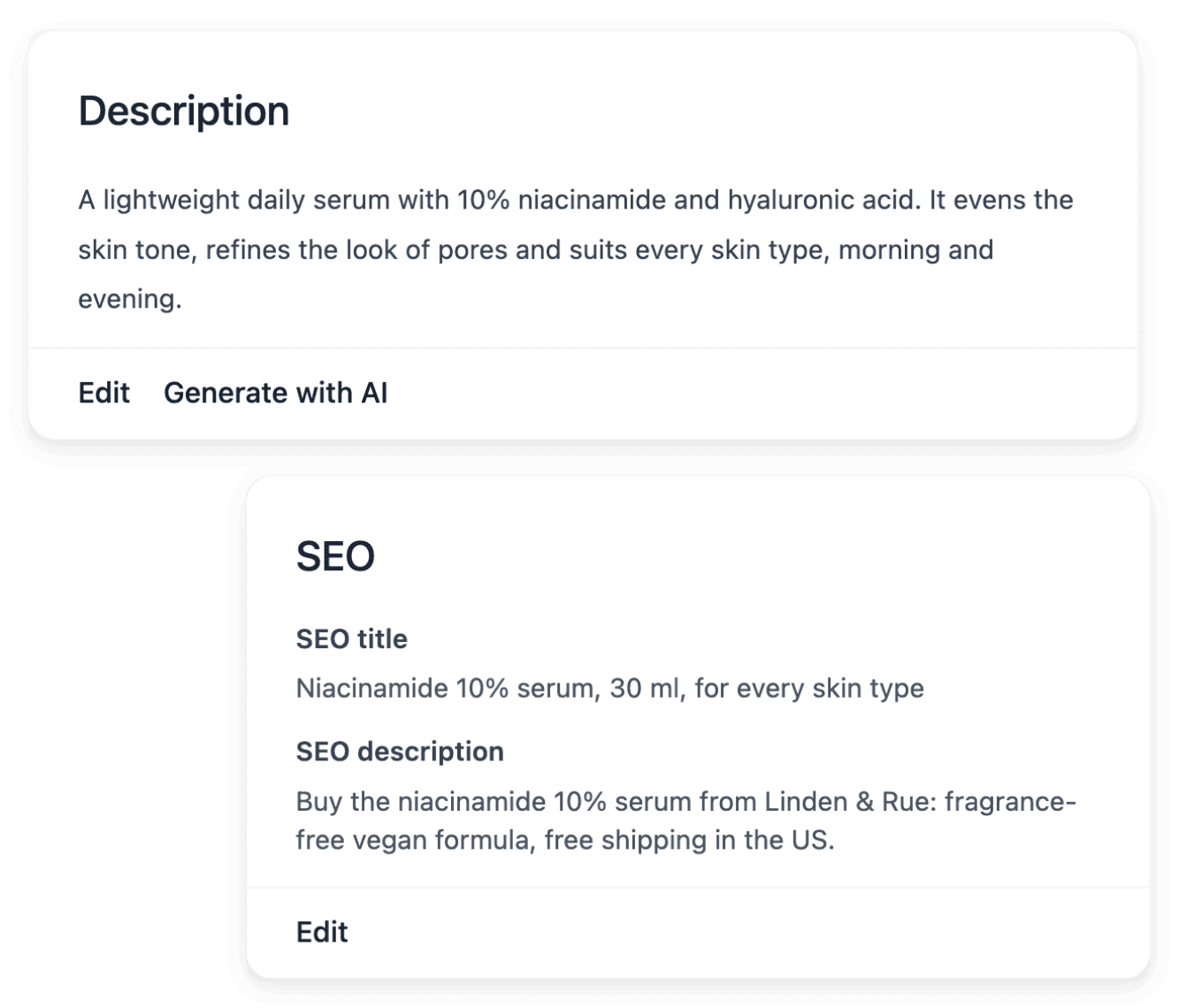
How beauty and wellness products are bought online
- Products that run out
A cream, a shampoo or a massage oil is used up, and the buyer who liked it buys the same one again. In Ultineo E-commerce, a promotion carries its benefit and its dates, and a code can stay linked to one holder, with its own validity period and usage limit.
- Buyers who read and compare
Before choosing, a buyer compares sizes, textures and scents, then looks for what earlier buyers thought. Characteristics with accepted values give every product record the same vocabulary, and you read ratings, comments and buyer photos before choosing what appears on your shop.
- Time between two orders
Weeks pass between two orders, and a buyer who hears nothing may go elsewhere for the next one. Newsletter keeps your subscribers and the proof of their consent together, and you prepare a campaign draft for everyone or for one market, to send from your own mailing tool.
What to set up next, and where it is explained
- Organize ranges and sizes
One product often exists in several sizes, and a range grows with every launch. See how to define brands and characteristics once, bring the versions of a reference together and keep the price and the stock of each one.
- Announce a launch offer
A new product or a gift period calls for an offer that buyers can see and that ends on a set day. See how to prepare its benefit, its conditions and its codes, announce it on your shop with banners and badges, then read its recorded uses.
- Prepare the next order
A first order opens the relationship; it does not conclude it. See how offers, a newsletter audience built on recorded consent, a membership programme and published reviews each give a buyer a reason to return.
- Answer your buyers’ questions
How to use a product, when the parcel arrives, how to send an item back: the same questions return every day. See how to answer each request with its order and its item in view, and how to publish a help center with your own subjects and articles.
- Present the brands you carry
A buyer often looks for a brand before a product. Maintain the name and the logo of each brand once, attach that shared entry to the right products and see how many products use it.
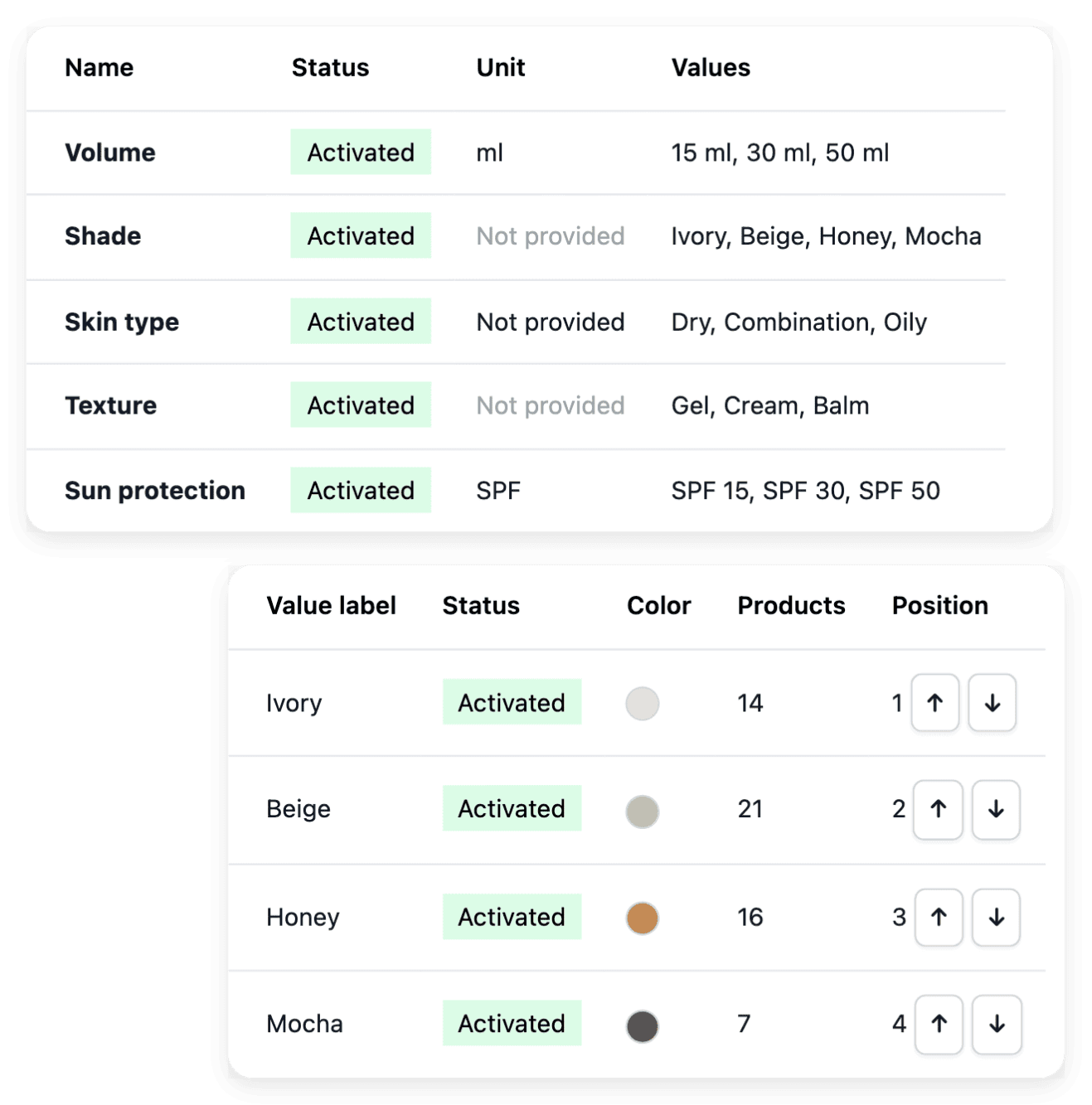
Give every product the same words for size and scent
Buyers compare a capacity, a texture or a scent only when every record names them the same way. You keep each characteristic with its name, its unit and the answers products may use, and each product record takes its value on its Characteristics tab. Precise characteristics help a buyer understand why one reference fits their needs.
The wording stays your own work: explain the use and the distinguishing details of the product, and keep its selling conditions precise, without unsupported promises.
Read reviews product by product, then choose what to show
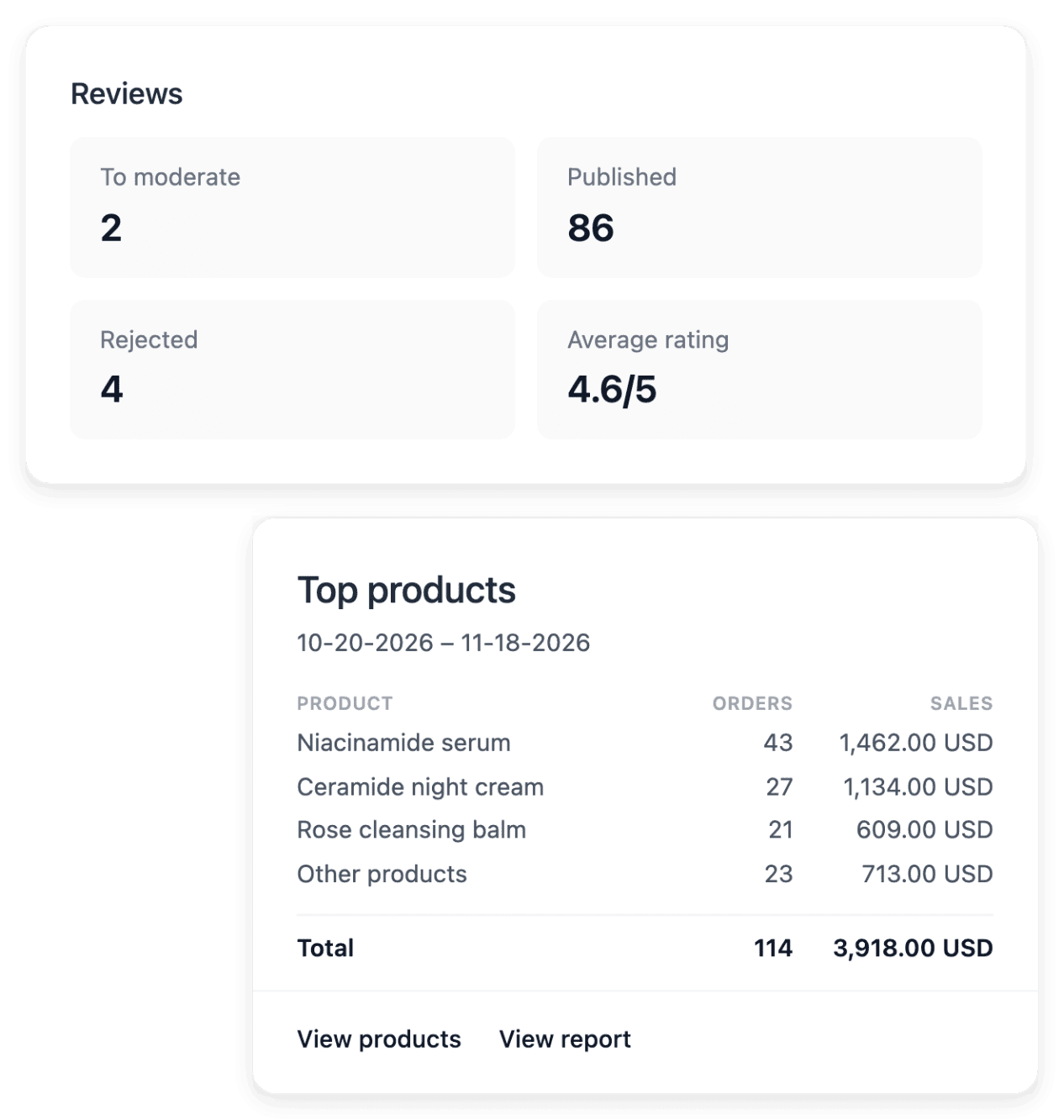
Start from the review overview for the recorded activity, then open individual reviews: each one stays connected to the product the buyer is discussing, with the buyer and the order behind it. The product and order context helps you understand recurring remarks about a description or a delivery. You then publish the reviews you approve, and you accept or hide each attached photo.
A total does not explain a particular complaint: when a comment reveals a problem with an order, handle it in Support or in the after-sales records. Moderation decides what is displayed and never rewrites the buyer’s words.
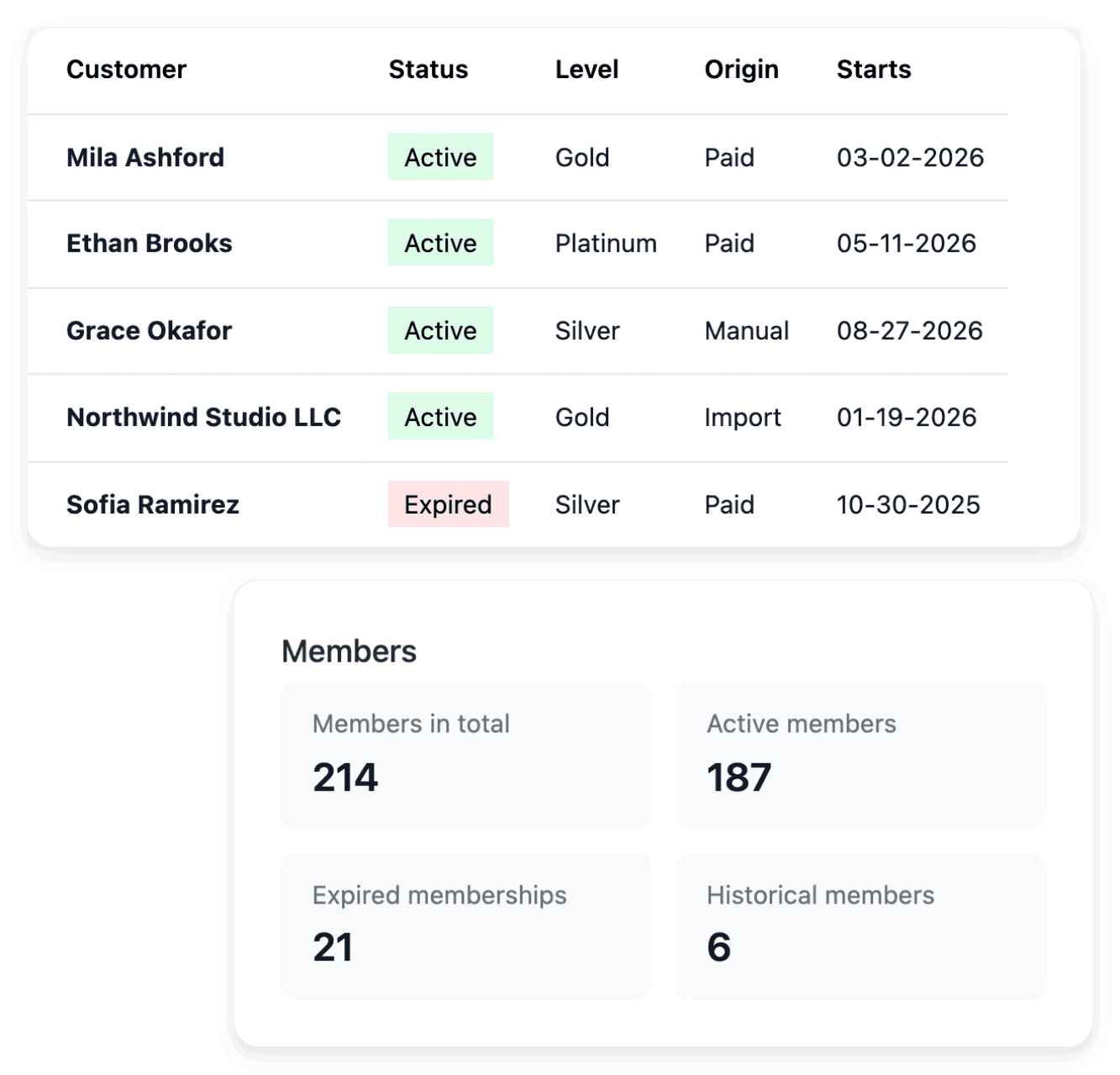
Set the rules of your membership programme
Prepare the programme with its name, its duration and its levels, each with a discount and benefits that are written down. A member holds one level at a time and gets the discount and the benefits of that level in your shop. In the member directory, you filter active or expired memberships to tell current members from past ones, then open the customer record for the purchases behind a membership.
The programme is the offer of your shop to its customers, separate from any Ultineo subscription. It organizes levels and recorded benefits: it does not guarantee repeat purchases, and a level still held by members cannot be removed.
Ready-made AI applications for salons, spas and coaches
If you also receive clients, in a salon, a spa or a studio, Ultineo Reasoning, a separate product with its own access, holds ready-made applications for these trades in its catalogue. For salons, spas and wellness studios, you prepare consultation cards and chairside briefs, route the front-desk inbox and learn what clients say about your services; for coaches and fitness studios, you plan sessions, rate training load and keep client feedback encouraging. Choose your trade in the catalogue to see the tasks its applications handle. Access is opened by our team, once you have told us about your trade and the tasks to hand over.
The capabilities behind it
- Characteristics
Consistent attributes and values
- Reviews
Ratings, comments and buyer photos
- Membership
Member levels, offers and benefits
- Products
Product records, images and categories
- Brands
Shared brand names and logos
- Newsletter
Subscribers, consent and campaign drafts
- Promo codes
Codes, validity dates and usage limits
Go further
Give your products a shop that answers before the buyer asks
Send your application to open your shop: our team reviews each one before an account is opened.
Questions
Customers write a review from their account, on an item they were delivered. The average rating of a product counts published reviews only, so a pending review changes nothing on your shop until you decide.
No. The customer record keeps the points balance from earlier activity, and offers no way to earn, spend or withdraw points. What rewards a regular buyer is a membership level, which gives its members a discount and benefits.
No. An order carries a single promo code, which is shown on the order. A percentage discount applies to the articles, never to the delivery.
Yes. You export the subscribers of a market over a period and consult the download history, and when Brevo synchronization is configured you follow its state. A subscriber record in your shop is not proof of a successful external update, and exporting a file or saving a draft does not launch a campaign.