Sell your collections in a shop that looks like your brand
With Ultineo E-commerce, you sell one reference in several versions, each with its own price and stock, in a shop whose colors, fonts and buttons stay the same on every page. You build your pages from reusable blocks and follow every returned item with its order.
What selling fashion online asks of a shop
- One piece, several versions
A dress, a bag or a ring nearly always comes in several colors, sizes or materials, and the buyer wants to choose among them on one page. In Ultineo E-commerce, a product group brings the versions of one reference together, and your shop shows one page with one row of choices per axis.
- A brand image to protect
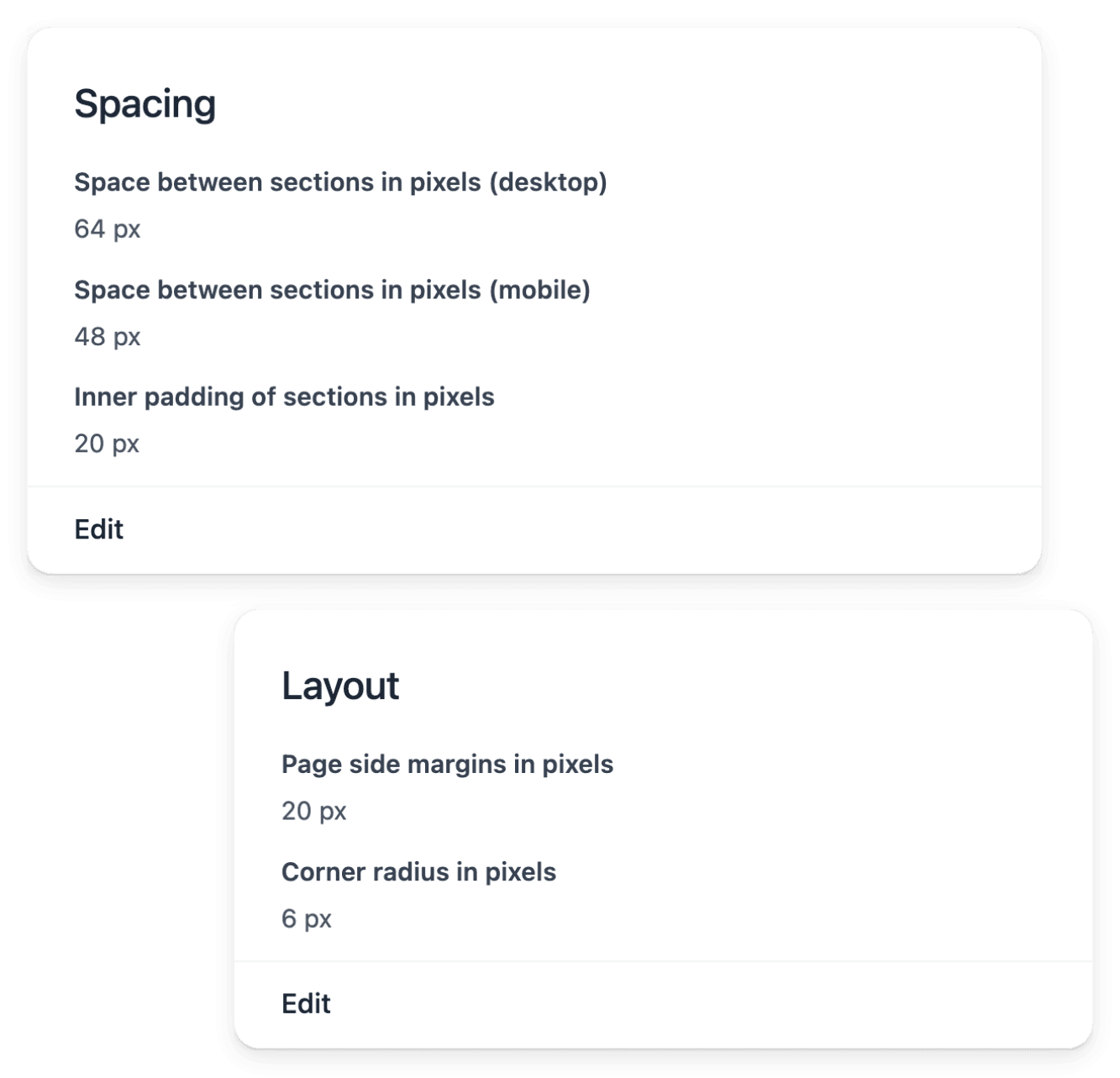
A fashion or jewellery brand is recognized by its look, and one page that departs from it weakens all the others. In the theme, you choose once the palette, the heading and body fonts, the button style and the spacing, and these shared settings keep a coherent look as pages and product content change.
- Returns come with the trade
A size that does not fit, a color that looks different once the parcel is open: in fashion, items come back as a matter of course. You find each return by order, customer or serial number and open its own record, which keeps the item and the purchase in view when you decide the next step.
From the collection to the return, one page per task
- Bring in a new collection
Each season adds references to describe with the same words as the previous ones. See how to define colors, materials and brands once, group the versions and apply bulk changes by file, with a report for every line.
- Open new countries
A buyer abroad chooses a size or a color by the words of the page alone. See how to choose a country you can deliver to, prepare its delivery, its payment and its content, then activate it.
- Make a collection known
A new collection has to reach buyers who do not know the shop yet. See how to publish selected products for shopping services, announce an offer on the shop and read the visits and the sales that followed.
- Prepare the end of a season
The end of a season calls for an offer with a start, an end and a precise range. See how to set a percentage or fixed-amount discount, limit it to the scope you want and schedule when it applies.
- Process returns and refunds
An item that came back and money given back are two distinct events. See how a return advances stage by stage, and how the refund, full or partial, is made from the original payment and followed to its outcome.
Present the versions of a piece as one clear choice
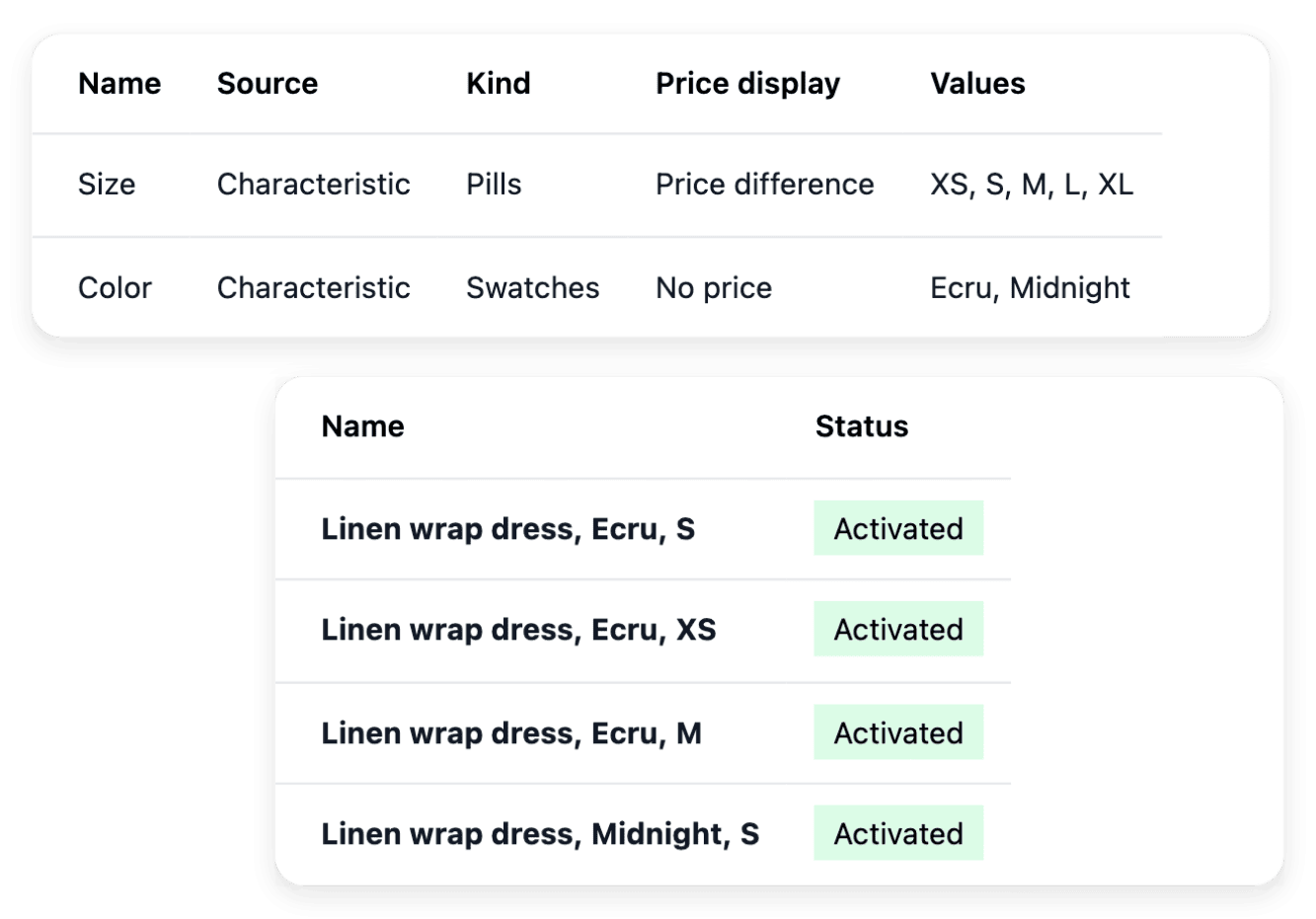
Define what distinguishes the versions of a group: each axis is built from one of your characteristics, such as the color or the material, and you order the axes so that buyers meet the useful difference first. You then choose how each axis is drawn, as pills, swatches, cards or lines, with the pricing information you select. A new version is an existing product that you add to the group.
A group does not create products and does not hold their selling information: price and availability are maintained on each product. When you add a version, check that the products of the group, their option values and their order still agree.
Show the actual piece, in pictures and in words
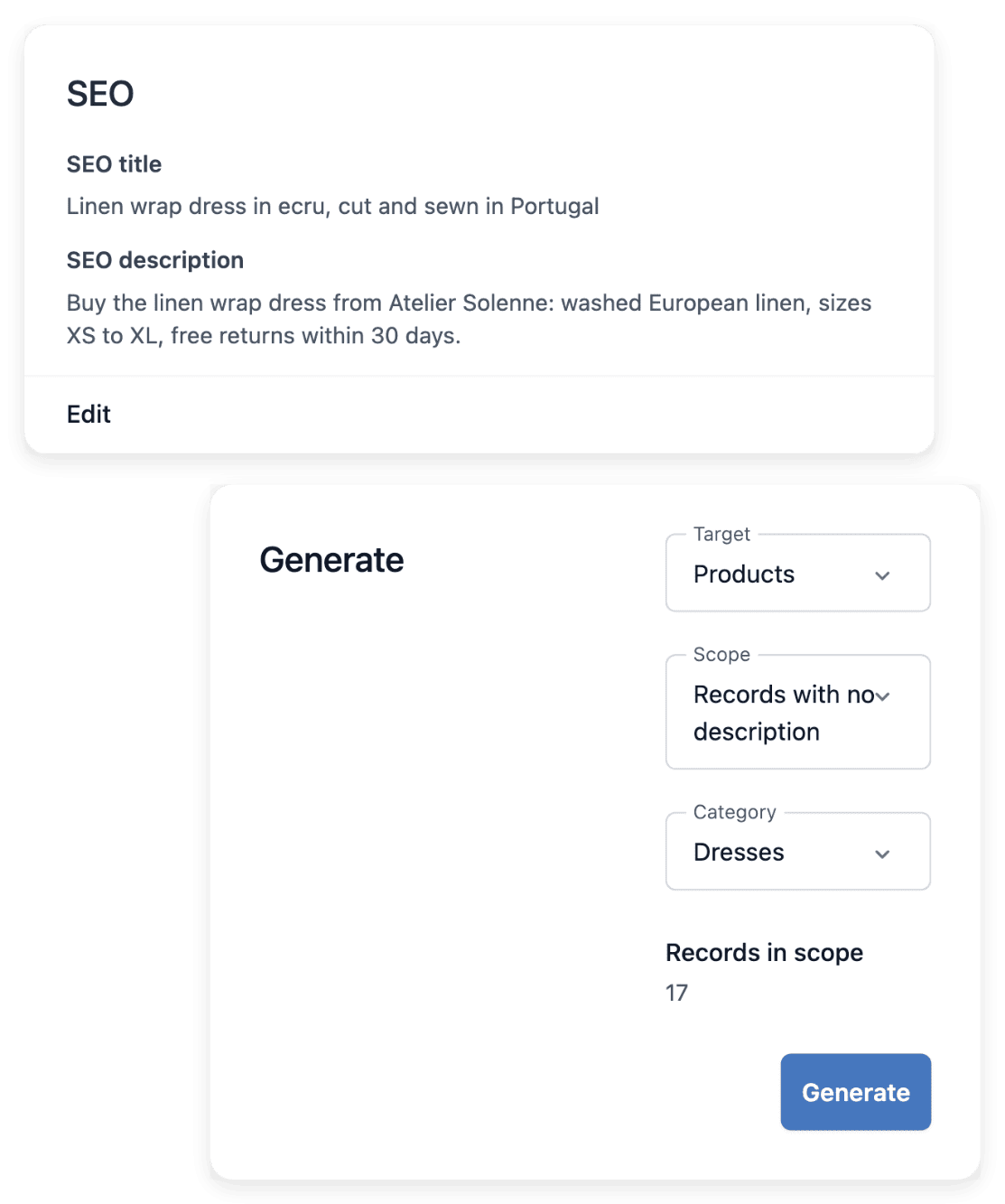
The content workspace of a product brings its photo gallery, its description, its search wording and its translations within reach. You add and reorder the photos and choose the cover shown across the shop, then you write the description that explains the piece, its use and its distinguishing details. Read the image set alongside the product name: the visual and the reference should describe the same version.
Descriptions, images and translations do not change the price or the stock of an item. A complete description in one language does not mean that every language your shop serves has been prepared: review the language coverage separately.
Build collection pages from blocks you reuse
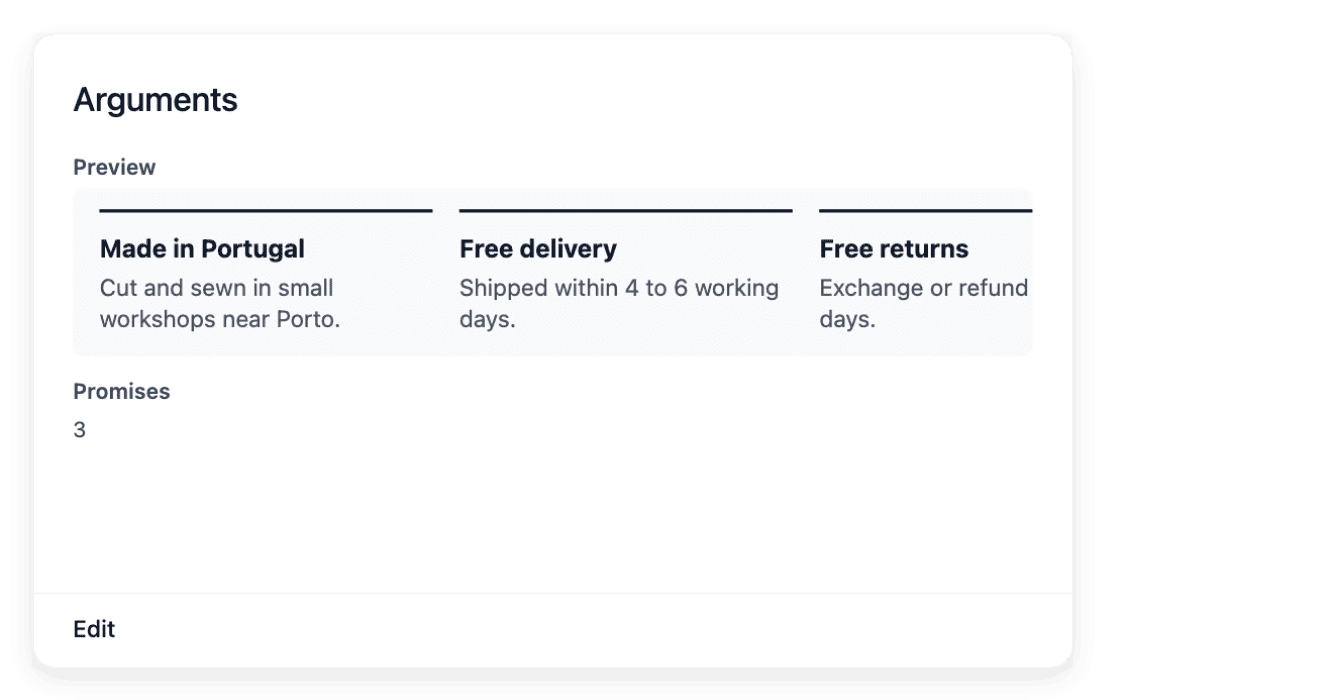
For a new collection or a campaign, choose an available block, such as a banner, a gallery or a product rail, and fill in its own wording and images. You adjust the dimensions, the typography, the colors and the spacing of each section with the settings provided for its type. Place the same section on several pages when its message should stay consistent: a single change then updates every placement.
You choose among the supported section types and their content fields, without custom code. Because a shared change reaches every page, review the pages that use a section before you edit it, and create a separate section when one page needs different wording.
Ready-made AI applications for fashion and jewellery
Ultineo Reasoning, a separate product with its own access, holds in its catalogue ready-made applications for fashion brands and retailers, and for jewellers and luxury retailers. With the first, you write product pages and line sheets, compose care labels, recommend sizes and time markdowns; with the second, you take in repairs, draft bench work orders, explain grading reports and present showcase pieces. Each trade page shows the tasks its applications handle, to run as they are or as steps of your chains. Our team opens this access after a first exchange about your trade and the tasks to hand over.
The capabilities behind it
- Groups & variants
Product choices, prices and stock
- Sections
Reusable shop content blocks
- Theme
Colors, fonts and button styles
- Characteristics
Consistent attributes and values
- Brands
Shared brand names and logos
- Returns
Returned items and return stages
- Membership
Member levels, offers and benefits
Go further
Open the shop your next collection will be sold in
Apply to open your shop: each application is reviewed by our team before the account is opened.
Questions
Yes, when each size or color is a product of its own, gathered with the others in a product group. Price, reference and stock remain attached to the individual product, and the group does not merge the stock of its versions.
Yes. A characteristic value may carry explanatory wording and a link to an existing page of your shop, for example the page where you explain your sizes or the care of a material. The value itself is selected on the Characteristics tab of each product, from the accepted answers you maintain.
Yes. A theme changes presentation: pages keep their composition and sections keep their content, so you adjust the palette or the fonts without rebuilding your pages. Use the previews before you make a look available, and the reset action to return to the default appearance.
No. The supported writing workflow targets missing descriptions and search texts and preserves your own wording. You launch the task, then inspect its result on the product record and make your own corrections.