Solutions · Marketing and loyalty
Run promotions with clear rules and uses you can read
Ultineo E-commerce lets you prepare a promotion with its benefit, its scope, its conditions and its dates, then manage the codes buyers use to claim it. You announce it on your shop with callouts, and you read its recorded uses once buyers have claimed it.
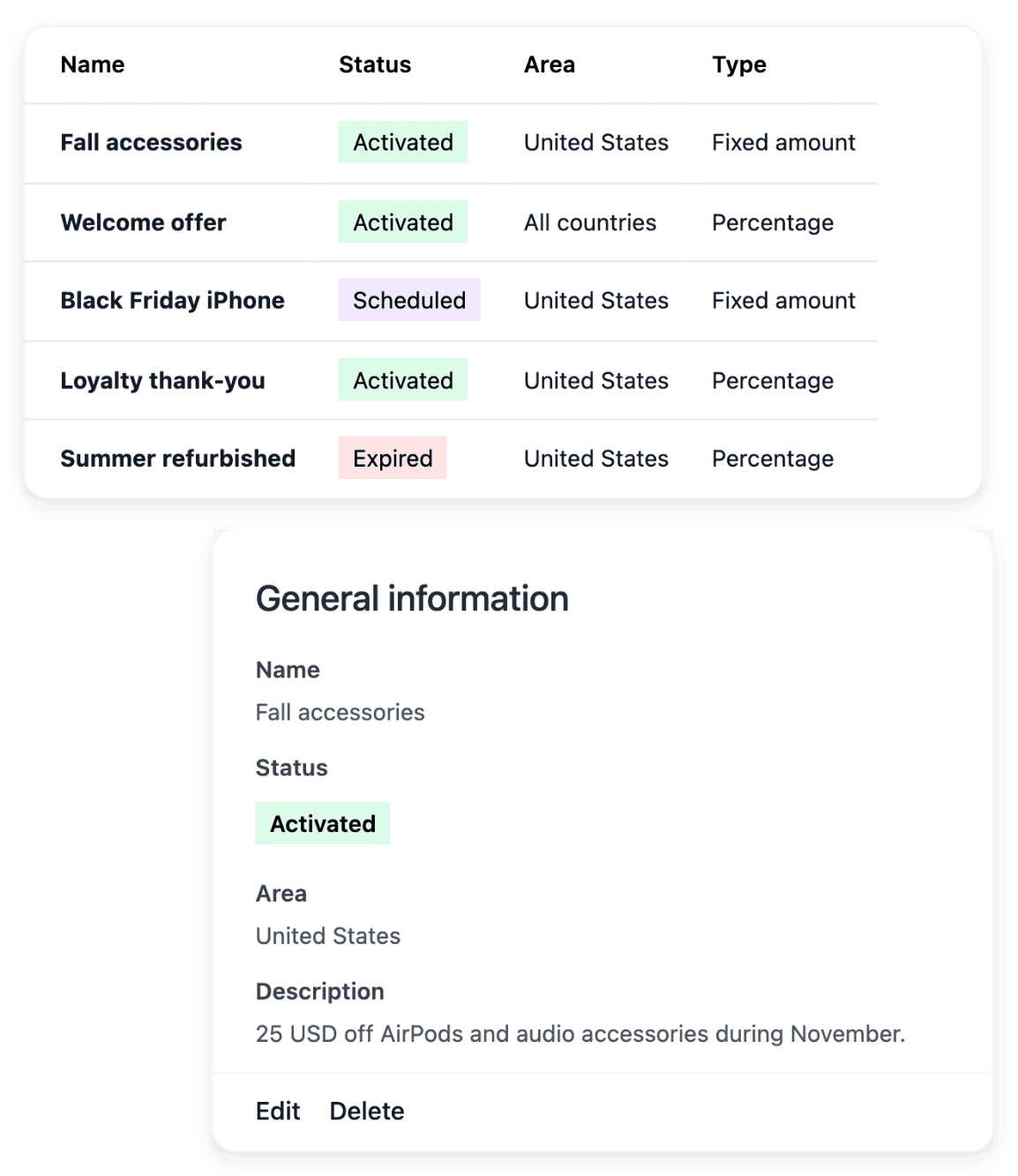
What makes a promotion hard to run well
- An offer with clear rules
An offer is clear when you can say who it is for, what it gives, on which products and between which dates. In Ultineo E-commerce, you choose a percentage or fixed-amount discount, limit it to the scope you want and schedule when it applies.
- A message matching the offer
A promotion nobody sees is not used, and a message that promises more than the offer gives lets the buyer down at payment. Callouts presents the offer in the announcement band or on product cards, while the discount itself stays configured in Promotions.
- Knowing whether it was used
A code handed out is not a code used, and an offer you cannot read cannot be judged. You consult the recorded redemptions and the performance of each promotion, and Statistics breaks your sales down by discount code over the period you choose.
Four steps, from the offer’s rules to its uses
-
1
Set the benefit and conditions In Promotions, set the benefit, then the country and the basket conditions that apply. Review the full promotion before you create or activate its codes.
-
2
Choose codes and dates Select the code restrictions and the validity dates that fit the offer. Then activate the promotion: until you do, it is not used on orders.
-
3
Announce it in Callouts Use the announcement band at the top for an offer that concerns the whole shop, and product wording for an offer on particular items. The message should describe an offer that is available to the buyer who reads it.
-
4
Read the recorded uses Once buyers have used the offer, open its performance view: its redemptions, its distinct customers, the total discount granted and the total sales of the orders that used it. In Statistics, the discount view shows the codes recorded on orders over the period you choose.
Decide who can claim the offer, on what and when
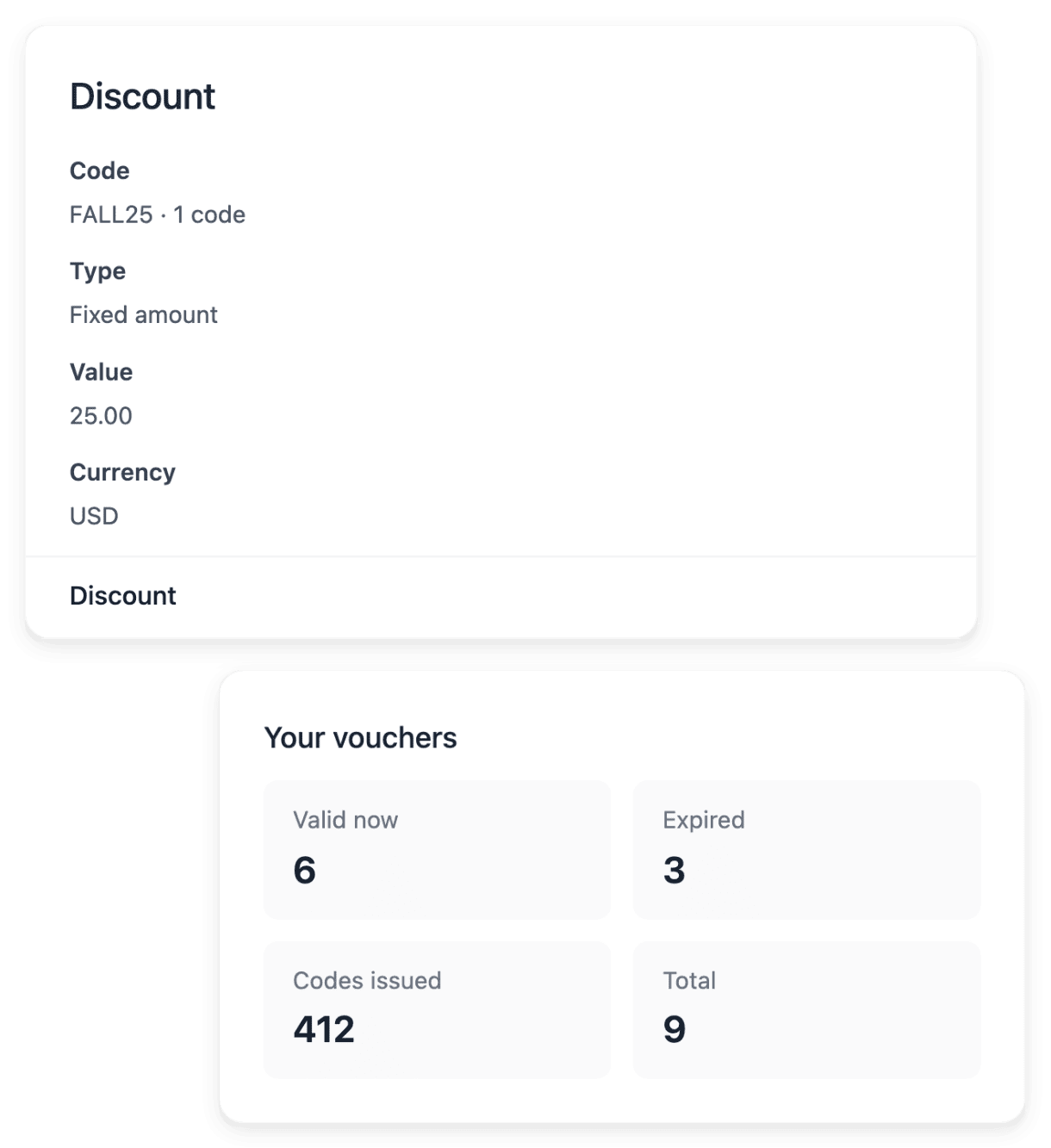
In Promotions, you set the benefit, a percentage or a fixed amount, then where the offer applies: the entire shop, one product or one category, subcategories included. You give it a start date and an end date and, if you wish, the country where it is valid. Buyers claim it with a code, shared with everyone or attached to one holder, and a code can have its own validity period and usage limit.
An order carries a single promo code, and a percentage discount applies to the articles, never to the delivery. Creating a promotion does not announce it: these tools define the offer and its codes, and they are not a campaign automation service.
Present the offer on your shop without changing its rules
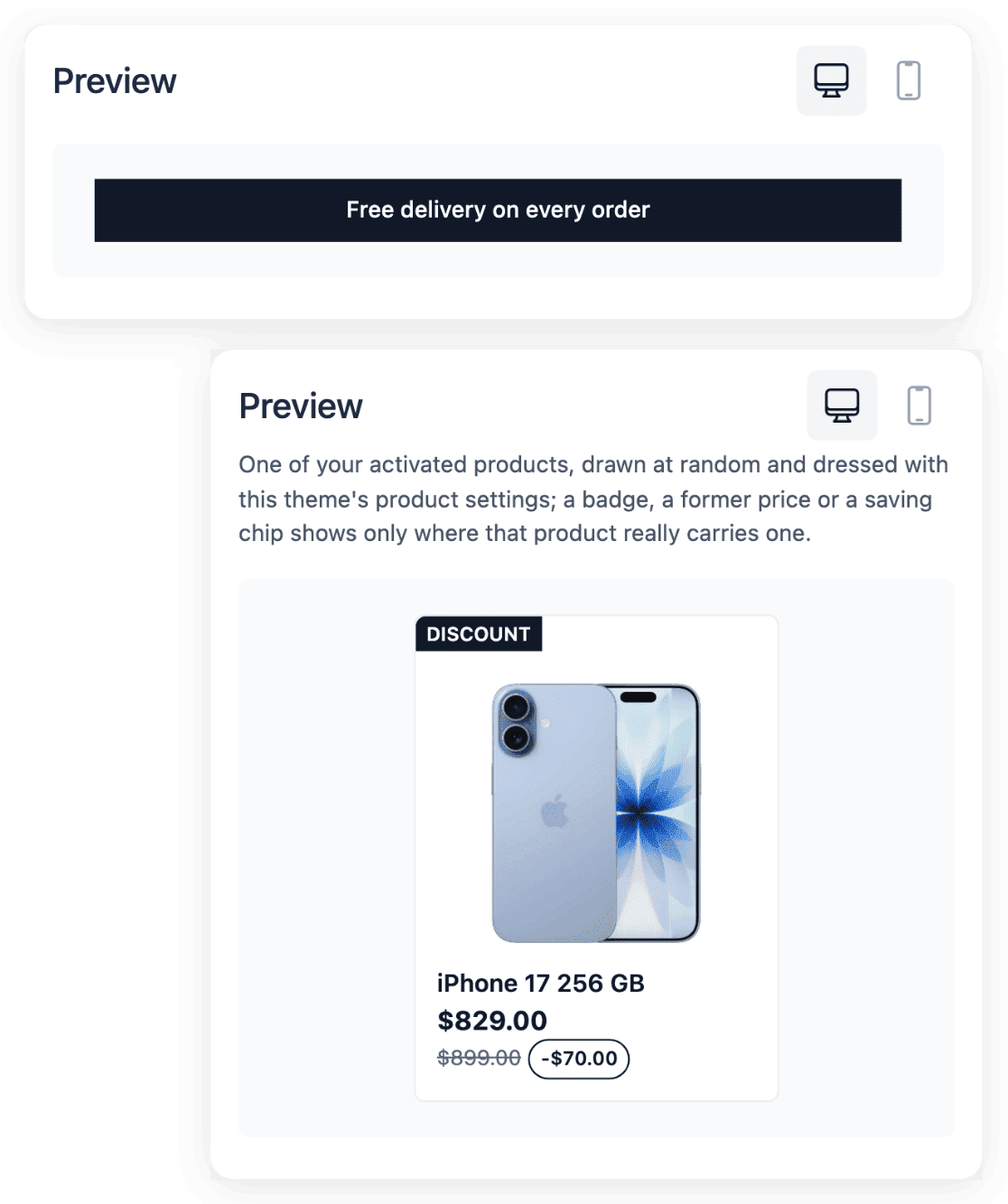
An offer for the whole shop goes in the announcement band at the top, where several sentences can rotate and whose status decides whether it shows. An offer on some products goes on their cards: you add a label, choose its type, a badge, a tag or a note, and select the products that wear it. The wording lists then show where each mention is used, which helps you keep it current.
Displaying a saving does not activate a discount: the label presents information, and the actual offer is the one configured in Promotions. Announce only what checkout will accept, and take the message down the day the offer ends.
The capabilities behind it
- Promo codes
Codes, validity dates and usage limits
- Callouts
Banners, badges and product messages
- Statistics
Sales reports by product and market
- Carts
Checkout baskets and email reminders
- Membership
Member levels, offers and benefits
See what else you can do
- Marketing and loyalty
Publish your products to shopping services, announce your offers, keep your buyers and read what works.
- Publish product feeds
Send each shopping service the right products, with the country, language and currency of each market.
- Bring buyers back
Keep the buyers you already have with offers, a newsletter audience, a membership programme and reviews.
Go further
- Ultineo E-commerce
Give your next offer clear rules and a result you can read
Send your application to open your shop: each one is reviewed by our team before an account is opened.
Questions
Yes. When you create the offer, leave its code empty: it then applies automatically, without a code. A code remains the way to reserve an offer, since a code can be attached to one holder and carry its own usage limit.
Yes. Suspend it: your customers can no longer use it, and suspending does not delete it, so you can activate it again later. Its history is retained, and you can archive a promotion you no longer need. The message that announces it is a separate setting: take it down in Callouts.
Yes. In Carts, you configure a single reminder email after abandonment, and it can carry no voucher, an existing voucher or a new code for each email. A reminder gives the buyer another opportunity to return; it does not guarantee recovery, and the order record shows whether the purchase went ahead.