The Ultineo Reasoning API
Run your reasoning from any software. The API exchanges JSON over HTTPS, authenticates every call with a project key and always answers in the same envelope.
Built around apps, runs and keys
- Apps
Create an app from its input fields and its instructions, then list, read and edit your apps.
- Runs and usage
One call launches an app with its inputs and another reads the run back with its answer. A summary shows the tokens used in the current billing week and their amount.
- Keys
Project keys with scopes, an optional expiry and a status you can switch off.
Integrate it anywhere
- In your software
Add a reasoning step to an existing screen: a summary, a suggested reply, a classification.
- In your automations
A script or an automation tool launches a run at each event: a form received, a file dropped.
- From one answer to the next
The answer of one run can become a field of the next: your code chains the steps as it sees fit.
The same run, through the API
Your software sends the application’s identifier and its fields, then reads the run back until it is finished.
What you send
{
  "app_id": "mapp_0ceacb46e5b3a99e91b6",
  "data": {
    "message": "My parcel has not arrived and the tracking has not moved for a week."
  }
}
What you read back
{
  "id": "runi_1b7f4e0c96a2d8531fca",
  "object": "reasoning",
  "status": "finished",
  "response": { "miid_9a4c07e5b312df8641ca": "urgent" },
  "tokens": { "input": 412, "output": 3, "total": 415 },
  "duration": 1.84
}Authentication and scopes
- A bearer key
Send your project key in the Authorization header of every call, over HTTPS only.
- Scoped to one project
A key is tied to one project and can never read or write the data of another project, whatever the request.
- Stored as a hash
Only a hash of the key is kept, so a key is shown in full once. A lost key is replaced, never recovered.
Launch a run and read its answer
- Create
Name the application and supply one value per input field, keyed by the field name the app returns.
- Follow
Runs are asynchronous: read the run back until its status is finished or failed. Both are final.
- Read
A finished run carries its answer, its duration and its token counts for input and output.
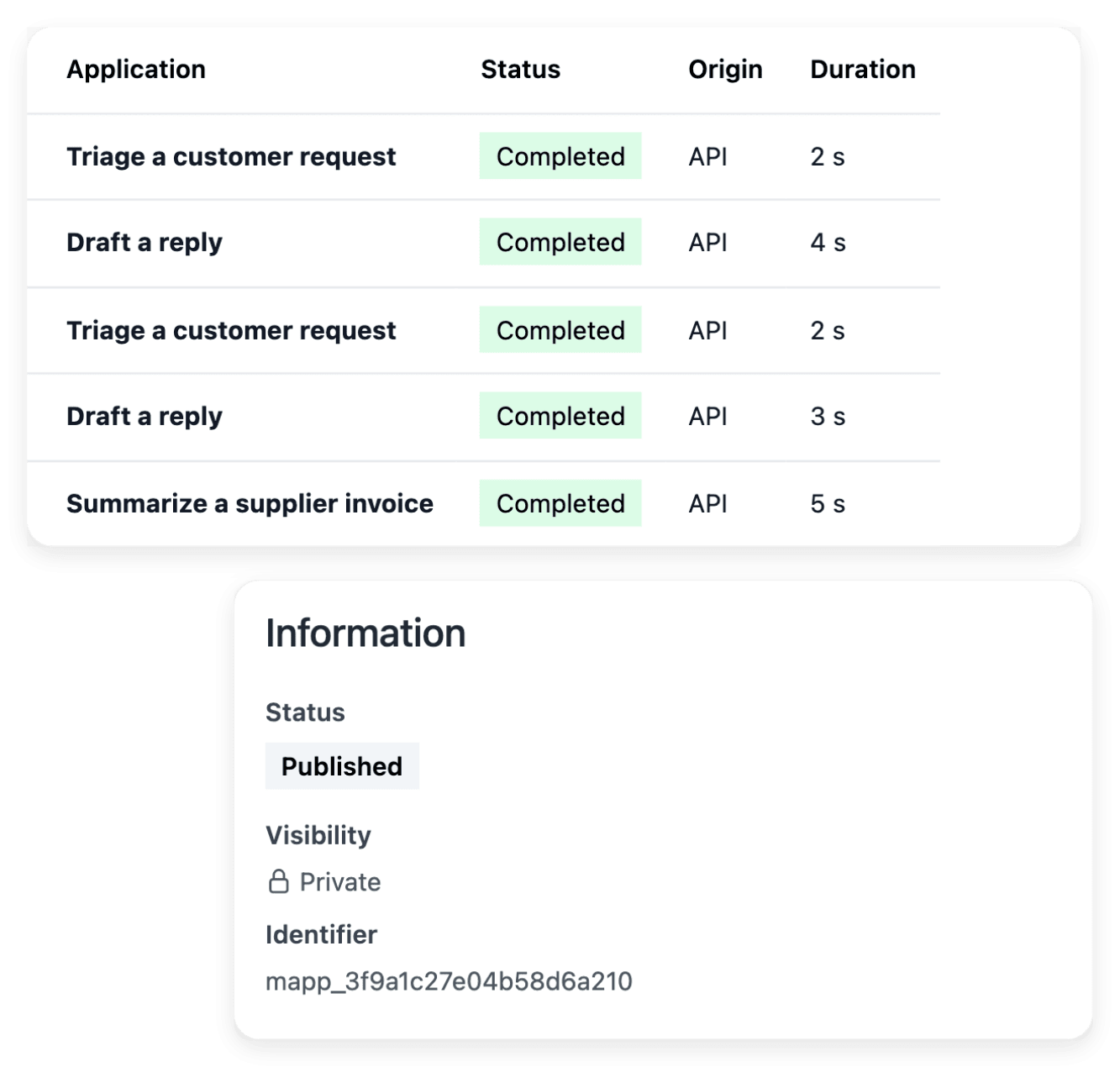
The runs your software started, one by one
Every call made through the API appears in the reasonings list, marked API, with its duration and its tokens. Each application shows the identifier your software calls.
One envelope for every answer
- Same three keys
Every answer carries the status code, a short title and the response, on success and on failure alike.
- Stable messages
Error messages are stable English strings that name the missing scope or the rejected value.
- Refusals are explicit
A call that cannot be accepted, for example while an invoice is overdue, is refused with its own status code.
Getting a key
API access is included with Ultineo Reasoning. There is no self-service sign-up: our team opens your project and hands you its first key.
Connect your software to Ultineo Reasoning
Tell us what you want to automate and we will open your project and its API key.
Questions about the API
Yes. Every project can call the API; a call is billed like any other run, on the tokens it uses.
No. Instructions belong to the application owner. The API returns the input fields, which are what a caller fills in.
Creating a run returns at once with the new status. Read the run back until it is finished to get the answer.
Yes. Each key carries scopes and an optional expiry, and a key can never create another key with a wider scope than its own.