Deliver abroad with rates and times you can keep
Ultineo E-commerce lets you define your carriers, your delivery zones and the rates and times offered to each destination. Every parcel then keeps its order, its carrier and its tracking number on one shipment, which you follow until delivery.
What makes delivery abroad hard to get right
- A rate for each weight
A parcel does not cost the same to send to a neighbouring country and to a distant one, nor at every weight. Each delivery zone holds its delivery rates by weight band, and each product has its shipping weight on its record.
- A realistic delivery time
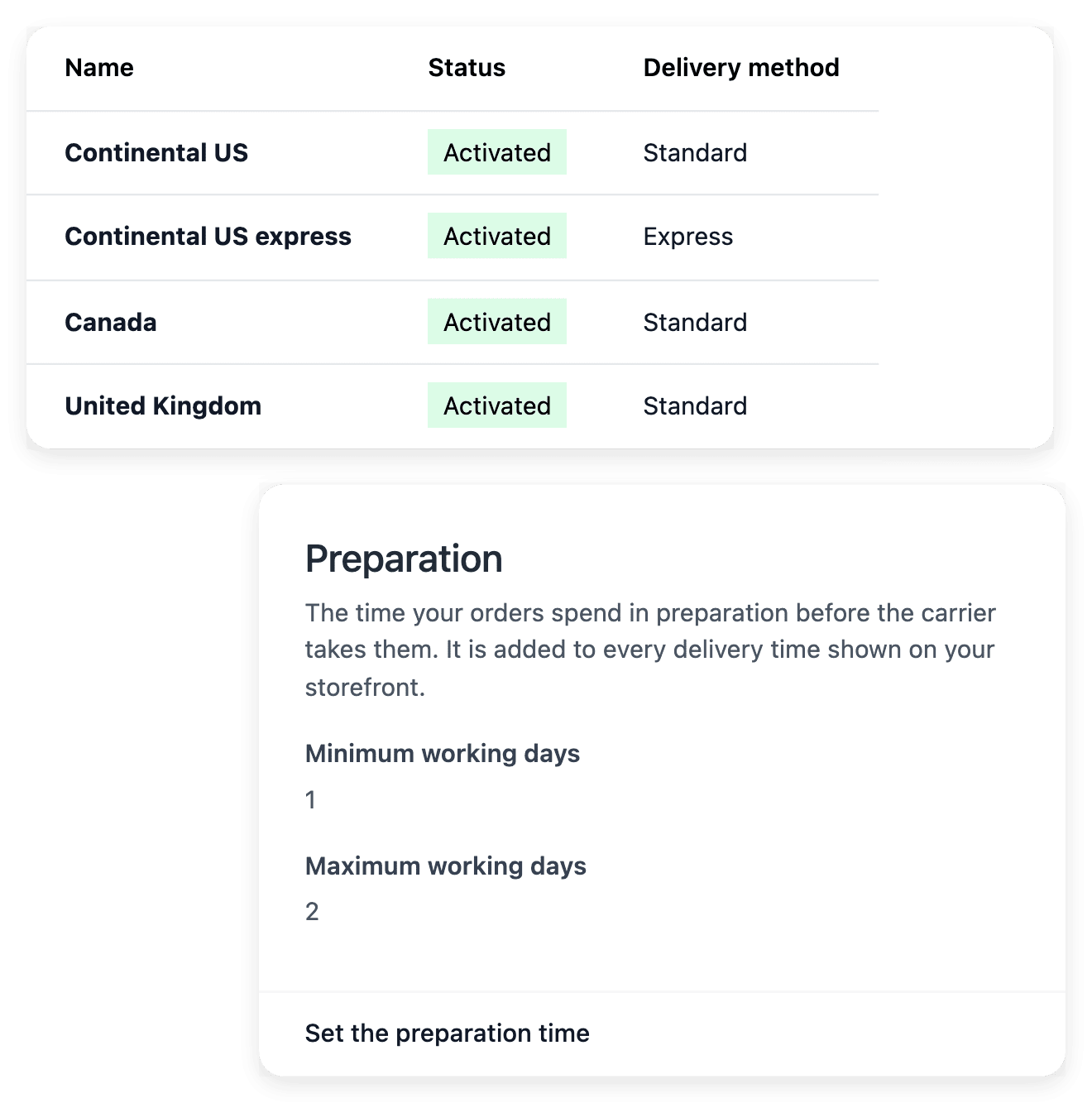
The buyer reads one delivery time and counts it from the payment, not from the day the carrier collects the parcel. Each delivery method carries a minimum and a maximum delay in working days, and your preparation time is added to every delivery time your shop shows.
- Parcels that stay traceable
Once a parcel has left for another country, the buyer’s questions come to you first. The shipment keeps the recipient, the carrier and the tracking number together, with a recorded state and history to read before you answer.
From your carrier’s terms to a delivered parcel
-
1
Add carriers and methods In Shipments, open the Settings tab and add your carrier, then a delivery method with its name and its minimum and maximum delay in working days. On the same tab, set your preparation time.
-
2
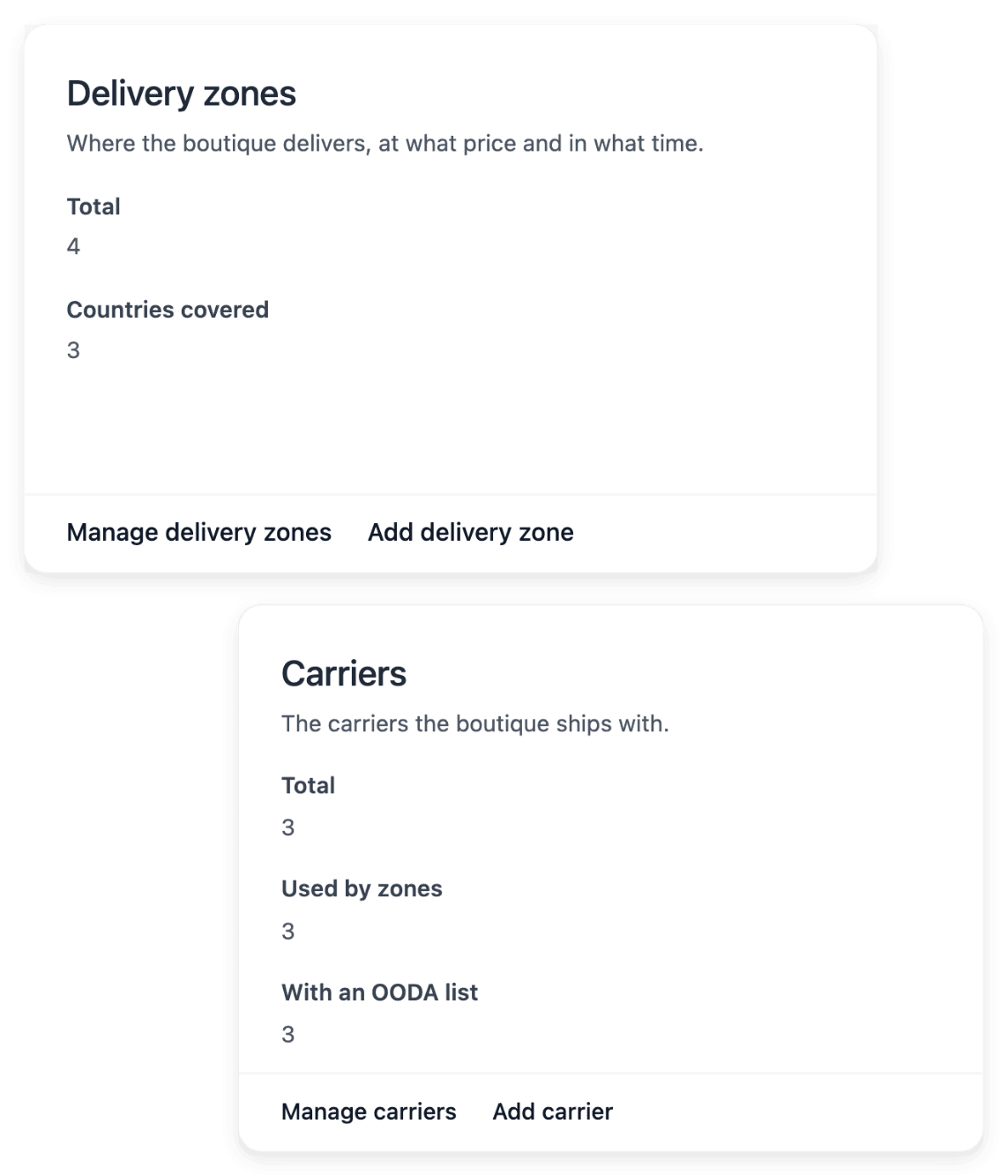
Create your delivery zones Add a delivery zone: tick the countries it serves, choose its delivery method and fill in the delivery rates for each weight band. Leave the delays of the zone empty to use the delay of its method.
-
3
Check what the buyer sees Activating a country does not create its zone: on the Countries tab of Publication, each activated country shows its delivery zone. Then go through your checkout with a delivery address in each zone, and read each option, its price and its time.
-
4
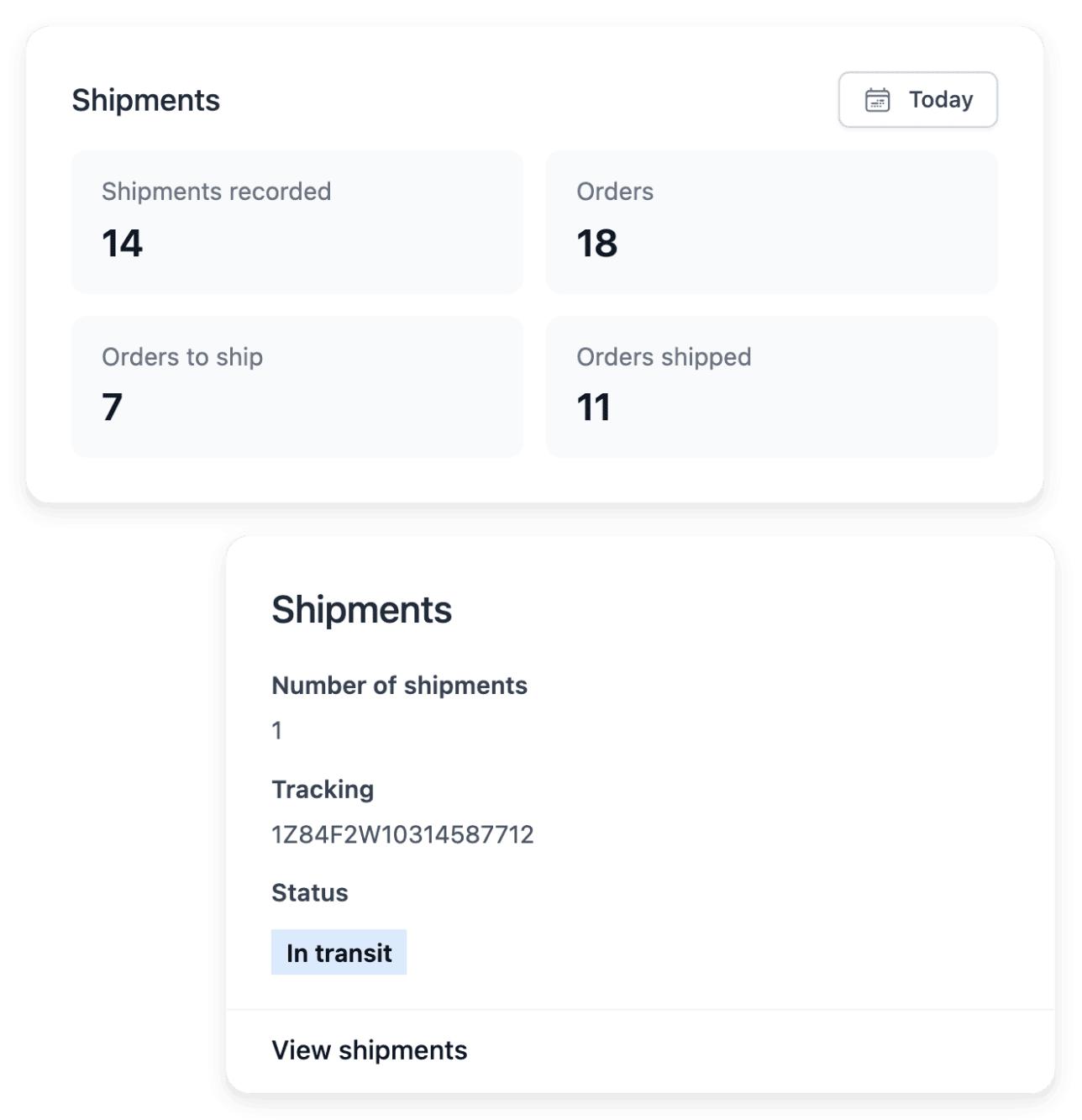
Record and follow each parcel Mark the shipment as shipped when the parcel has been handed to the carrier, then as delivered when it has reached its recipient. Its Tracking tab shows the steps Registered, Shipped and Delivered with their status and date.
Build your delivery choices zone by zone
Maintain your carriers in a directory, with their names, codes and logos, then choose which countries each zone covers and which carriers serve it. A delivery method is a choice offered to the shopper under the conditions you configured. Once a zone is created, your customers see its option for their country, the cheapest first.
The rates and the times remain yours to establish: take them from your carrier’s terms, country by country, and weigh each product packed before you set a rate. Only the countries your shop sells in can be ticked in a zone, so review your zones when you add another market.
Follow each parcel from its order to its delivery
A shipment begins with an order and shows its recipient with the delivery postal code, city and country. You record the carrier and the tracking number on it, or you import a file for many shipments at once: each paid order in the file is marked as shipped, and its buyer receives an email. A shipment can contain several parcels, each with its own tracking number.
A tracking number identifies the parcel; it does not prove delivery. The latest available carrier information determines what you can actually say to a buyer, and the state of a shipment is not to be inferred from the payment alone.
The capabilities behind it
- Delivery settings
Carriers, delivery methods and rates
- Shipments
Parcels, carriers and delivery progress
- Countries, languages & currencies
Sell across countries and languages
- Carrier claims
Claims linked to the affected parcel
- Refused parcels
Track refused parcels and their return
See what else you can do
- Sell abroad
Open your shop to buyers in other countries, with delivery, payment and catalogue prepared for each.
- Translate your shop
See what is missing in each language, then translate product names, help articles and shop wording.
Go further
- Ultineo E-commerce
Prepare delivery to your next country before its first order
Send your application to open a shop: our team reviews each one before an account is opened.
Questions
That is agreed with your carrier: you before departure, or the buyer on delivery. When a parcel crosses a customs border, the time of clearance can also be added to your delivery promise. Put the question to your carrier and to a qualified adviser, then write the answer where the buyer reads it before paying.
Open the related carrier claim or refused-parcel record from the shipment: the case stays tied to its parcel, with its reference and its notes. A claim can be opened with the type "Stopped at customs". A status recorded in your shop is not the carrier’s decision: compensation depends on what the carrier actually answers.
Yes. Carrier settings hold the postal-code surcharges, next to the name, the code and the logo of each carrier. Make sure the terms you offer match the destination concerned.