Give every enrolment request one place to be handled
Ultineo SaaS builds custom software with your school or training team, from a brief that describes your users, their tasks and the result you expect. To prepare lessons, quizzes and session sheets, Ultineo Reasoning, a separate product with its own access, holds ready-made AI applications.
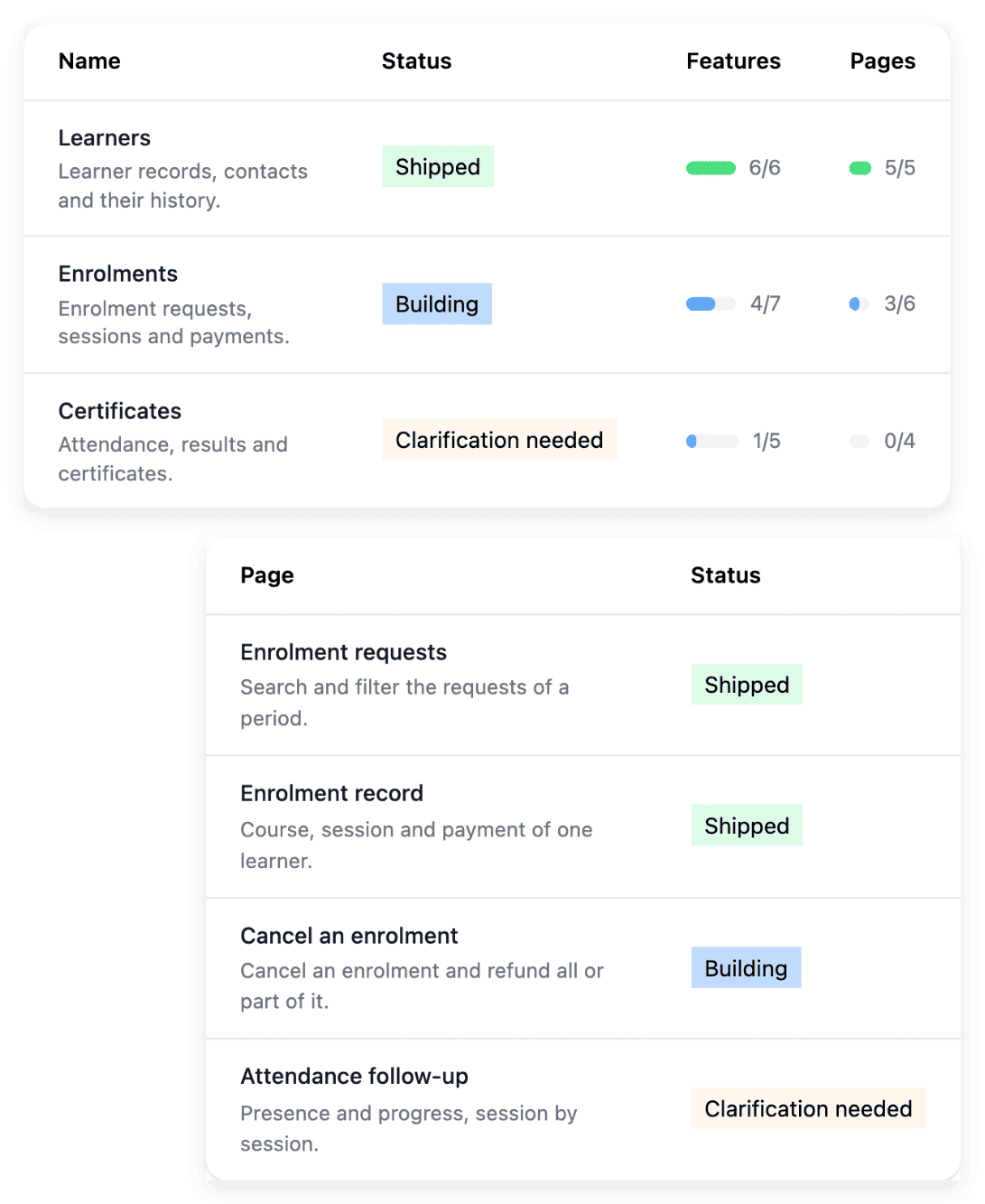
What comes back with every new intake
- Enrolments arriving in waves
Before a term or a session opens, enrolment requests arrive together, each with its form and its supporting documents. With Ultineo SaaS, you explain what an applicant submits, what your office reviews and which result the applicant should receive, and you separate self-service steps from approvals.
- Too much for one project
Admissions, timetables, attendance, certificates: a school could ask software for all of it at once, and a project that broad is hard to begin. For the first version, you choose a small, useful outcome, with one team, a familiar process and a result you can check, and later ideas stay visible without becoming requirements for launch.
- A programme that changes
A new course, a new group or a new rule arrives with each term, and last year’s screens no longer fit. When a screen needs to change, you describe the situation in AI requests and attach the existing page, then you test the result in development and publish the version you reviewed.
Where to go from your own situation
- Take enrolments online
An enrolment needs a form, supporting documents and a decision from your office. The page explains how such a service opens, including who may create an account and how public pages present it.
- Coordinate an internal request
A room change or the replacement of a trainer travels between email, a spreadsheet and several tools. The page shows how you describe that journey and its responsibilities, so that the project defines the functions and pages of the agreed process.
- See a whole software project
From the first brief to the service your learners and your staff use: the page puts the stages of a project in order, from preparing the scope to building, publishing and operating.
- Prepare a course with AI applications
Writing learning objectives or quiz questions comes back with every course. In Ultineo Reasoning, a task becomes an application that brings together instructions and a few fields, and the answer is kept for every run.
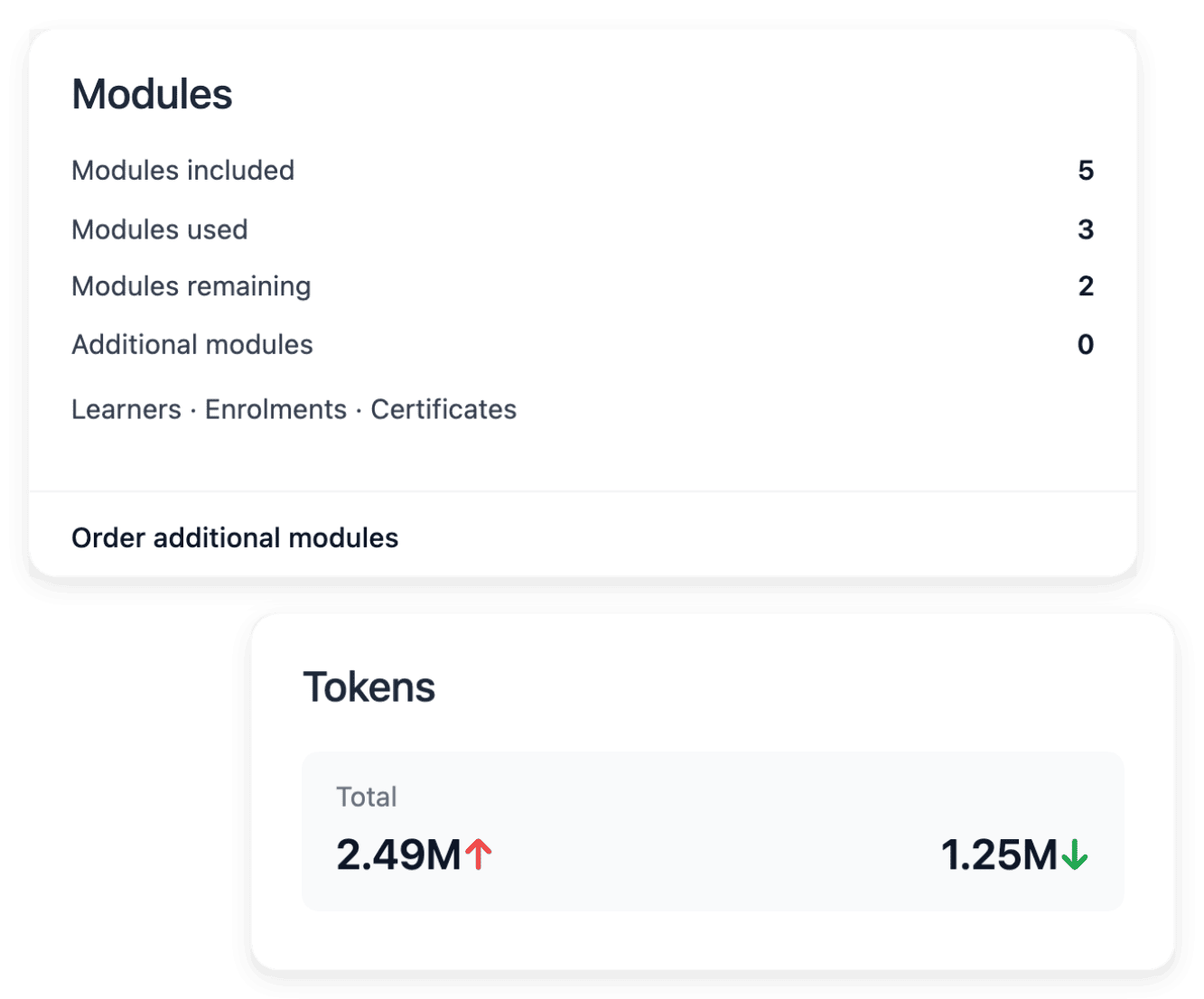
Group enrolments, sessions and follow-up into clear areas
In Ultineo SaaS, a business area groups related work, and its functions and pages describe how that work will be carried out in the application. A school might name one area for enrolments, which can cover a list, a detail, validation and follow-up, and another for scheduling sessions. For each area, you say what its users should achieve, with the rules and responsibilities that make its scope coherent.
These areas are not a preset model for schools: they are proposed from your brief, and you review them and answer the open questions before construction. The allowance of a project offer counts business areas, not every page or function inside them, so check the offer when an additional area is needed.
Decide whether learners open their own account
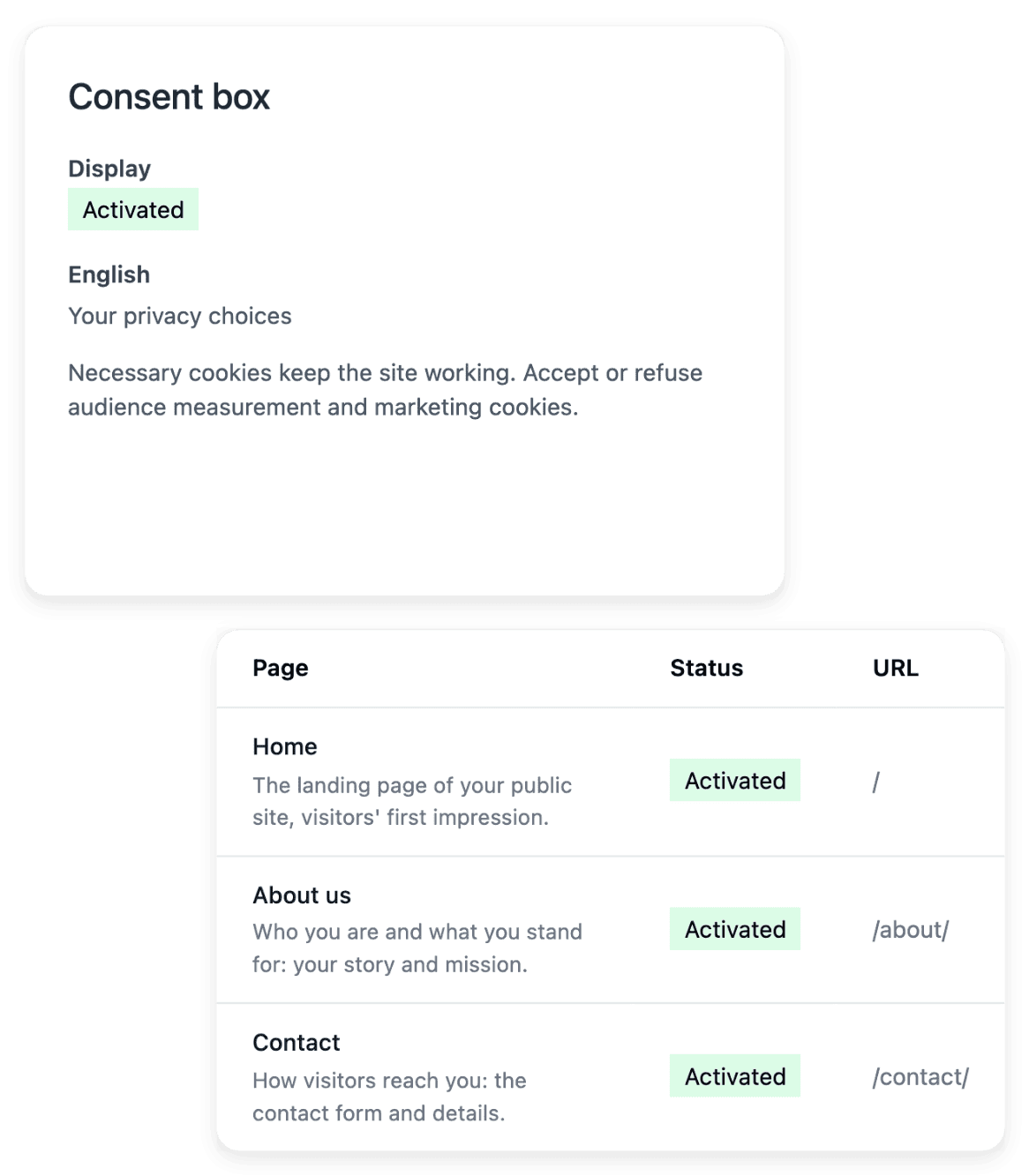
In the registration settings of your project, one choice says whether account creation is open to the public. Enable public registration when learners should create their own account, for a course open to everyone for example. Disable it when your office checks an enrolment first and opens the accounts manually.
Opening an account is not enrolling in a course: an enrolment follows the functions and pages agreed for your project. Self-registration, set in the Self-registration tab, is one setting for the whole project, and when it is disabled, the registration link is hidden and the registration page redirects to login.
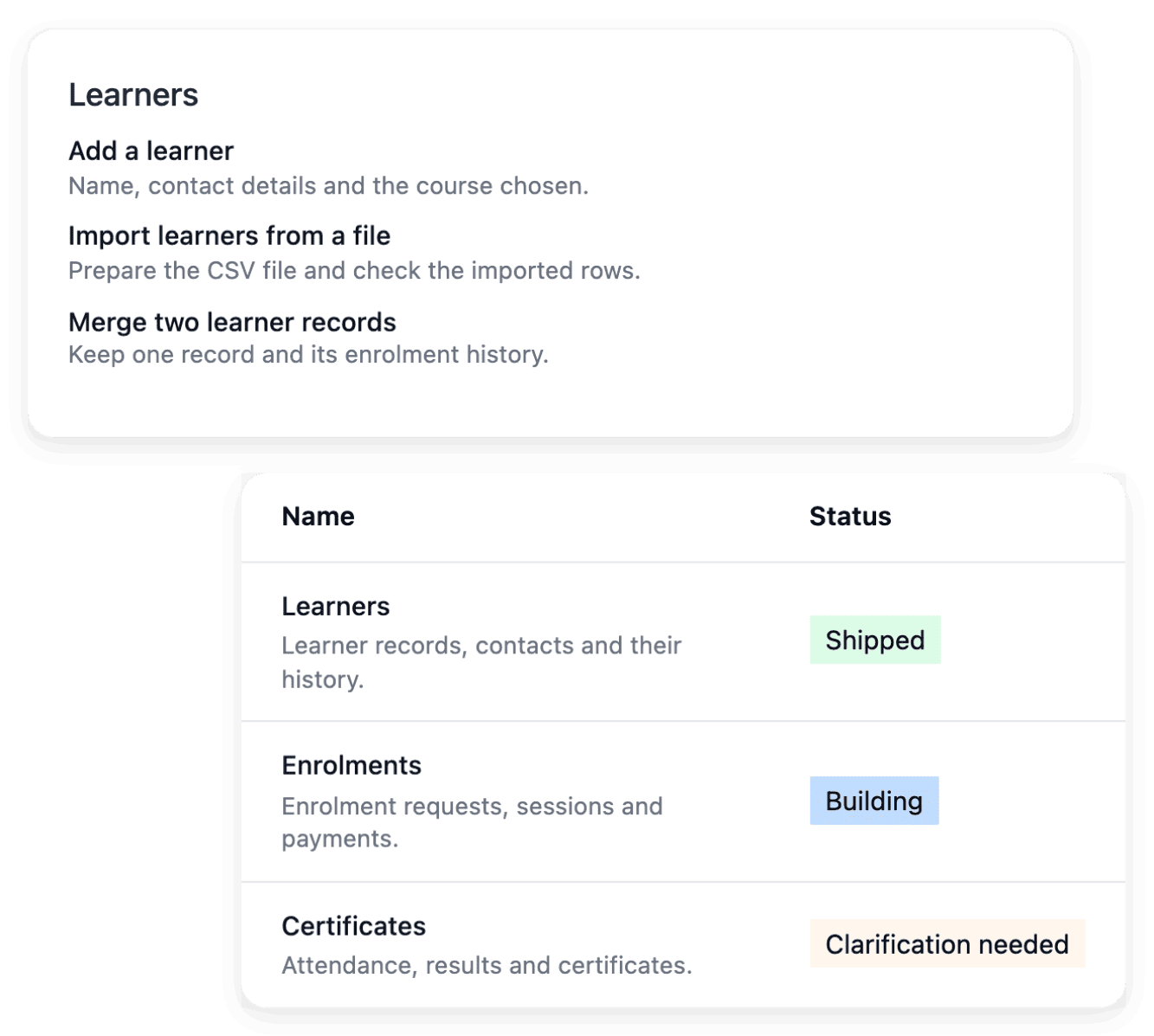
Give learners and trainers a guide for each task
Product documentation gives the users of your application practical guides that explain its journeys and help them complete their tasks. A getting-started guide explains where to begin, what information is required and which result confirms that the task is complete. A detailed guide follows the real labels and actions of the application, with prerequisites, numbered steps and an expected outcome.
These guides explain how to use the application itself, which is a different thing from your course material. The documentation runs on its own public service, and a guide needs a review when the task it explains changes, in each language your project publishes.
Typical starting scope
For each trade, the business areas a first version usually holds and the level that fits. It is a first proposal, not a template you pick: we review it with you against the way your team works, and you change, add or remove areas before anything is built.
- Professional training organizations
First version: enrolments, sessions and attendance, evaluations and certificates, trainers. The application keeps the evidence your rules and your auditor ask for; it certifies nothing.
Level that fits: Level 1 for an in-house training team; Level 3 when your website sells the sessions from a live course catalogue.
Ultineo Reasoning applications: Objective Blueprint, Quiz Forge, Satisfaction Pulse, Qualiopi Gap Check.
Applications for this trade: Professional training and e-learning
- Private schools
First version: admissions, students and families, attendance and absences, reports, then family messages. Consent and access to pupils' data follow your school's rules.
Level that fits: Level 2, with the school's showcase website.
Ultineo Reasoning applications: Lesson Plan Builder, Admissions Enquiry Extractor, Absence Note Sorter, Report Card Phrasing.
Level 1 holds 4 business areas, Level 2 holds 5 and a showcase website, Level 3 holds 6 and a dynamic website.
AI applications for teachers and trainers
Ultineo Reasoning holds ready-made applications for schools and for training teams in its catalogue. In a school, you use them to phrase report card comments, sort absence notes and extract the details of an admissions enquiry; in a training team, to turn a training need into learning objectives, break a course down into modules and a session run sheet, and group learners’ comments into themes. Each catalogue page shows the tasks its applications handle, to run as they are or as steps of your chains.
Applications for this trade: Education and schools
Applications for this trade: Professional training and e-learning
The capabilities behind it
- Business areas
Organize the application around the areas of your business, then inspect the functionality and pages within each one.
- Company and registration settings
Maintain the project’s company details and address, and decide whether users can create an account publicly.
- Product documentation
Give users practical guides that explain the application’s journeys and help them complete their tasks.
- Project preparation
Turn your idea into a clear brief, with the business context, users and practical constraints needed to start.
- Application and pages
Inspect the application structure, functions and individual pages, including their route, presentation and search metadata.
- Public website
Present your application with a public showcase site whose pages explain the product, offer and contact path.
- Application catalogue
Ready-made applications for 40 trades.
- How it works
From the application to the answer, step by step.
Go further
- Related guides
- Ultineo SaaS
- Ultineo Reasoning
Tell us about the enrolment or the session you want to organize
Say who will use the software and what it replaces today: our team reviews each application before a project is opened.
Questions
That depends on what your brief describes. A project can cover an application for your learners and a back office, according to the selected scope, and for each task you choose the application or the administration context, depending on the person who performs it. The accounts of the back office are a separate type of account from those of your learners.
It covers what your brief describes: the actual offer and the definitions establish which functions are built. Preparing the content is another matter. In the catalogue of Ultineo Reasoning, applications build a lesson plan from a topic and a level and write quiz questions that check what was taught, and you read the answer each run keeps.
No. The website explains your service publicly, with pages for the product, the offer and the contact path, while the application hosts the journeys and the working tools. They are related services with different purposes and addresses, and the project offer determines the type of website available.
For Ultineo SaaS, you apply and say what the software must manage, who will use it and what it replaces today; our team reviews each application and replies by email. Ultineo Reasoning is a separate product: our team opens your access to its applications after a first exchange. Each product has its own pricing page.