Client requests and approvals in your firm’s own software
Ultineo SaaS builds custom software with your firm, from a brief that says what clients submit and what your team reviews. Ultineo Reasoning, a separate product with its own access, holds ready-made AI applications for legal, accounting, consulting and real estate work.
Situations your firm meets every week
- Requests from every direction
A new enquiry comes by phone, an existing client sends documents by email, and someone has to work out where each matter stands. In your brief for Ultineo SaaS, you identify the steps clients complete themselves and those your team must approve, which defines the scope of the application before its first page is built.
- Work reviewed before it leaves
A letter, a set of accounts or a report usually leaves the firm only after a senior colleague has read it, and that rule often lives in habits. Before the build, you explain who submits a task, who decides and what happens in each state, including a missing document or a request returned for revision.
- Clients you accept first
A firm usually wants to know who a new client is before it starts working for them, so an account cannot be open to any visitor. When your service verifies a client’s information first, you disable public registration and open accounts for approved people through the client-account workflow of your application.
From your firm’s daily work to the right page
- Receive client requests online
Clients submit their request in an application and your team handles it from a back office. The page follows such a service from the client journey to the public website and the addresses clients recognize.
- Route a file for approval
When a file moves between documents, email and several tools before someone approves it, describe its journey and the responsibilities to bring together. The page shows how that process becomes one application, up to a version your team has tested.
- Adjust the tool over time
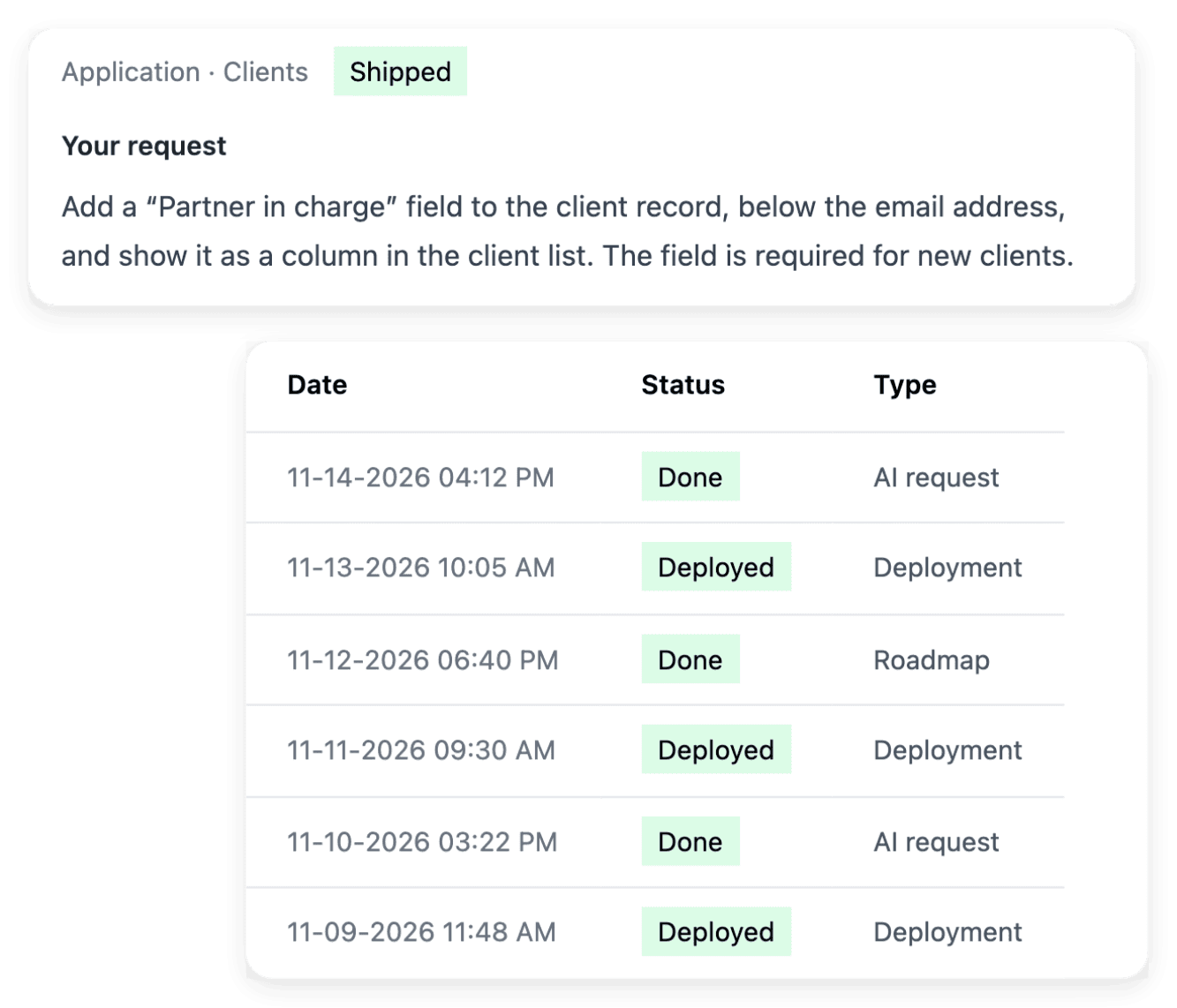
A new service or a new internal rule ends up changing a screen. Bring the page concerned and an example of the behavior to change: the page shows how a precise request reaches a tested version.
- Hand over a recurring task
Sorting incoming enquiries or recapping a call comes back every day in the same form. In Ultineo Reasoning, such a task becomes an application with a name, instructions and fields to fill in, which you launch on screen.
- Reasoning inside your practice software
If your firm already runs its own software, the Ultineo Reasoning API launches the same application from it. Your software sends the fields, reads the run back until it is finished and displays the answer.
Start the brief from the documents your firm uses
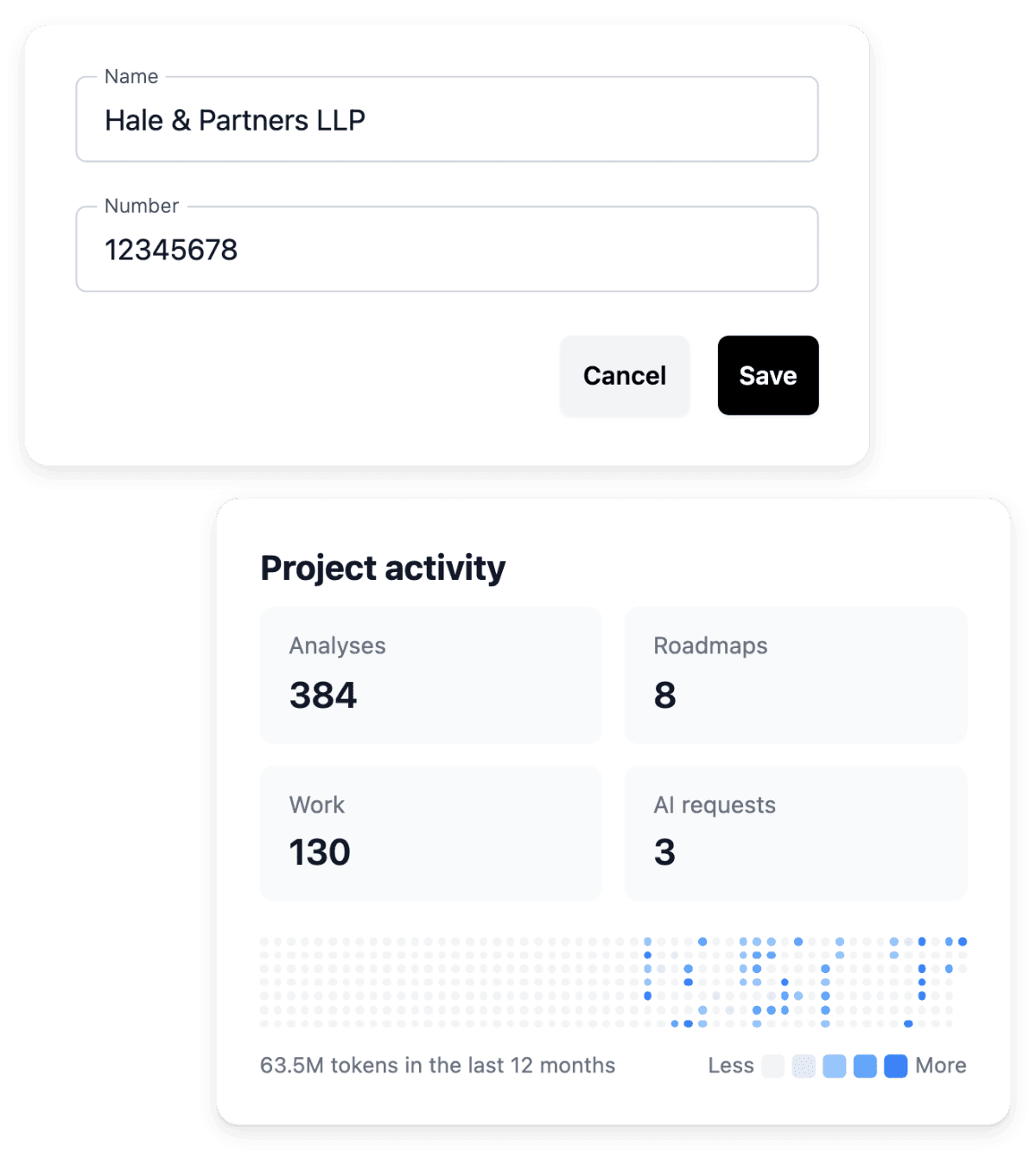
In project preparation, you describe who will use the application, their needs and the outcome you expect. Then you provide the forms, documents and examples that explain how your firm works today, and state which parts should remain and which should change. These references give the analysis context while keeping the result specific to your business.
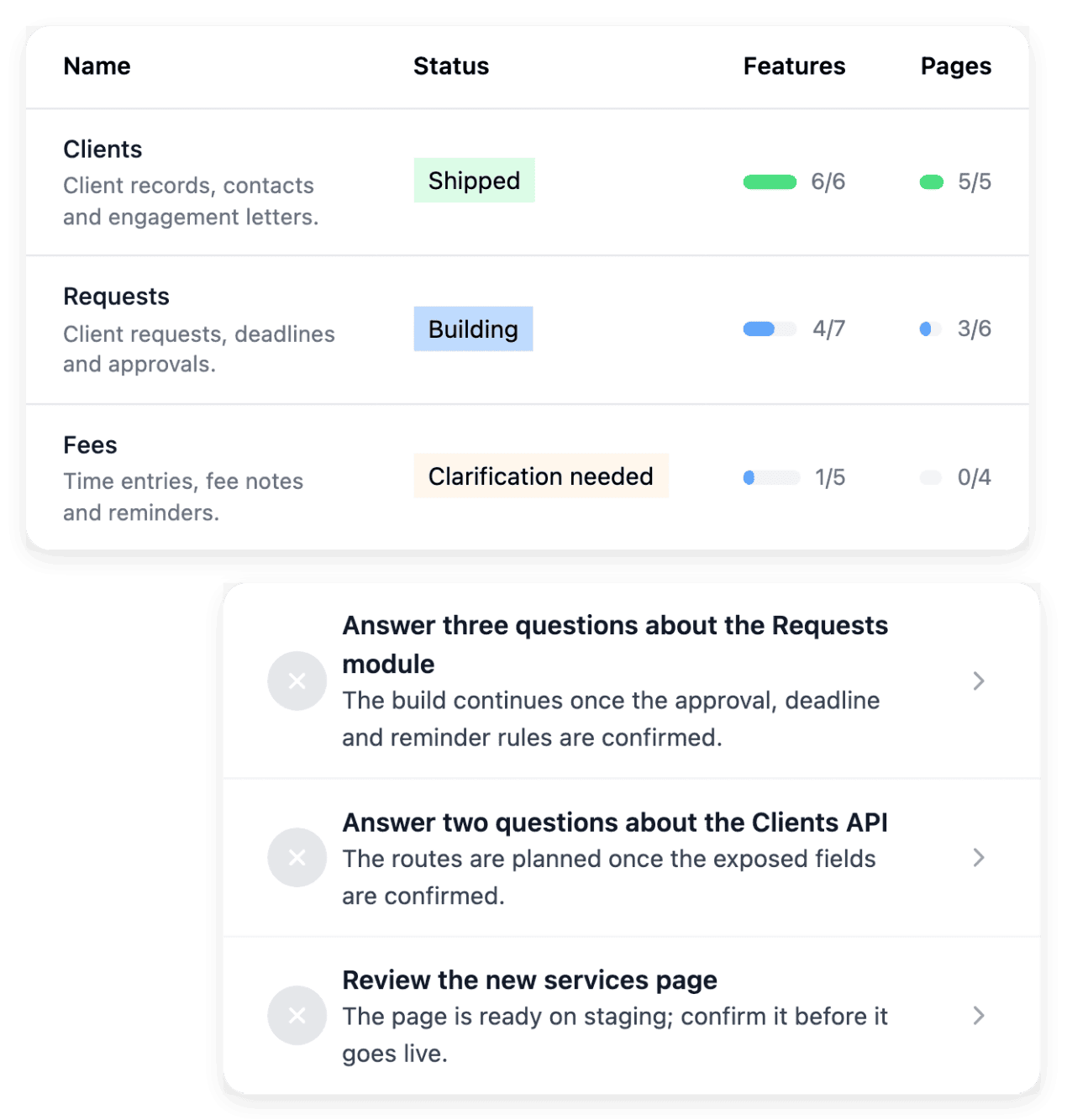
A reference helps when you explain the part that matters: one document connected to a specific task gives more direction than a list of unrelated links. A saved brief, a reviewed scope and an installed application are distinct milestones, which the project workspace keeps visible.
Agree on each rule before you check the screen
Functional specifications let you review what a function or a page should do before it becomes a working screen. Describe the situation that triggers an action, the information required and the expected result, in the words your firm already uses. Add a relevant exception, such as missing information or a request the user should not be able to submit.
Checking stays your work: reproduce the same cases in the development application, since a screen may look complete while still handling an important exception incorrectly. When the built behavior differs from the agreed outcome, you request a targeted correction in AI requests.
Give each person in the firm the right access
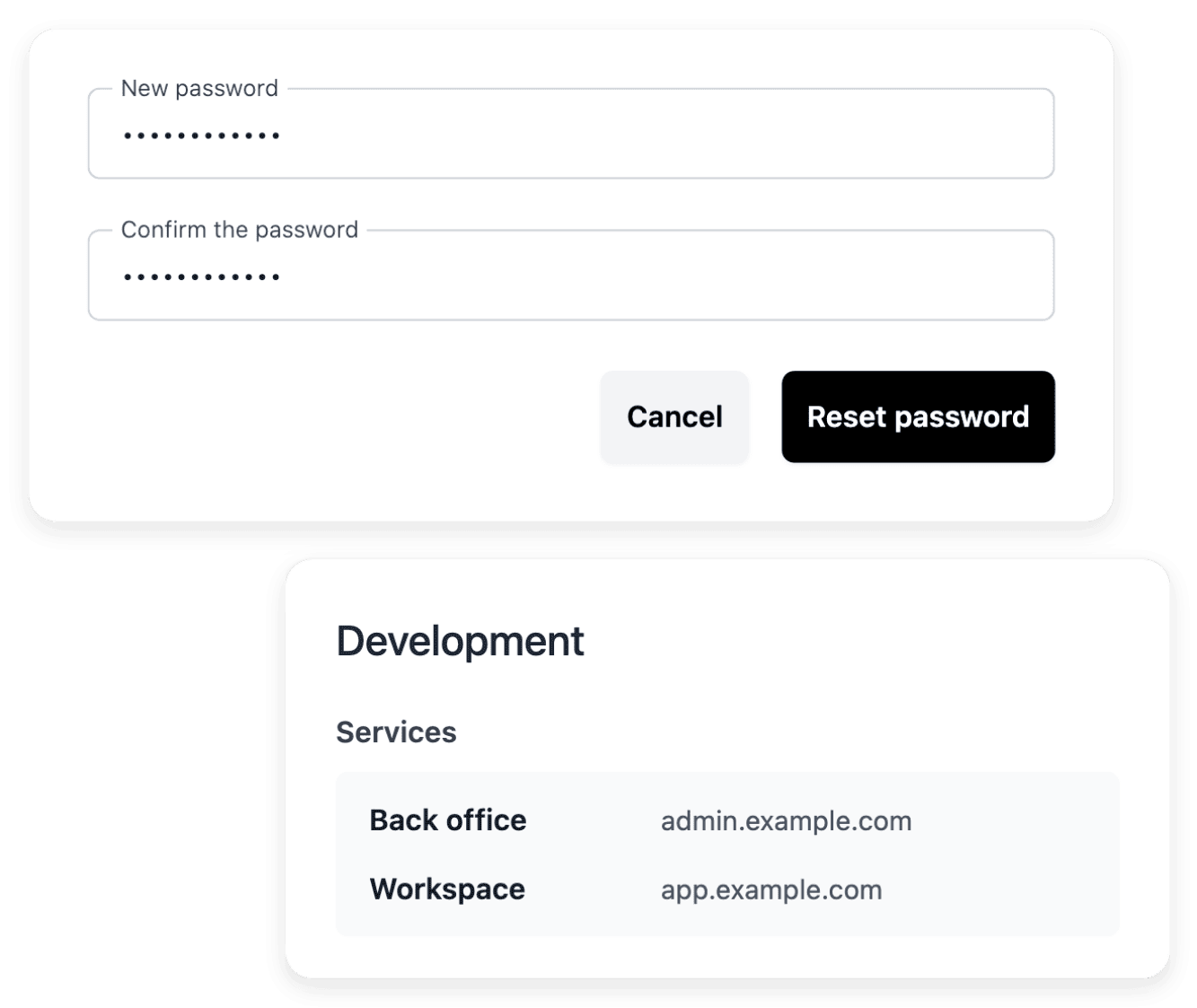
Administration access manages the accounts that can sign in to the back office of your application. You create an account for each person who needs to use that back office, with a name, an email and a password, and you review the current accounts periodically. When a colleague leaves the firm or changes role, the account controls let you remove an access that is no longer needed.
Development, staging and production maintain their own administration accounts, so an account in one environment does not prove the same access exists in another; in each, the first access becomes the owner and the following ones are members. These accounts are for the back office: the registration of your clients is a separate project setting.
Typical starting scope
For each trade, the business areas a first version usually holds and the level that fits. It is a first proposal, not a template you pick: we review it with you against the way your team works, and you change, add or remove areas before anything is built.
- Law firms
First version: clients and intake, matters, documents and review, time and billing. Accounts open only for the clients you approve, and client files follow your firm's own rules.
Level that fits: Level 1. Level 2 adds deadlines and hearings and your firm's showcase website.
Ultineo Reasoning applications: Matter Intake Router, Conflict Check Screener, Billing Narrative Polisher, Limitation Date Calculator.
- Accounting and bookkeeping firms
First version: clients and engagements, document collection, period close, deliverables. Your ledger software stays in place and is connected.
Level that fits: Level 1. Level 2 adds a calendar of filing deadlines per client.
Ultineo Reasoning applications: Receipt Data Extractor, Missing Records Request, Month End Close Plan, Compliance Calendar Planner.
- Letting and property management
First version: properties and units, tenants and leases, maintenance requests, landlord statements.
Level that fits: Level 1 for a property manager; Level 3 for an agency whose listings must appear on its own website.
Ultineo Reasoning applications: Listing Copy Builder, Maintenance Ticket Triage, Rent Arrears Reminder, Landlord Statement Digest.
Level 1 holds 4 business areas, Level 2 holds 5 and a showcase website, Level 3 holds 6 and a dynamic website.
Ready-made AI applications for your profession
The catalogue of Ultineo Reasoning holds ready-made applications for these trades. With them, you give a new client enquiry its practice area, urgency and routing, list the key terms of a contract with their clause numbers, extract the data of a supplier invoice, draft a proposal scope or write the copy of a listing. Choose your trade to see the tasks its applications handle, to run as they are or as steps of your chains.
Applications for this trade: Legal and law firms
Applications for this trade: Accounting and bookkeeping
Applications for this trade: Management consulting
Applications for this trade: Real estate
Applications for this trade: Freelancers and solo professionals
The capabilities behind it
- Project preparation
Turn your idea into a clear brief, with the business context, users and practical constraints needed to start.
- Functional specifications
Review what a function or page should do before the implementation turns it into a working screen.
- Administration access
Manage the accounts that can sign in to your application’s back office, in the selected environment.
- Application and pages
Inspect the application structure, functions and individual pages, including their route, presentation and search metadata.
- Company and registration settings
Maintain the project’s company details and address, and decide whether users can create an account publicly.
- Product documentation
Give users practical guides that explain the application’s journeys and help them complete their tasks.
- Application catalogue
Ready-made applications for 40 trades.
- How it works
From the application to the answer, step by step.
Go further
- Related guides
- Ultineo SaaS
- Ultineo Reasoning
Describe the client request your firm wants to handle better
Tell us what your clients send and what your team approves: our team reviews each application before a project is opened.
Questions
No. Ultineo SaaS is the Ultineo product for custom business applications: yours is designed and built with you, from the way your firm works. A project can cover an application for your clients, a back office, a public website and a documentation, according to the selected scope. The actual offer and definitions establish which parts are included.
In the words of your trade. No technical knowledge is needed: describe your need as situations someone can check, each with its user, its action, its information, its result and its exception. Technical detail is useful when it describes a system you already use.
No. Ultineo SaaS and Ultineo Reasoning are separate products, each with its own access. An application of the catalogue runs on screen as it is, and the API is there when you want to launch it from software you already use. Ultineo Reasoning has no self-service account: our team opens your access after a first exchange.
You do. The answer of an application is written following its instructions, which describe its role, what it must produce and in what form, and a finished run keeps that answer with its duration and its usage. Reading the answer and deciding what leaves the firm remain the work of your team.