Solutions · Build custom software
Let your customers submit their requests online
Ultineo SaaS builds a custom application with you: your customers submit their requests in it, and your team reviews them from a back office. You explain what customers submit, what your team reviews and which result they should receive, including how accounts are opened.
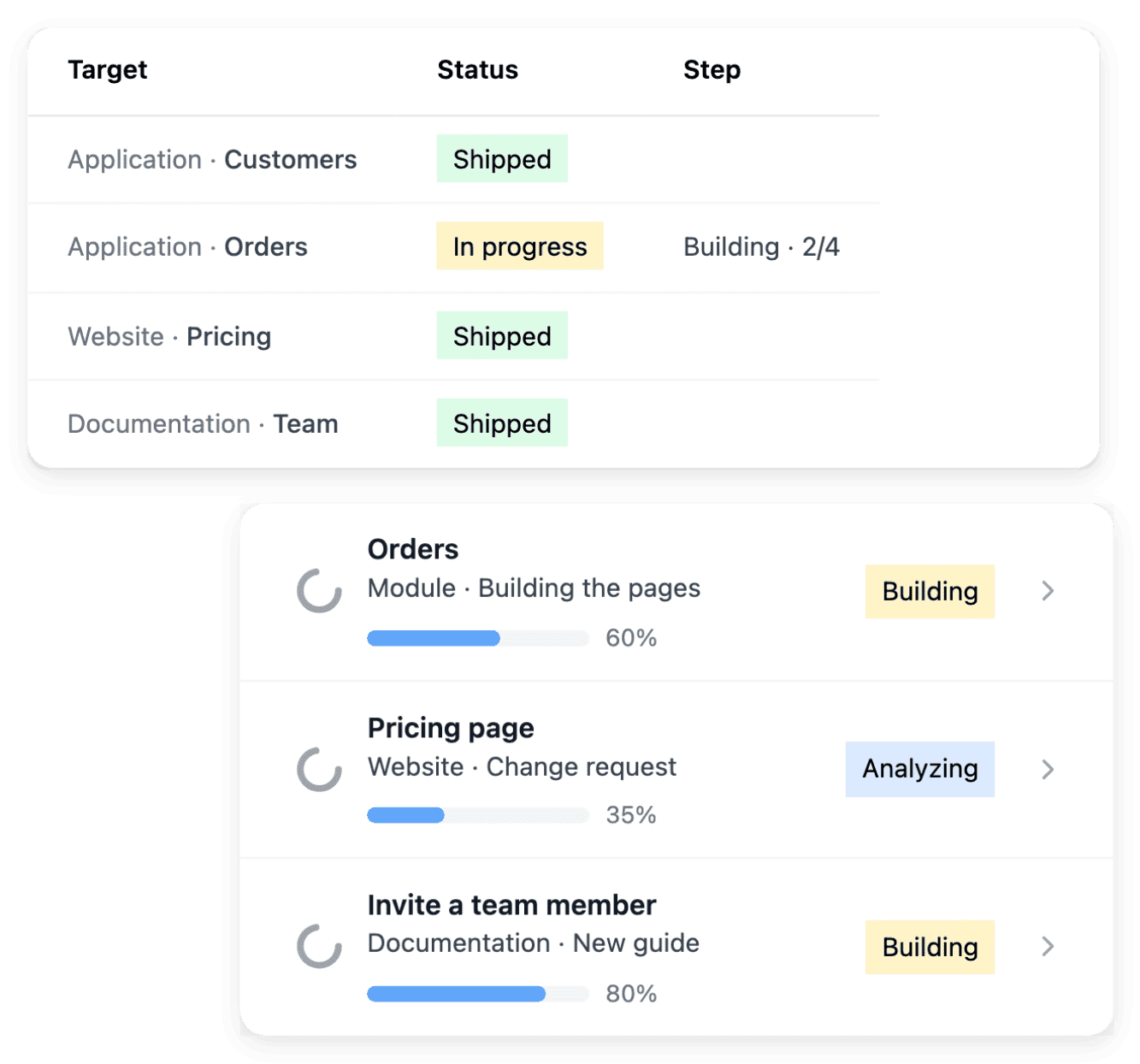
What makes a customer service hard to open online
- Requests handled by hand
A customer phones or writes, someone copies the request into a spreadsheet, and the customer cannot see where it stands. With Ultineo SaaS, you explain what customers submit, what your team reviews and which result they should receive, and the project can cover a customer application and a back office.
- Who may open an account
Some services can let any visitor create an account, while others must check a customer’s information first. The public registration option supports that choice: customers create their own account, or your team opens the accounts after its review.
- Customers left without guidance
Before signing in, a customer needs to understand the service, know where to find it and learn how to complete a task. A public website explains the application, practical guides help users complete their tasks, and each service can use an address your customers recognize.
How opening a customer portal works
-
1
Describe the customer journey Tell our team how a customer discovers your service, submits information and receives a result. Separate the steps customers complete themselves from those your team must approve.
-
2
Review functions and pages Start with what a customer wants to achieve, then inspect the corresponding function and page. For the public website, review what each page should explain to a visitor before the build.
-
3
Set accounts and addresses Save the registration choice in its dedicated editor and read the confirmation. Then declare your domain, verify it and connect the application, the website and the documentation to their addresses.
-
4
Check the public journey Once the version is published, open each address and follow the links a customer uses, from the website to sign-in or account creation. Complete a task and inspect the result.
Review the journey your customers will actually complete
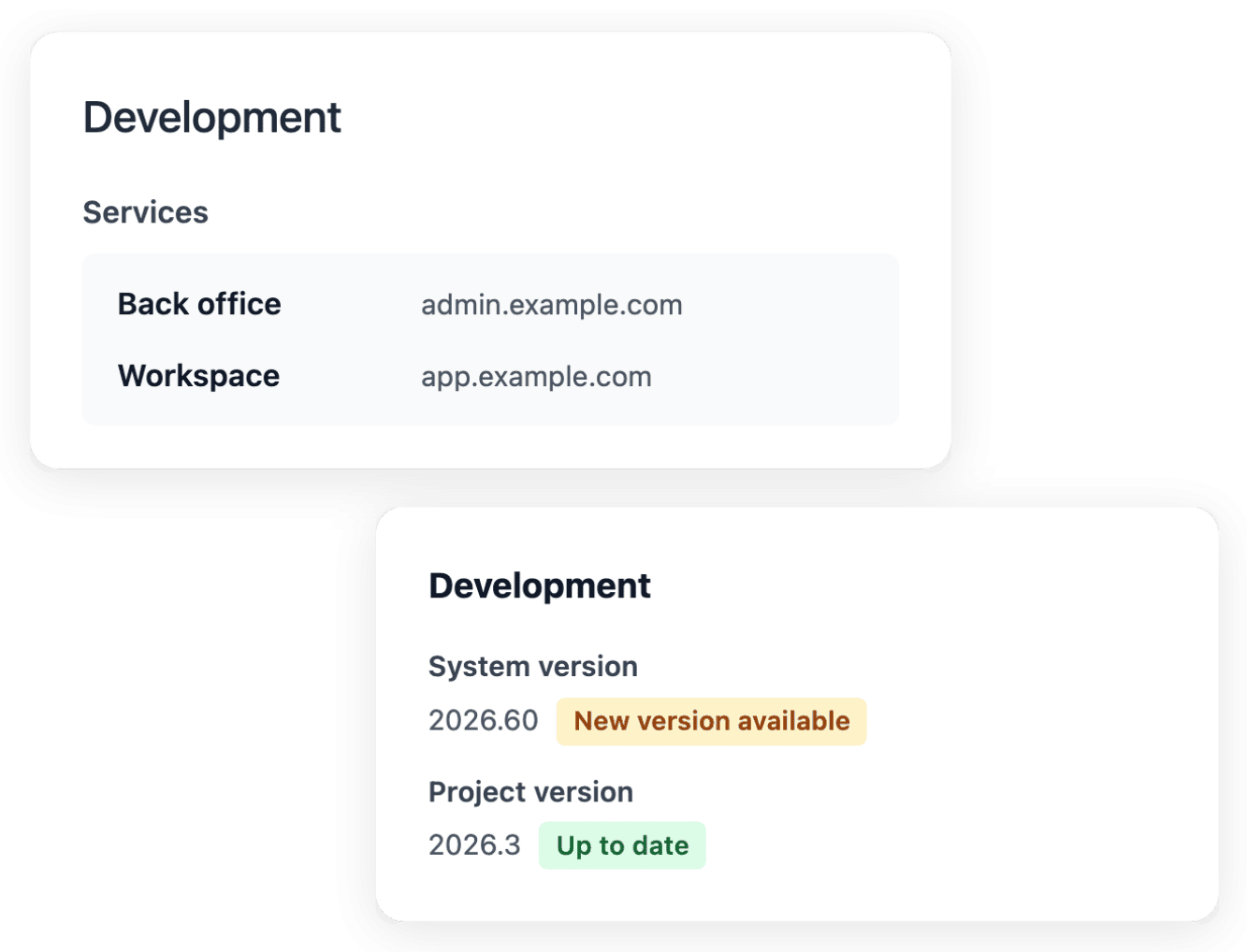
The application view groups the work into business areas and functions, and each function leads to the pages its users need. For each task, you choose the application context or the administration context, depending on the person who performs it: your customer or your team. Following that structure shows how a list, a detail and an action contribute to the same journey.
A page can be visible in the plan before it is built: read its state rather than treating every planned entry as an available screen. Test the complete journey in development, with the ordinary case and an important exception, before choosing a version for staging and production.
Choose how a new customer receives an account
Company and registration settings let you decide whether users can create an account publicly. When your process permits open creation, you allow public account creation in the Self-registration tab. When your service needs to verify a customer’s information first, you disable public registration and use the application’s customer-account workflow for approved people.
Self-registration is one setting for the whole project: the choice applies to development, staging and production. When it is disabled, the registration link is hidden and the registration page redirects to login, and the public page cannot bypass that policy.
Explain your service before customers sign in
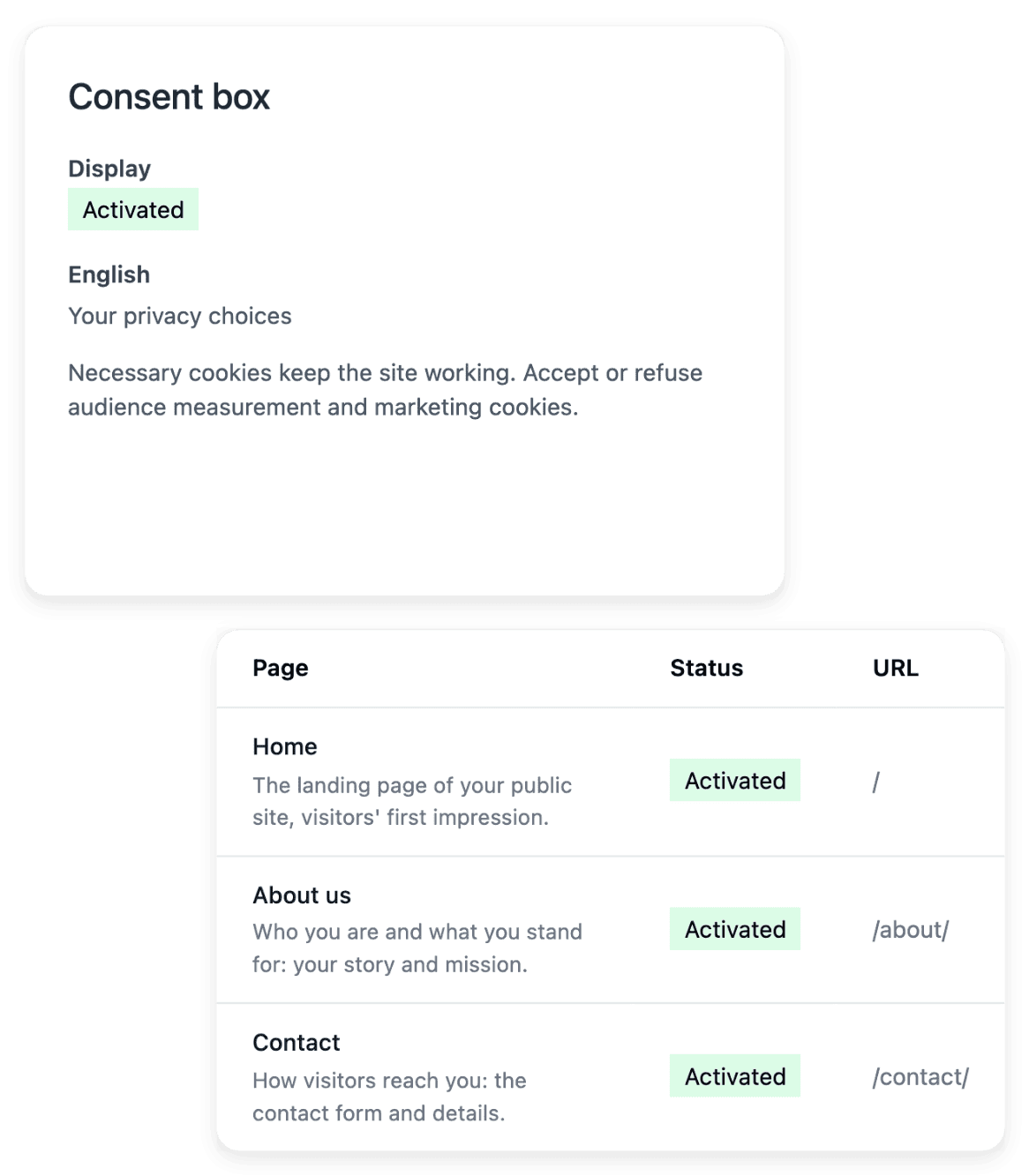
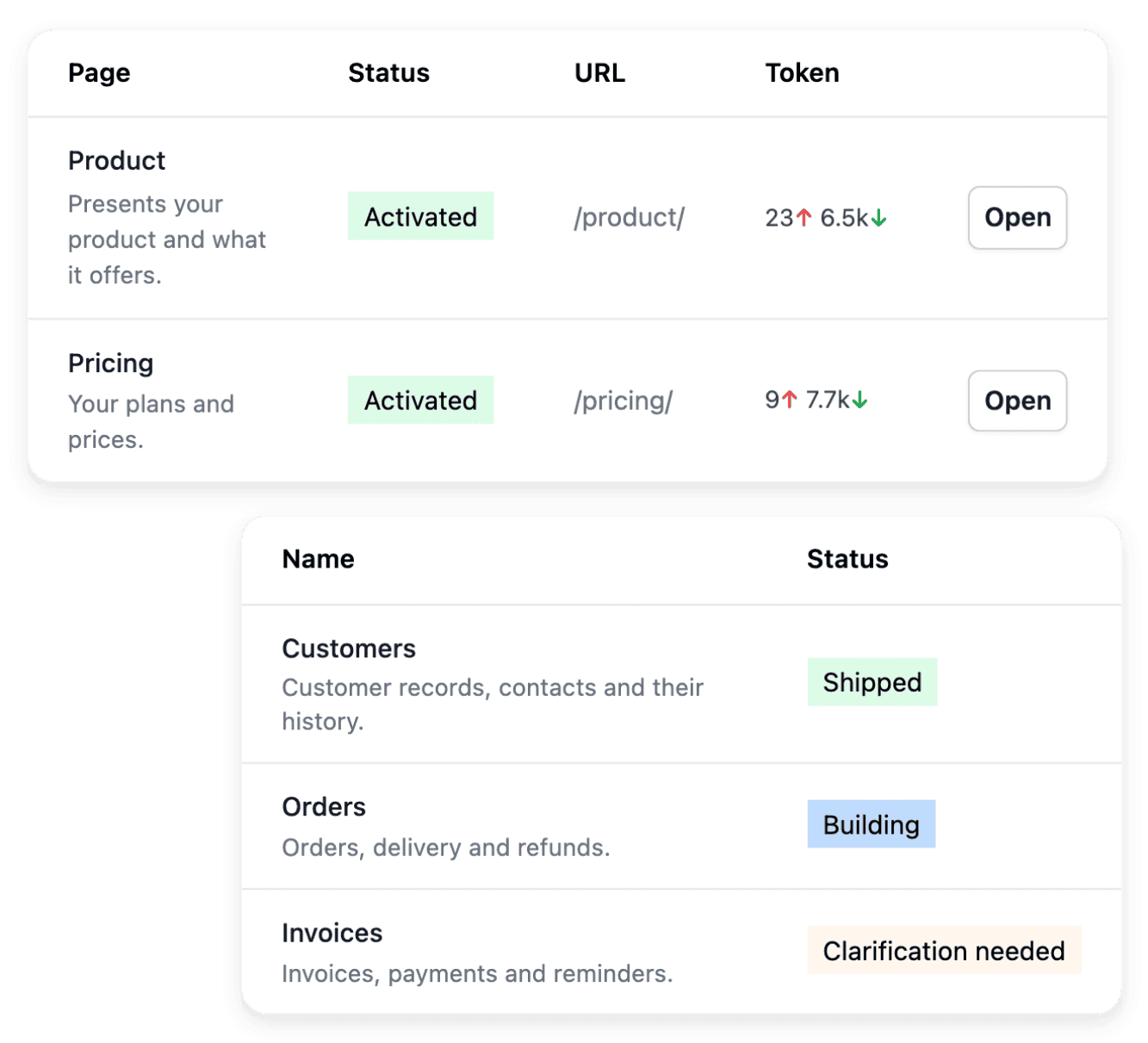
A public website presents your application: its pages explain the product, the offer and the contact path. The homepage introduces the application and the feature pages explain the workflows behind it, so a visitor can judge whether the service addresses their situation. A contact path, a sign-in link and the documentation serve different stages of the visitor journey.
The website and the application are related services with different purposes and addresses: the website explains the service publicly, the application hosts the customer journeys. The project offer determines the type of website available, and its public claims should stay consistent with the functionality your application supports.
Serve each service at an address customers recognize
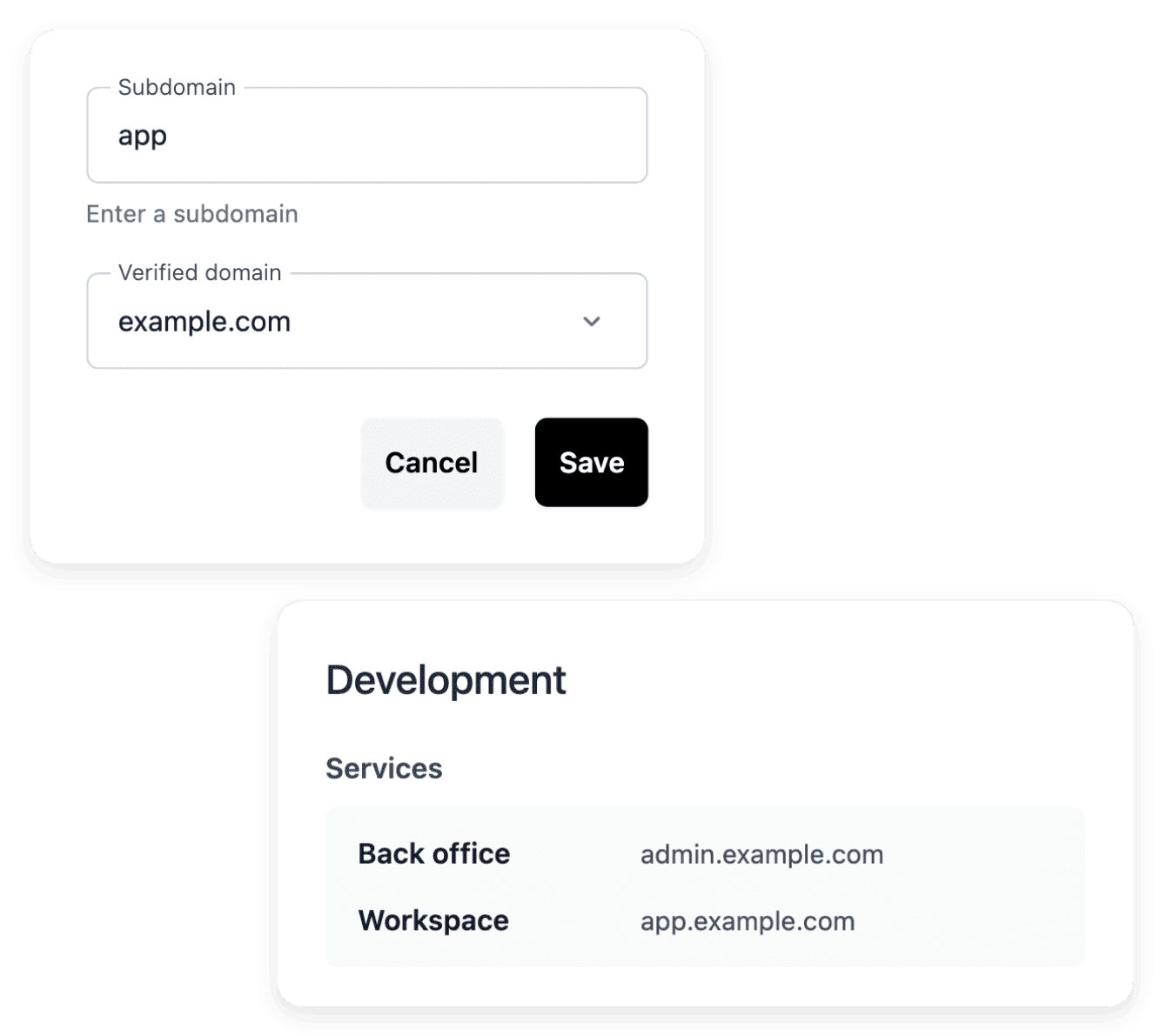
Domain names connect the project’s public services to the addresses you want your users to recognize. Your application, your public website and your documentation can use the addresses defined for those services, on the intended domain or subdomain. A clear naming plan helps customers recognize where they are going.
Declaring an address and having a working connection are separate steps: the ownership check establishes control of the domain, then you add the DNS records displayed for each service at your domain provider. Open the address afterwards to check the destination actually served.
The capabilities behind it
- Application and pages
Inspect the application structure, functions and individual pages, including their route, presentation and search metadata.
- Company and registration settings
Maintain the project’s company details and address, and decide whether users can create an account publicly.
- Public website
Present your application with a public showcase site whose pages explain the product, offer and contact path.
- Domain names
Connect the project’s public services to the addresses you want your users to recognize.
- Product documentation
Give users practical guides that explain the application’s journeys and help them complete their tasks.
- Administration access
Manage the accounts that can sign in to your application’s back office, in the selected environment.
- External connections
Describe the external service to connect, provide its documentation and associate it with the relevant business areas.
See what else you can do
- Build custom software
Business software designed and built with you, from a first brief to an application in service.
- Coordinate an internal process
One application built around a request, an approval or a follow-up your team handles today.
- Evolve an application
Change an application in service page by page, from a precise request to a version you have tested.
Go further
Describe the service you want to open to your customers
Explain what your customers submit, what your team reviews and the result they should receive: our team reviews each application before a project is opened.
Questions
No. Ultineo SaaS is the Ultineo product for custom business applications: your application is designed and built with you, from your business workflows. A project can cover a customer application, a back office, a public website and a documentation according to the selected scope, and the actual offer and definitions establish which parts are included.
No. Administration access manages the accounts that can sign in to your application’s back office, and each environment has its own accounts. Public customer creation is controlled through the project settings and the customer-account tools of your application. A back office access and a customer account are separate types of account.
Product documentation gives users practical guides that explain the application’s journeys and help them complete their tasks. A getting-started guide explains where to begin, what information is required and which result confirms that the task is complete. The documentation runs on its own public service: link it from the website, and review a guide after a change to the task it explains.
It depends on the direction of the exchange. An external connection describes how your application uses another service: you declare its name and its documentation, then explain the intended exchange. The optional project API exposes the agreed operations of your application to another system, and its availability appears in the actual offer of the project. A declared connection or a planned route is not yet a working exchange: test it before relying on it.
Projects are opened after a review: you tell us about your business and your need, for example a portal or a service for your customers, and our team replies by email. For the budget, the application subscription and hosting are read separately, since hosting has its own billing view. Public pricing helps you compare the levels, and the offer displayed in your workspace provides the conditions for your actual project.