See what sells, what it costs and what needs you today
Ultineo E-commerce shows the sales, the service costs and the daily activity of your shop over the period you choose. For a software project, Ultineo SaaS, a separate product with its own access, gives you the offer, the invoices and the usage of that project.
Three responsibilities you cannot hand over
- Knowing what sells
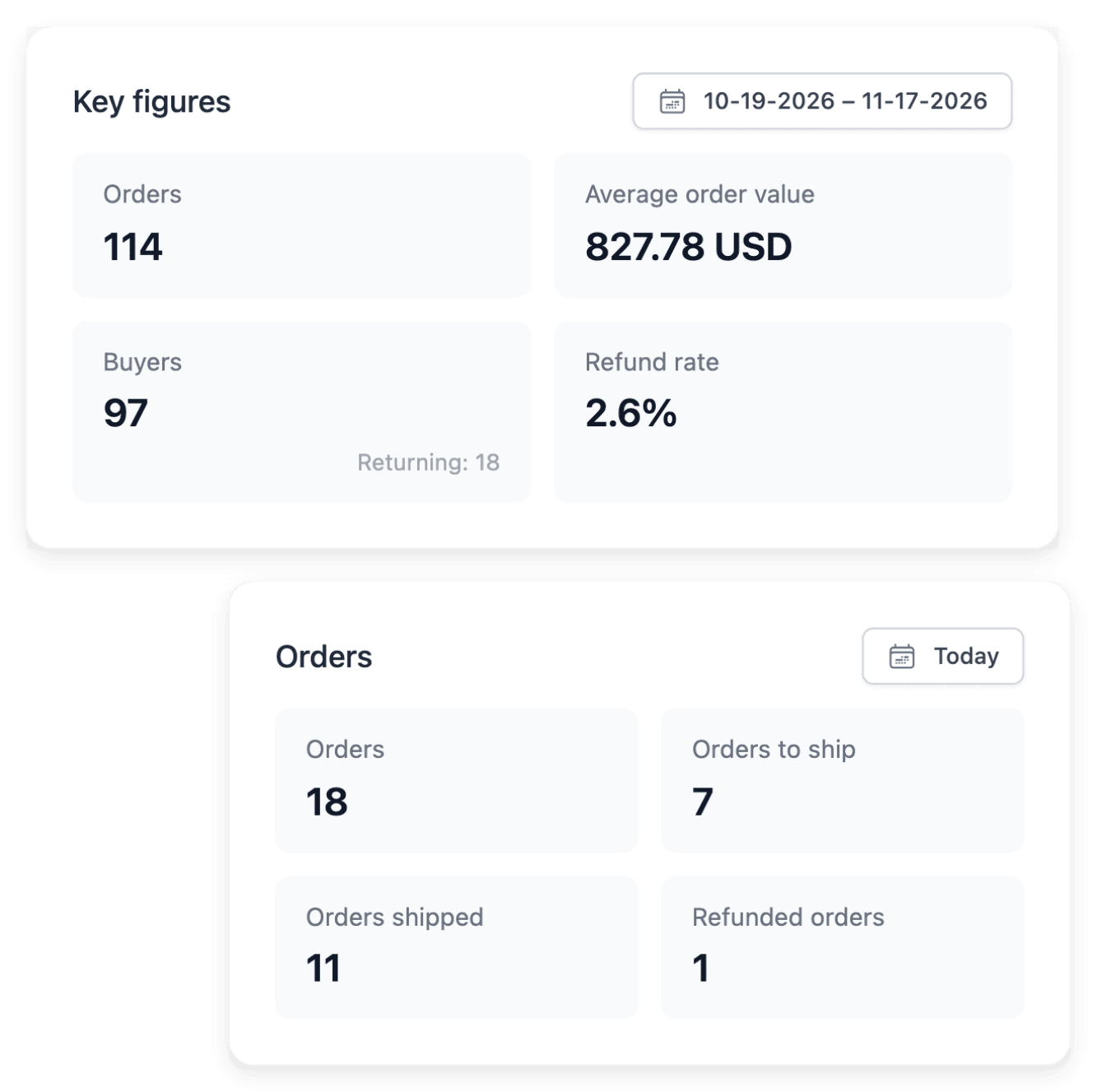
A total says little until you see which products and which countries make it. Statistics breaks your sales down by product, country, payment method and promotion over the period you choose, with orders, average order value, buyers and refunds on the same dates.
- Knowing what it costs
Emails, text messages and checks are small costs that slip out of sight. Usage & service costs shows email, SMS and verification usage with unit prices and costs for the dates you select, so you read the activity behind an amount.
- Seeing what needs you today
A day can pass in the detail of one order while another matter waits. Live activity brings current visitors together with today’s orders, new customer accounts and support requests, and each recent entry opens the record behind it.
What you decide, and where to start
- Open an online shop
You are starting to sell online. See how a shop takes shape, from its look and its catalogue to its orders and its own domain.
- Open the next country
Your sales by country show which markets already buy from you. See what a new country asks for before its first order: delivery, payment and content its buyers can read.
- Commission your own software
A way of working that no ready-made tool covers can become your own application. See how a project goes from a first brief to software designed and built with you.
- Hand a recurring task to AI
Some tasks come back every day in the same form. See how such a task becomes an application with its instructions and its fields, and how each answer is kept for you to read.
- Run more than one shop
A second brand or a second activity deserves a shop of its own. The shop workspace lets you select or create shops, and each one keeps its own catalogue and customer book.
- Follow your software project
You are the one a project waits for when a question stays open. Tasks brings together the questions, prerequisites and confirmations awaiting you, apart from the work already in progress.
Read the period, then open the record behind a figure
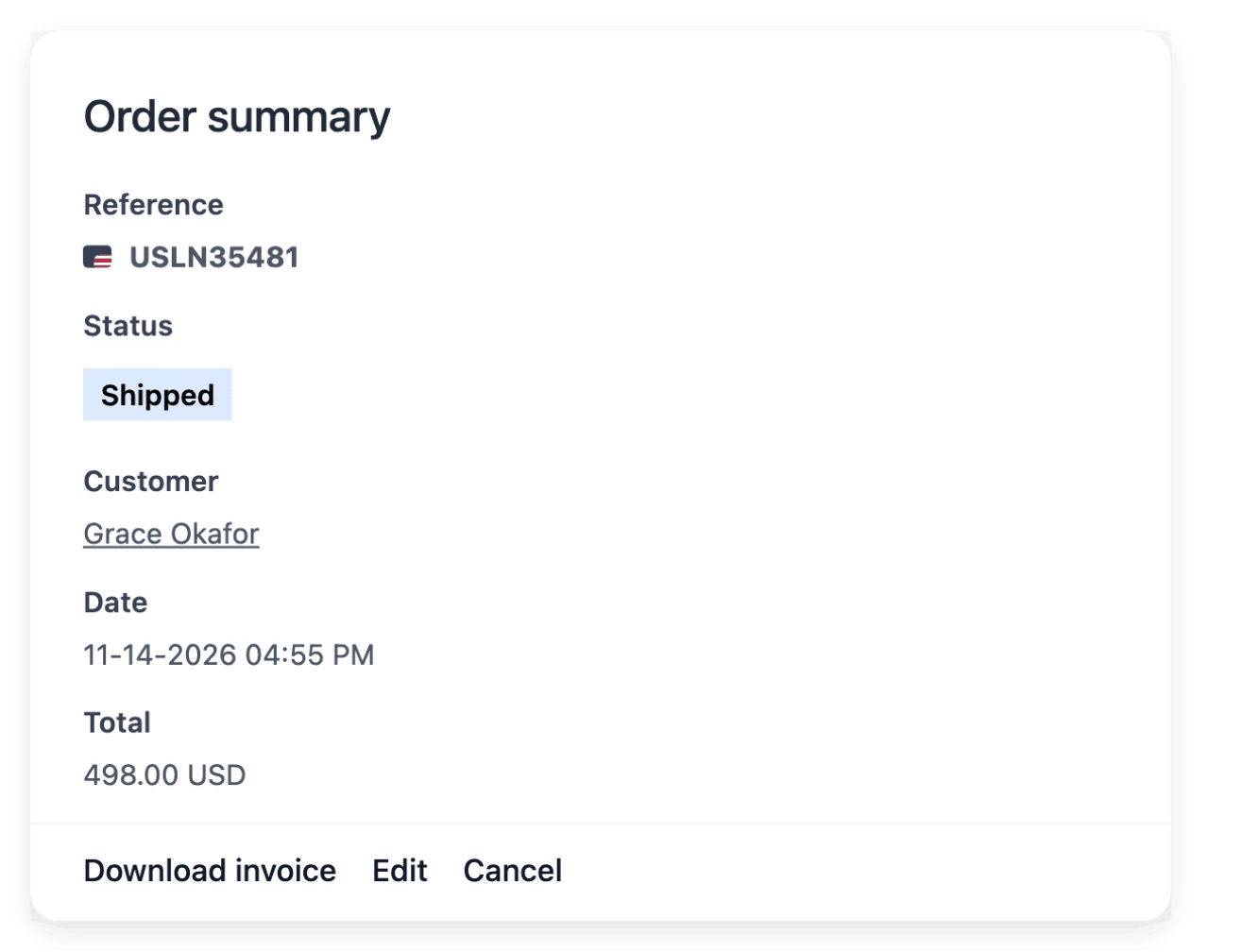
The dashboard puts sales, recorded carts and customer activity within one view, for the period you choose. It follows the buying journey from the recorded basket to the order, so you see at which step shoppers stop. From there, you open recent orders and customers, or Statistics for sales and Audience for visits.
A figure gives a direction, not a cause: a step with fewer completions is a place to investigate, with the orders and the shop experience behind it. Visits and sales also stay distinct, since a visit does not prove a completed purchase.
Read the amounts recorded for a software project
In Ultineo SaaS, the offer and the invoices are the reference for the conditions of your project. The offer recap gives the applicable amounts and conditions, and each invoice records the operation concerned, with its reference, its description, its amount, its state and its date. Read the currency attached to the actual invoice: a public price shown for another country does not replace that record.
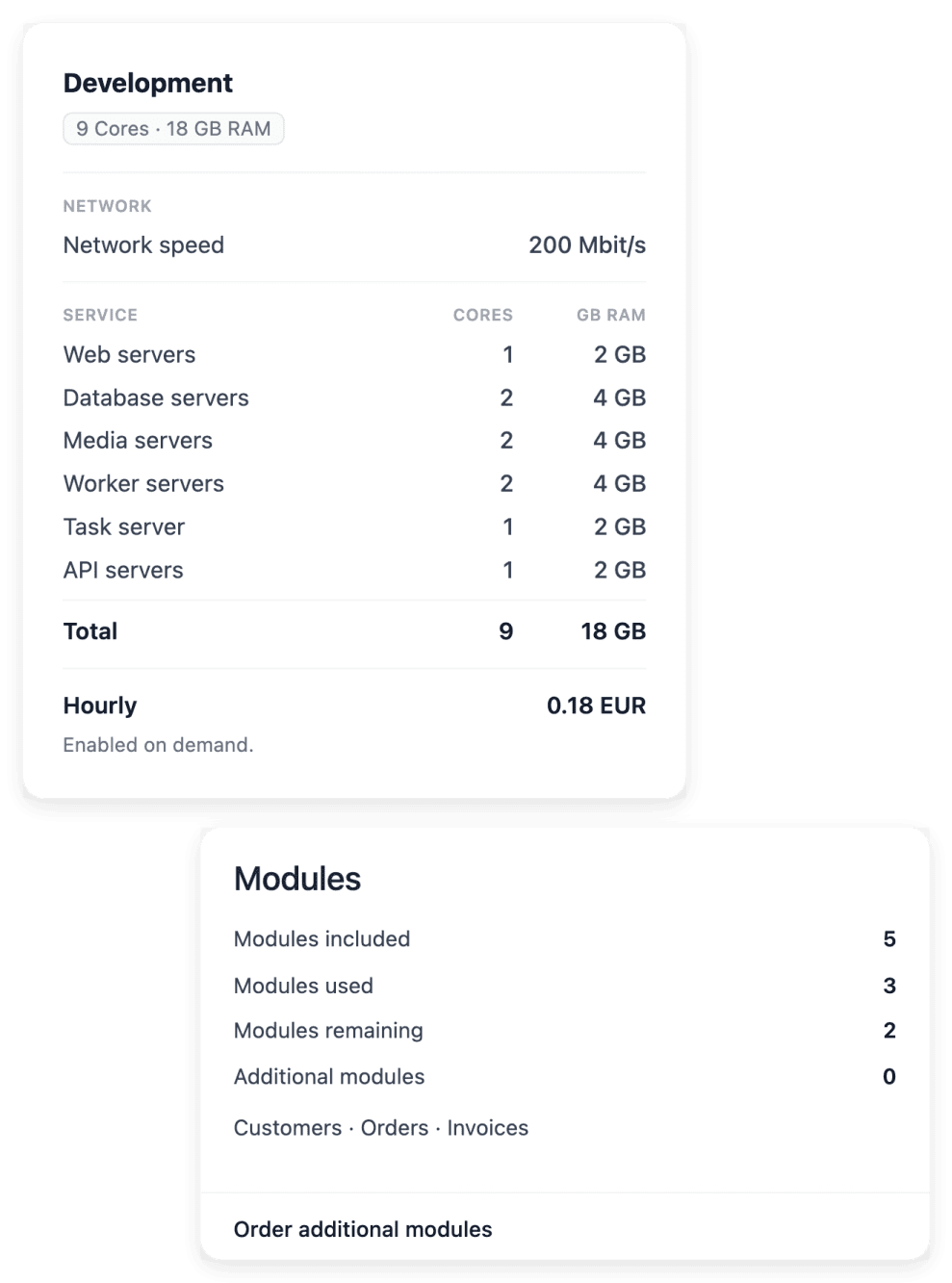
Hosting is read separately, through infrastructure billing, and belongs in the complete budget with the test running periods. Token counters measure AI usage on the project: they are neither an invoice amount nor a promise of a delivery date.
The capabilities behind it
- Billing and invoices
Consult project invoices and hosting billing to understand the amounts recorded for your application and infrastructure.
- Project offers
Review subscription, included business areas and optional extensions before confirming your project scope.
- Statistics
Sales reports by product and market
- Live activity
Current visitors and recent actions
- Usage & service costs
Service usage and unit costs
- Audience
Visitors, pages and product interest
- Tokens and hosting usage
Read incoming and outgoing AI tokens alongside the running time recorded for test hosting.
Go further
- Ultineo E-commerce
- Ultineo SaaS
Decide your next step from figures you can read
Apply for a shop or for a software project: our team reviews each application before access to that product is opened.
Questions
No. Ultineo E-commerce and Ultineo SaaS are separate products, each with its own access and its own pricing page. A shop account is opened after your application has been reviewed by our team, and a software project is opened the same way, after its own application.
No. Statistics gives operational shop reports, which do not replace your accounting records and reconciliation. Usage is an operational view of consumption as well: it does not replace payment records, and the price of each metered operation is on the E-commerce pricing page.
They describe the shop you have, not a market you have not served. Statistics ranks your countries by sales, and Audience shows the visits of each country storefront, where a country is the storefront viewed and not the place where the visitor is. Read both over the same dates: they can justify a small test, and nothing more.