Solutions · Build custom software
Bring an internal process into one application
Ultineo SaaS builds a custom business application with you, from the process your team already knows: the people involved, the information they exchange and the decisions they make. You review the proposed functions and pages, follow the construction and publish a tested version.
What makes an internal process hard to coordinate
- A request scattered across tools
The same request moves between a spreadsheet, email and several tools, and no single place shows where it stands. With Ultineo SaaS, you describe the people involved, the information each person needs and where the process loses time, so the project aims at one defined journey.
- Rules nobody wrote down
Who approves, and what to do when a document is missing, is often known only to the people who do the work. Before the build, you explain who submits, who decides and what happens in each state, then check that the proposed function matches the work your team needs to complete.
- Changes that reach staff untested
A change that reaches your colleagues before anyone has checked it disrupts the work it was meant to help. Development receives new work first, and staging gives you a place to verify a selected version before it reaches production users.
How your process becomes a published application
-
1
Describe the need When your project is opened, after our team has reviewed your application, present the business problem, the intended users and the tasks they should complete, with their exceptions and constraints.
-
2
Review the proposed scope Check the suggested business areas, the project offer and the hosting choices. Answer the questions about requirements that are still unclear, with a normal case and an exception.
-
3
Compare the working result Reproduce those cases in the development application. If the built behavior differs from the agreed outcome, request a targeted correction in AI requests.
-
4
Publish and check the result Create a version when the changes are ready and verify it in staging. After publication, read the production version and repeat the user’s task on the live service.
Start from the process your team already follows
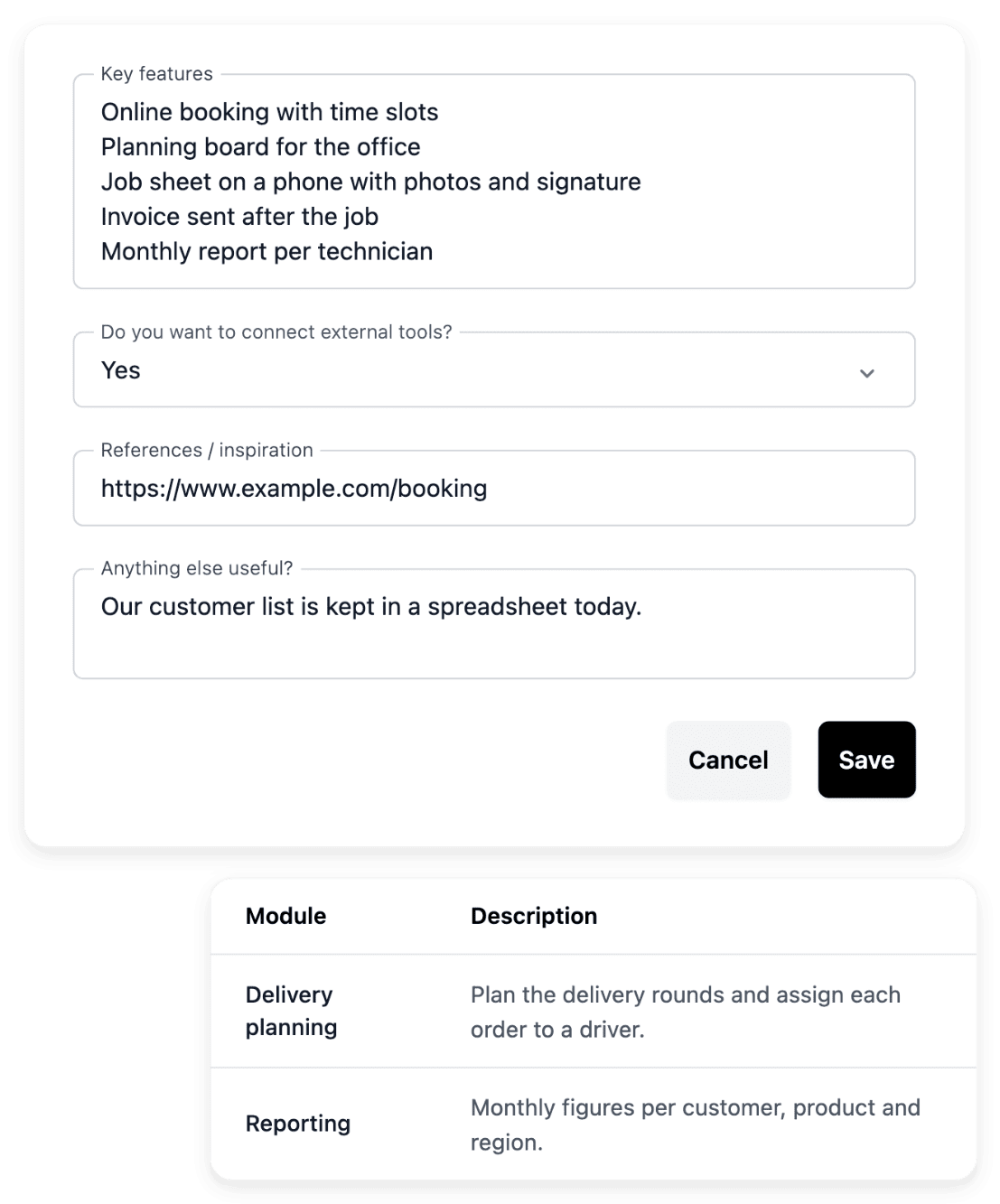
Project preparation starts with a brief that describes a concrete situation: who opens the application, what information they enter and what they need to achieve. Explain the steps and decisions that take time today, and add the documents your team already uses. The project then has a concrete purpose: one defined journey, rather than a reproduction of disconnected screens.
Choose a small, useful outcome for the first version: one team, a familiar process and a result you can check. Later ideas stay visible without each one becoming a requirement for launch.
Agree on who submits, who decides and what follows
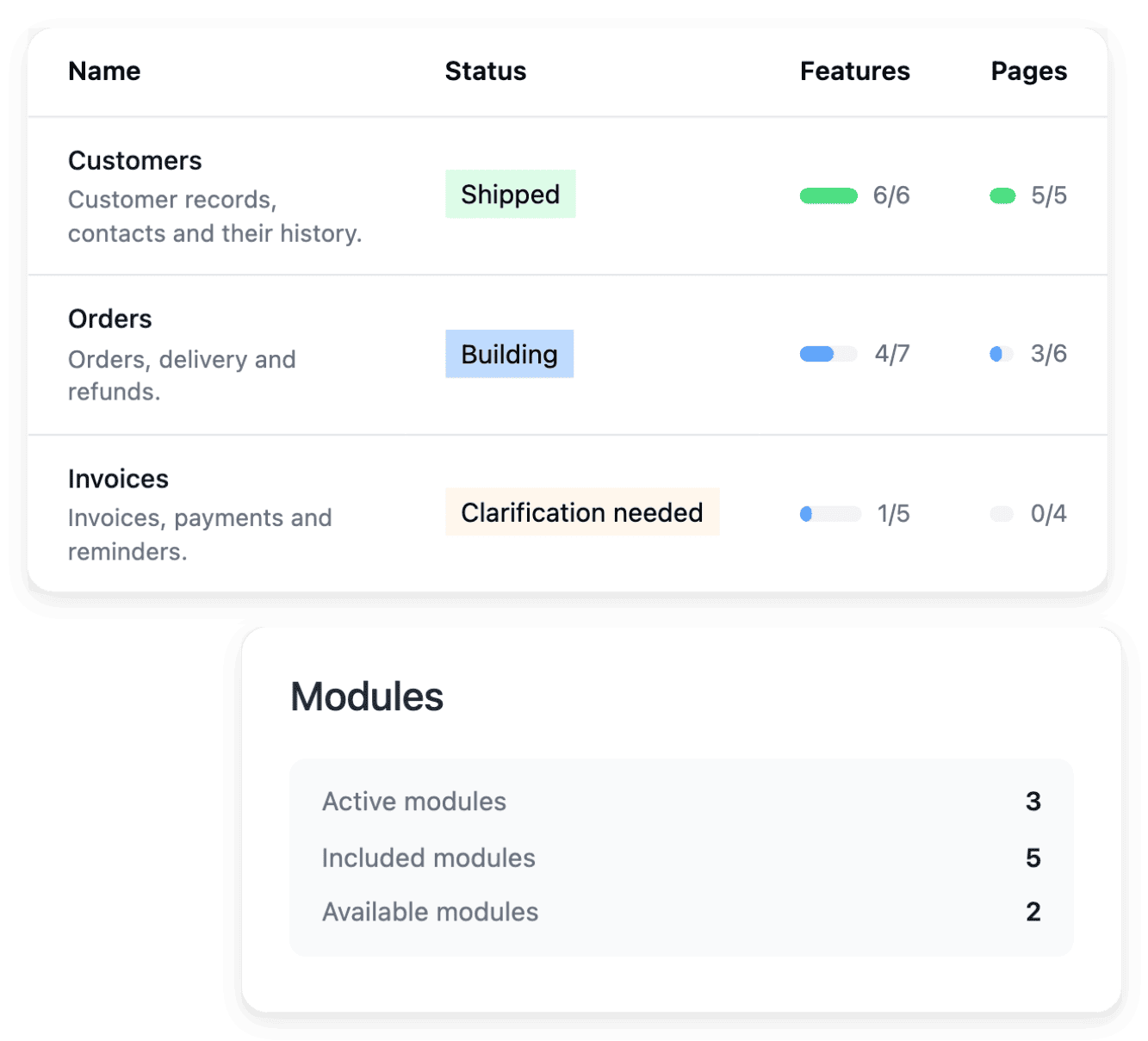
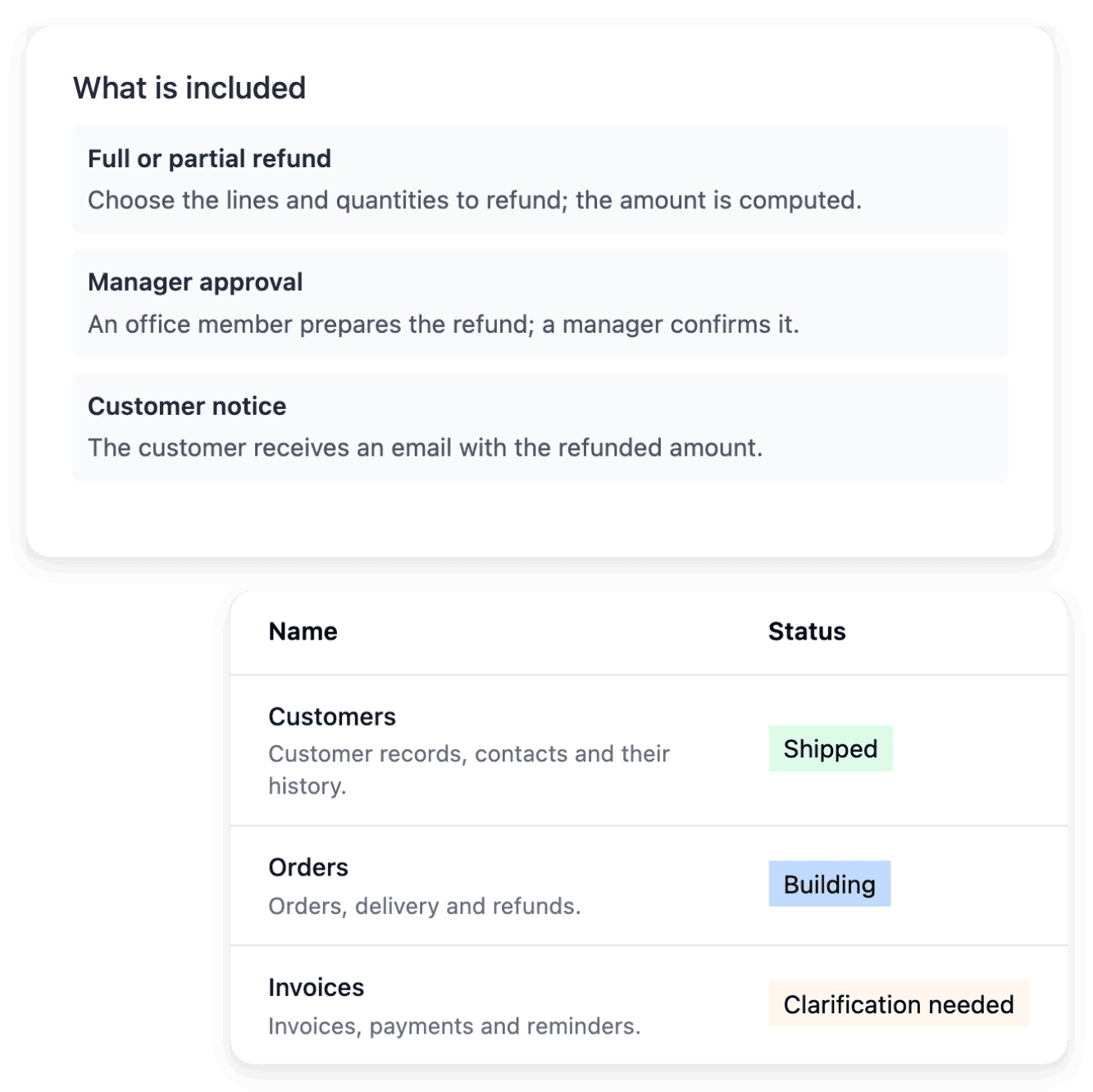
The project tools expose the analysis behind a business area, a function or a page, so you can review what is included against the work your team needs to complete. For an approval, explain who submits it, who decides and what happens in each state. A precise rule separates the ordinary journey from exceptions, such as a missing document or a request returned for revision.
A clear scope is the reference once the application is built: compare the working page with its intended behavior instead of judging only its appearance. A request to change the plan does not by itself publish a changed screen.
Answer open questions in the item they concern
Some requirements leave several possible interpretations. Clarifications let you supply the missing rule in the function, page or request concerned, with a normal case, an exception and the result the user should see. The decision can then be read together with the function it clarifies, rather than getting lost in a separate conversation.
Consult Tasks to find the work that needs your attention, then follow its status after responding. A response resolves information; the resulting implementation still needs review.
Publish a version your team has actually tested
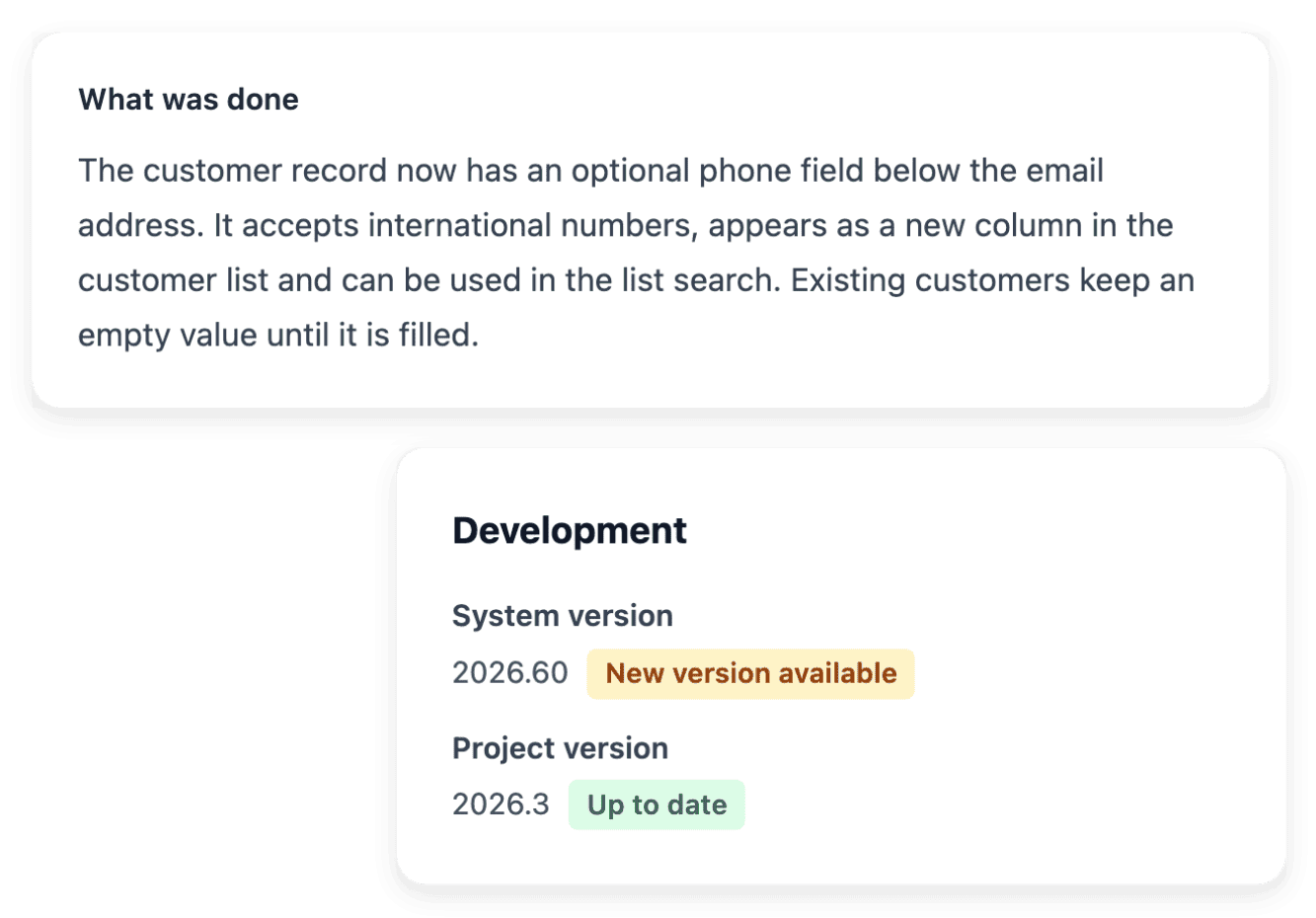
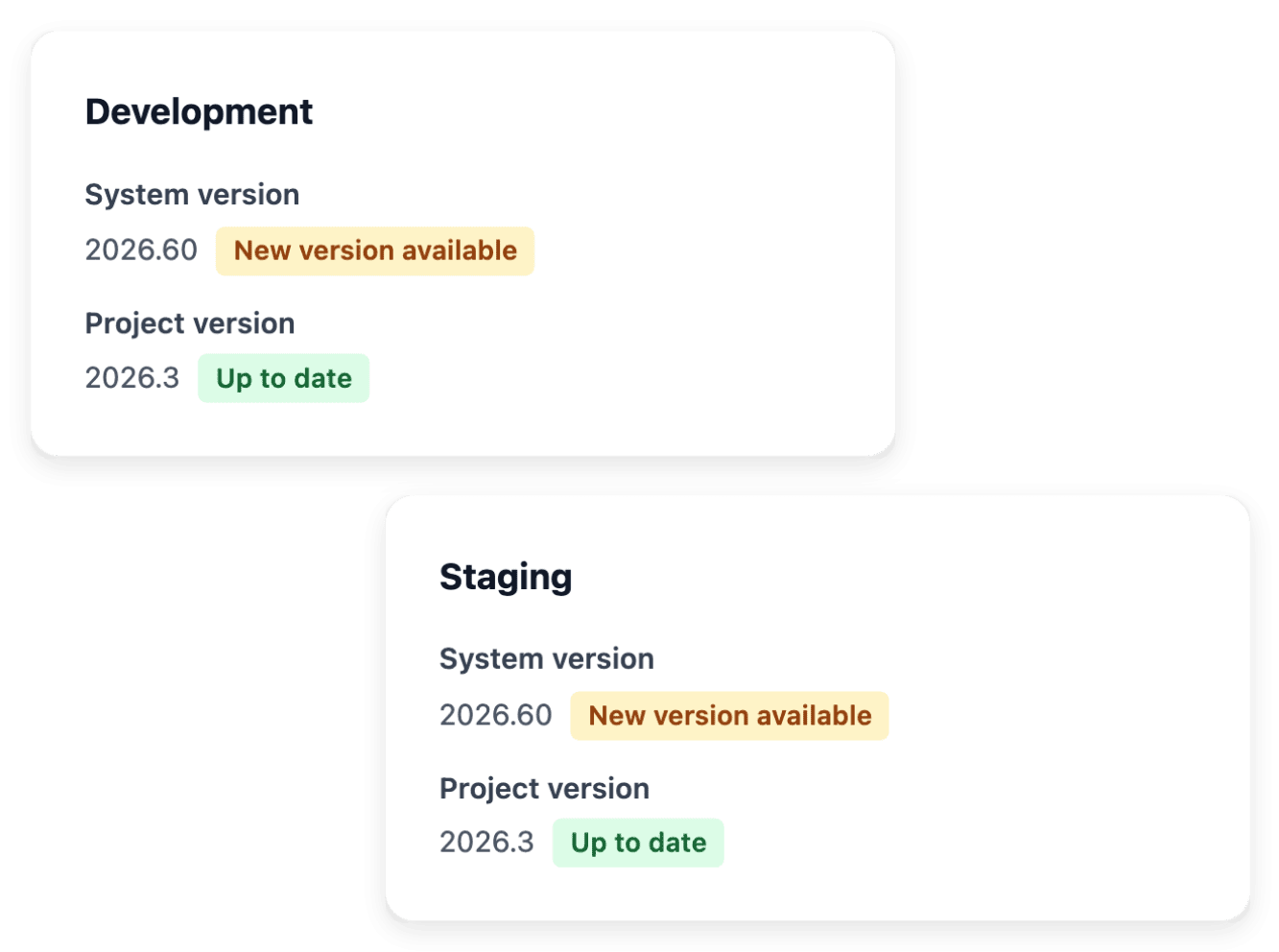
Versions and deployment shows what is running in development, staging and production. You test the completed functions in development, deploy the intended version to staging to complete the changed journeys, then publish the tested version and check the live journey.
Completing a request does not publish production: creating a version and deploying it are separate actions. A request can be complete in development while production still uses an earlier release.
The capabilities behind it
- Project preparation
Turn your idea into a clear brief, with the business context, users and practical constraints needed to start.
- Functional specifications
Review what a function or page should do before the implementation turns it into a working screen.
- Clarifications
Answer the questions that make a project requirement or change request precise enough to build.
- Versions and deployment
Follow the versions of your application and choose a tested release for the next environment.
- Business areas
Organize the application around the areas of your business, then inspect the functionality and pages within each one.
- AI change requests
Describe a change in plain language, attach the existing page and follow it in AI requests.
- Administration access
Manage the accounts that can sign in to your application’s back office, in the selected environment.
See what else you can do
- Build custom software
Business software designed and built with you, from a first brief to an application in service.
- Open a customer portal
A custom application where your customers submit requests and your team reviews them in a back office.
- Evolve an application
Change an application in service page by page, from a precise request to a version you have tested.
Go further
Describe one process your team wants to bring together
Present the people involved and the result you want: our team reviews each application before a project is opened.
Questions
No. You can start with the business need, examples and constraints, and the preparation and clarification steps refine the expected behavior. Technical detail is useful when it describes an existing system, but it does not replace a clear explanation of what users should achieve.
Bring them as references. An existing form, document or process example is useful when you explain the part that matters and what you want to keep or change. When the application replaces a manual tool, identify the rules your users already rely on, so the improvement stays connected to the real working process.
Administration access manages the accounts that can sign in to your application’s back office, in the selected environment: you create an account for each person who needs to use it. Development, staging and production maintain their own accounts, so an account in one environment does not prove the same access exists in another. Customer registration is a separate project setting.
Describe the targeted change in AI requests and attach the existing page, found by its known URL or by its name. The AI requests tool keeps the request, the questions and the recorded result connected while you follow the work. You then test the result in development and publish the reviewed version; sending a request does not change production.
Projects are opened after a review: you present your business and your need, and our team replies by email. The application subscription, hosting and any optional extensions have separate roles. The pricing page lets you compare the public offers, and the offer shown in your workspace gives the conditions of your actual project.