Know where every order, parcel and stock item stands
Ultineo E-commerce links each order to its items, its payments and its shipments, and each shipment to its carrier, its recipient and its tracking. Stock is followed per offer with its recorded movements, and a refused parcel or a returned item gets a record of its own.
What an operations team has to keep right
- Every order shipped right
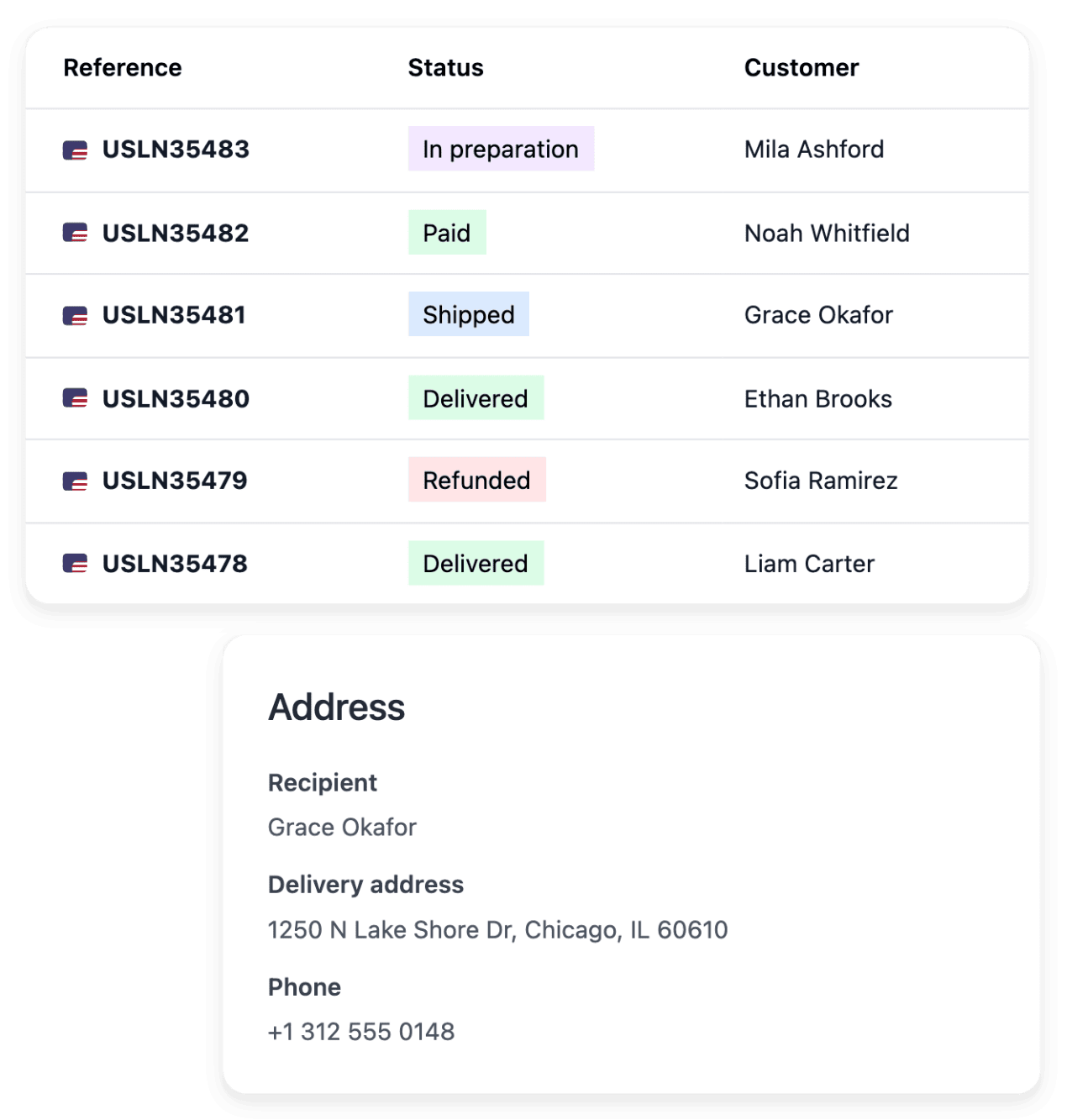
An order is done only when the right items have left for the right address. Each order record shows its customer, its items, its payments and its shipments together, with the actions that fit its current state.
- Stock you can trust
A quantity on screen that differs from the shelf ends in an order you cannot fulfil. Each version or condition grade of a product carries its own quantity next to its selling price, so you see what is actually available to sell.
- Parcels that come back
A delivery refused at the door and an item sent back by a buyer are two different arrivals. Each has its own record: the refused parcel with its shipment, the return with its item, its order and its customer.
From the order to the return, where to go next
- Work through the order book
Search the order book, open the record and confirm the buyer and the items before you prepare a parcel. The actions offered depend on the state the order is in.
- Set delivery by destination
Define your carriers, the zones they serve and the methods, rates and lead times offered at checkout. The page goes zone by zone, down to postal-code surcharges.
- Handle a delivery that fails
A carrier problem or a refusal at delivery is handled in a claim or a refused-parcel record linked to the shipment, with the reference and notes a colleague needs to continue. The page tells the cases apart.
- Receive a returned item
Find the return by order, customer or serial number, confirm the item and move it to its next stage. The refund is covered on the same page, as a separate operation on the original payment.
- Change many products by file
Prepare the changes in a spreadsheet, check the quantities when the file changes stock, then read what was created, updated, left unchanged or refused. The page also covers versions and condition grades.
- Get a new country ready
Publication reports whether a country has delivery coverage, and the zones remain yours to revisit so that checkout offers an applicable method. The page lists what else a country needs before it takes orders.
Prepare each parcel from its order and follow it
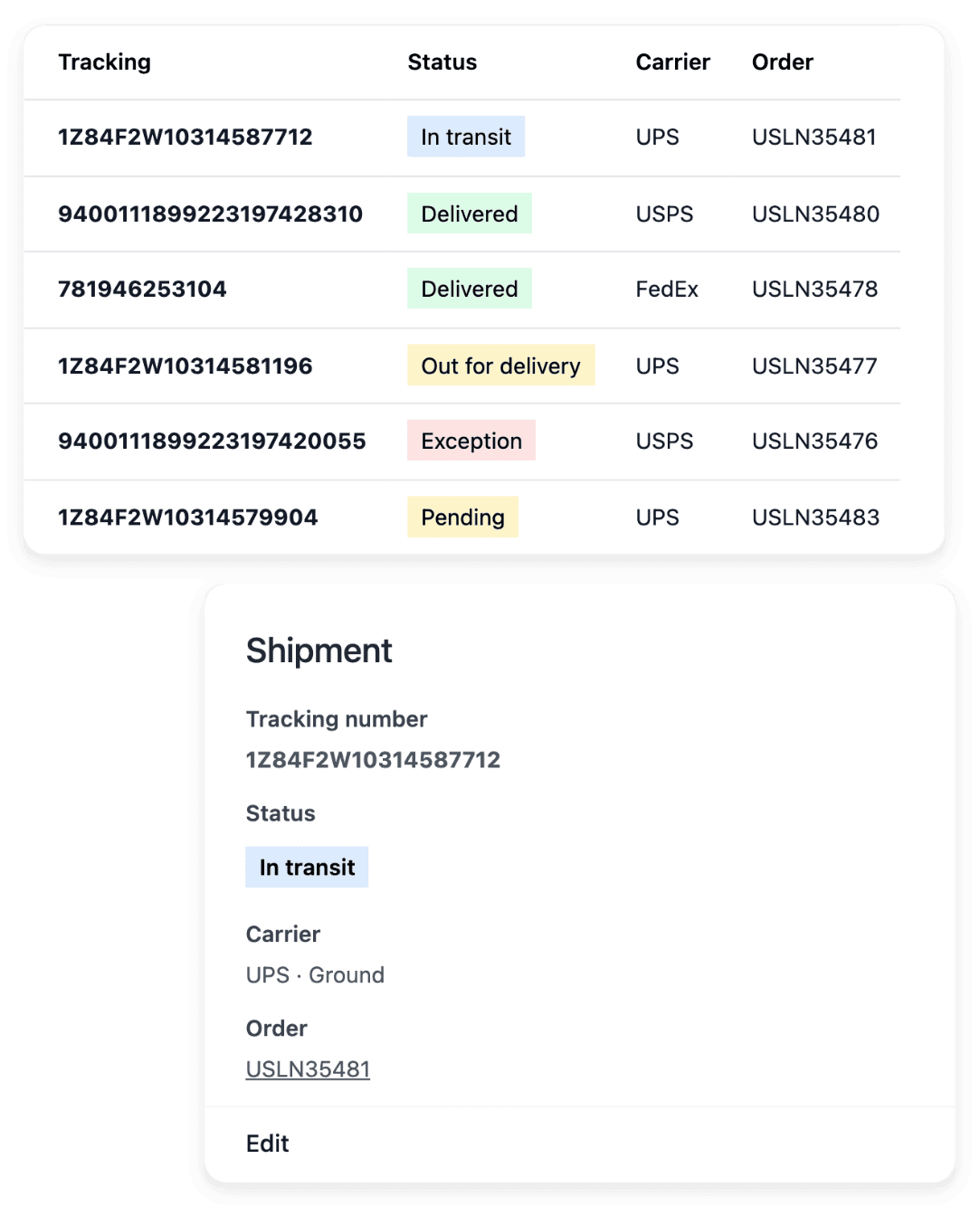
A shipment starts from an order and keeps the recipient, the carrier and the parcel details together, so the physical delivery stays connected to what the buyer ordered. Read its state and history before you move it forward. After dispatch, consult the tracking information and the events recorded for the shipment.
Entering a tracking number does not prove delivery: the latest carrier information available determines what you can say about a parcel. Delivery methods and zones are not set on a shipment; they are configured separately, for the whole shop.
Correct a quantity and keep the trace
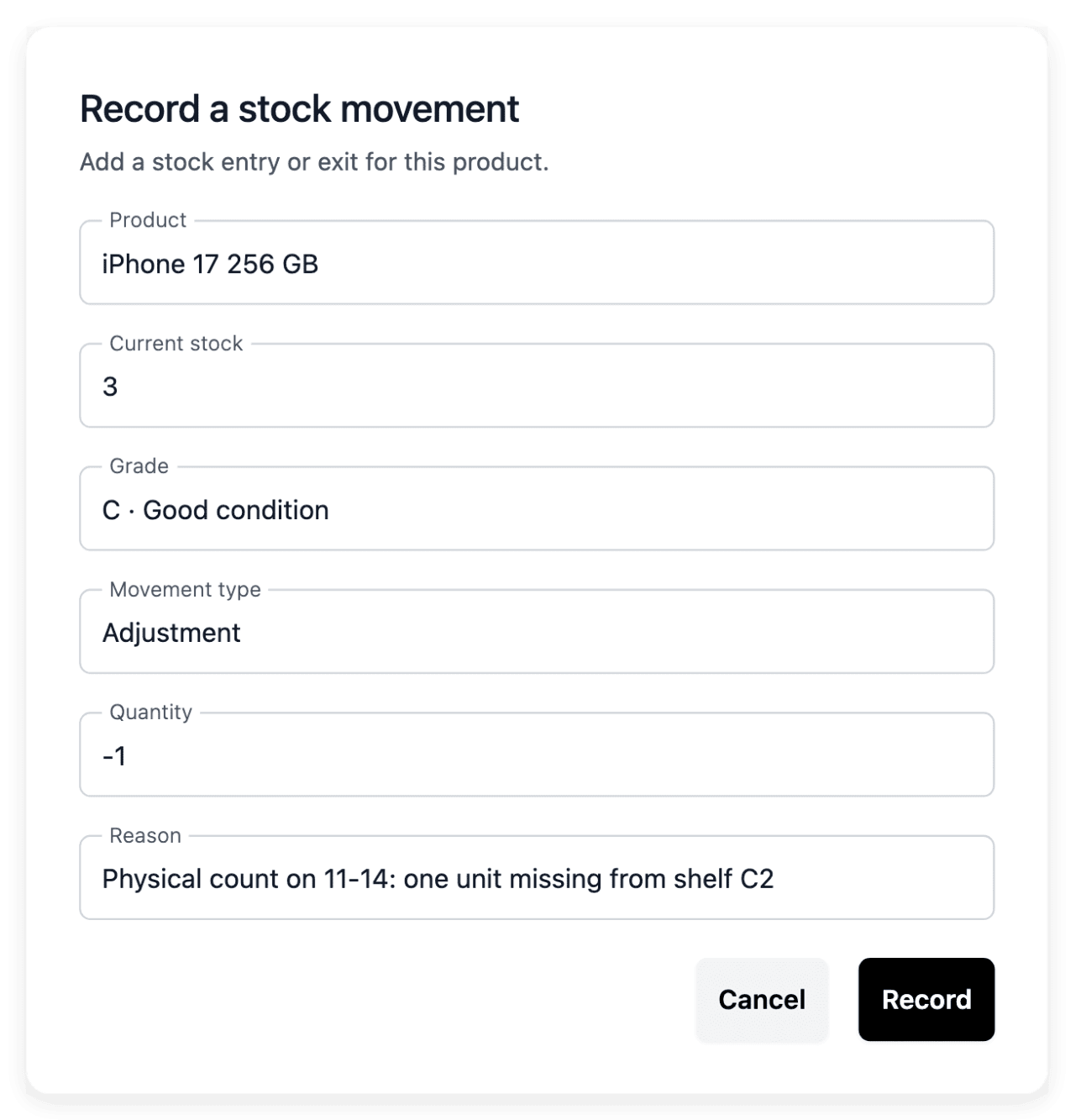
After a physical count, record an adjustment on the offer concerned. The Stock tab keeps the recorded entries, exits and adjustments, so your team can inspect how a balance changed, and changes applied by file appear in the same history. A low-stock threshold flags a product before its quantity becomes a surprise.
A correction updates the recorded availability and does not change the selling price. The stock tools create no supplier purchase order and no accounting valuation: replenishment remains your decision.
The capabilities behind it
- Shipments
Parcels, carriers and delivery progress
- Stock & condition grades
Quantities, movements and grades
- Orders
Items, payments and shipments together
- Delivery settings
Carriers, delivery methods and rates
- Refused parcels
Track refused parcels and their return
- Carrier claims
Claims linked to the affected parcel
- Returns
Returned items and return stages
Go further
Give every order, parcel and return its record
Send your application to open your shop: our team reviews it before the account is opened.
Questions
Yes. Add your locations in the Warehouse tab of Products, then read each warehouse’s quantity by grade on the product’s Stock tab. Stock moves between activated warehouses by a recorded transfer.
Yes. The order book holds orders entered by hand as well as online orders, with their current progress. Open one to read its customer, items, totals, payments and shipments, with the history that explains its progress.
No. Recording a refused parcel’s arrival at the warehouse is a physical milestone, not proof that stock has been adjusted or money returned. A physical return, a stock correction and a refund each require their own confirmed outcome, so review the stock correction in its own workflow.