How a project runs
From your application to a first usable result, then to production: each step in order, who acts, what you see in the Ultineo SaaS application and what it costs.
The seven steps at a glance
1. Application
Reviewed before the project opens
2. Brief and scope
Moves with your answers
3. Construction starts
2 to 4 days
4. Work in the studio
2 to 3 weeks
5. Review and changes
Moves with your review
6. Production
At go-live
7. Operation and improvements
Every month after go-live
The delays are the usual path, not a guaranteed date. A step that waits for your answer moves when you answer.
1. Application
You apply with a description of your application and its users. Each application is reviewed by our team before the project is opened. There is no self-service sign-up.
Who acts. You apply, and the Ultineo team reviews your application.
In the application. Once your application is accepted, your project opens in the Ultineo SaaS application and you sign in to it.
Cost. Applying costs nothing.
2. Brief and scope
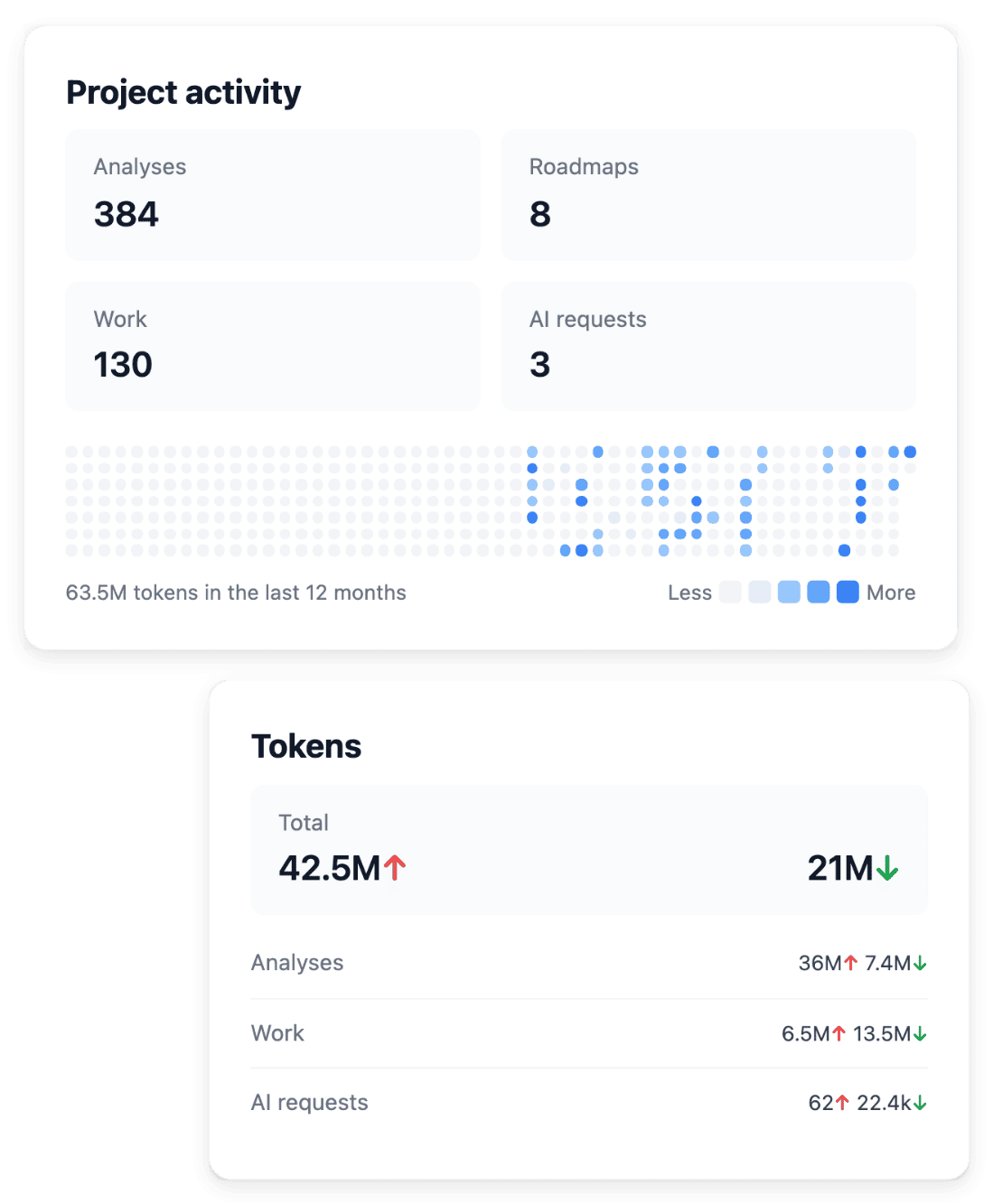
From your brief, Ultineo proposes the business areas and the functional specifications of your application. When a point is not precise enough to build, a clarification question is asked in your project.
Who acts. Ultineo proposes the scope; you answer the clarifications and agree the scope.
In the application. The project brief, the proposed business areas, the functional specifications and the clarification questions that wait for an answer.
Cost. Agreeing the scope is not billed.
Waits for you. This step waits for your answers: the sooner the clarifications are answered, the sooner construction starts.
3. Construction starts
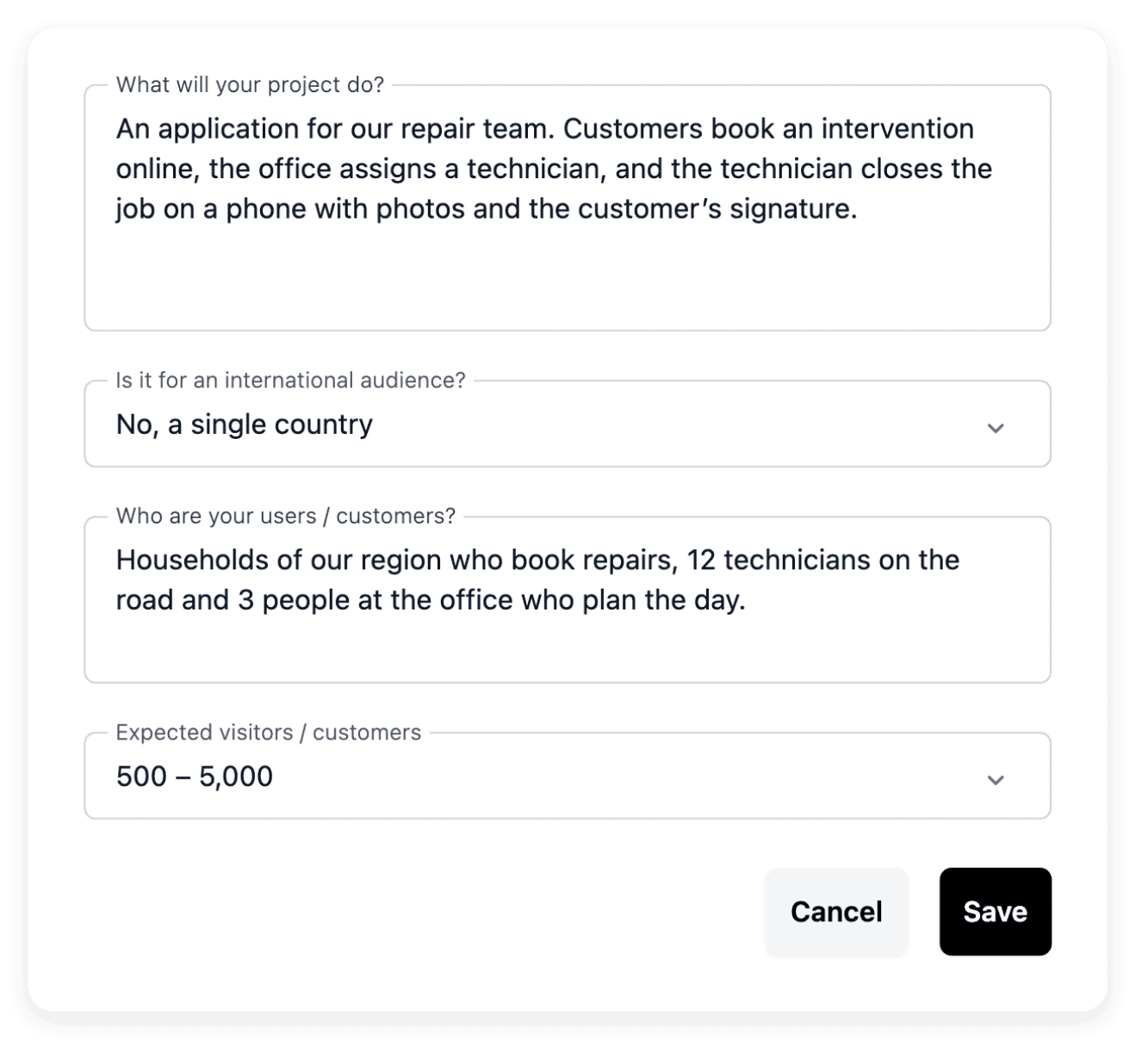
Construction starts within 2 to 4 days: the analysis, then the system creates a first version on the development environment.
Who acts. Ultineo and its engine: the analysis of your scope, then the first version.
In the application. The tasks of the project and their progress, then the first version on your development environment.
Cost. The development environment is billed by the hour from its installation. The monthly subscription has not started yet.
4. Work in the studio
2 to 3 weeks of work in the studio for a first usable result. Ultineo builds your business areas one after another on the first version.
Who acts. Ultineo builds; you follow the work and answer the questions that come up.
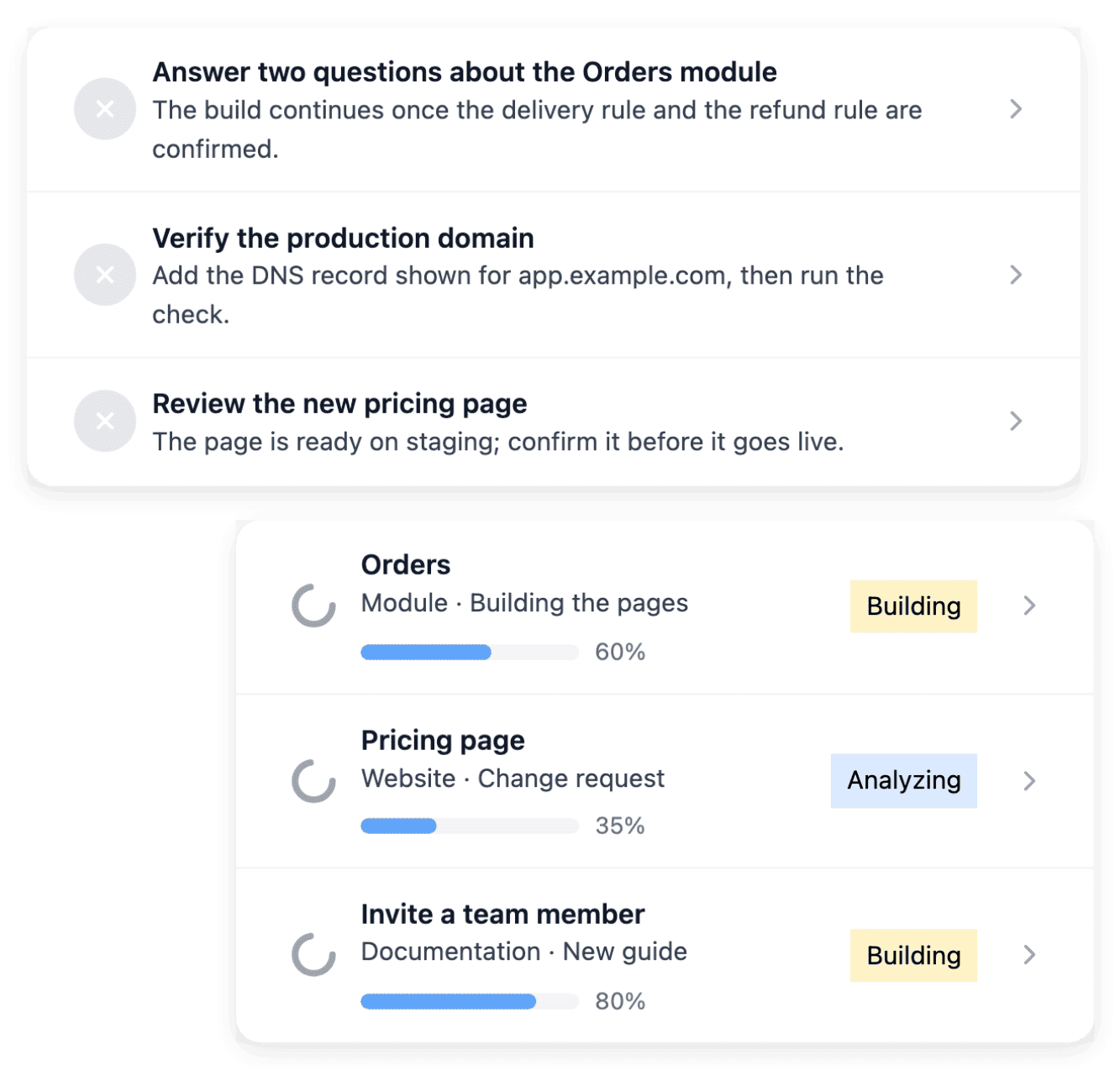
In the application. The roadmap, the tasks, the new clarification questions and each version published on development.
Cost. Development, and staging once installed, are billed for the time they run. No credits and no request quota.
5. Review and changes
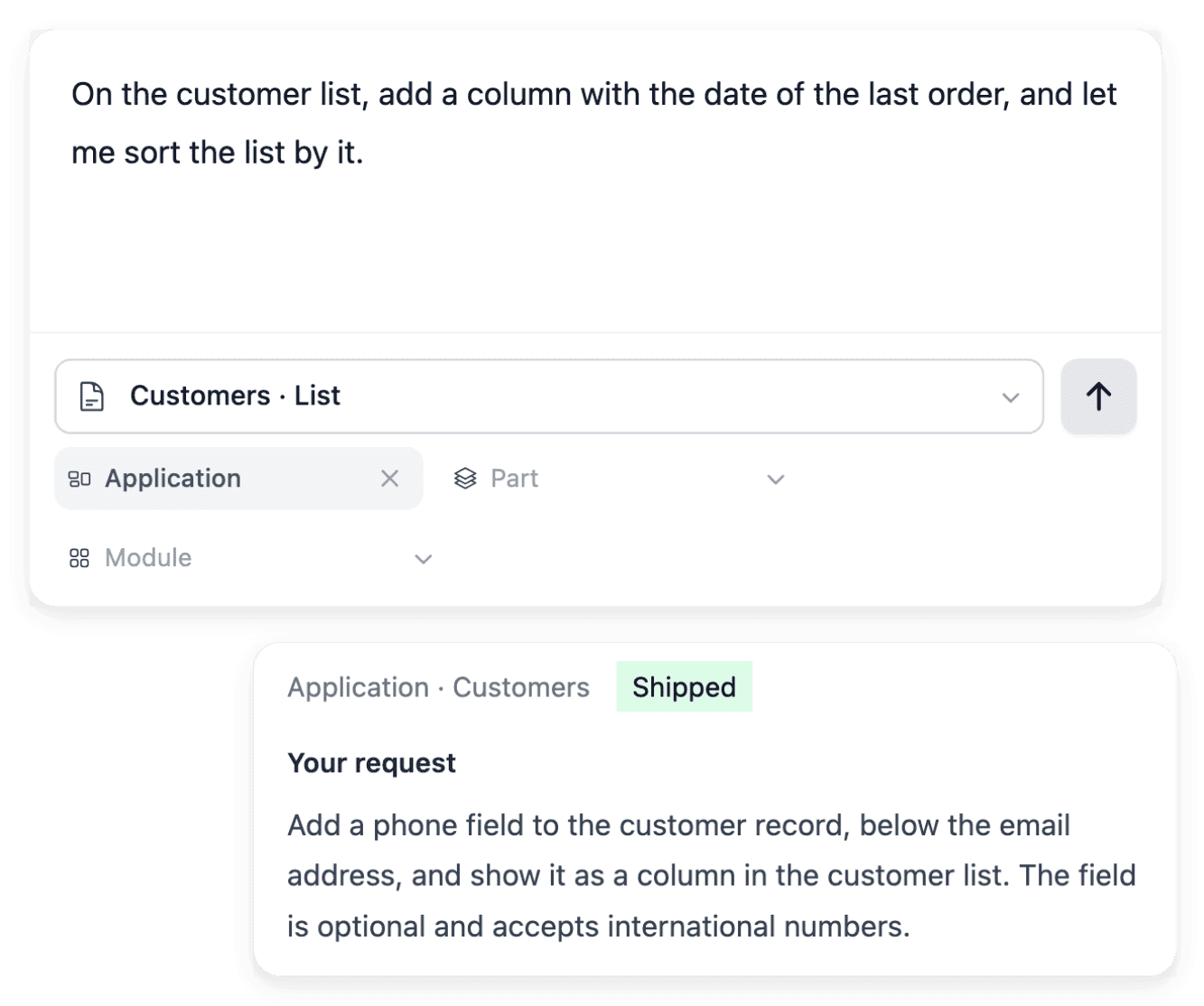
You try the application on development and on staging. Each change you ask for is attached to the page it concerns, and Ultineo makes it.
Who acts. You review and ask for changes; Ultineo makes each change.
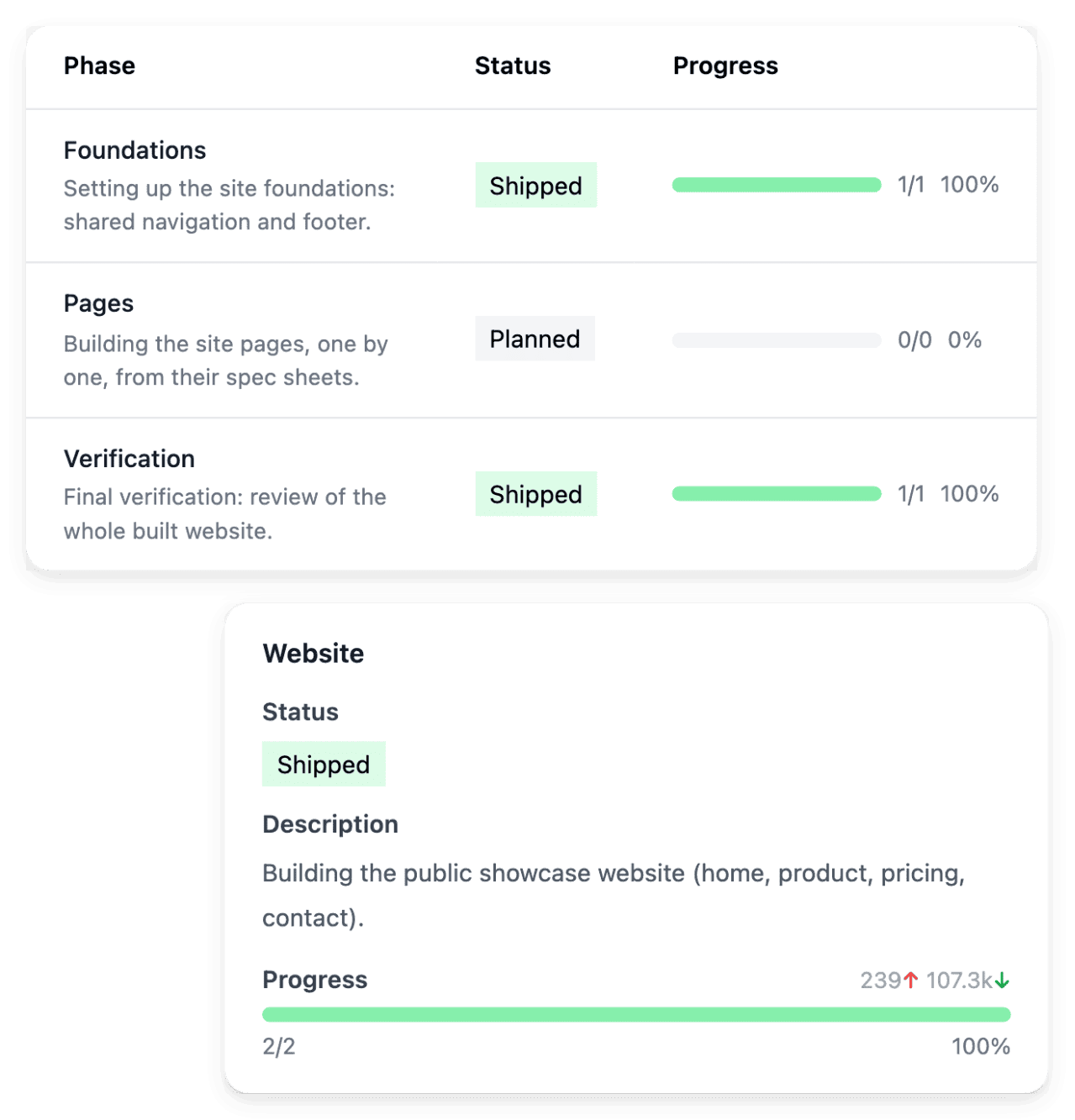
In the application. Your development and staging environments, and your change requests on the pages concerned, each with its status and result.
Cost. No credits, no tokens and no request quota: ask for every change your included business areas need.
Waits for you. This step waits for your review: the release to production follows your agreement.
6. Production
The version you tested on staging is released to production, and your users can work in it.
Who acts. Ultineo releases the version you agreed on staging.
In the application. The published version and your production environment.
Cost. The monthly subscription of your offer and production hosting start at go-live. Development and staging are billed for the time they run before that.

7. Operation and improvements
Ultineo keeps your application running and improves the business areas your offer includes, release after release.
Who acts. Ultineo operates and improves; you ask for changes whenever you need them.
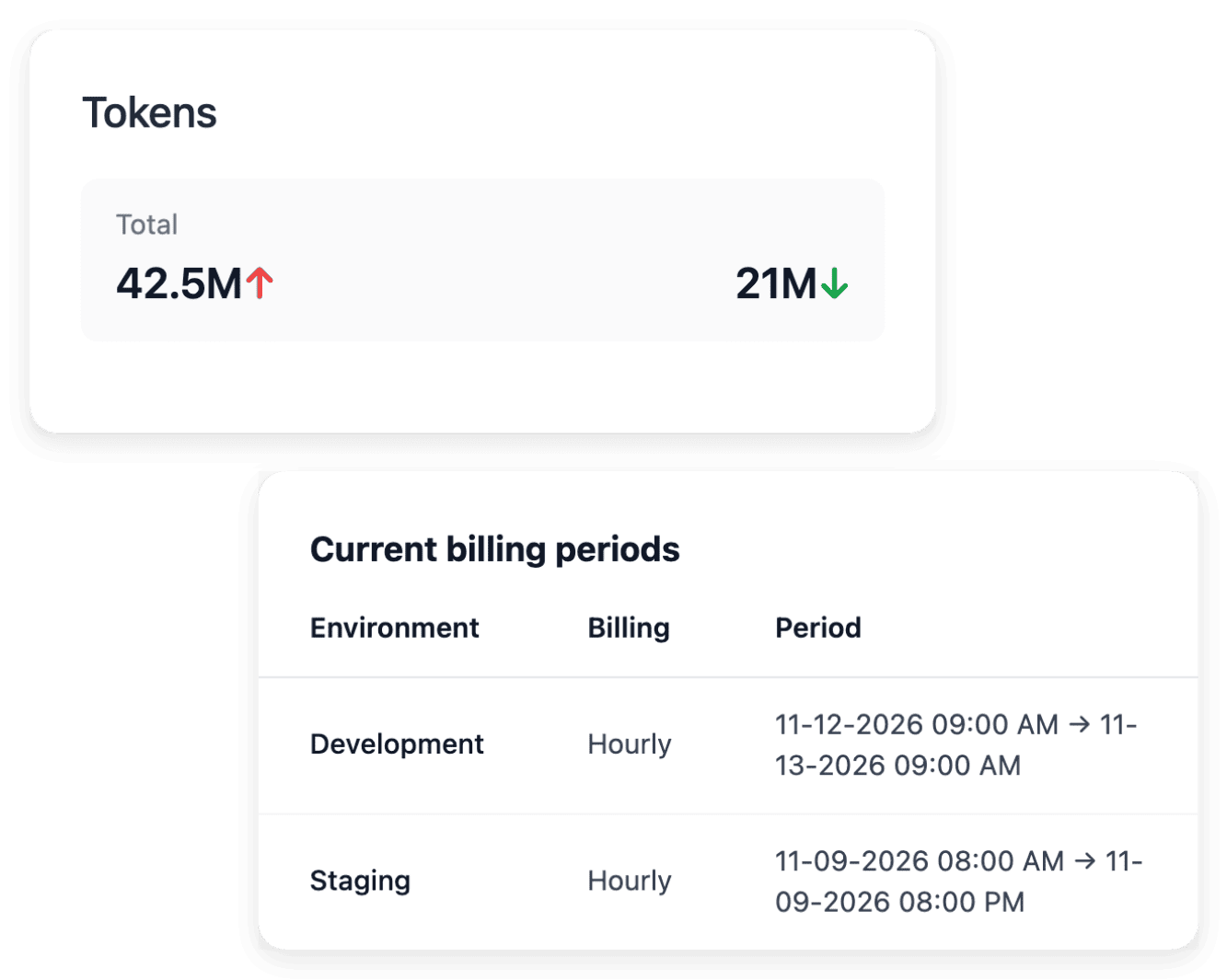
In the application. Your change requests, the published versions, the usage of your environments and your invoices.
Cost. The monthly subscription covers the improvements of the included business areas. A new business area beyond your offer is a one-time extension.
Ready to describe your application?
Present your project with a short description: our team reviews each application before the project opens.
Questions about how a project runs
No. Construction starting within 2 to 4 days and 2 to 3 weeks of work in the studio for a first usable result are the usual path, not a guaranteed date. The steps that wait for you, the clarifications and the review, move at the pace of your answers.
The development and staging environments are billed by the hour from their installation. The monthly subscription and production hosting start when your application goes into production.
Yes, for the business areas your offer includes: there are no credits, no tokens and no request quota to build or change your application, and fixing a defect is never billed. Each request is followed in your project with its status and result. A new business area beyond your offer is a one-time extension.
It is added as a one-time extension, at the price shown on the pricing page. Level 1 includes four business areas, Level 2 five and Level 3 six.