How a shop opens
From your application to your first sale: each step in order, who acts and what you prepare in Ultineo E-commerce.
The eight steps at a glance
1. Your application
Two conditions and one form
2. The review by our team
A reply by email
3. Your account opens
Free once accepted
4. Your workspace
Identity, theme, pages and catalogue
5. Countries
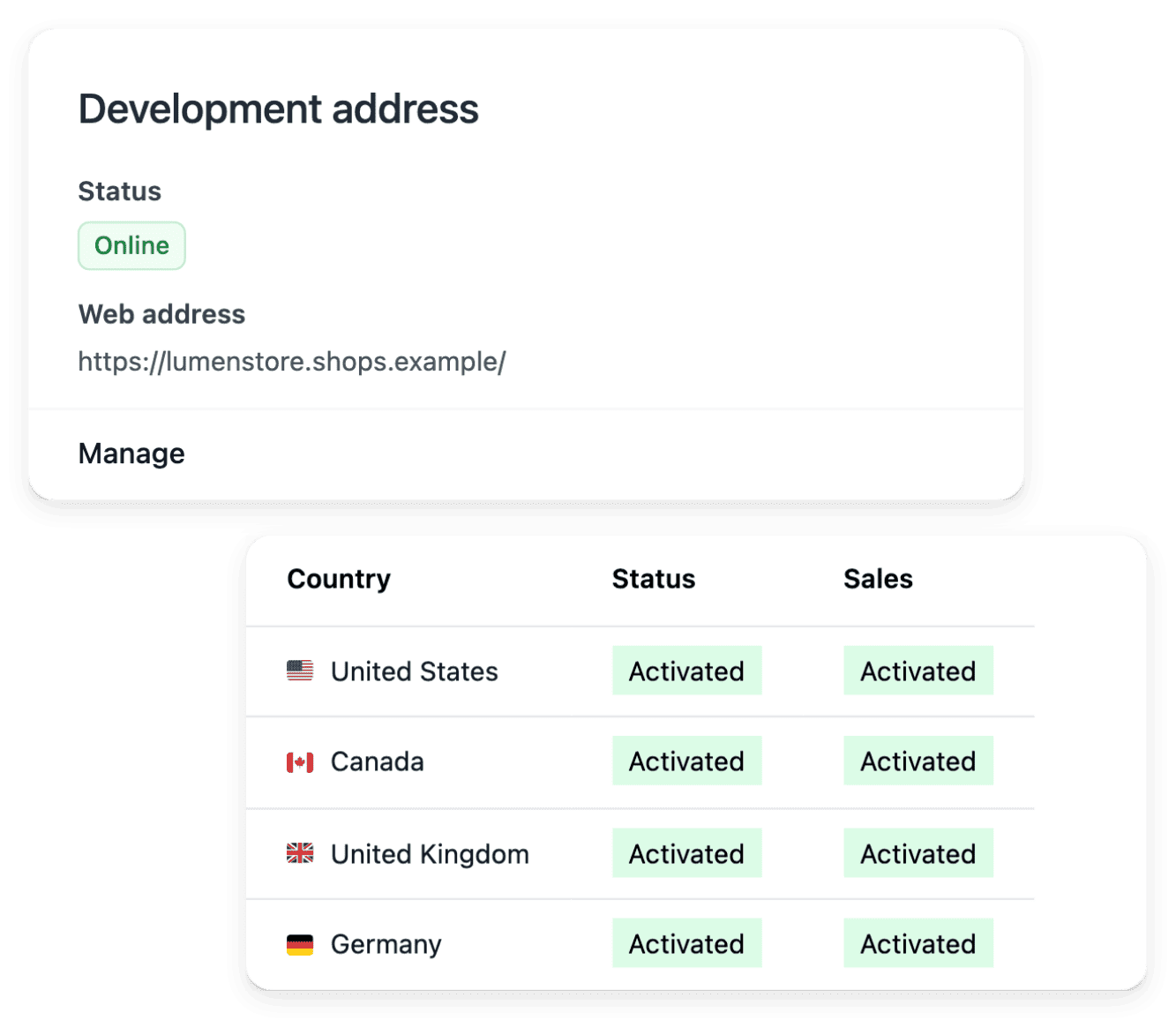
The supported countries you deliver to
6. Payments
Your own Stripe, Adyen or PayPal account
7. Drafts, then publication
The provided address or your own domain
8. Orders, after-sales and billing
A weekly bill, line by line
1. Your application
You apply with the application form. Ultineo E-commerce opens an account for a business that has been operating for at least six months and whose products can be shipped and delivered to at least three countries. The form asks for your surname and given name, your email address and phone number, your company and its country, your annual revenue, your project, where you sell today, the markets you target, your website, how you heard about Ultineo and your request, then asks you to confirm the two conditions.
Who acts. You apply.
In detail
2. The review by our team
Our team reviews each application against the two conditions before any account is opened: there is no self-service sign-up. The answer is sent by email to the address given in the form.
Who acts. The Ultineo team reviews the application and replies to you.
3. Your account opens
Once the application is accepted, your account is opened and you sign in to your shop workspace. Opening the account is free, with no monthly fee and no minimum commitment.
Who acts. Ultineo opens the account; you sign in.
In detail
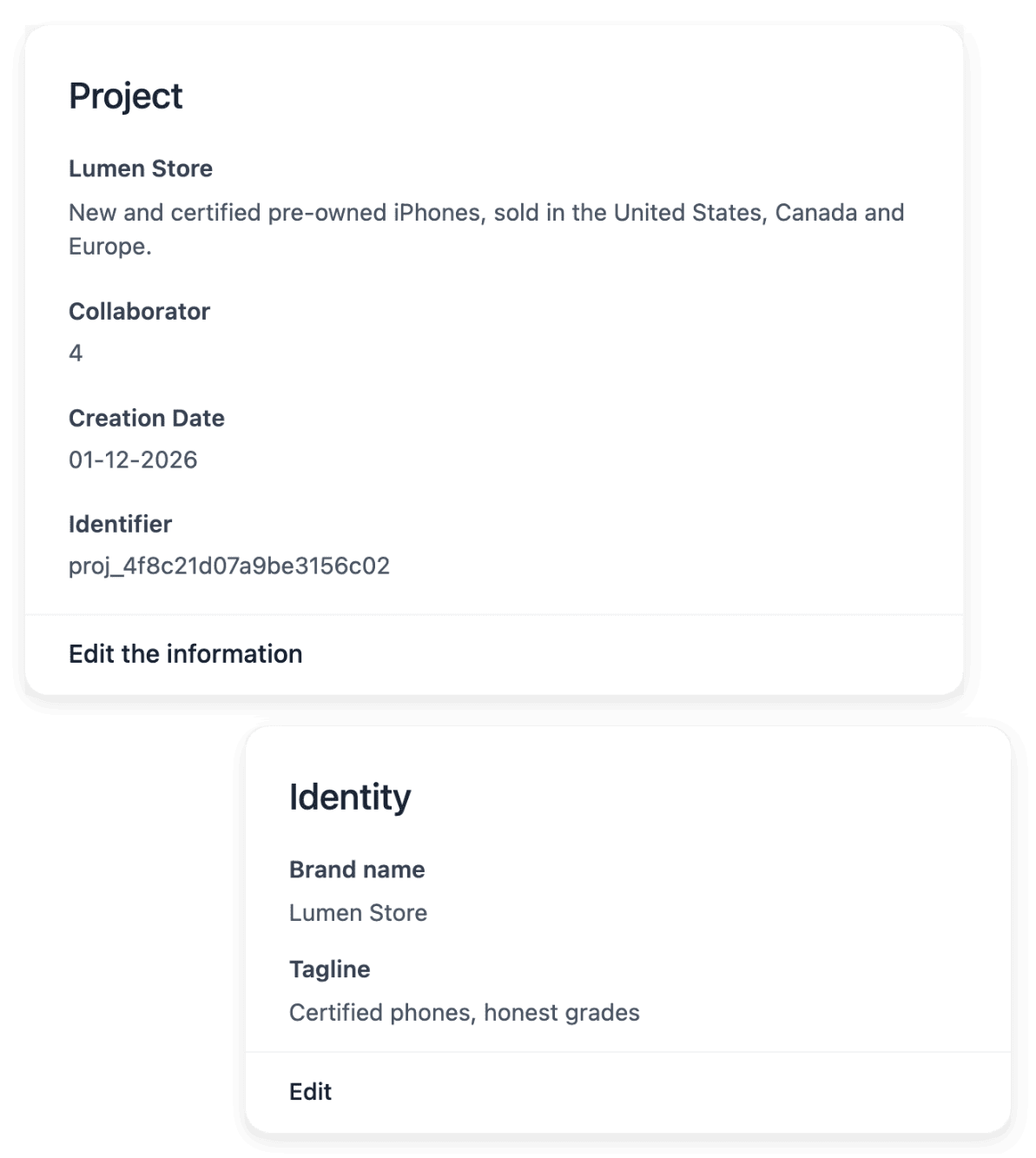
4. Your workspace
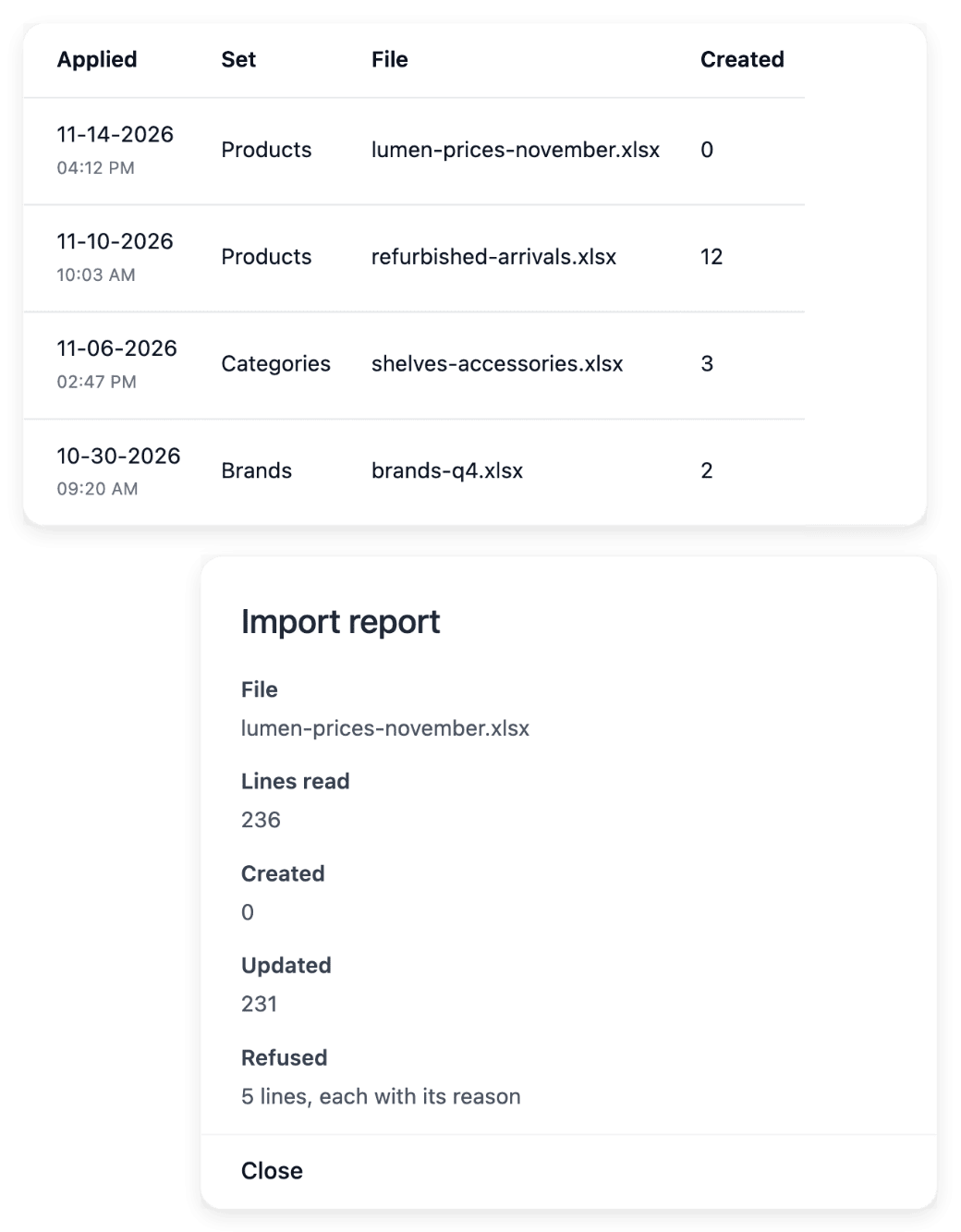
In the workspace you set the shop’s identity, adjust its theme and build its pages and sections. You add the catalogue product by product or import it from a CSV file: each import returns a report line by line, so you see which lines were applied and which need a correction.
Who acts. You prepare the shop.
In detail
5. Countries
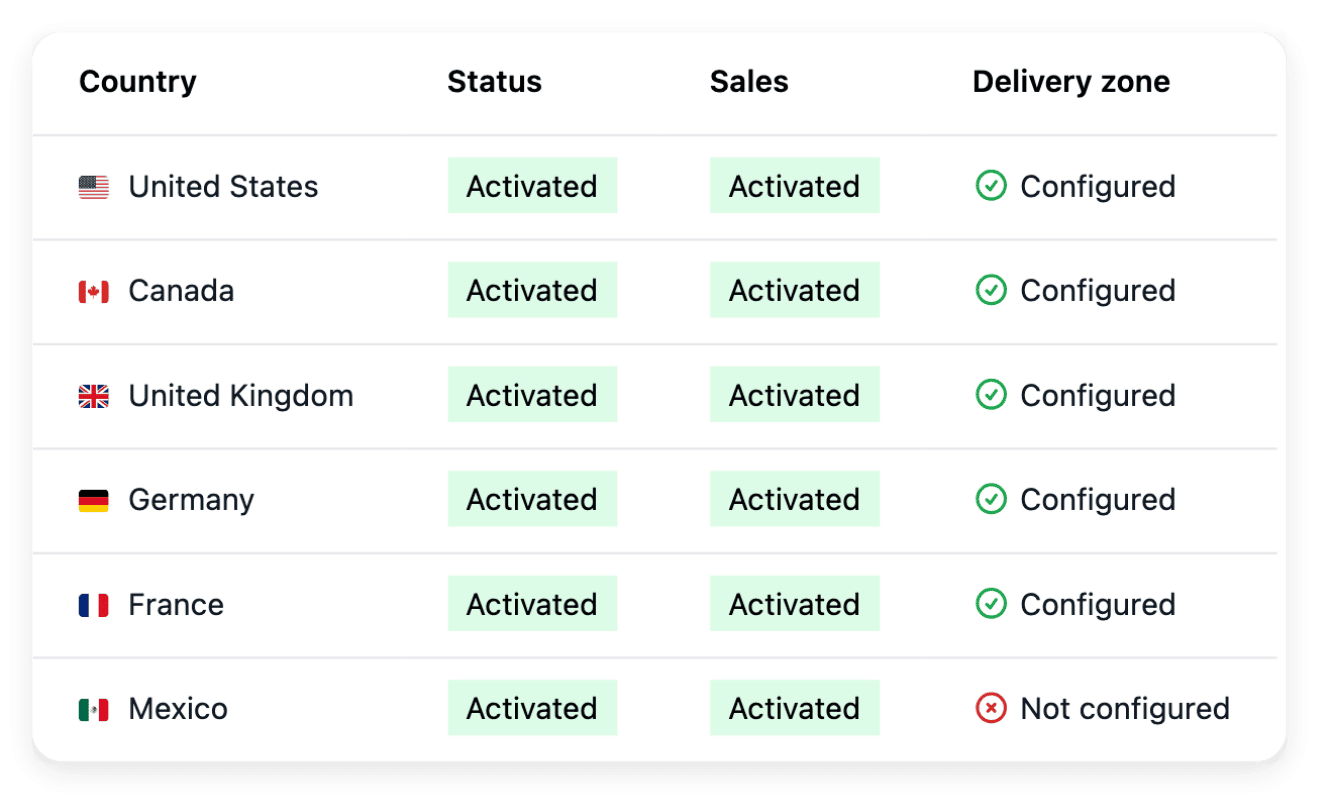
You activate the supported countries you deliver to, each as its own country version, with no activation fee. For each one you set the delivery settings and the currency it shows, with an optional price adjustment. The shop’s texts are translated into each language served, without overwriting your own wording.
Who acts. You choose the countries and their delivery settings.
In detail
6. Payments
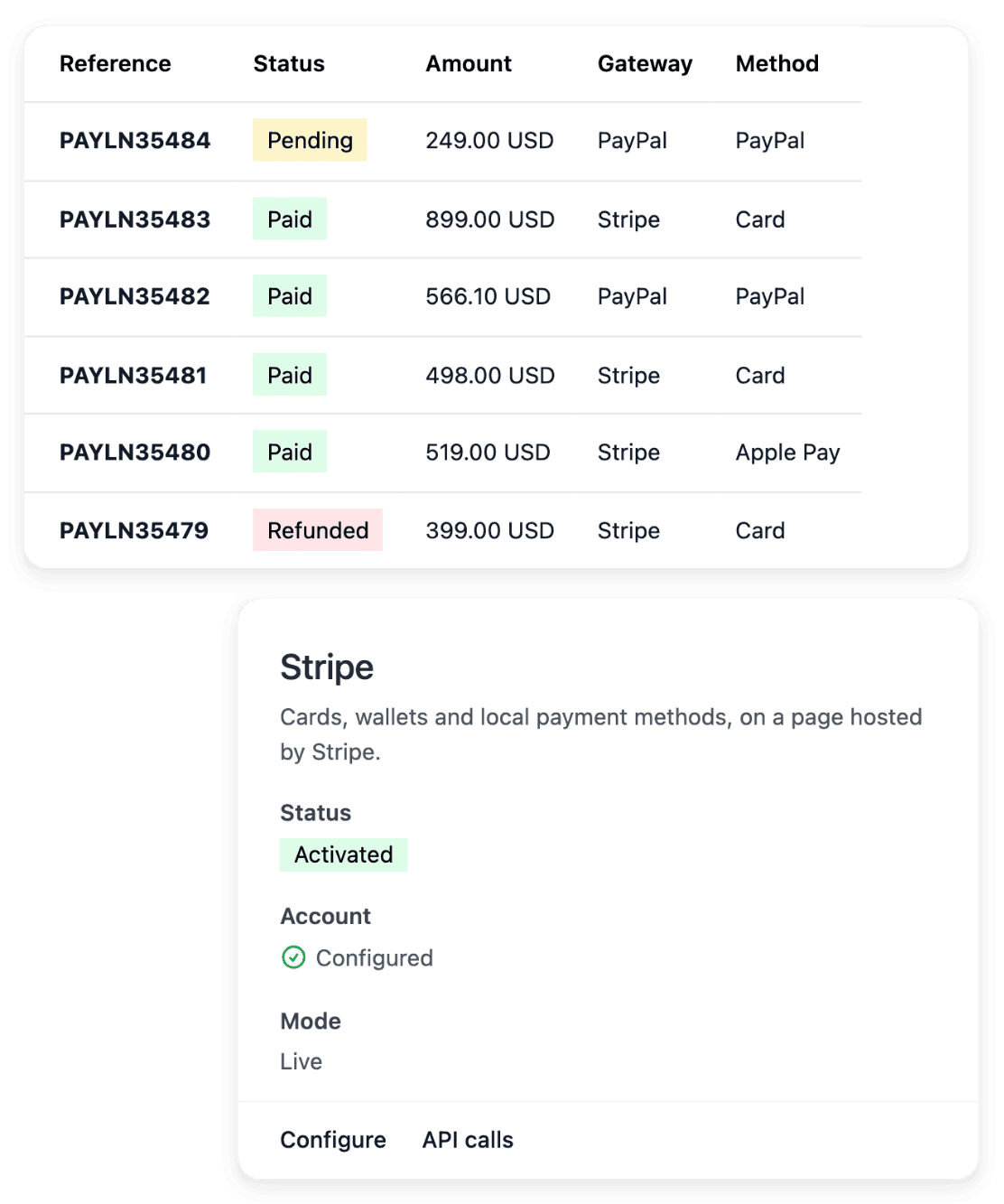
You connect your own Stripe, Adyen or PayPal account: your buyers pay into that account and Ultineo does not collect your sales. The payment method is activated after a live check by the provider.
Who acts. You connect your account; the provider checks it.
In detail
7. Drafts, then publication
You prepare the shop with drafts, then publish it. It is served on the address Ultineo provides, or on your own domain name once you connect it.
Who acts. You publish when the shop is ready.
In detail
8. Orders, after-sales and billing
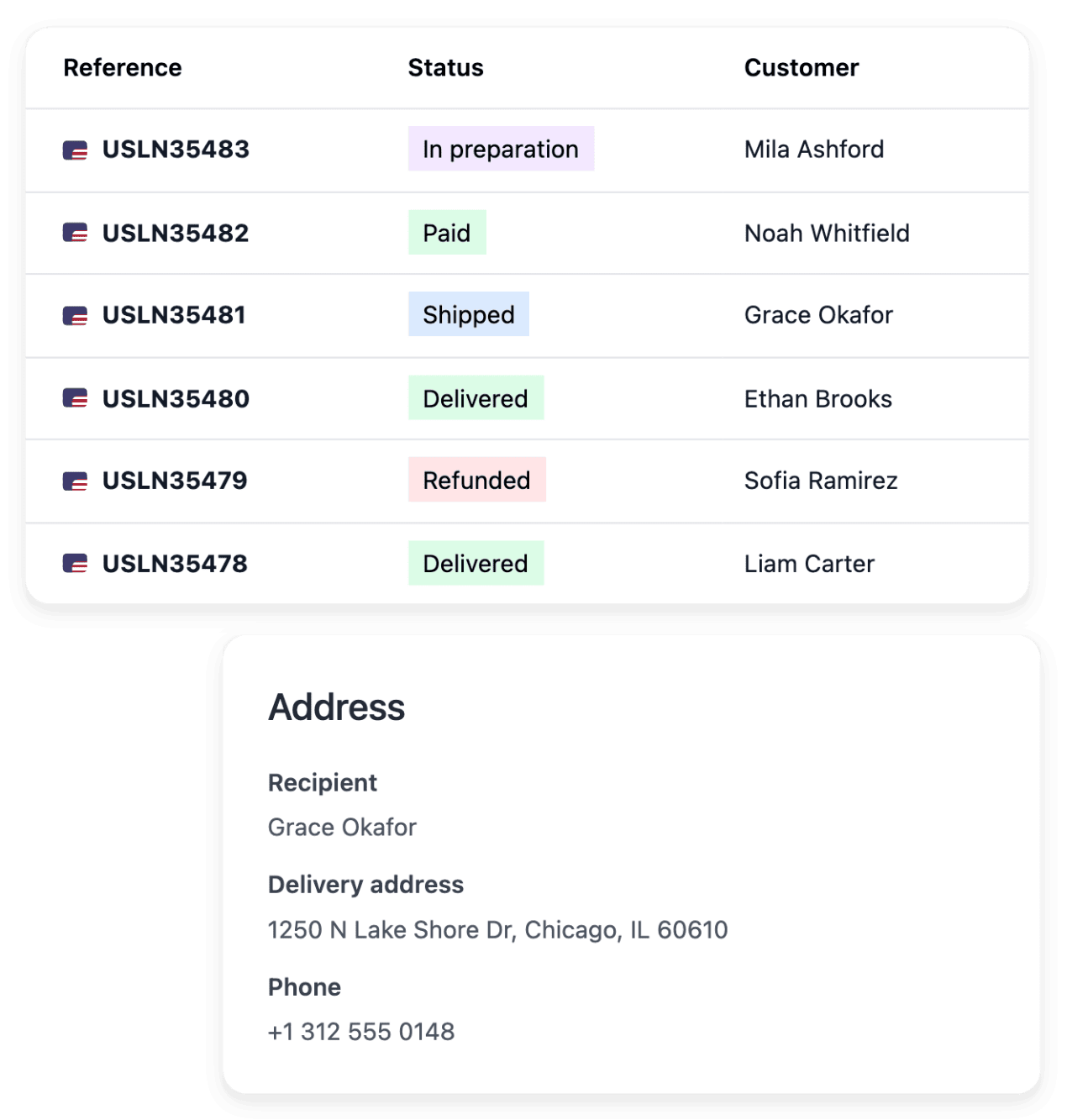
Orders arrive in the workspace with their payment and shipment. Returns, refunds, refused parcels and carrier claims stay attached to the order. Each week Ultineo bills one commission line per collected payment, one credit line per refund and the metered operations you used.
Who acts. You run the shop; Ultineo bills each week.
In detail
A clear starting point for your shop
Tell us about your business. We will review your project and confirm the terms that apply to your shop.
Frequently asked questions
Yes. Opening your account is free once your application is accepted, with no monthly fees and no minimum commitment.
They are separate from the Ultineo commission. You can use your own supported Stripe, Adyen or PayPal account once its configuration is ready. Your provider applies its own pricing and terms.
Adding supported countries, languages and currencies has no quantity limit or activation surcharge. You still need to prepare delivery, payments and translations; any metered services and external costs remain separate.
Billing follows a Monday-to-Sunday week in UTC. The following week allows adjustments, then the period is finalized and invoiced. The payment deadline is the one agreed for your account. An invoice still unpaid after its due date suspends your shop’s domains until it is settled.