How a reasoning run works
From a task described in a few lines to an answer built into your software: the four stages of Ultineo Reasoning.
Four stages
-
1Stage
Create the application
A name, a model, instructions and the fields to fill in.
-
2Stage
Launch a run
The fields are filled in on screen or sent through the API; the run is queued.
-
3Stage
Chain
In a chain, the answer goes to the next step, according to the conditions you set.
-
4Stage
Read and measure
The answer, the duration and the tokens used are kept for every run.
The application: what defines a reasoning step
- The model
You choose a model from the library and its size. A small model answers fast; a larger one handles more demanding tasks.
- The instructions
They describe the application’s role, what it must produce and in what form. They apply to every run, identically.
- The fields
They are the inputs of the run: a customer’s request, notes, a document, an image. Each field has a name the API uses as is.
An application and a run, in plain view
On the left, what you define once. On the right, what you get at each launch.
The application
Triage a customer request
- Model
- Qwen3 · 4B
- InstructionsVisible to you only
- Classify the message as low, normal or urgent.
- Fields
- Customer messageLong text, required
A runFinished
- Customer message
- My parcel has not arrived and the tracking has not moved for a week.
- Answer
- urgent
An application, seen from your workspace
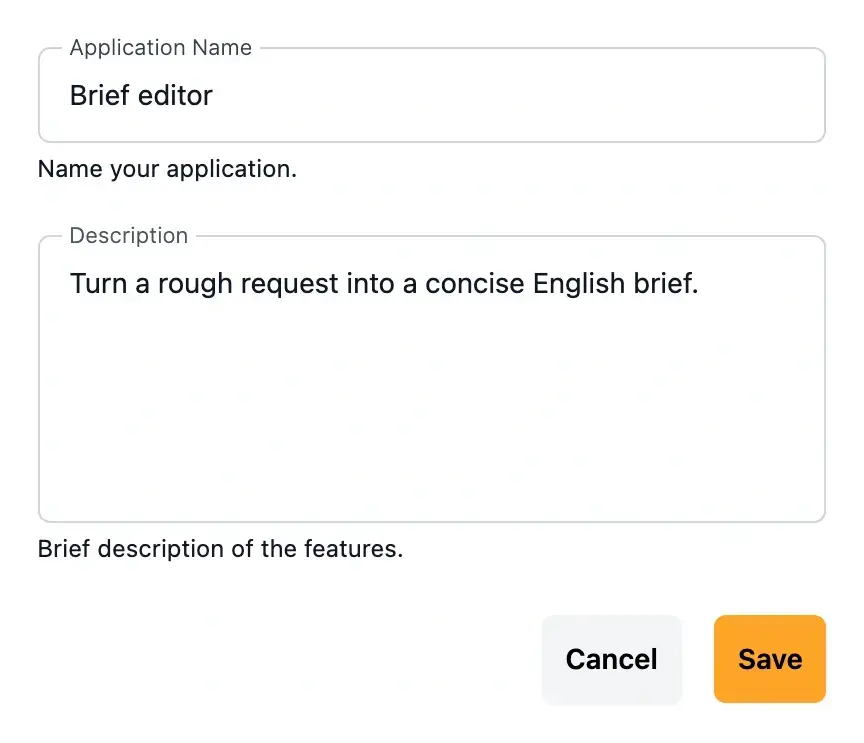
The name and the description say what the application does. The fields are what gets filled in; the instructions stay with its owner.
The same application runs on screen, from the catalogue or through the API.
The run: from the queue to the answer
- Queued
Running an application creates a run with the status new, handled in turn according to your plan’s priority.
- Processing
The model writes the answer following the instructions. The run then moves to finished, or to failed if it could not complete.
- Kept
A finished run keeps its answer, its duration and its input and output tokens.
The chain: when one answer calls for another
- A trigger
The chain starts when you launch it.
- Steps
Each step runs an application with the answer of the previous step.
- Conditions
Between two steps, a rule tests the answer and picks the branch to follow.
Integration: the same run, from your tools
- Create
Name the application and provide one value per field.
- Follow
Read the run back until it is finished or failed.
- Use
Display the answer in your software, store it or pass it on to the next step.
The same run, through the API
Your software sends the application’s identifier and its fields, then reads the run back until it is finished.
What you send
{
  "app_id": "mapp_0ceacb46e5b3a99e91b6",
  "data": {
    "message": "My parcel has not arrived and the tracking has not moved for a week."
  }
}
What you read back
{
  "id": "runi_1b7f4e0c96a2d8531fca",
  "object": "reasoning",
  "status": "finished",
  "response": { "miid_9a4c07e5b312df8641ca": "urgent" },
  "tokens": { "input": 412, "output": 3, "total": 415 },
  "duration": 1.84
}Start with one task
Describe one task you repeat every day; we will show you the application that handles it.
Questions about Ultineo Reasoning
It depends on the model, the requested length and the queue. Every finished run shows its exact duration.
It moves to the failed status, which is final. You can run the application again with the same fields.
Yes. When a condition is not met and its branch leads nowhere, the chain stops there.