Translate your shop and keep each language up to date
Ultineo E-commerce shows, product by product, which wording is available, missing or outdated in the languages your shop serves. You maintain translations on the product record, and you can launch translation tasks for product names, help articles and shop wording, then review each result.
What makes a translated shop hard to keep
- More than product pages
Before paying, a buyer reads more than product pages: the wording of the shop itself counts as much. Customized shop wording has its own translation task, which keeps the source text linked to its target languages.
- Translations that fall behind
Every time a source text is edited, its translations still describe the previous version. An older translation is not presented as an up-to-date translation of the edited source: you see when a translation is older than its source.
- Open, not yet translated
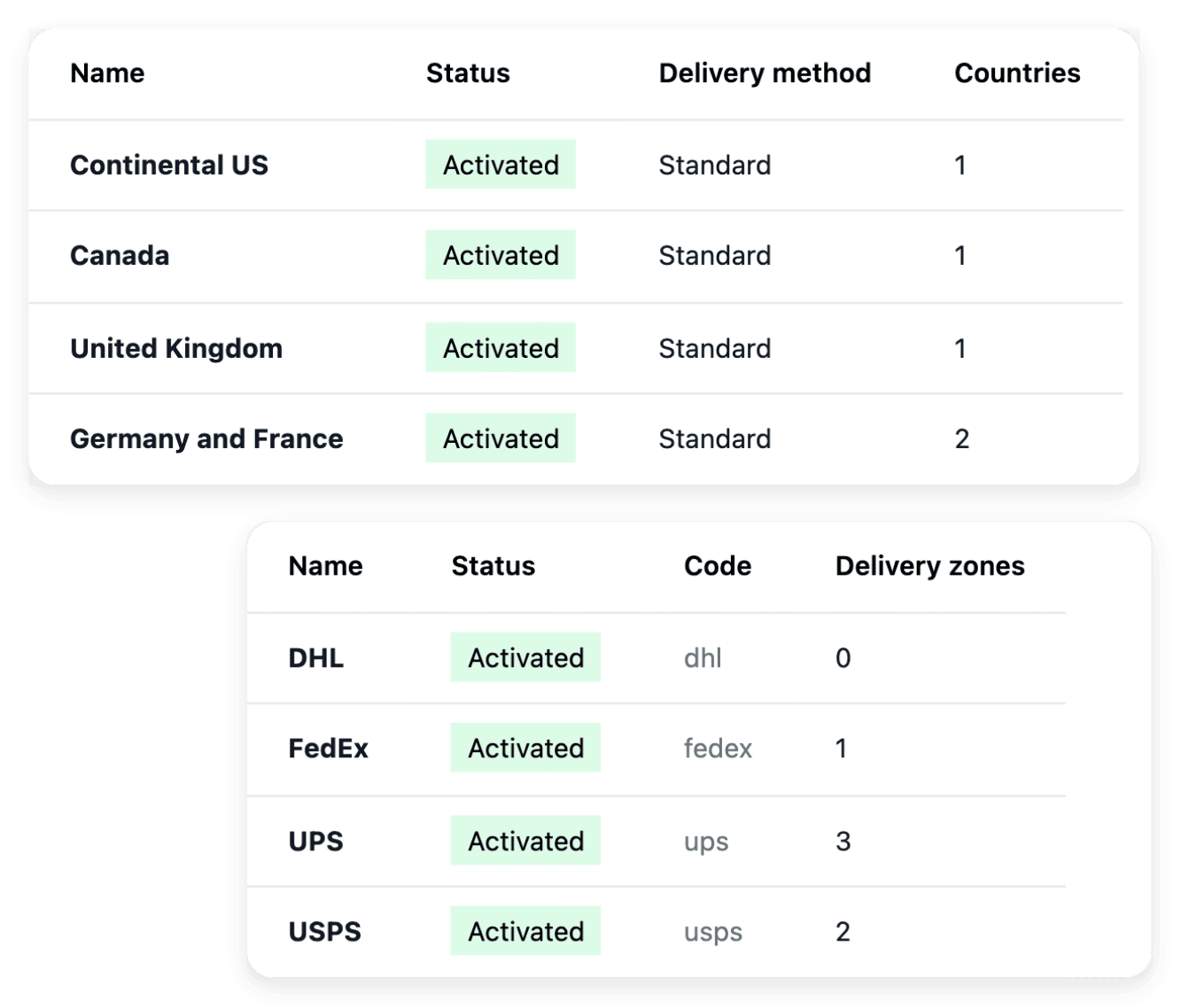
A country can be open for sale before its buyers can read everything in their language. Choosing a country and having complete translations are two different checks, and the Countries tab of Publication shows the languages of each activated country.
From a new language to a reviewed translation
-
1
Read your shop’s languages In Publication, open the Countries tab: each activated country is listed with its languages. The languages available to the translation tasks follow the countries your shop serves.
-
2
Check the language coverage Open the content workspace of a product and read its language matrix, which shows the wording that is available, missing or outdated. Review it separately from the search fields.
-
3
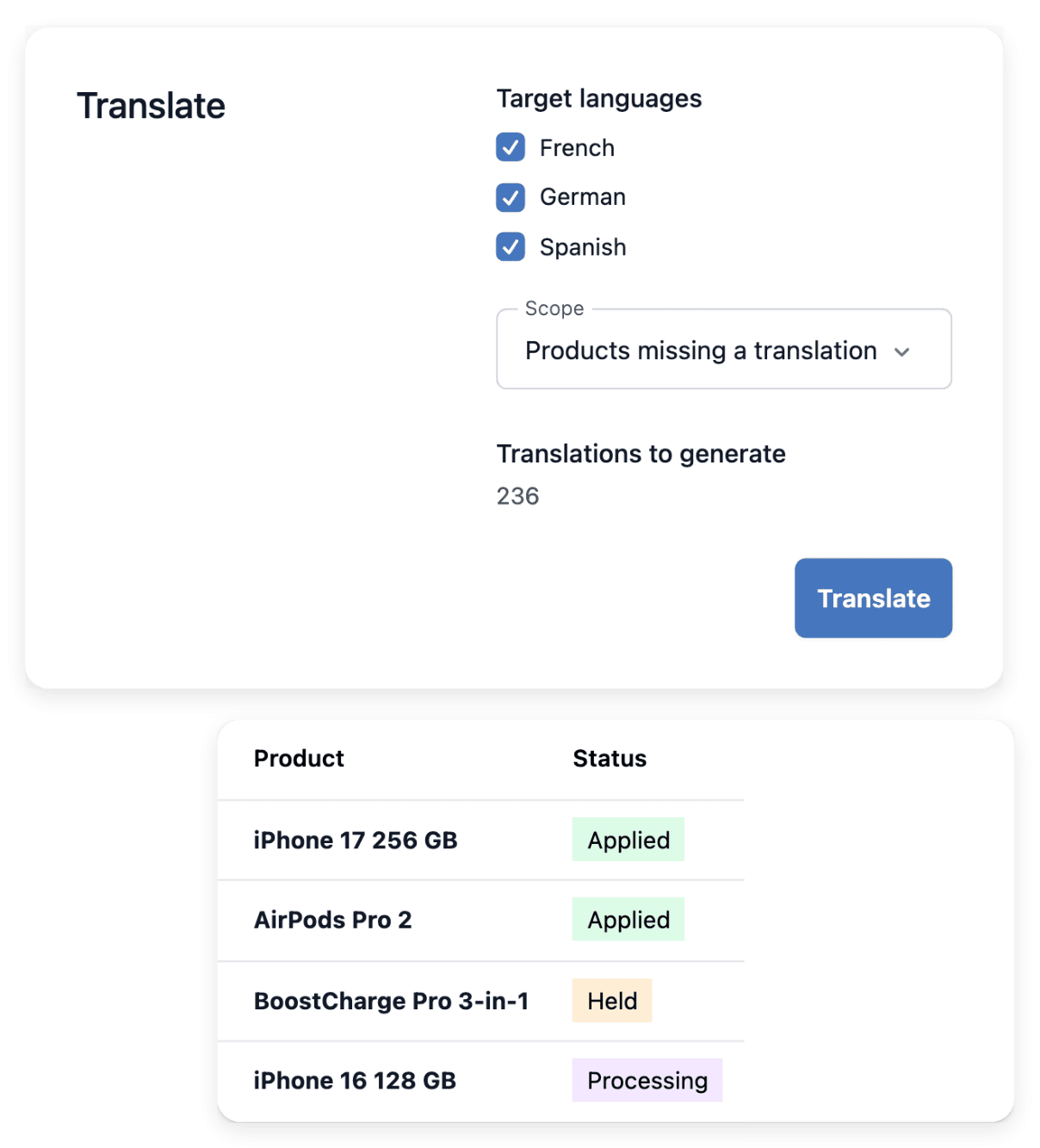
Launch a translation task In the screen of the task, select the eligible items or the target languages, then follow its progress and its results item by item. A task can be stopped when it should no longer continue.
-
4
Review each result Inspect the completed content on the product or the article concerned, and make your own corrections. Then read the shop as a buyer of that country would, in the language it shows.
See what is missing or outdated in each language
The content workspace of a product brings its description, its search wording and its translations within reach. Its translation matrix covers the catalogue language and the languages of your active selling countries, and missing and outdated wording remain visible there. You maintain the translations from the product record, for the languages you selected.
A complete English description does not mean that every served language has been prepared: review the language coverage product by product. Descriptions and translations do not change the price or the stock of the item.
Launch translation tasks and check what they changed
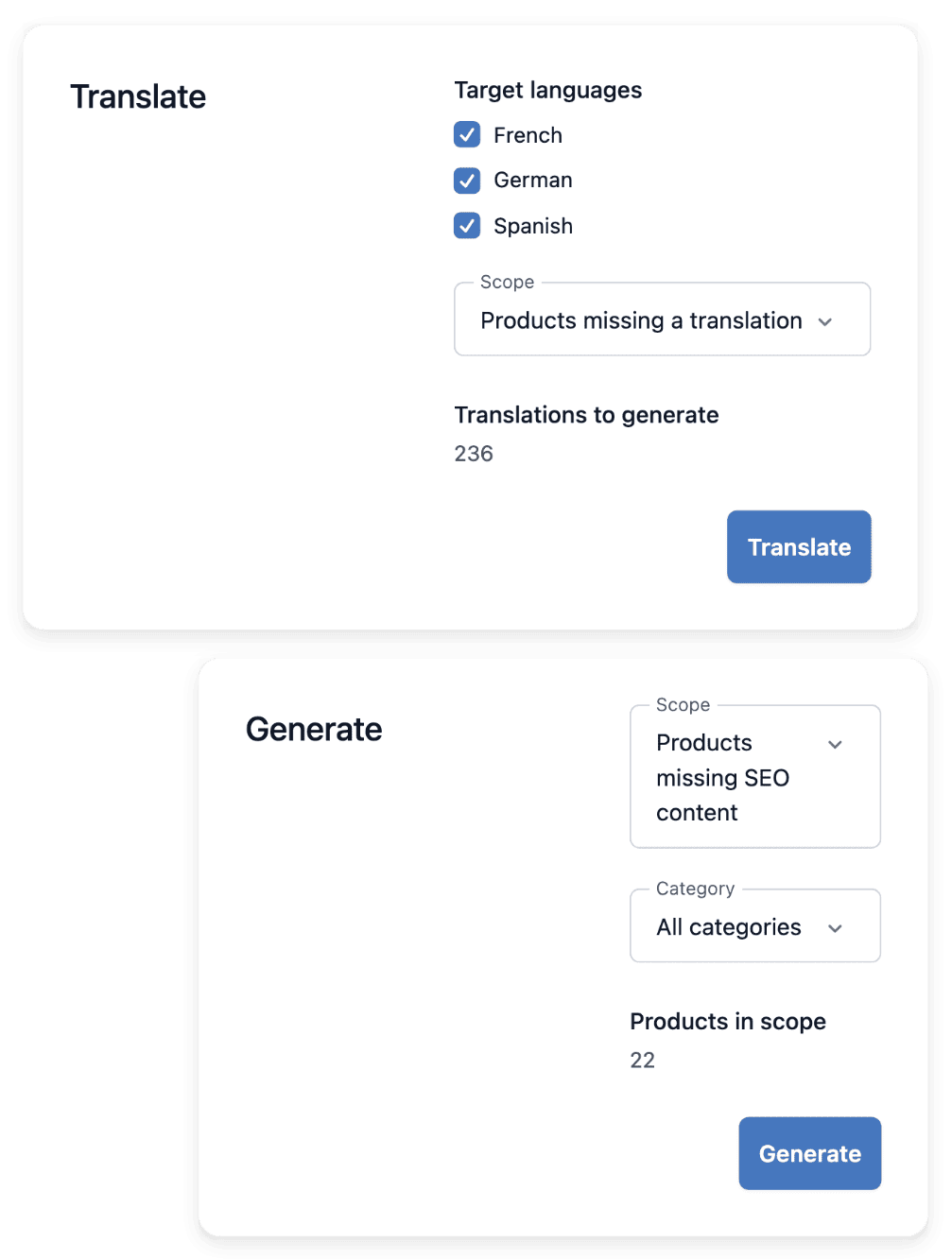
The translation tasks cover product names, for the target countries and languages your shop supports, eligible customized help articles and supported customized shop wording. You choose the target and the scope before starting a run. The history then distinguishes applied items, failed items and unfinished work.
These tasks depend on the configured AI service, and a progress total is not proof that every record was updated. They concern wording, not selling prices or stock, and each result stays subject to the language coverage your shop needs: the review is yours.
The capabilities behind it
- Product descriptions
Complete eligible missing descriptions
- Countries, languages & currencies
Sell across countries and languages
- Documentation
Your customer help center
See what else you can do
- Sell abroad
Open your shop to buyers in other countries, with delivery, payment and catalogue prepared for each.
- Deliver abroad
Offer delivery choices that exist for each destination, then follow every parcel to its delivery.
Go further
Open your shop to buyers who read another language
Apply to open your shop: our team reviews each application before the account is opened.
Questions
Yes. You maintain the translations of a product from its record, with or without a translation task. The tasks are an assistance you launch when the AI service is ready; in both cases the language matrix of the product shows what is still missing or outdated.
The shop opens with standard help articles that you can keep or customize. For the articles you customized, a supported task translates them into the languages your shop serves when the AI service is ready. Review each result: translation does not replace checking the answer itself.
What that buyer reads before paying: product names and descriptions, delivery and returns pages, help pages and order emails. Check each one in the language the country shows. Then decide who answers: the Contact tab of Identity holds the contact shown for each country, and a phone number belongs there only if someone picks up in that language.