Help buyers find your shop, then come back to it
Ultineo E-commerce lets you publish your products for shopping services, announce your offers on your shop, and manage promotions, a newsletter audience, a membership programme and reviews. Audience and Statistics then show the visits and the sales recorded over the period you choose.
What stands between your shop and its next buyers
- Buyers who search elsewhere
A buyer who has never heard of your shop starts the search somewhere else. With Ultineo E-commerce, you prepare product feeds for the supported shopping and advertising services, with the products you select and their country, language and currency settings.
- A first order, then nothing
After a first order, a buyer returns when the shop gives a reason to. You keep the subscribers who agreed to receive your messages, define a membership programme for your regular buyers, and choose the reviews that appear on your shop.
- Campaigns you cannot read
An offer or a listing teaches nothing if you cannot see what followed it. Audience shows where visitors come from and which pages and products attract their attention, and Statistics breaks your sales down by product, country, payment method and promotion.
Go further into this use case
- Publish product feeds
Send each shopping service the right products, with the country, language and currency of each market.
- Run promotions
Set an offer’s benefit, scope, dates and codes, announce it on your shop and read whether it was used.
- Bring buyers back
Keep the buyers you already have with offers, a newsletter audience, a membership programme and reviews.
Four steps, from the product feed to the figures
-
1
Publish a product feed Create a feed for a supported shopping or advertising service, select the products it should contain and inspect its preview. Then paste the feed address into that service’s console and review the result there.
-
2
Prepare and announce an offer Set the offer in Promotions first: its benefit, its scope and the dates when it applies. Then use Callouts to present it, in the announcement band for the whole shop or on the product cards concerned.
-
3
Keep in touch with buyers In Newsletter, browse your subscribers by market and prepare a campaign draft for everyone or for one market. In Membership, build the levels of your programme, each with its own discount and benefits.
-
4
Read what followed Choose a date range in Audience to see the sources and campaigns behind your visits. Then open Statistics for the sales of the period, down to the discount codes recorded on orders.
Prepare your products for shopping and advertising services
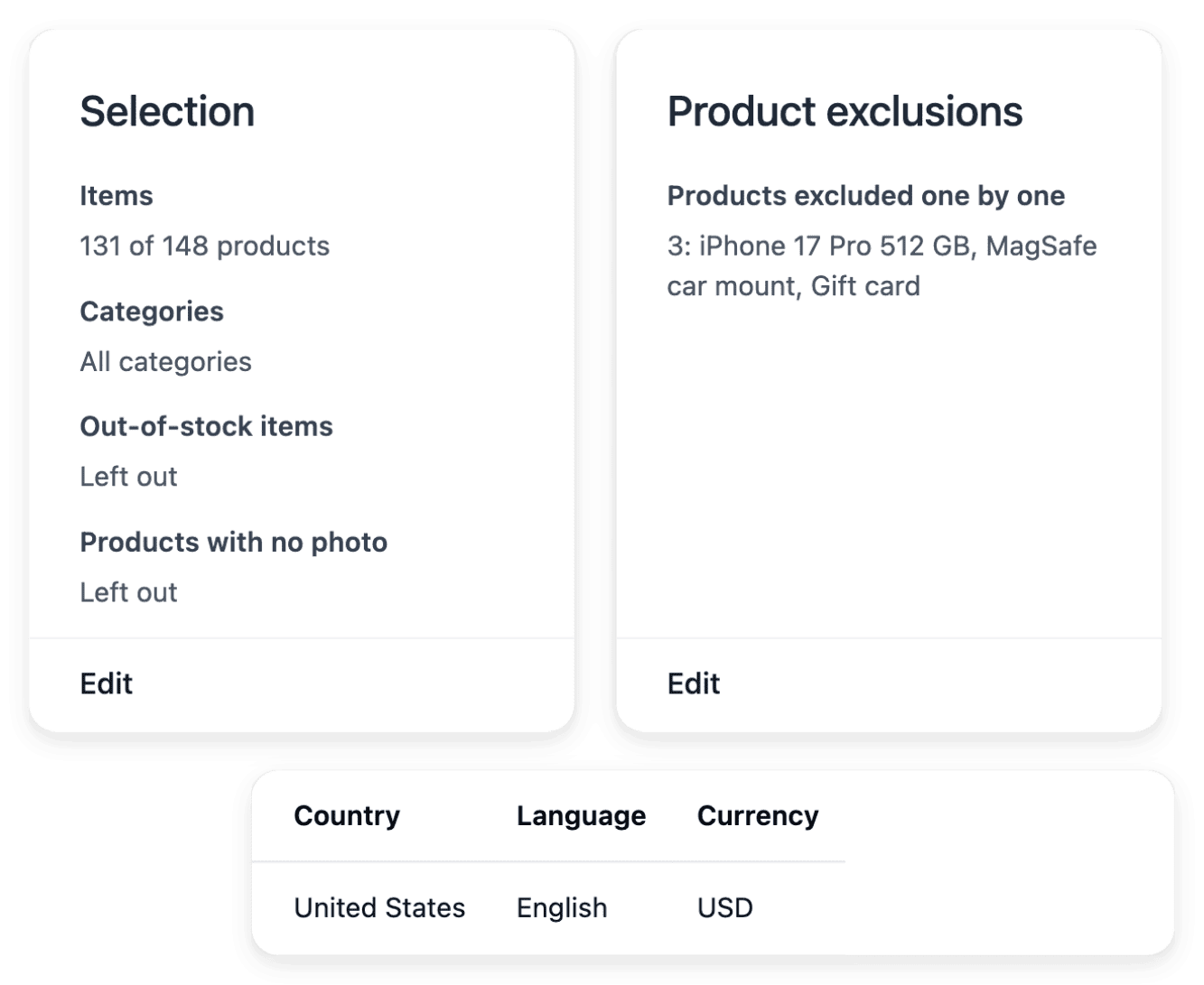
A product feed is a file that shopping and advertising services read to list your products. You create one for a supported service and choose its range with categories, individual exclusions and unavailable-item handling. The feed has country, language and currency settings, and each published country has its own address.
The feed publishes what your catalogue holds: correct incomplete product data on the product records rather than in a separate list. Preview the content before you give the address to the external service.
Announce your offers where buyers make their choice
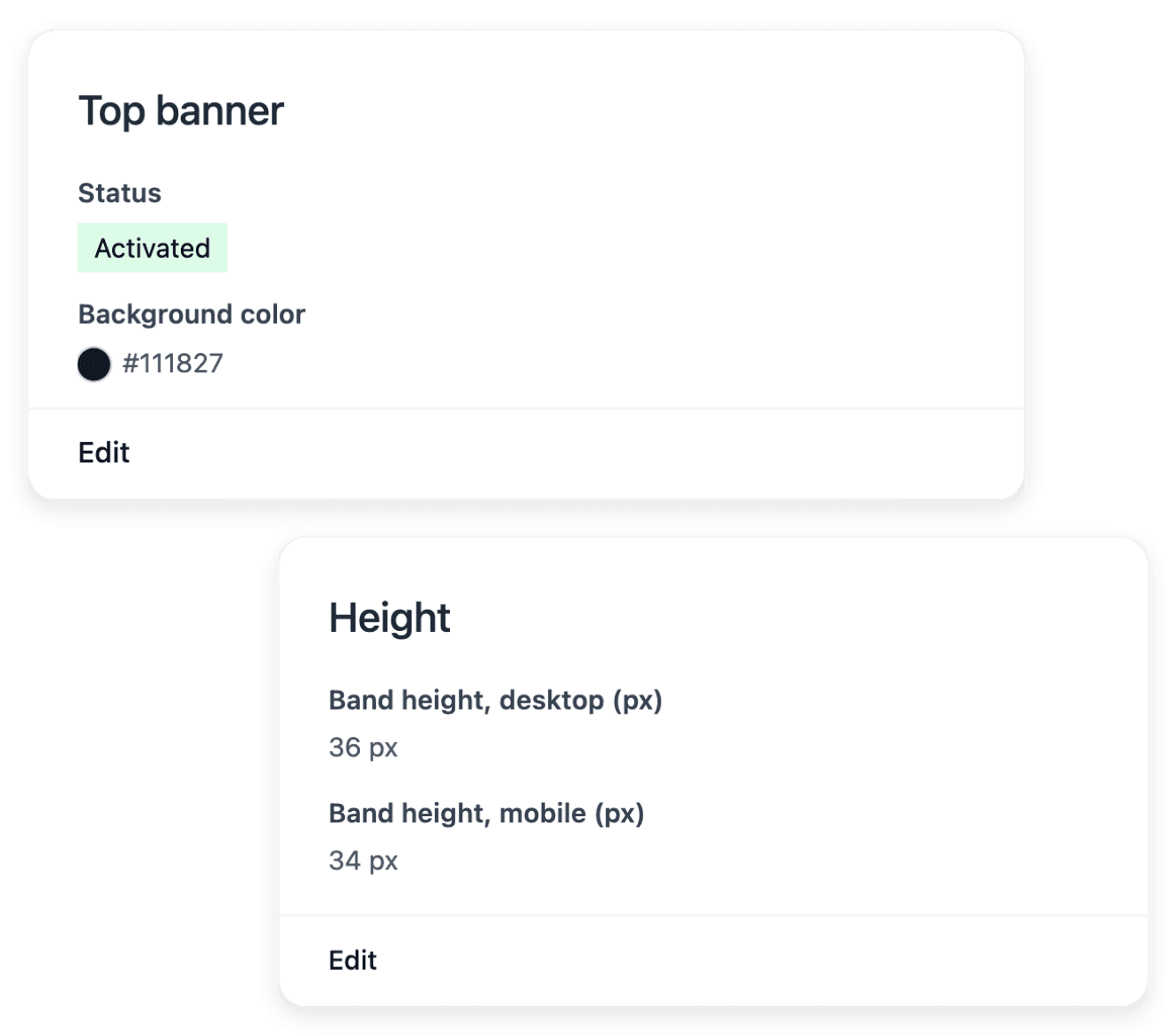
Callouts manages the short messages placed across your shop. The announcement band at the top carries the messages that concern the whole shop, and several sentences can rotate in it; badges, chips, notes and tags belong to the product cards. You also choose how former prices and savings are described on catalogue tiles.
Callouts presents an offer and does not create one: the actual offer is configured in Promotions. Check the dates and the eligible items in the promotion itself, separately from the wording.
See where your visits come from, then compare with sales
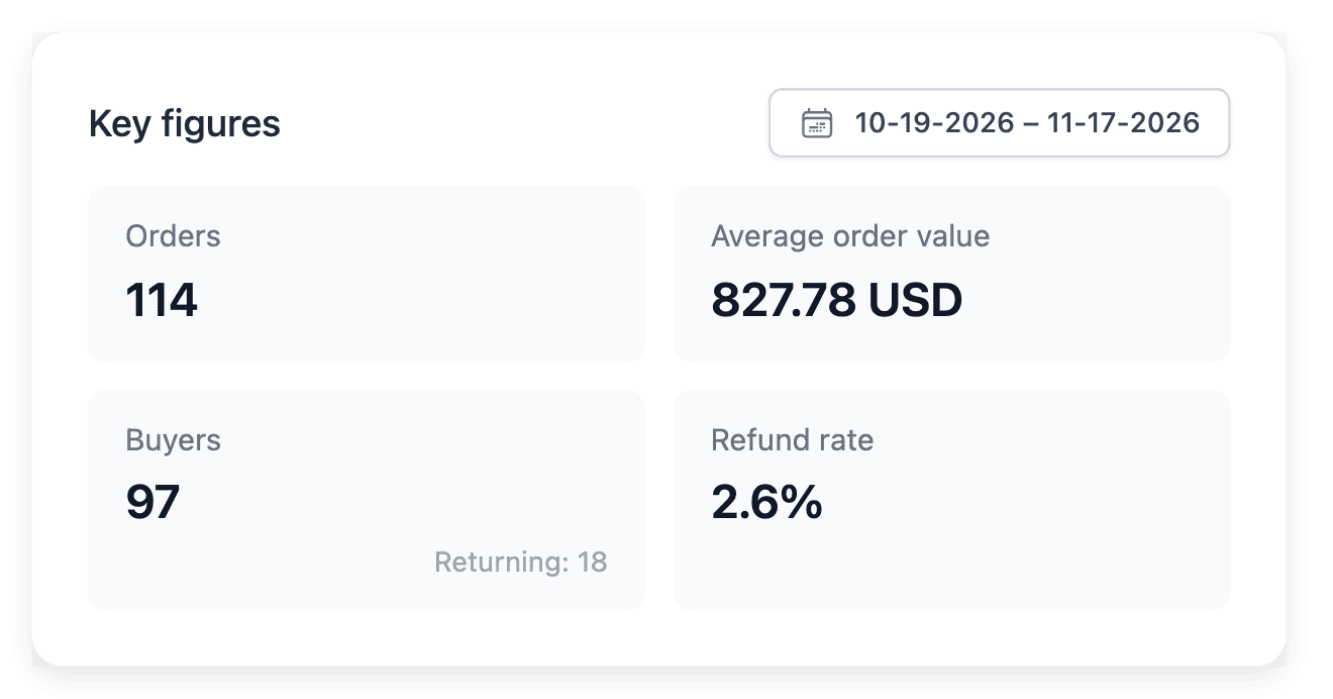
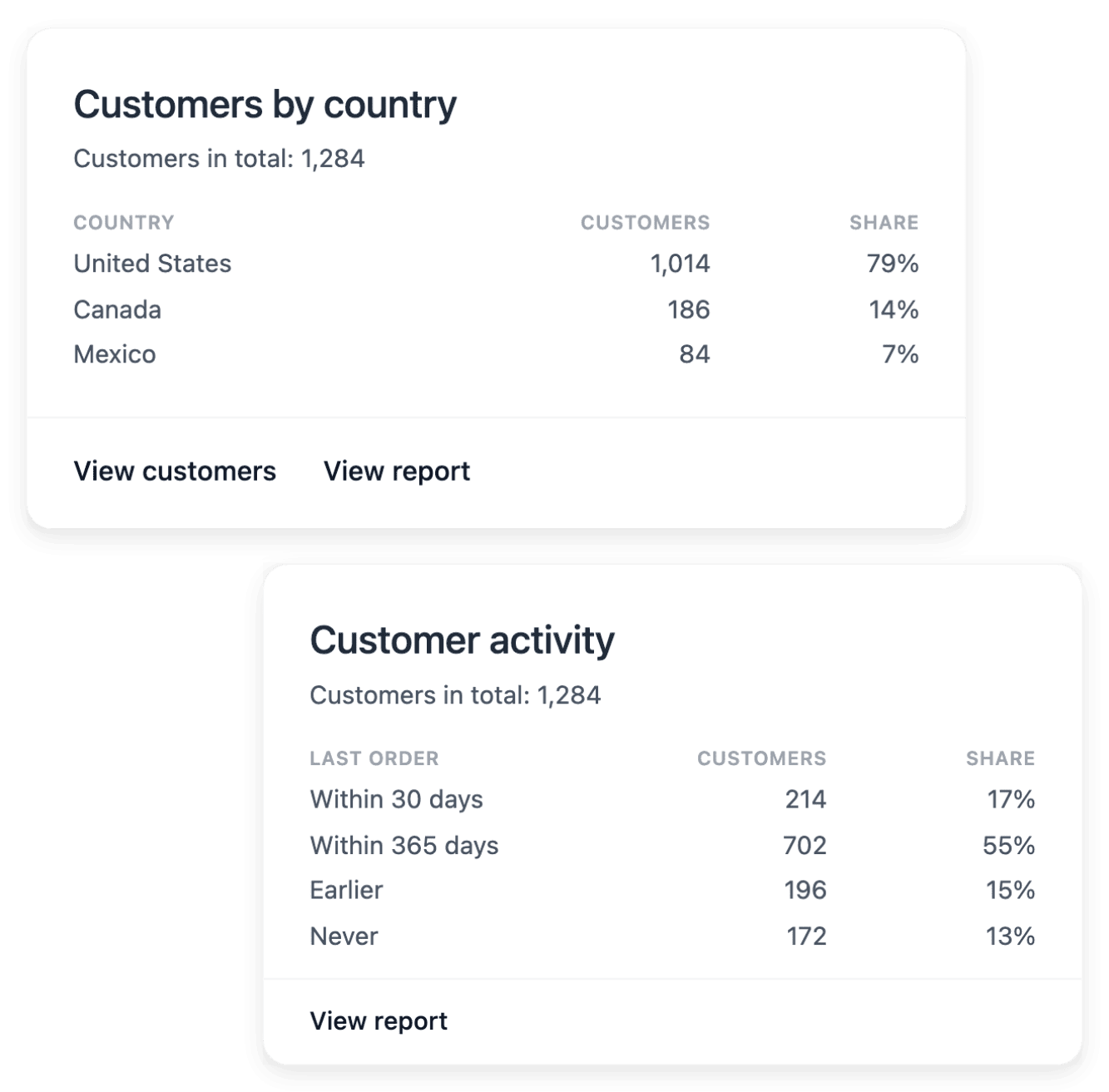
Audience follows page views, visits and daily visitors over the dates you select. Explore sources, referring sites and campaign information alongside country versions and devices, then the pages and products that attract attention before a purchase. Use Statistics to compare this interest with your sales.
Audience provides shop-side observations, not proof that a campaign caused each order, and a frequently viewed product is not necessarily a frequently purchased one. Review your acquisition service’s own reporting when you investigate an advertising campaign.
The capabilities behind it
- Product feeds
Product feeds for shopping services
- Callouts
Banners, badges and product messages
- Audience
Visitors, pages and product interest
- Promo codes
Codes, validity dates and usage limits
- Newsletter
Subscribers, consent and campaign drafts
- Membership
Member levels, offers and benefits
- Reviews
Ratings, comments and buyer photos
- Statistics
Sales reports by product and market
An example shop: Allo Allo
- 58 country versions
Each with its own address, its languages and the currency set for the country.
- 30 interface languages
Language versions of the shop interface. Its legal policies are not all translated.
- 1,525 product pages
Product pages listed in the sitemap of one country version of the shop.
Measured on the public shop.
Go further
Give new buyers a way to find you, and a reason to return
Send your application to open a shop: our team reviews each one before an account is opened.
Questions
No. A generated feed does not mean that the external service approved every item or that any advertising started. You paste the feed address into the service’s console, and the destination service decides what it accepts. Advertising activation remains a separate operation, carried out in that service.
Yes. In the feed’s link tracking, enter a source, a medium and a campaign name: these words are added to the link of every item and show in Audience as the source, medium and campaign of those visits. Do not change them without a reason, because a word that changes splits your visits in two. They describe visits, not sales: completed sales are studied in Statistics.
Yes, one customer at a time. In Communication, you choose a customer, a subject and a message, and the email uses your shop’s configured sender and its fixed layout. A sent message does not prove that the customer read it. A newsletter campaign is a different matter: Newsletter prepares its audience and its drafts, and sending is a separate later step.
Yes. In Press articles, record the publication, the date, the language and the address of an article, then add the quotation and the logo your shop should display. Recording an entry does not by itself show it on a page: you place it in a press band with the section and page tools. The tool presents coverage you already have; it does not contact journalists.
No. A promotion defines an incentive whose actual use and results you can follow, and the benefits of a membership programme do not guarantee repeat purchases. Statistics summarizes recorded activity without proving every marketing cause. None of these tools defines your commercial strategy by itself.