Solutions · Bring AI into your work
Add a reasoning step to a screen you already have
The Ultineo Reasoning API runs an application from your own software: your code sends the fields, then reads the run back until its answer is there. Your software displays the summary, the suggested reply or the classification in the existing screen.
What makes AI hard to fit into a screen
- An answer that takes time
A reasoning step does not answer like a search in a database, and a screen cannot freeze while it waits. Runs are asynchronous: creating a run returns at once with the status new, and your software reads the run back until it is finished.
- Inputs and outputs to agree on
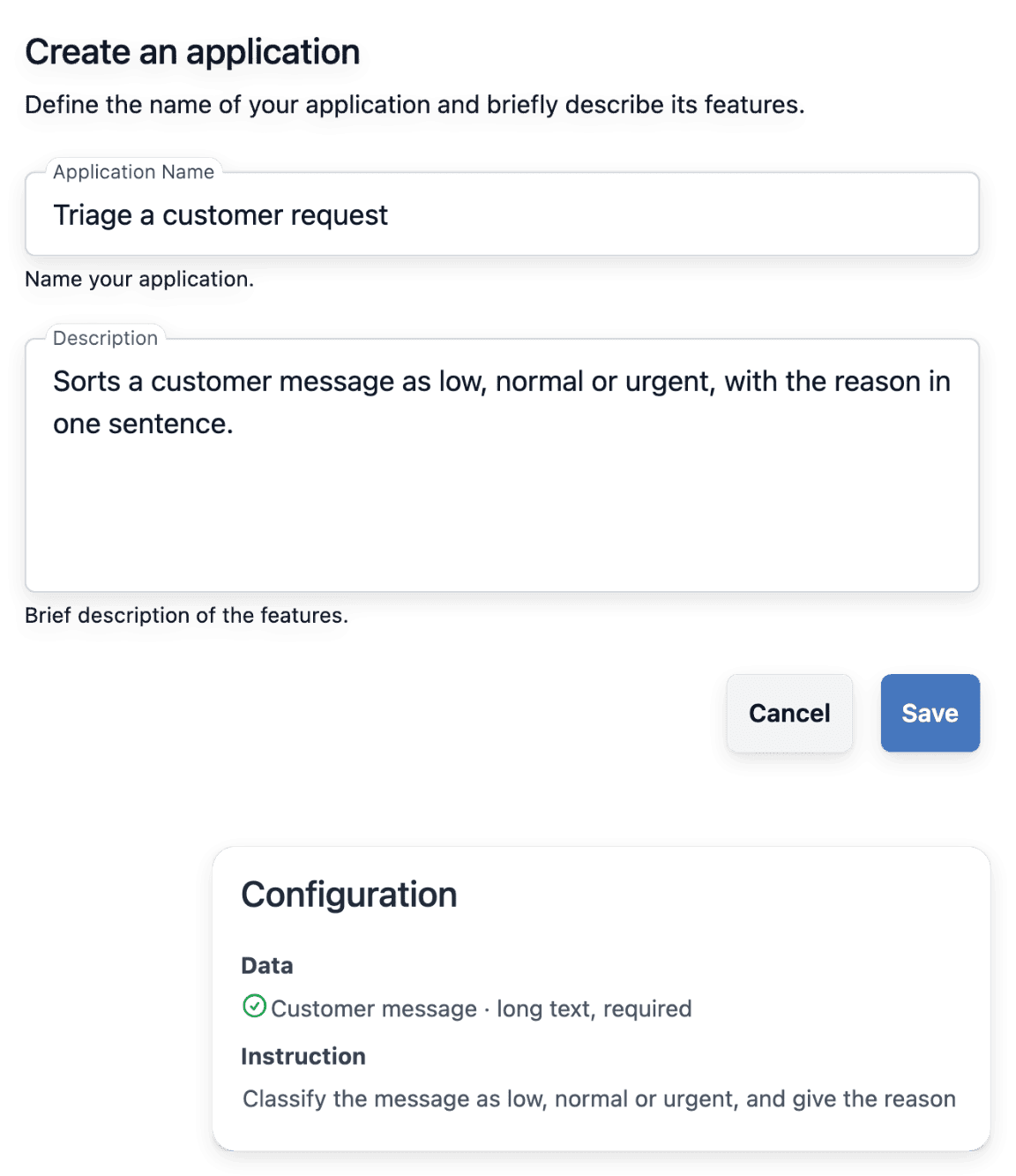
Software needs to know exactly what to send and in what shape the answer comes back. You define the fields of an application, each with a name the API uses as is, and each run returns its answer in the form your instructions ask for.
- A key written into software
A key placed in an application, a script or a server should open as little as possible. A project key is tied to one project and can never read or write the data of another project, whatever the request.
From an application to an answer in your screen
-
1
Pick the application to run Start from an application of your project, created in your workspace or through the API. Your software can list your applications and read the one it needs, with the fields a caller fills in.
-
2
Create the run Your software sends the project key in the Authorization header, names the application and supplies one value per field, keyed by the field name the application returns. The run is queued and handled in turn.
-
3
Read the run back Another call reads the run back until its status is finished or failed. Both are final.
-
4
Display or store the answer Display the answer in your software, store it or pass it on to the next step. Then check the run itself: once finished, it carries its answer, its duration and its usage for input and output.
Read every answer of the API the same way
The API exchanges JSON over HTTPS and always answers in the same envelope: the status code, a short title and the response, on success and on failure alike. Error messages are stable English strings that name the missing scope or the rejected value. A call that cannot be accepted is refused with its own status code.
The API returns the input fields of an application, never its instructions, which belong to the owner of the application. Deciding what your screen shows while a run is not finished, and what it does with a failed one, remains your work.
Link several steps behind one screen
A step that does one thing is easier to tune and check than one long instruction that does everything. Through the API, the answer of one run can become a field of the next: your code chains the steps as it sees fit. In your workspace, a chain is drawn with conditions you can read: the previous answer contains a word or does not, equals an expected value such as a category, or is not empty.
When your code links the steps, testing each answer and choosing what follows is its job. Each application step is a run in its own right, tracked and counted like any other, so a task split into steps leaves one run per step to read.
The capabilities behind it
- API
Run your reasoning from any software.
- Reasoning chains
Several applications in sequence, with conditions.
- How it works
From the application to the answer, step by step.
See what else you can do
- Bring AI into your work
A recurring task handed to an AI application, launched from your tools, with an answer you can check.
- AI for shop content
Launch focused AI tasks for missing descriptions, search texts, translations and photos, then review.
Go further
- Ultineo Reasoning
Start with one screen and one reasoning step
Describe the screen and the task to add to it: our team opens your project after a first exchange.
Questions
Yes. Each key carries scopes, an optional expiry and a status you can switch off, and a key can never create another key with a wider scope than its own. Only a hash of the key is kept, so a key is shown in full once: a lost key is replaced, never recovered.
Yes. The same application runs on screen, from the catalogue or through the API, and each run keeps its fields, its answer and its duration. Usage is recorded run by run, and the pricing page states how it is billed.
Every project of Ultineo Reasoning can call the API, and there is no self-service account. Write to us and choose Reasoning, with the tasks to hand over and the software to connect: our team opens your project and hands you its first key.