Solutions · Marketing and loyalty
One catalogue, the right feed for each channel and country
With Ultineo E-commerce, you publish the products you select as feeds that shopping and advertising services read, each with its country, language and currency settings. Your catalogue stays the only source, and you read every feed before a service does.
What makes publishing a catalogue elsewhere hard
- A second list to maintain
A copy of your catalogue kept for one service is out of date at the first change of price. In Ultineo E-commerce, a feed takes its product information from your source catalogue: the name, the price, the photo, the category and the stock recorded there.
- Not every product everywhere
A product you may sell only on your own shop, an item out of stock, a record with no photo: not everything has its place in every service. Each feed has its own selection: the categories it publishes, what becomes of out-of-stock items and of products with no photo, and the individual products it never publishes.
- One address per market
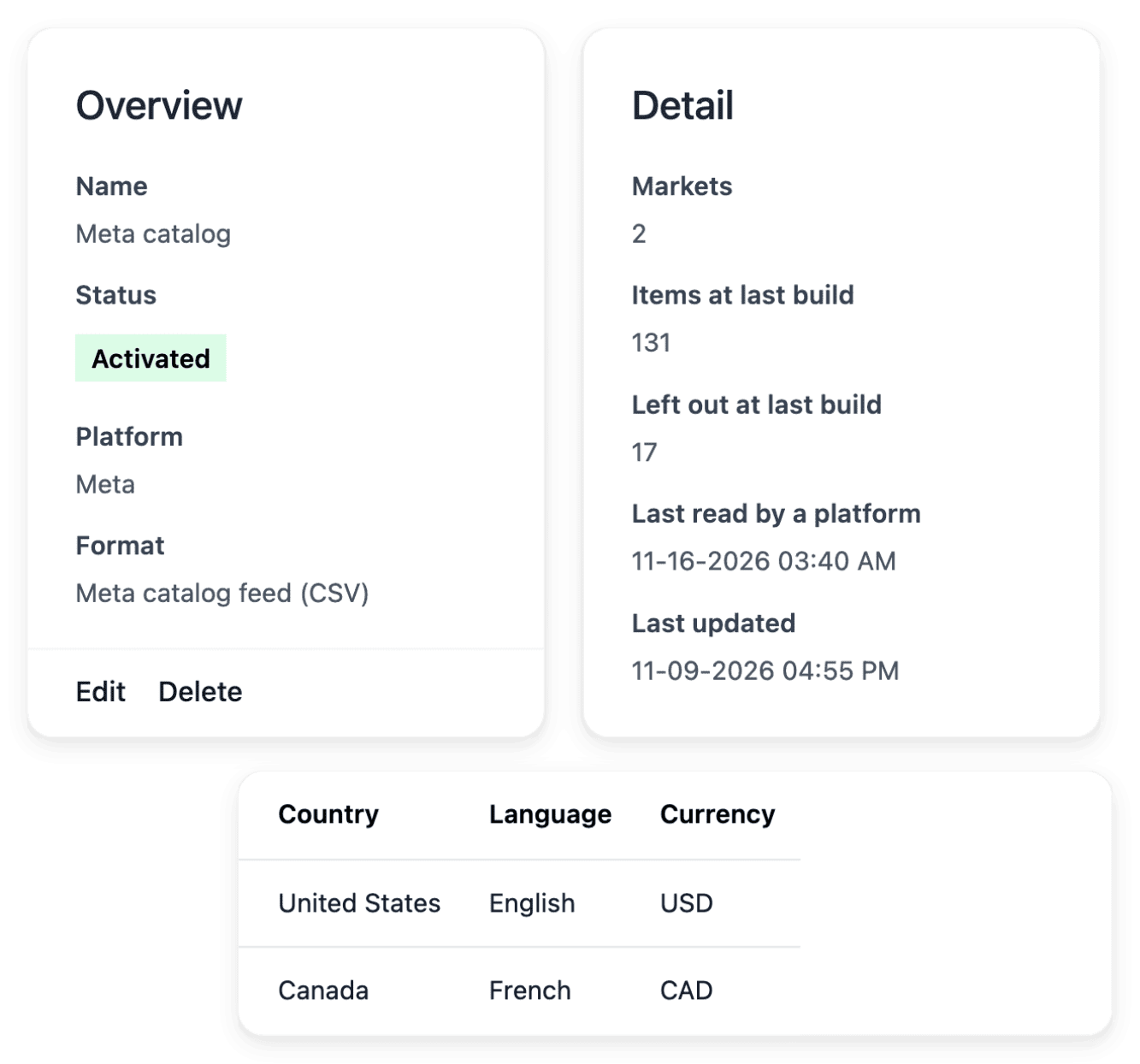
In a shopping service, a product source is declared for one country and one language, and buyers there expect names they can read and prices in their currency. On the Markets tab of a feed, each row is a country and a language, with its own feed address.
From your catalogue to a feed a service reads
-
1
Check your product facts In Products, each product holds its name, brand, category, grade, price and stock, and its images are added from its Images tab. Look for the records where one of them is missing or provisional, and correct them there.
-
2
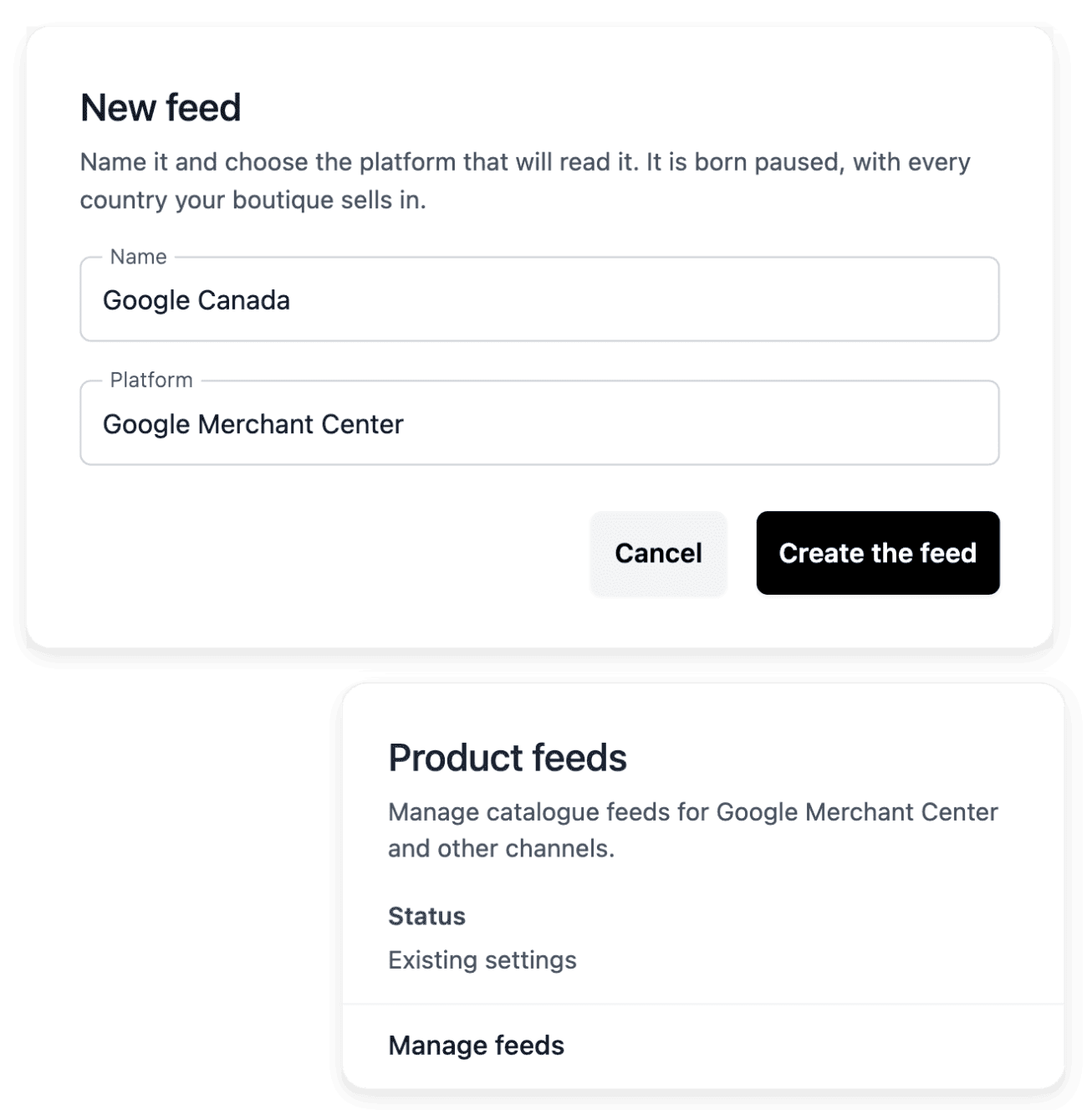
Create the feed In Feeds, add a feed, name it and choose the service that will read it, or Other: it is created paused and already holds every country your shop sells in. On its Products tab, set the published categories, the out-of-stock and no-photo cases and the product exclusions.
-
3
Preview each market On the Markets tab, open Preview on a row to see the feed exactly as the service will read it. Compare a few items with their product pages: the name in the language of the market, the price, the photo, the availability.
-
4
Declare the addresses, then activate In the service’s console, add one product source per row, with the country and the language shown on it, and paste its feed address. Activate the feed when its content is right, then read the service’s own report on what it accepted.
Read the feed before any service reads it
A feed is created paused, and the addresses of a paused feed answer "not found", while its preview still works: you check the content before any service can read it. After a build, the Products tab counts the items left out and the items that carry a warning. It also shows the most repeated price: when many items share it, it is often a placeholder, and those products are the first to correct.
Your side shows what the feed published and what it left out; the service shows what it accepted or refused under its own rules. A generated feed is neither an approval nor an advert: once the service has read it, open that service’s report.
Correct each product once, for the shop and every feed
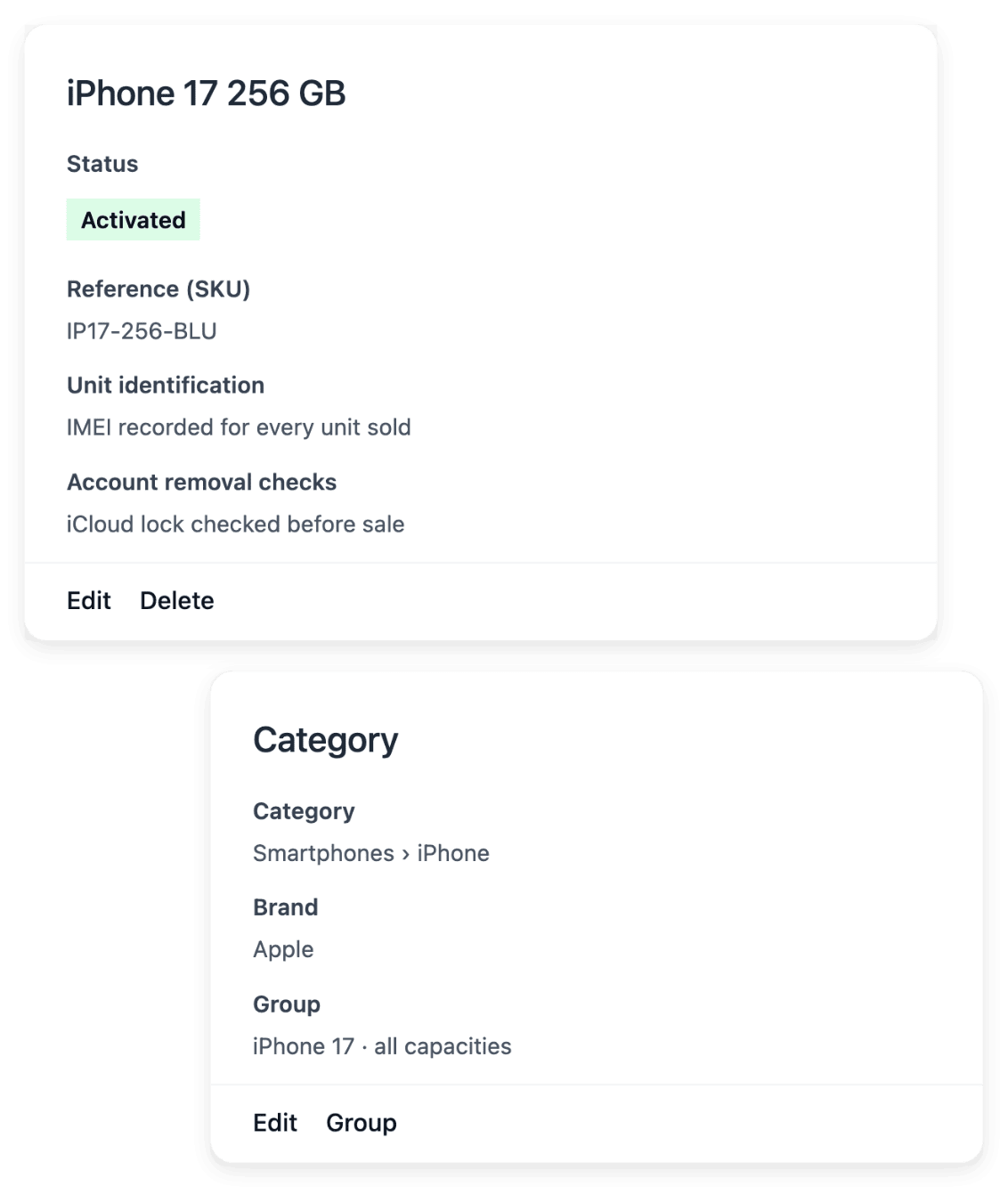
Your storefront, your orders and your product feeds use the details of the same product record. Each record starts with the product’s name, reference, description, category and brand, then receives its images and characteristics, so your team has one place to correct information. A feed invents nothing: a wrong price on the record is a wrong price in every service that reads the feed.
Check the names each market will read: you maintain product translations for the languages you select, and you can launch the available translation tasks, then check their results. When a service refuses an item, the correction is made on the product, in your catalogue, never in a copy kept for that service.
The capabilities behind it
- Product feeds
Product feeds for shopping services
- Products
Product records, images and categories
- Countries, languages & currencies
Sell across countries and languages
- Integrations
Connect supported shop services
- Audience
Visitors, pages and product interest
- Statistics
Sales reports by product and market
See what else you can do
- Marketing and loyalty
Publish your products to shopping services, announce your offers, keep your buyers and read what works.
- Run promotions
Set an offer’s benefit, scope, dates and codes, announce it on your shop and read whether it was used.
- Bring buyers back
Keep the buyers you already have with offers, a newsletter audience, a membership programme and reviews.
Go further
- Ultineo E-commerce
Prepare the feeds your shopping channels will read
Apply to open your shop: our team reviews every application before an account is opened.
Questions
No. When it is created, a feed already holds every country your shop sells in; what differs is the address, one per country and language, on the Markets tab. A sound rule is one feed for each service that reads your catalogue, named so that you recognize it in that service’s console. When an external channel serves a country you open later, keep the feed aligned: add the market to it and, after removing one, delete the matching source in the service’s console too.
Yes. A partner account is not created from your shop: you bring the details of an account you maintain with that provider, and you paste each feed address into its console yourself. Integrations gives access to product feeds beside your shop’s other connections, and a name in that list does not mean that Ultineo has connected your external account or created an advertising campaign.
Yes. In the item details of a feed, custom labels sort your items into groups that the service can use: for each label you choose grade, brand, category, top category or product group. The same box holds the link tracking, a source, a medium and a campaign name added to the link of every item, which later show in Audience for the visits that came through the feed. Sales are another reading: Statistics shows them by product and by country over the period you choose.