Sell in other countries, one market at a time
Ultineo E-commerce lets you choose the countries your shop sells into and prepare each one as a complete market, with its language, its currency, its delivery and its payment. You open a country when you can deliver there, and you check its buying path before accepting orders.
What stands in the way of selling abroad
- One country, several preparations
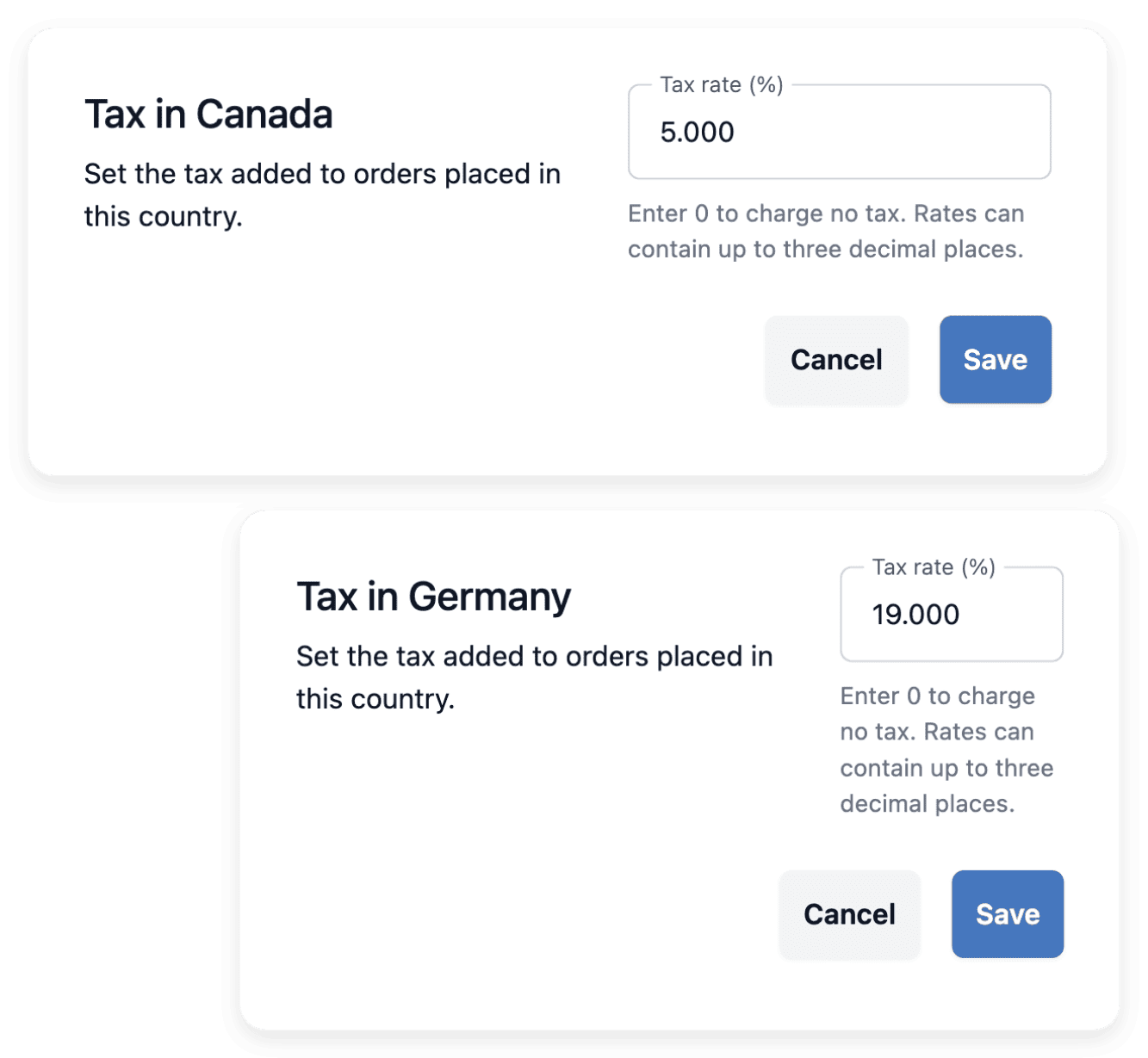
A country is open only when its delivery, its payment and its content are ready, and one of them is quickly forgotten. The country directory of Ultineo E-commerce shows, for each country, its languages, its currency, its delivery coverage and its payment readiness.
- Delivery for each destination
A rate and a delivery time that suit one country do not suit every other one. At checkout, Ultineo E-commerce offers the delivery choices applicable to the shopper’s destination, under the zones and methods you configured.
- A shop buyers can read
A buyer in another country reads a shop in their own language first. You maintain product translations for the languages you select, and you can launch the available translation tasks and check their results.
Go further into this use case
- Deliver abroad
Offer delivery choices that exist for each destination, then follow every parcel to its delivery.
- Translate your shop
See what is missing in each language, then translate product names, help articles and shop wording.
How opening a new country works
-
1
Choose the destination Pick a country you can deliver to, then review the content its customers will read: product and help translations in the languages your shop serves.
-
2
Prepare delivery and payment In the delivery settings, add the country to a zone with its methods, rates and times. Confirm the payment setup that applies to this destination.
-
3
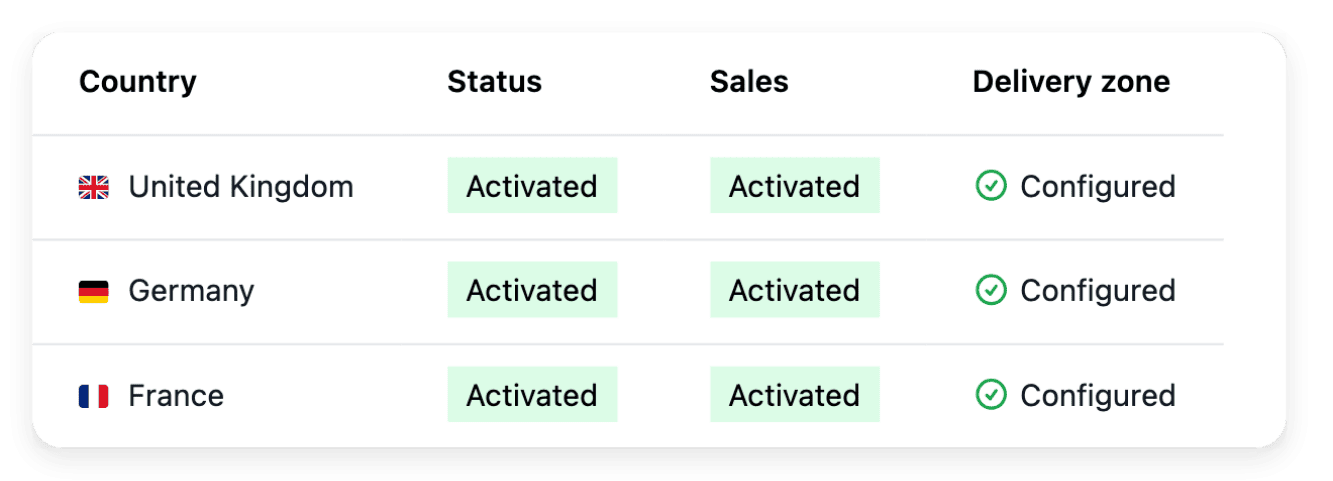
Activate the country Activate the country in the Countries view of Publication, then read in the directory the delivery coverage and the payment readiness reported for it.
-
4
Check the local buying path Go through the order steps with that destination and an available item, and read the delivery and payment choices offered. If an external channel serves this market, keep its product feed aligned.
Add each country you can deliver to
In Publication, choose Countries, find the destination you want to serve and activate it after reviewing the country recap. You activate or disable countries for your own shop, independently of the country where you opened your Ultineo account. Country and language selectors then let shoppers use the supported local presentation.
Activating a country does not create its delivery zones, its payment setup or its translations: you prepare them for each destination. Before you announce a country, review its product wording, the prices as presented and the checkout choices.
Set delivery zones, rates and times per destination
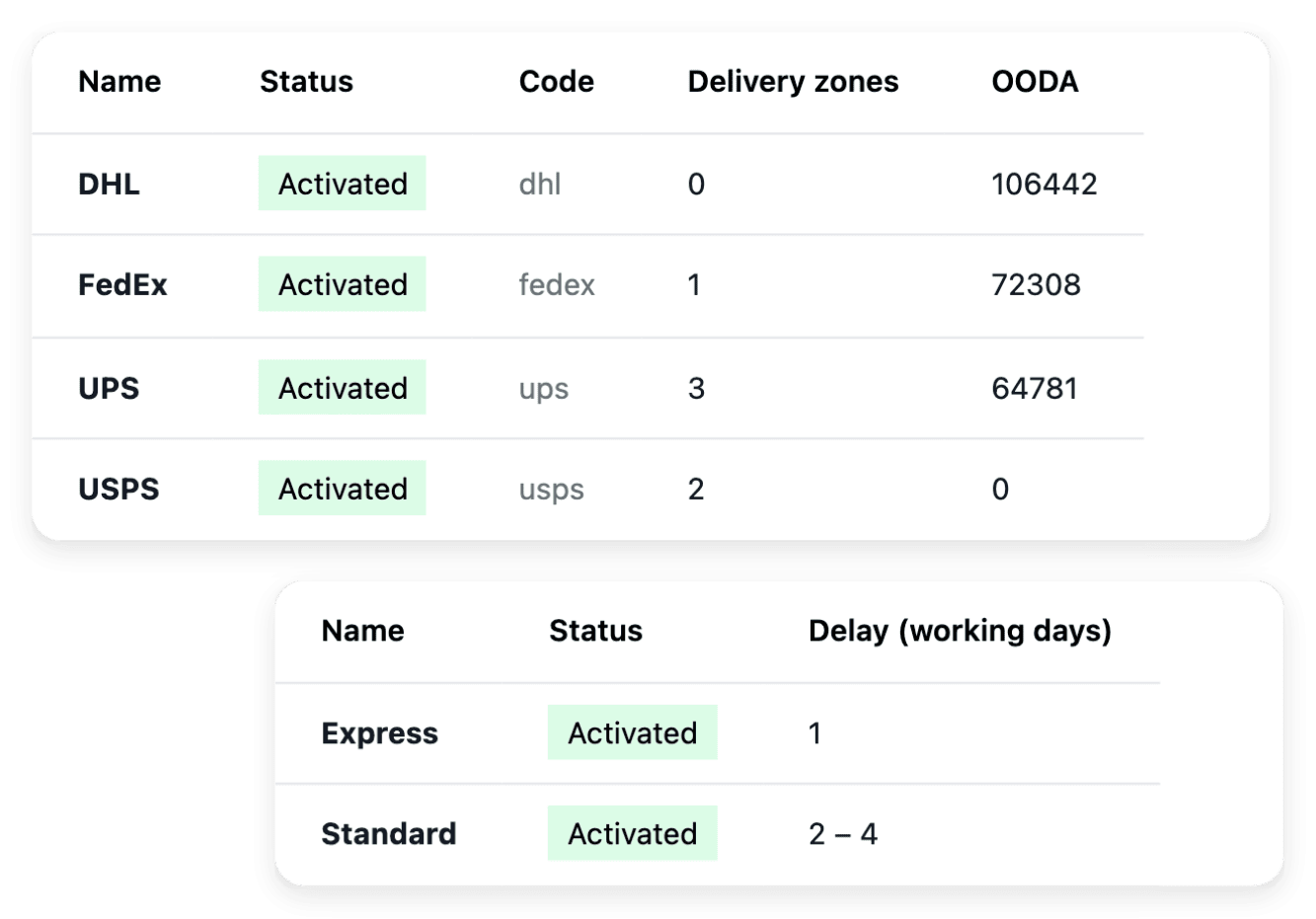
Define the carriers, then the zones they serve: a zone’s countries give the geographical coverage, and its methods are the choices your customer can select when ordering. You set the rates and lead times offered at checkout, with postal-code surcharges where relevant.
A recognized carrier name does not cover every destination by itself: the zones define where a service is offered. A configured lead time describes the service you offer; the actual delivery is followed through the shipment and the carrier tracking.
Connect your payment account and follow each payment
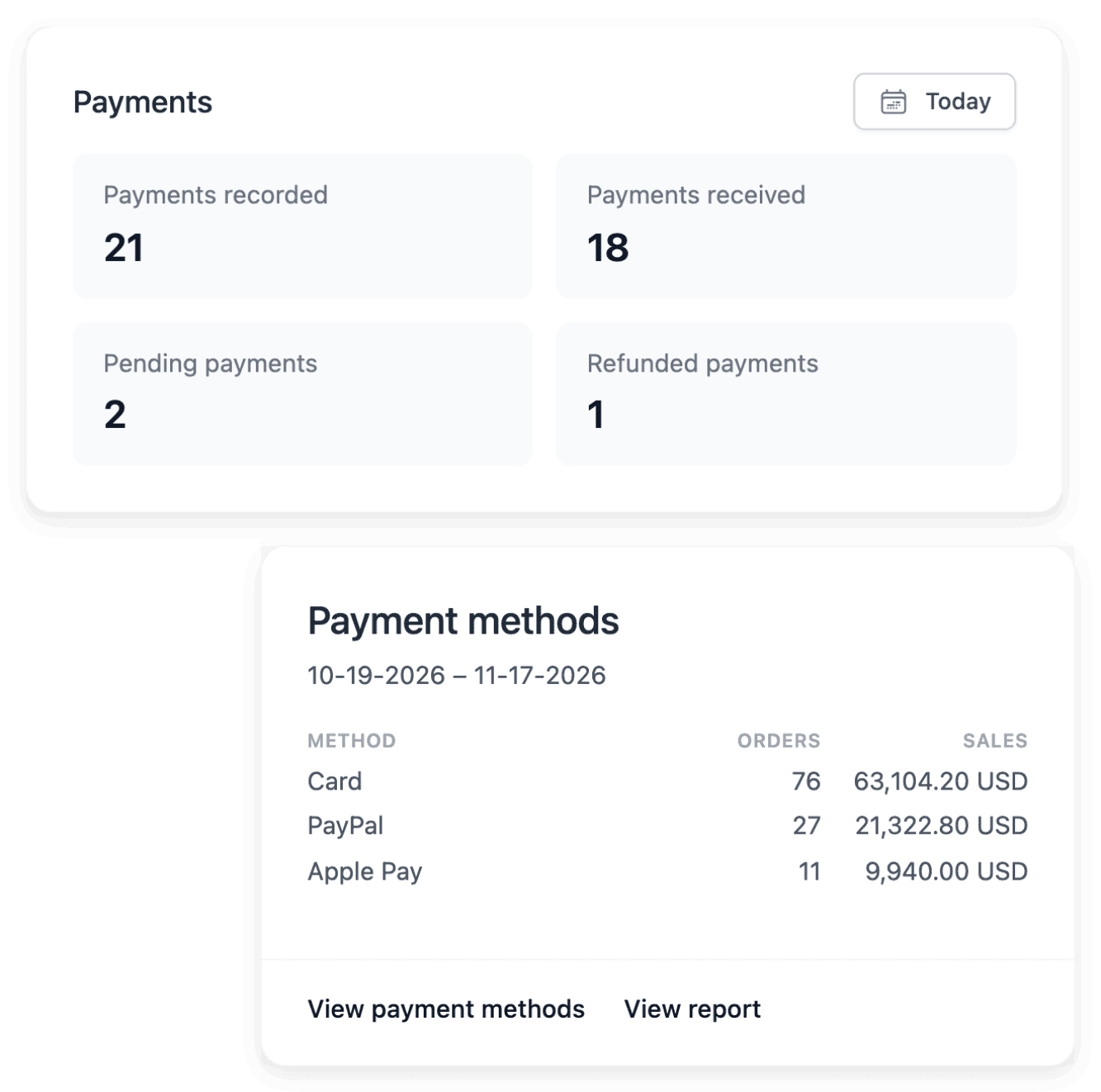
Connect your shop’s own Stripe, Adyen or PayPal account in the payment settings. At checkout, the shopper’s destination and your shop settings determine the payment choices that can be offered. The payment register then shows amounts, methods and states, with links to the customer and the order behind each payment.
Each provider has its required live credentials and verification steps, and a saved setting alone does not prove that the account is ready to collect payments. A payment attempt is not a completed purchase: read the recorded state before you tell the buyer it succeeded.
Publish a product feed for each destination country
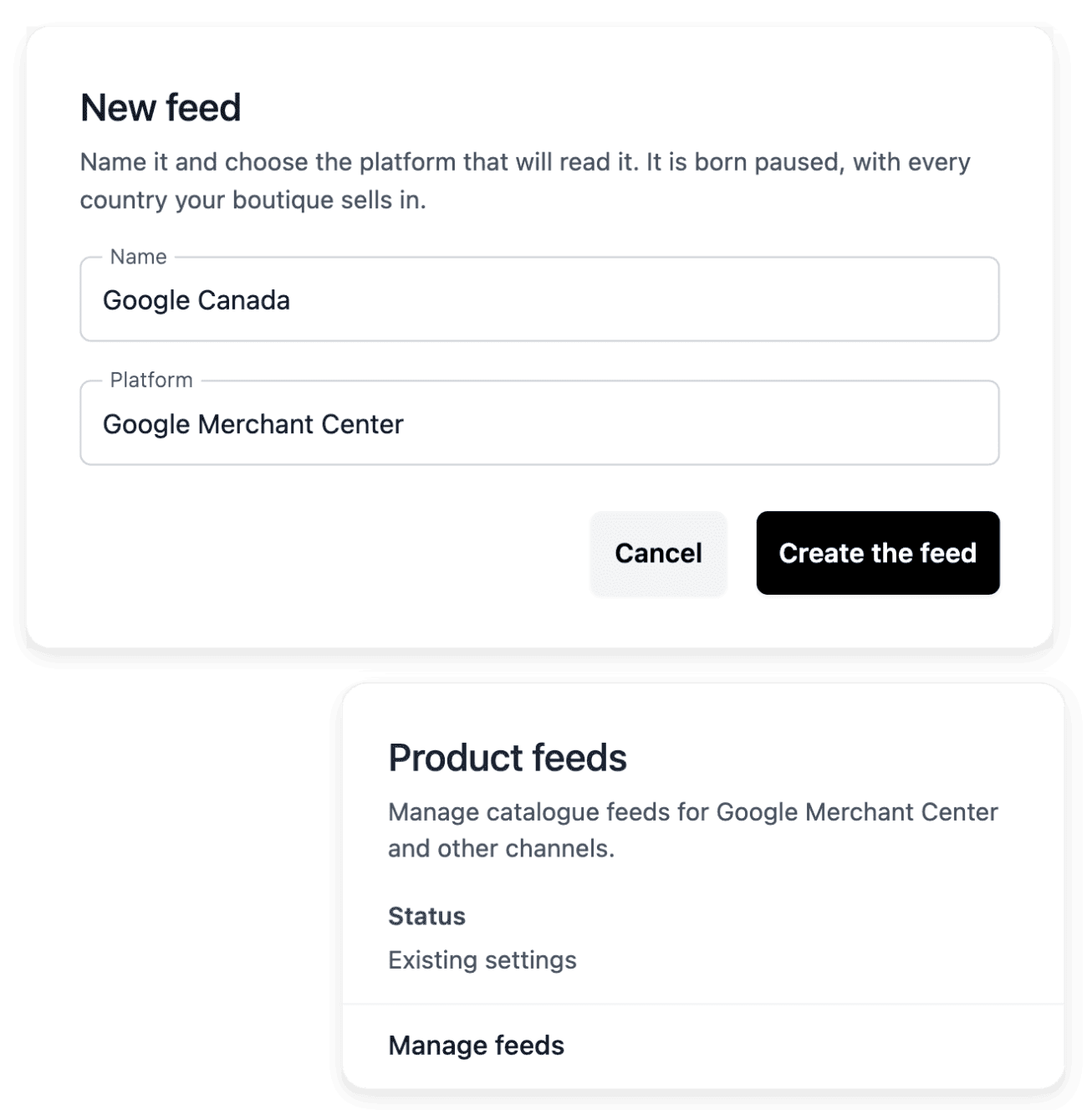
Create a feed for a supported shopping or advertising service and select the products it should contain, with its country, language and currency settings. Choose the countries the feed publishes and use the address that corresponds to each one, so that the external service receives the market you intended.
A generated feed does not mean the external channel approved every item or started advertising: review that service’s own processing after you submit the address. Product information comes from your source catalogue, so correct missing data on the product records.
The capabilities behind it
- Countries, languages & currencies
Sell across countries and languages
- Delivery settings
Carriers, delivery methods and rates
- Payments
Payment providers and transaction history
- Product feeds
Product feeds for shopping services
- Product descriptions
Complete eligible missing descriptions
An example shop: Allo Allo
- 58 country versions
Each with its own address, its languages and the currency set for the country.
- 30 interface languages
Language versions of the shop interface. Its legal policies are not all translated.
- 1,525 product pages
Product pages listed in the sitemap of one country version of the shop.
Measured on the public shop.
Go further
Open your next country with a shop that is ready for it
Apply to open your shop: each application is reviewed by our team before the account is opened.
Questions
As many supported countries as you can deliver to: there is no limit on their number. Delivery zones, rates, payment methods and relevant content are prepared for each destination you add.
No. The country screen reports the existing delivery coverage and payment readiness; it does not create missing settings. Configure delivery zones and methods in the delivery settings, and the provider accounts in the payment settings, before accepting orders there.
Do not assume that: choosing a country and having complete translations are two different checks. Review missing or outdated texts in the language coverage. The supported tasks translate product names, customized help articles and customized shop wording; their availability depends on the configured AI service, and you review the result on the record concerned.
Each country version shows prices in that country’s currency, converted from your catalogue prices; where no exchange rate is available, your shop’s base currency is shown. A buyer sees the currency of the country version they browse. If you want different prices for one market, an active country’s settings include a percentage adjustment to catalogue prices.
No. These tools help you prepare your expansion; they do not arrange your international transport or settle customs obligations for you. You define your carriers, zones, rates and lead times, then follow each real parcel through its shipment record and the carrier tracking.