Solutions · Marketing and loyalty
Give your buyers reasons to come back
Ultineo E-commerce gives your shop promotions and promo codes, a newsletter audience built on recorded consent, a membership programme and customer reviews you choose to publish. You set the rules of each one yourself, from the limits of an offer to the reviews shown on your shop.
What stands in the way of a second order
- Offers without limits
A discount open to everyone, with no end date, never shows whether it was worth giving. In Ultineo E-commerce, a promotion carries its benefit, its scope and its dates, and you read its recorded uses once buyers have claimed it.
- Silence between two orders
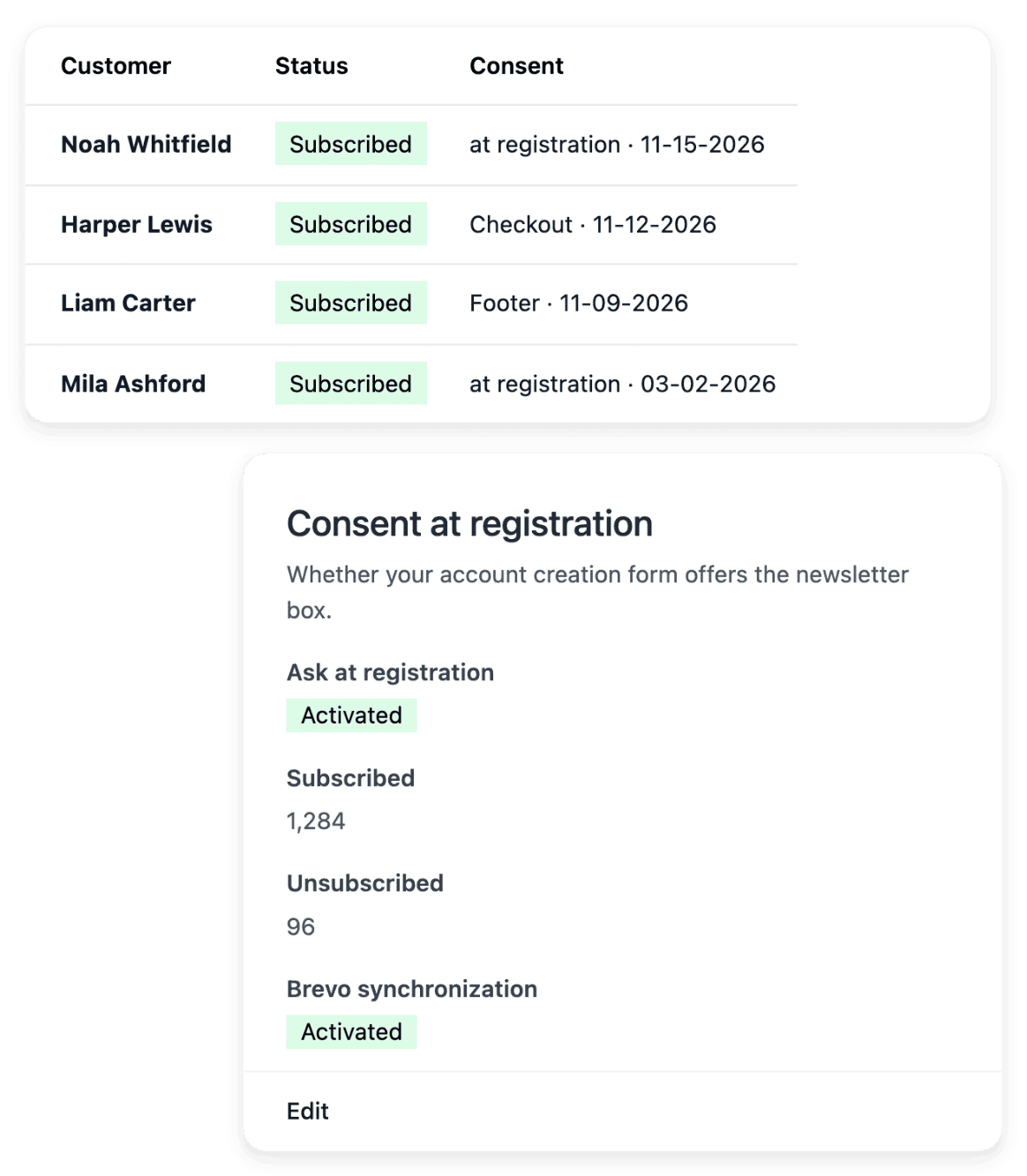
Between two orders, a buyer hears from you only if you write, and only those who agreed should receive your messages. Newsletter keeps the wording each subscriber accepted, with its date and its origin, and records a departure when someone asks to stop receiving marketing emails.
- Buyers met as strangers
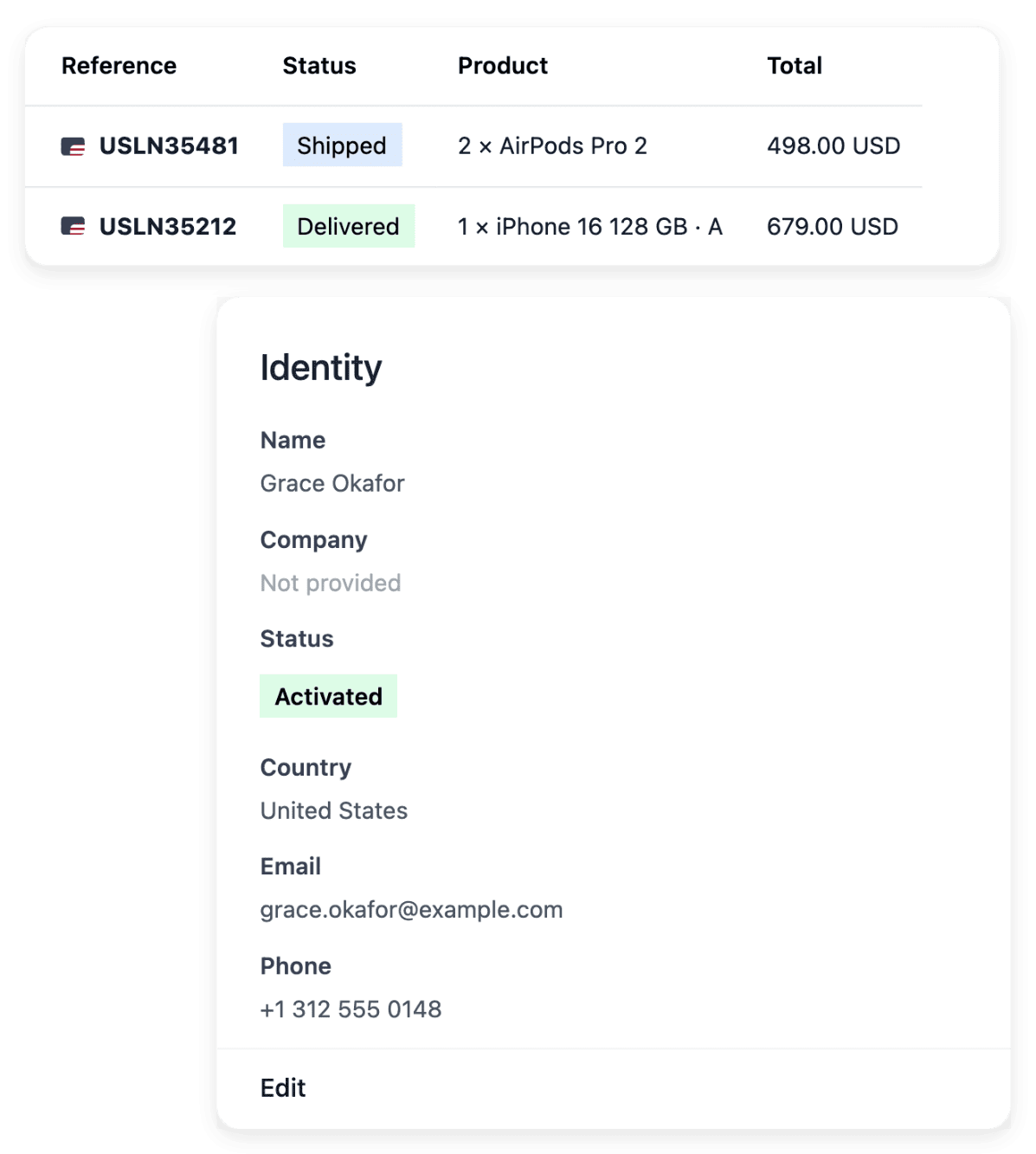
A buyer who returns does not expect to be met as a stranger. Each customer record keeps addresses, orders and your notes together, so your team consults a known buyer instead of treating every new order as an unrelated person.
How bringing buyers back works, step by step
-
1
Give a reason to return Prepare the offer in Promotions, then announce it with Callouts once it is ready. The message should describe an offer that is available to the buyer it reaches.
-
2
Export your subscribers In Newsletter, choose the market and review its subscriptions with their consent context. Export that audience, then write to it from your own sending workflow.
-
3
Set your membership levels In Membership, set the levels and the offer customers can buy, with its availability. Then find a customer or a level in the member directory and inspect the dates.
-
4
Read who came back In Statistics, on the "Key figures" card, the Returning count under Buyers shows the buyers who had already bought before the period. Read it beside the recorded uses of your offer.
Prepare an offer that gives a reason to buy again
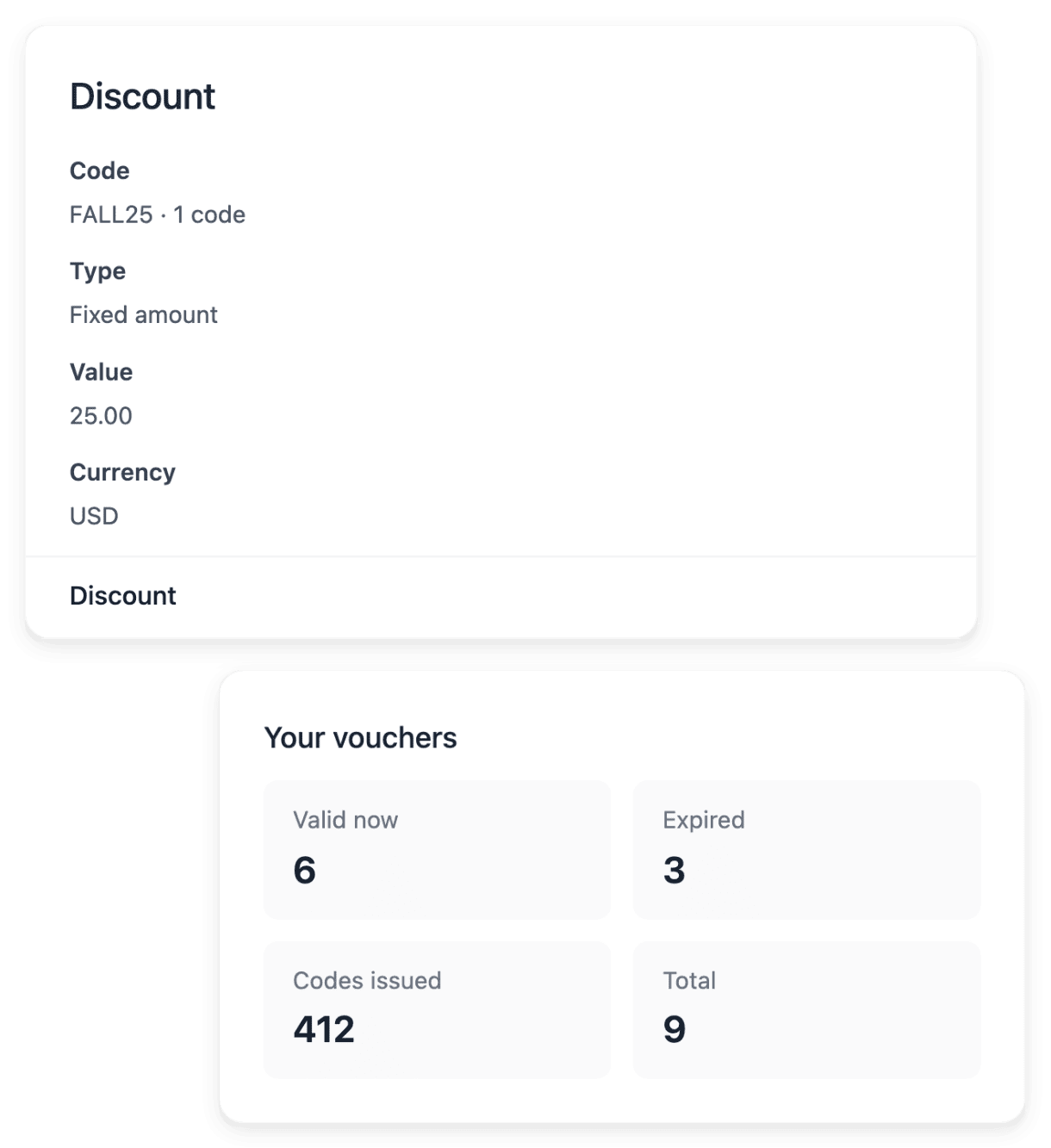
A promotion defines the benefit, a percentage or a fixed-amount discount, with its scope, its conditions and the dates when it applies. Its codes decide who can claim it: a code shared with everyone or a code attached to one holder, each of which can have its own validity period and usage limit. An offer meant for buyers who already ordered can therefore have a holder, a start and an end.
Check the country, the basket conditions, the dates and the code restrictions together before activation, and keep the wording shown to buyers consistent with what checkout can actually accept. You can pause, reactivate or archive a promotion, and its history is retained.
Prepare the audience that agreed to hear from you
Browse your subscribers by market and by subscription state, then prepare a campaign draft with its name, its description and its audience: everyone or one market. The audience count shows the group you can reach. To hand that audience to your emailing tool, export the subscribers of a market over a period, or follow the Brevo synchronization if you configured it.
Campaign preparation creates and maintains drafts: these screens do not launch the send, which stays a separate step in your own sending workflow. An email address in your customer book is not newsletter consent, and an address in the list does not mean every campaign should include it.
Offer regular buyers a membership with clear benefits
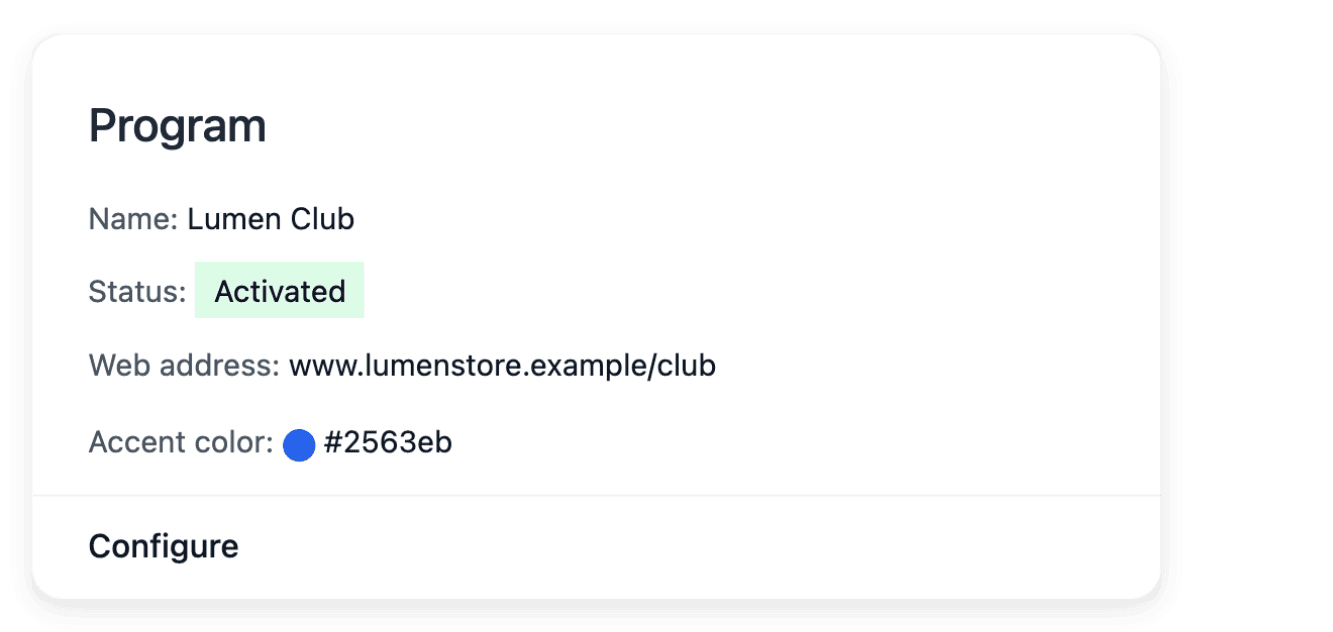
Choose the name, the duration and the availability of your programme, then build its levels. Each level has its own discount and benefits, so a member is not left with an unexplained label attached to their account. The member directory shows each member’s level, the origin of the membership and its start and end dates.
These tools organize your programme and its recorded benefits; they do not guarantee repeat purchases, and the commercial strategy remains yours. Review the members before retiring a level: a level still held by members is protected from removal.
Publish the reviews that help the next buyer decide
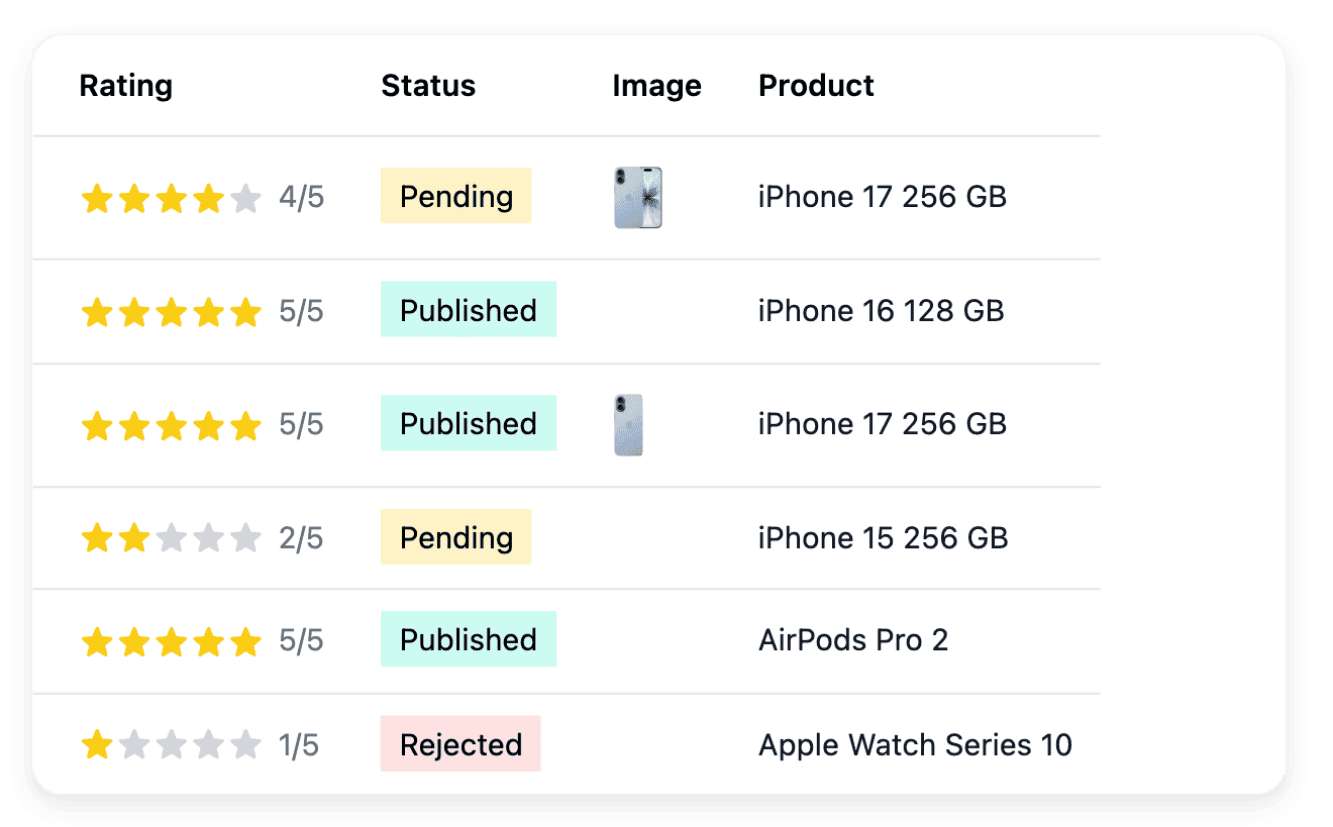
The review inbox brings together pending, published and rejected feedback. Open a review to read the original words, the rating and the photos with the product, the buyer and the order that give them context, then publish it or reject it. What appears on your shop is what you approved.
Each attached photo has its own decision, accept or hide, separate from the publication of the text. The average shown concerns published reviews, while pending reviews remain decisions for your team.
The capabilities behind it
- Promo codes
Codes, validity dates and usage limits
- Newsletter
Subscribers, consent and campaign drafts
- Membership
Member levels, offers and benefits
- Reviews
Ratings, comments and buyer photos
- Customers
Customer records, addresses and notes
- Callouts
Banners, badges and product messages
See what else you can do
- Marketing and loyalty
Publish your products to shopping services, announce your offers, keep your buyers and read what works.
- Publish product feeds
Send each shopping service the right products, with the country, language and currency of each market.
- Run promotions
Set an offer’s benefit, scope, dates and codes, announce it on your shop and read whether it was used.
Go further
- Ultineo E-commerce
Build the relationship that follows the first sale
Apply to open your shop: our team reviews each application before the account is opened.
Questions
No. Promotions and promo codes define the offer and the way buyers claim it; they are not a campaign automation service. You announce the offer yourself, for example with Callouts, which places a message in the announcement band at the top of your shop or on product cards. The message and the discount it describes are two different settings: a saving label does not create a discount by itself.
Read the promotion’s performance view and the discount breakdowns on your sales. Count the recorded uses rather than the codes you created: a generated code is not yet a used offer. A promotion defines an incentive whose actual use and results you can follow; it does not guarantee more purchases.
Their recorded orders and the information attached to them. When they need help, their request can refer to the order and the item concerned, so the account stays useful after checkout. The customer account pages follow the same appearance settings as the rest of your shop.
Yes. You maintain the membership offer your buyers can purchase, with its availability and its price in your shop’s currency. This is your own programme for your customers, separate from any Ultineo subscription and from Ultineo’s pricing.
No. The moderation workspace presents the original wording, and its actions decide whether a review is visible, not how the opinion is worded. If a comment reveals a problem with an order, handle it in Support: moderation does not replace that exchange.