Solutions · Handle after-sales
Keep every delivery incident tied to its parcel
Ultineo E-commerce gives a parcel that is lost, damaged or refused at the door its own record, attached to the shipment it concerns. You keep the references, the dates and the carrier’s answers there, and you record each step yourself, on what actually happened.
What makes a delivery incident hard to follow
- Cases that look alike
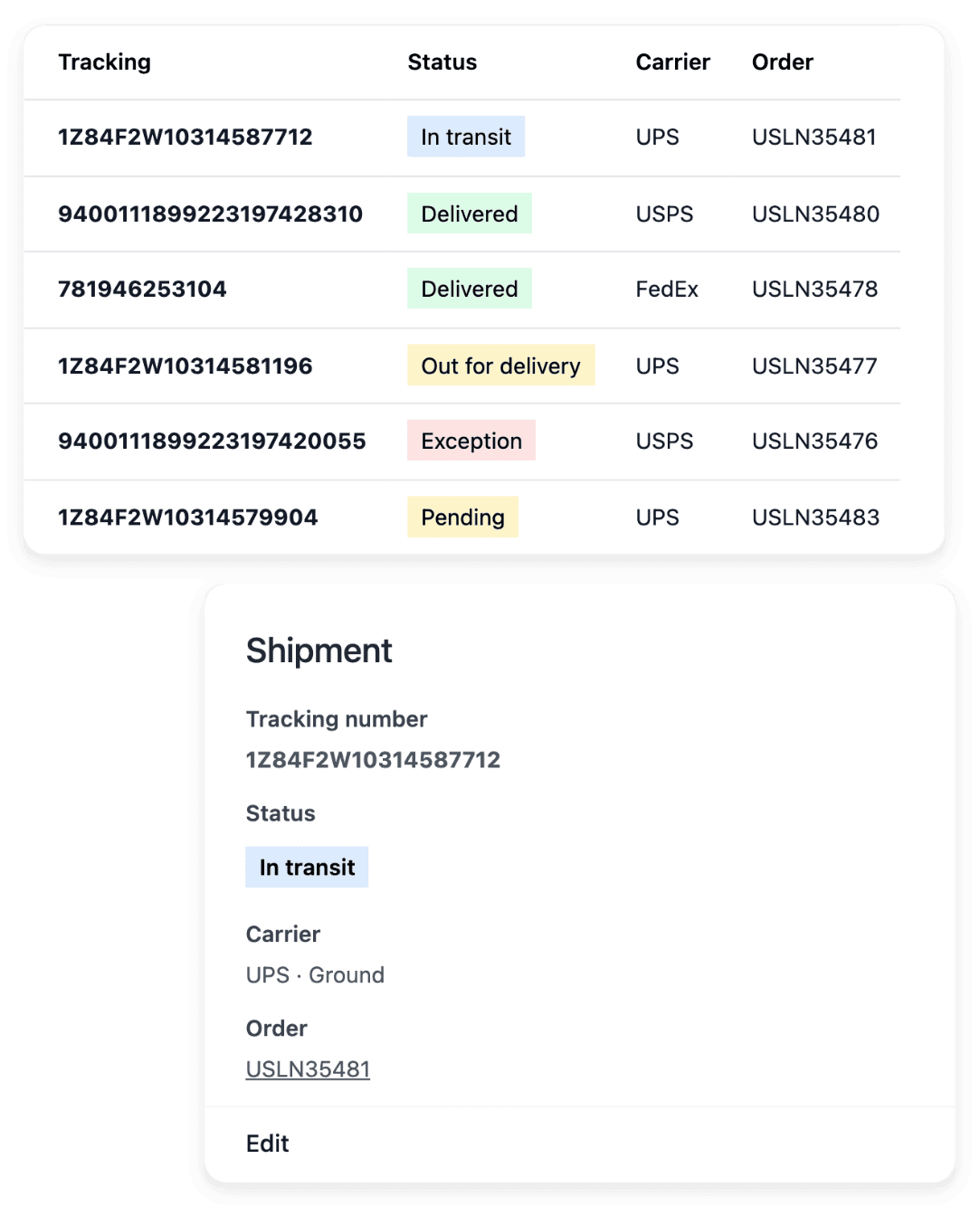
A parcel refused at the door, a parcel lost or damaged on the way and an item sent back by the buyer look alike and are not handled the same way. In Ultineo E-commerce, each has its own record, a carrier claim, a refused-parcel record or a return, kept distinct from ordinary shipment progress.
- References lost in e-mails
The tracking number is in one message, the carrier’s case number in another, and the date of a refusal in someone’s memory. A claim keeps the order, the recipient, the carrier and the tracking number beside the carrier reference, and a refusal keeps its return reference and its date with the shipment.
- A status taken for proof
A case marked as settled is quickly read as a carrier that paid, and a parcel reported refused as a parcel already back on the shelf. The records keep these moments apart: an internal status is not proof of compensation, and a reported refusal is not a confirmed arrival at your warehouse.
From the shipment to a case you can close
-
1
Start from the shipment In Shipments, find the shipment of the order and inspect its items, its destination, its carrier reference and its recorded progress. Name the case from that tracking, not from the delivery time configured for your shop.
-
2
Open the right record For a carrier problem, open a claim from the Settings tab of the shipment: choose its type and add a note that describes the issue. A parcel turned away at delivery is listed on the Refused tab while it comes back to you.
-
3
Keep the record current On the Claims tab, edit the claim to enter the reference the carrier gave you and to change its status when its answer arrives. For a refused parcel, click "Mark as received" once it is back at your warehouse: the arrival date is recorded.
-
4
Settle stock and money apart Review any stock correction and any refund in their own workflows, starting from the payment for the money. Record the resolution of a claim only after you have read the carrier’s actual answer.
Follow a claim through to the carrier’s actual answer
A claim covers a parcel that was lost, damaged, stopped at customs or never collected by the carrier, and you choose that type when you open it. Its note describes the issue so that another member of your team can continue the follow-up. As the case develops, you keep the carrier reference and the notes current, and the opening and settlement dates tell a newly raised issue from one already resolved.
The record organizes your follow-up with the carrier: compensation depends on the carrier’s actual decision, so keep its supporting answer with the case. What you give back to the buyer is another sum, handled as a refund from the payment, with its own date.
Follow a refused parcel beside its shipment until it returns
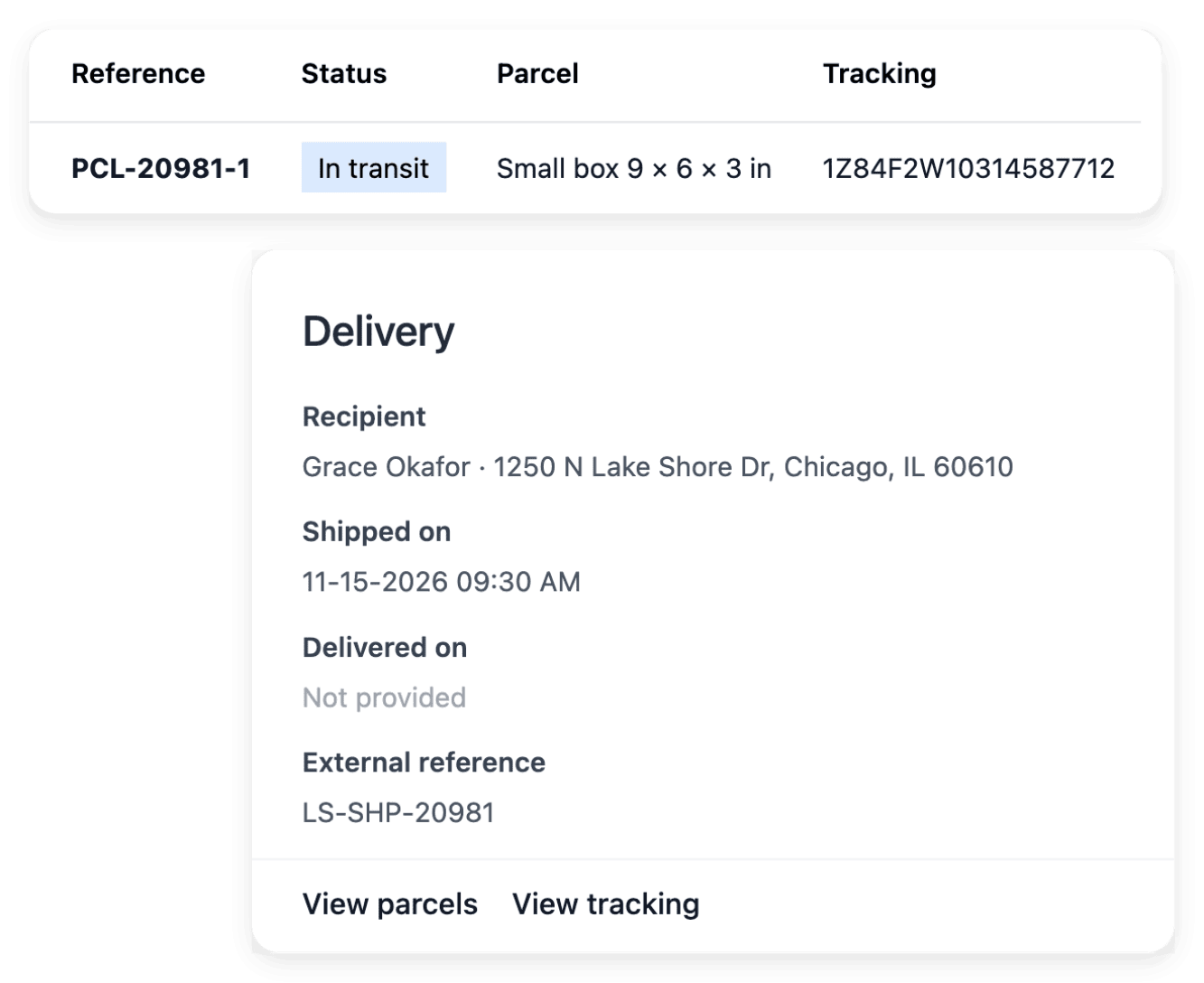
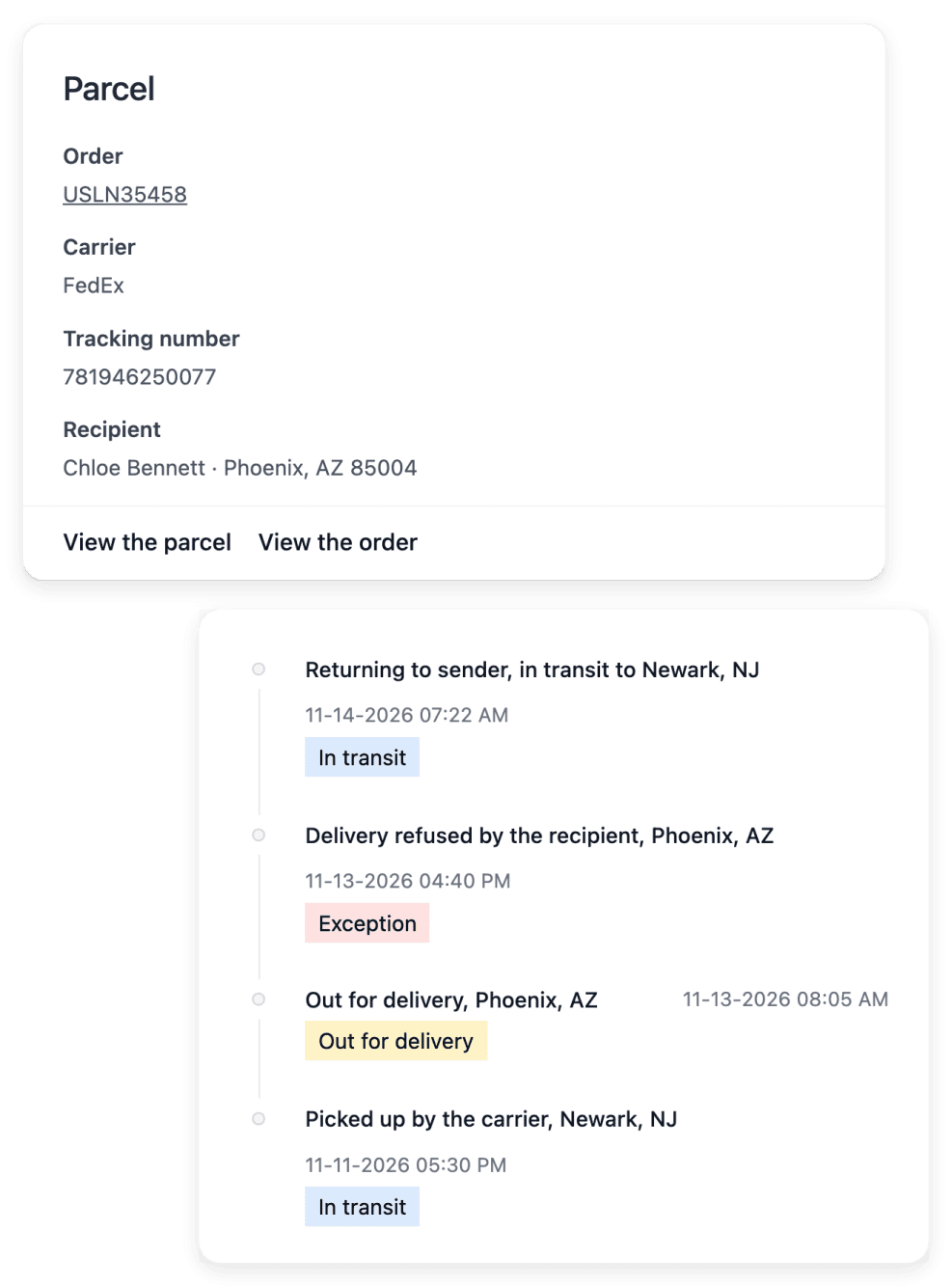
The refused-parcel record describes the exception, and the shipment remains the source for the delivery context and the tracking: your team understands what happened without searching for the parcel in an unrelated list. A refusal is two moments, the day the carrier reports it and the day the parcel reaches you, and between the two the parcel is still travelling. You record the arrival when the goods actually reach your warehouse, and the refusal history distinguishes the two.
Recording the arrival is a physical milestone: it is not proof that money has been returned or that stock has been adjusted. Asking the buyer why the parcel was turned away stays your work, and the answer decides what comes next: a second shipment, a refund or a claim.
The capabilities behind it
- Carrier claims
Claims linked to the affected parcel
- Refused parcels
Track refused parcels and their return
- Shipments
Parcels, carriers and delivery progress
- Orders
Items, payments and shipments together
- Delivery settings
Carriers, delivery methods and rates
See what else you can do
- Handle after-sales
Follow returns, refunds, delivery incidents and buyer requests, each one with its order.
- Returns and refunds
Handle the item coming back and the money going back as two records, each with a status you can check.
- Customer support
Answer each buyer request with its order, item and history, and publish a help center buyers read first.
Go further
Give your delivery incidents an organized follow-up
Apply to open your shop: our team reviews each application before an account is opened.
Questions
You do. You raise the case with the carrier, with the tracking number, the invoice that shows the value and, for a damaged parcel, photographs, and you ask what its deadline is and which proof it accepts. In your shop, you enter the claim reference the carrier gave you and you change the status of the claim yourself, on its actual answer.
Cancel the record with its own action. A claim opened incorrectly is cancelled from the claim, and if a parcel was not refused after all, you click "Cancel the refusal" on its record, whose history stays readable. Cancelling a refusal does not by itself change the goods or the funds: check stock and payment separately.
No. The delivery times set in your delivery settings describe the service you offer, and a tracking number identifies the parcel. What happened to a particular delivery is shown by the carrier tracking and the shipment history, and you mark a shipment as delivered yourself.