Start small, with tools that leave you room to grow
Ultineo E-commerce gives a young business the tools of a first online shop: its look, its catalogue, its payments and an address provided to it. Ultineo SaaS, a separate product with its own access, builds a first business application with you, starting from a brief.
What matters when your business is just starting
- No technical team required
A young business rarely has a developer on staff, or the time to become one. You refine the look of your shop through the supported settings, without writing code, and a software project can start with a business brief rather than a complete technical specification.
- Start with one result
Starting small means putting one thing in front of customers or colleagues, then checking that it works. Your shop can go online on its provided address before you connect a domain of your own, and you choose a small, useful outcome for the first version of an application: one team, a familiar process and a result you can check.
- Room to grow later
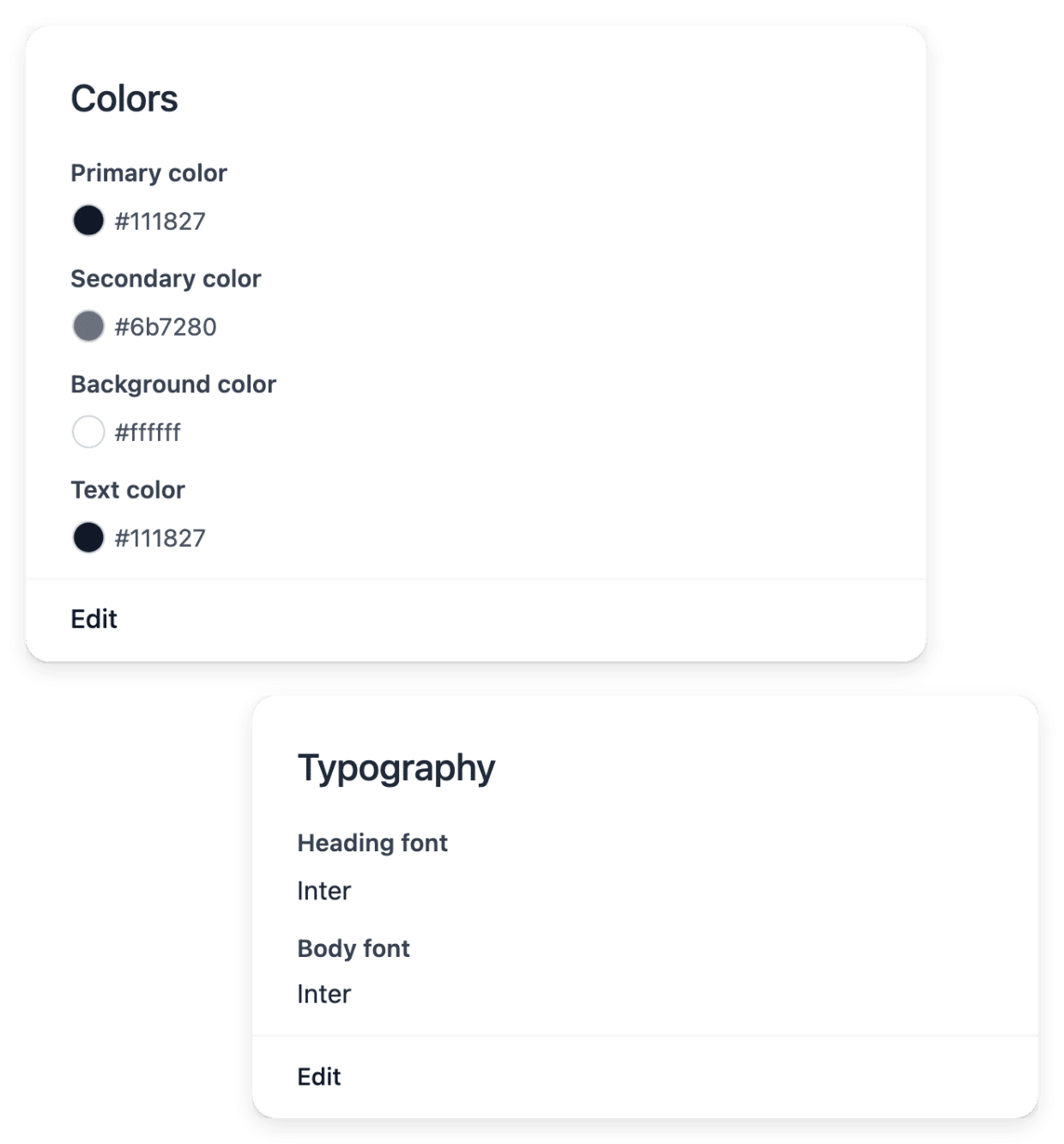
What you set up in the first months should still serve when the range, the look or the needs change. Shared catalogue resources keep your range consistent as it grows, the theme changes while pages keep their composition and sections their content, and the workspace of a software project presents offer changes and additional business areas.
What a new business sets up first
- Open your first online shop
Set the look of the whole shop, give each product a complete record, then put the shop online once its content is ready.
- Take your first payments
You connect a payment account of your own, then read each payment with the order that explains it and the state it has reached.
- Have your first software built
Describe your users and their workflows, review the business areas proposed for the project, then publish the versions you have reviewed.
- Bring one process together
Pick one process your team knows well, with the tasks to complete, their exceptions and their constraints. The page shows how the proposed functions and pages are reviewed, built and published for that process alone.
- Have your first website built
Describe your business, the pages you want and the tone to use. Our team builds the pages, and your site appears at a preview address within minutes of each build.
From your application to a first result online
-
1
Check the conditions Each application page lists the conditions of its product: for a shop, they start with the time your business has been operating. You confirm in the form that your business meets them.
-
2
Send your application For a shop, tell us about your business and say that you want to start selling online. For software, describe what the application must manage, who will use it and what it replaces today.
-
3
Read our team’s reply Our team reviews each application and replies by e-mail to the address you gave us. The account or the project is opened after that review: there is no self-service registration.
-
4
Put a first version online In your shop, review identity, pages and available catalogue items, put the shop online from Publication, then follow the actual buying path. In a software project, test the version on staging, publish it, then check the result on the live service.
Put your shop online on its provided address
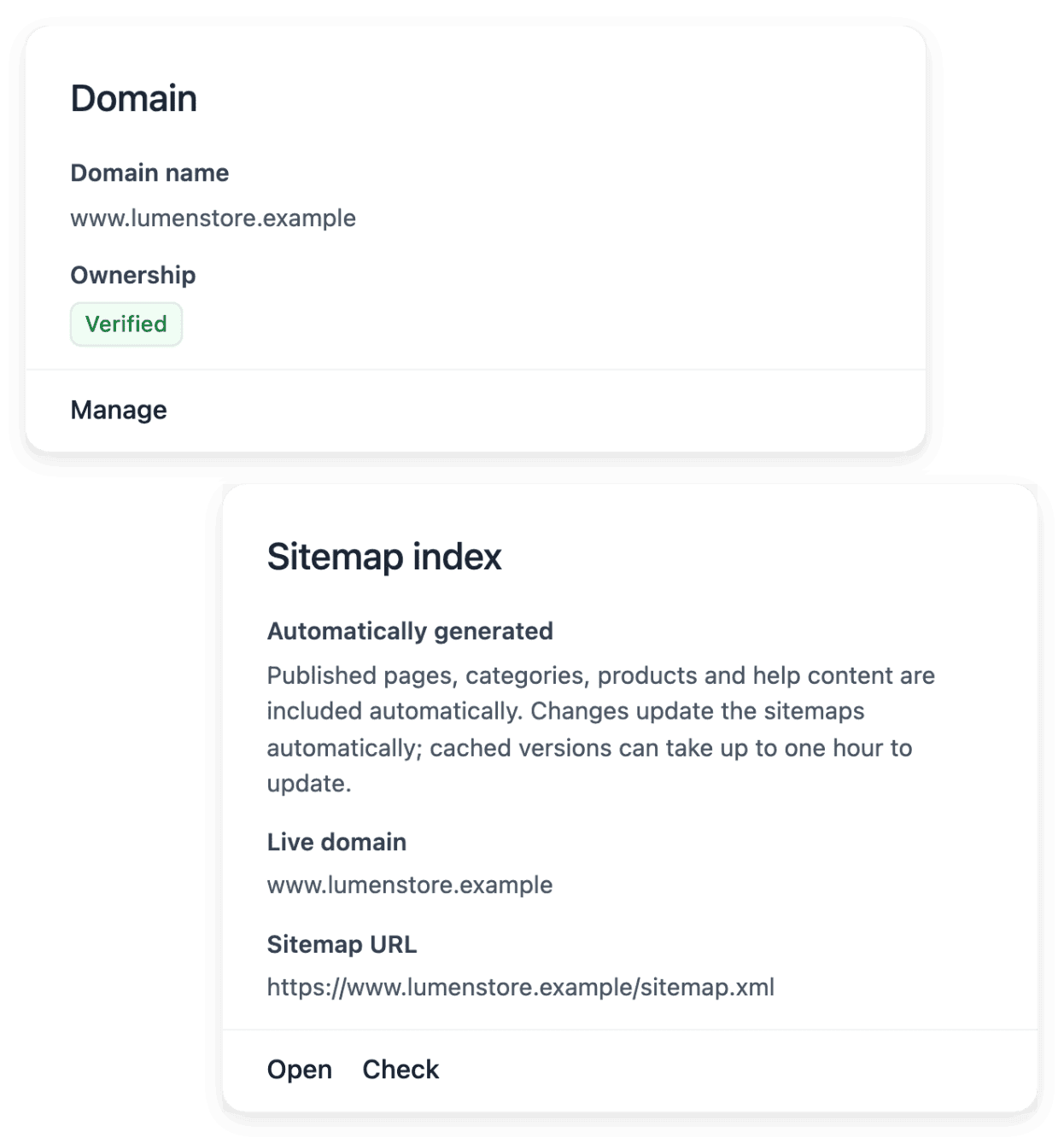
Publication shows whether your shop is preparing, online or offline, together with the addresses it uses. The shop has a provided address that can be used first: you choose the word in that address, and a personal domain is not required to begin. You can take the shop offline again without deleting its content.
Publication reports whether delivery and payment are ready: their configuration belongs to the delivery and payment settings. When you want an address of your own, the shop connects a domain you already own; it does not buy one, and the DNS changes are made in the account of your domain provider.
Know what your software project covers before confirming
The offer view of a software project presents the level chosen and its conditions: the recurring subscription and the number of business areas included. A business area can contain several functions and pages, so you compare the offer with what your business needs to cover rather than with a count of screens. A change of offer or an additional area has its own confirmation path, where you review the amount before you add scope.
Public pricing helps you compare the levels; the offer displayed in your workspace gives the conditions of your actual project. Hosting is read separately, so add it, with any optional extension, when you review the complete budget.
The capabilities behind it
- Project offers
Review subscription, included business areas and optional extensions before confirming your project scope.
- Theme
Colors, fonts and button styles
- Products
Product records, images and categories
- Payments
Payment providers and transaction history
- Domain names
Connect your own domain
- Project preparation
Turn your idea into a clear brief, with the business context, users and practical constraints needed to start.
Go further
Begin with what your business needs first
Check the conditions on the application page of the product you need: our team reviews each application before an account or a project is opened.
Questions
For a software project, yes: it asks for a defined business need and a budget that matches one of the published offers, whatever the time your business has been operating. For a shop, not yet: an account is opened for a business that has been operating for at least six months and whose products can be shipped and delivered to at least three countries, and you confirm it in your application.
A defined business need, that is, what the application must manage and for whom, and a budget that matches one of the published offers. You do not need a complete technical specification: explain the users, their actions, the expected outcomes and the important exceptions.
A payment account of your own: you connect your own Stripe, Adyen or PayPal account in the payment settings, and each provider has its required live credentials and verification steps. A domain is not needed at the start, since the shop can begin on its provided address. If you want one, you obtain it from the provider you choose, then connect it.
No. They are two separate products, each with its own application page, its own conditions and its own pricing page. A shop account is opened after its application has been reviewed, and a software project after its own.