Functional specifications
Make the expected behavior clear before building
Review what a function or page should do before the implementation turns it into a working screen.
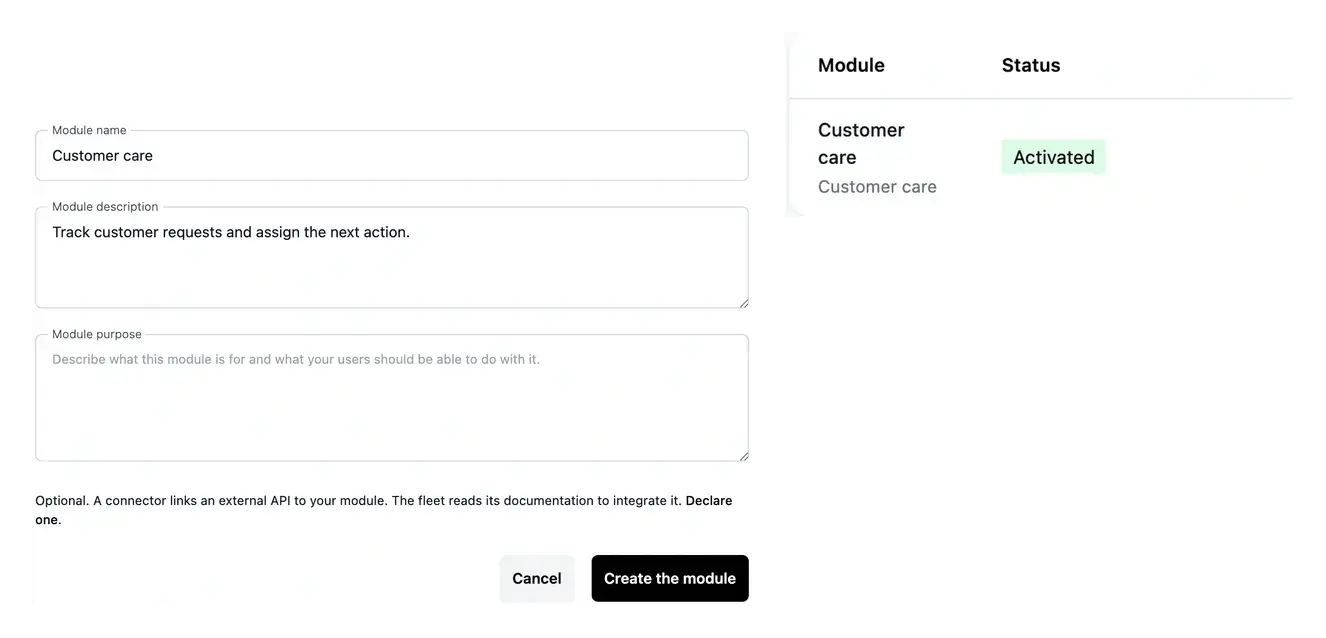
Turn a requirement into a result you can verify
- Understand the purpose
Read the expected outcome and the scope of each function.
- Check the page plan
Inspect the pages associated with the work.
- Resolve missing details
Answer clarification questions with concrete business examples.
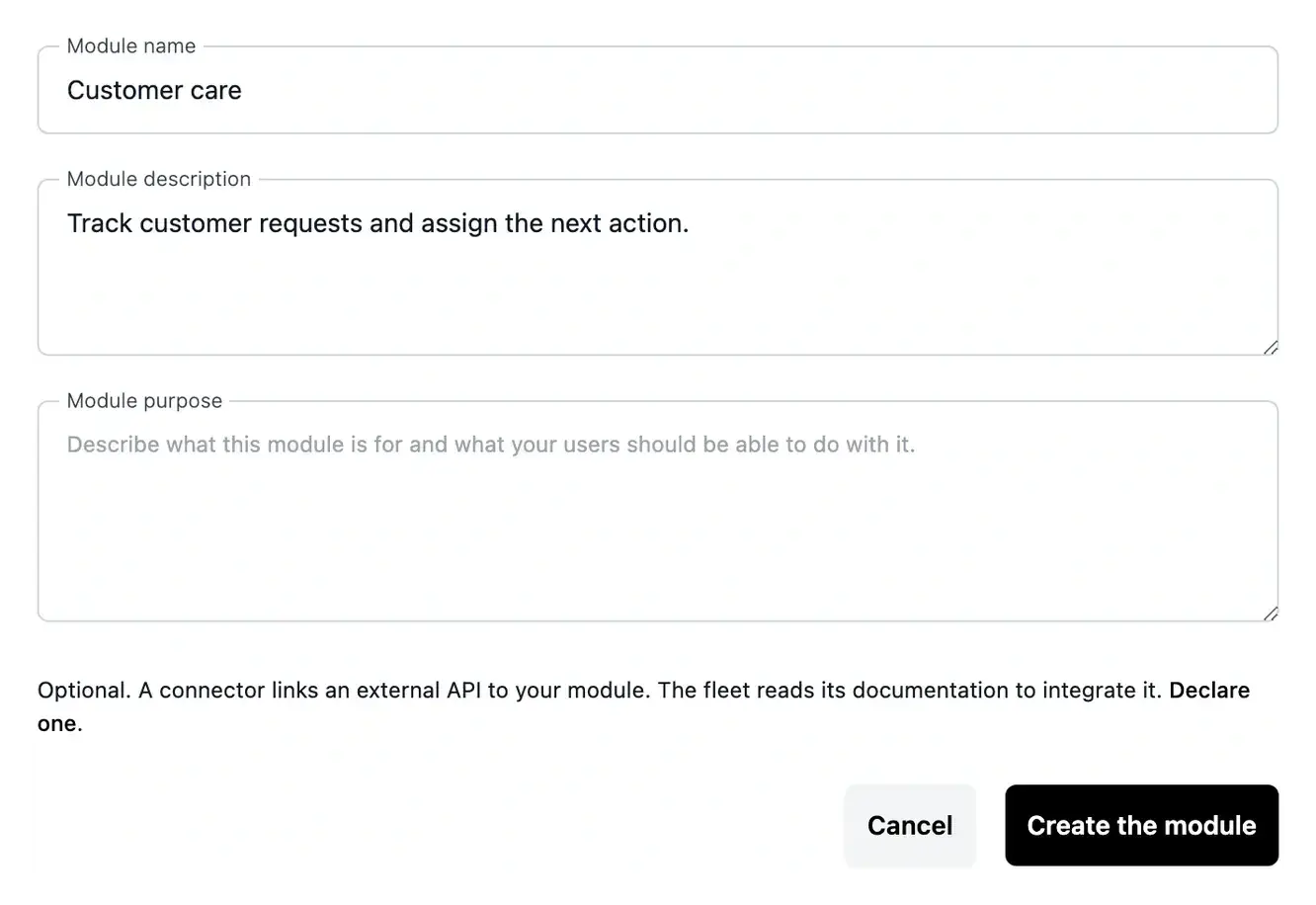
Make expected behavior explicit
The project tools expose the analysis behind a business area, function or page. Review what is included and make sure it matches the work your users need to complete.
Use concrete examples to describe rules and exceptions. Explain the information needed, the expected result and any existing workflow the new screen must respect.
Define the rule behind each user action
Describe an approval process. If a task requires approval, explain who submits it, who decides and what happens in each state. A precise rule helps distinguish the ordinary journey from exceptions, such as a missing document or a request that must be returned for revision.
Preserve useful existing behavior. When replacing a manual tool, identify the rules that users already rely on. Explain the information and decisions that should remain, then separate them from the changes you want. This keeps an improvement connected to the real working process.
Review the build with the same examples. Use the situations described during preparation when checking a working page. A screen may look complete while still handling an important exception incorrectly. The specification gives the review a reference beyond its visual appearance.
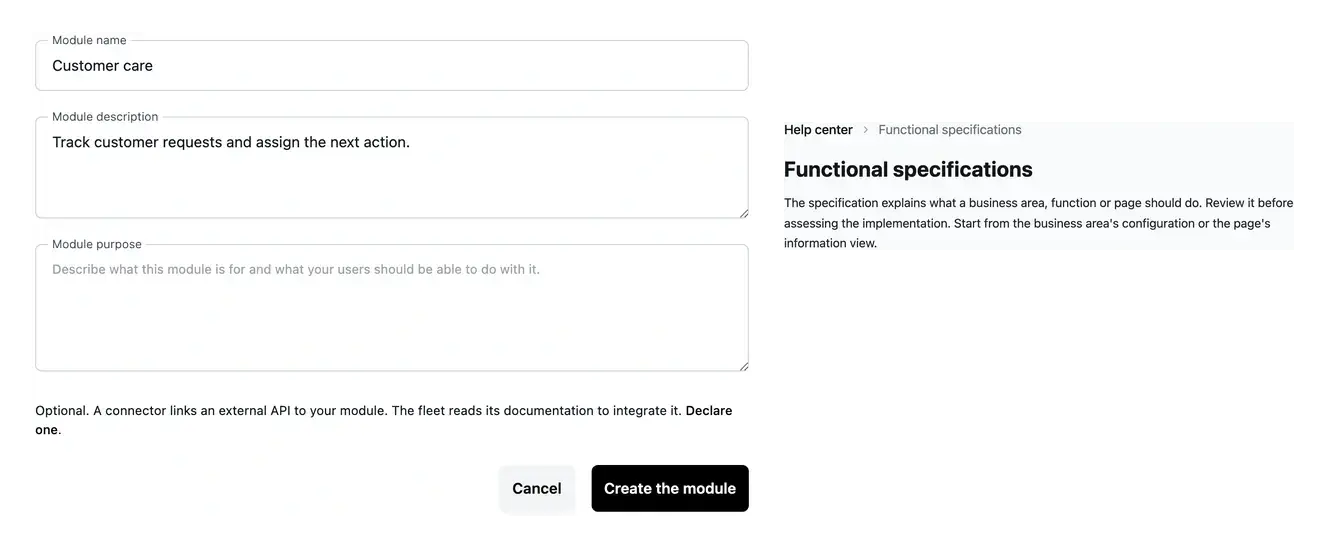
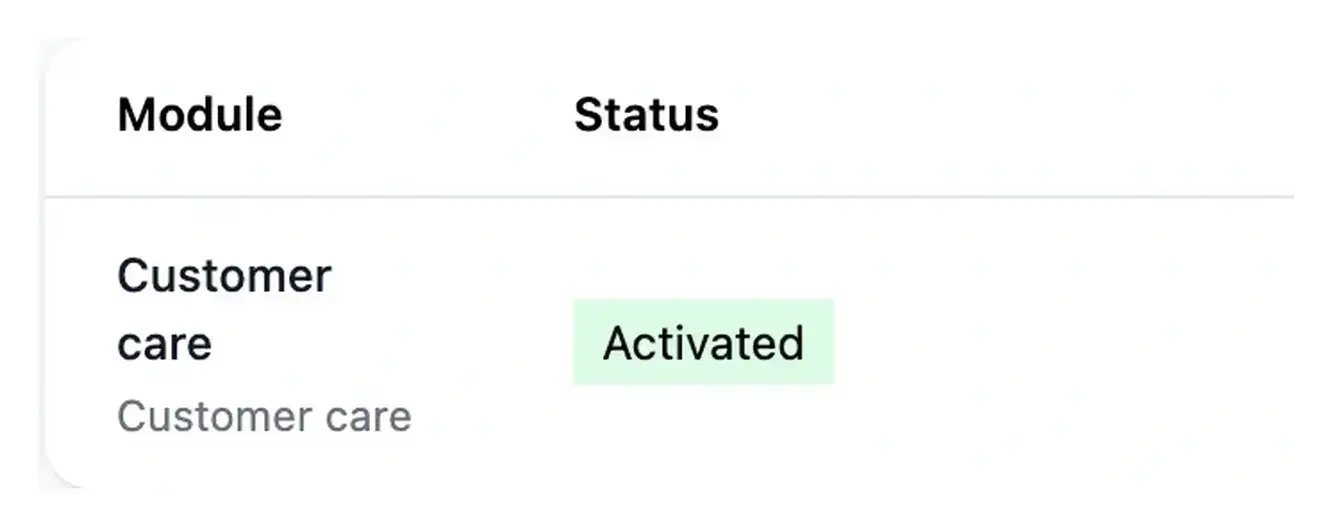
Connect the specification to a result you can verify
A clear scope provides a reference when the application is built. Compare the working page with its intended behavior instead of judging only its appearance.
When the need changes, describe the new result in Studio and keep the page context attached to the request.
Agree on the behavior before checking the screen
Describe the situation that triggers an action, the information required and the expected result. This gives the specification a practical meaning for the person reviewing the page.
Include a relevant exception, such as missing information or a request the user should not be able to submit. These examples make the finished behavior easier to verify.
Clarify the purpose, scope and exceptions
Read the proposed behavior. Inspect the purpose, included scope and associated pages. Check whether each step supports the task your user needs to complete.
Supply the missing business rule. Answer clarifications or describe a change to the planned function or page. Use a normal case and an exception to remove ambiguity.
Compare the working result. Reproduce those cases in development. Request a targeted correction in Studio when the built behavior differs from the agreed outcome.
Give the build a clear business reference
Explain the action, the information used and the result expected in each important situation. This makes preparation more precise and later review more useful.
Questions about Functional specifications
It identifies the user, the action, the information needed and the expected result. Include important exceptions and scope boundaries so a successful ordinary case is not mistaken for a complete business workflow.
The project tools expose their respective definitions and details. Keep a clarification attached to the item concerned so its answer is used in the correct context.
The request supplies the new rule or clarification for reconsidering the item. Follow its state and review the updated scope; the request does not by itself publish a changed screen.
They turn an abstract rule into something that can be checked. Describe an input and the result for both a normal case and an exception, then use those same cases during application testing.
Select the existing page in Studio and explain the behavior to change. Use the specification as context, then verify the resulting page before the corresponding release is published.