Navigation
Create clear routes through your shop
Build your shop menus and configure category navigation and search suggestions in one place.
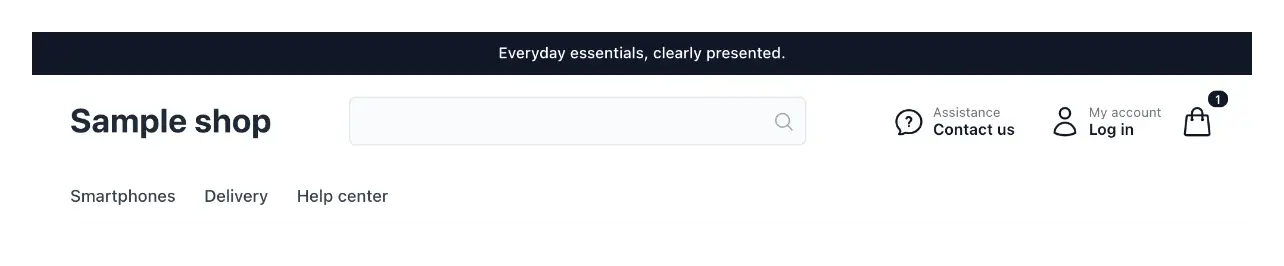
Give visitors a clear way through the shop
- Several menus
Compose the navigation bars your shop needs.
- Pages and external links
Link shop pages or external addresses and give each link its own label.
- Publish when ready
Reorder or remove links, and take a whole menu offline or restore it, before publishing the menu.
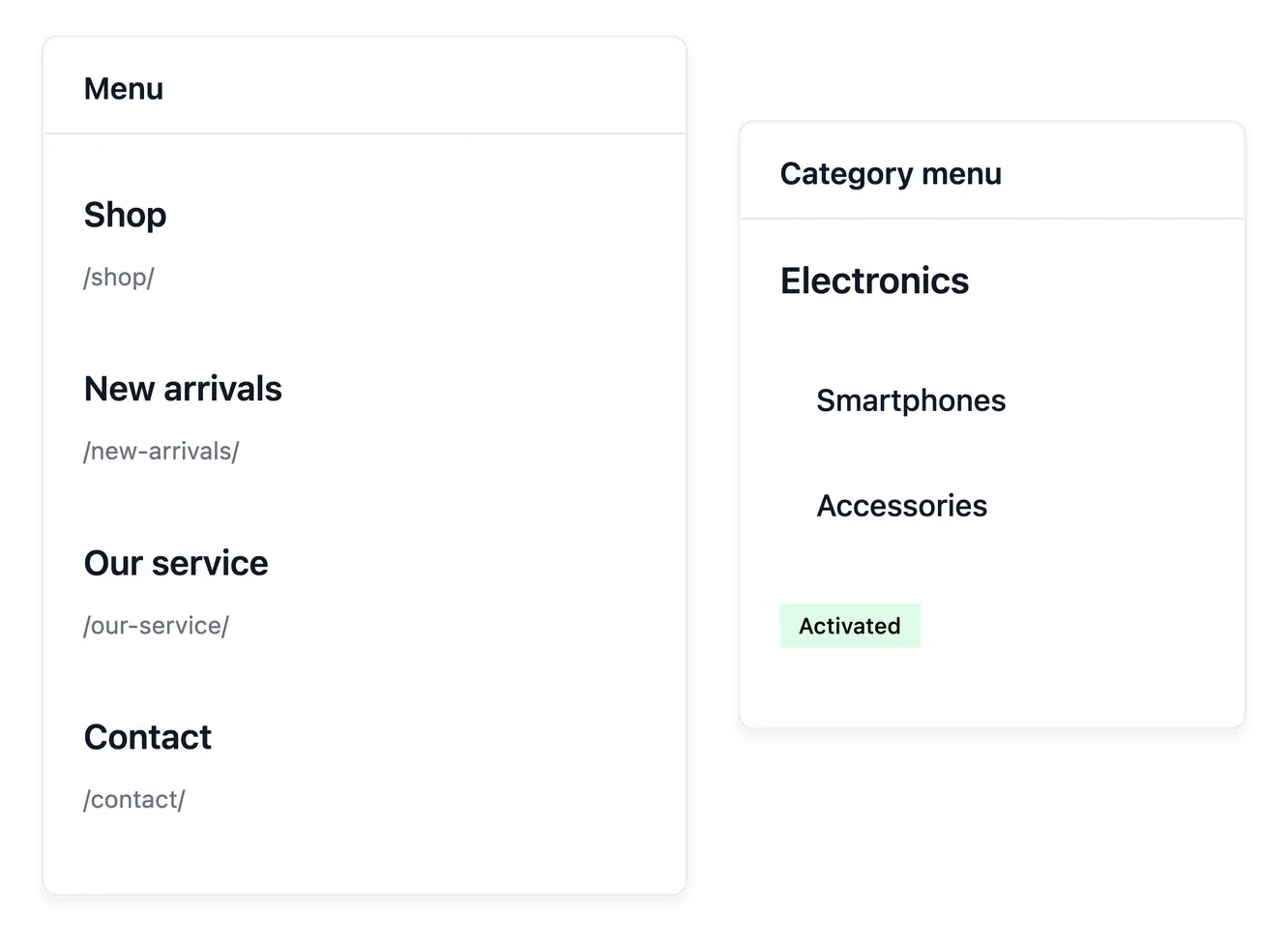
Build menus around useful destinations
Compose the menus your shop needs, such as its main navigation and footer. Add entries to supported shop pages, products, categories or external addresses, then give the links wording visitors can understand.
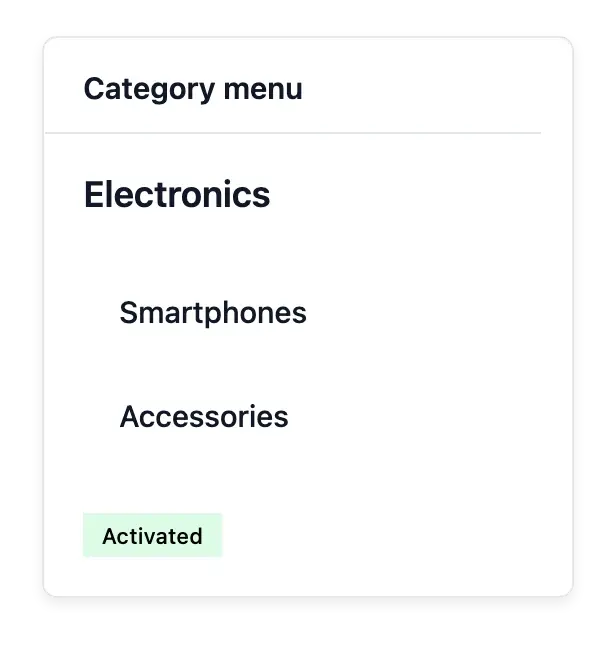
Arrange links in the main menu and footer and control their order. The category menu uses your catalogue tree, with the selected roots, pictures and display order; update the underlying categories before choosing how to present them.
Connect destinations without duplicating content
Main menu and footer. Maintain links where visitors expect to find them. Their labels can describe the destination without renaming the page or product itself.
Ordered links with clear labels. Arrange related destinations and their order. Give each link a label and a rank so the most useful destinations come first.
Several destination types. Link supported pages, products, categories or external addresses. Keep a menu choice aligned with the content customers will actually reach.
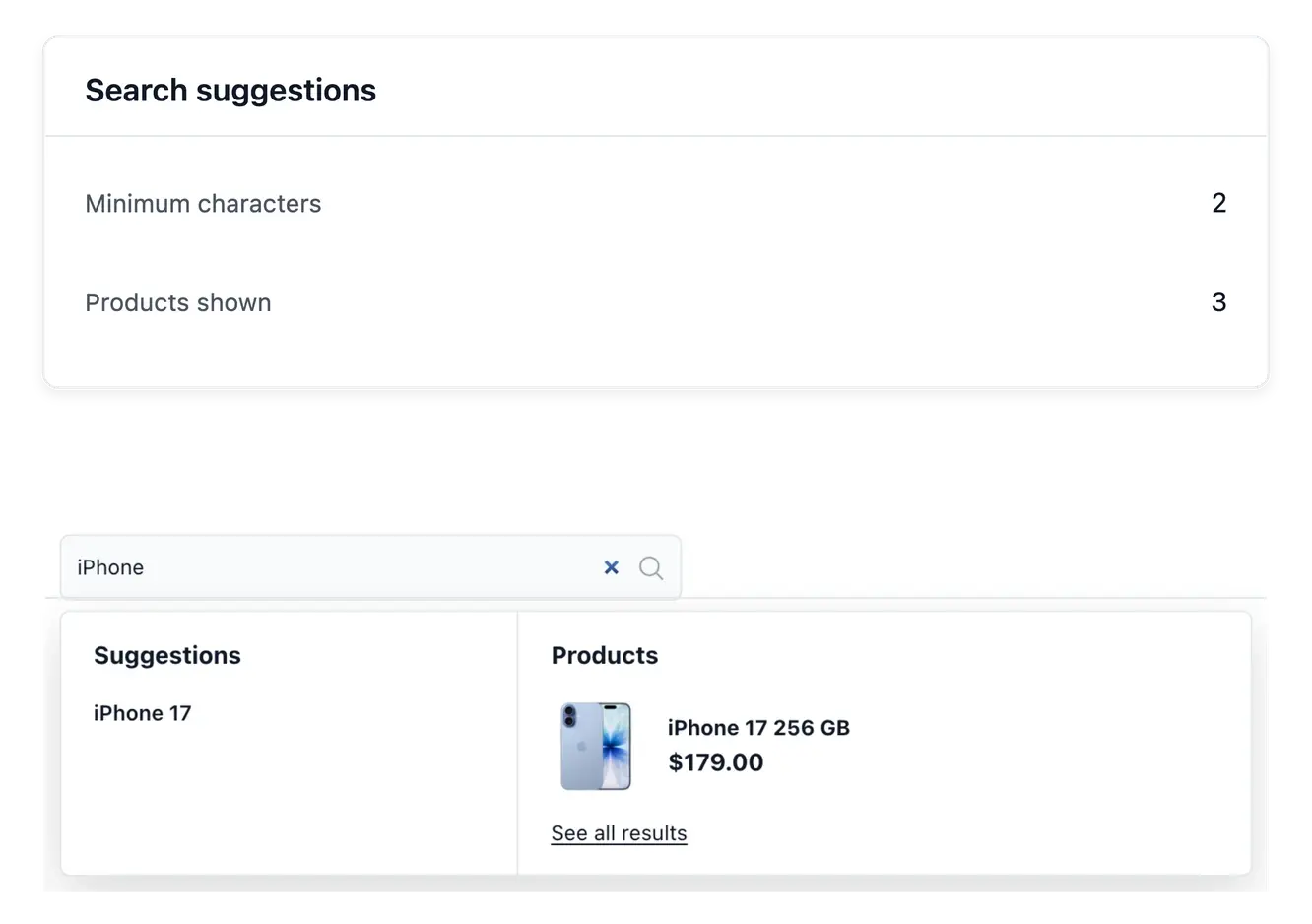
Help shoppers find the next useful product
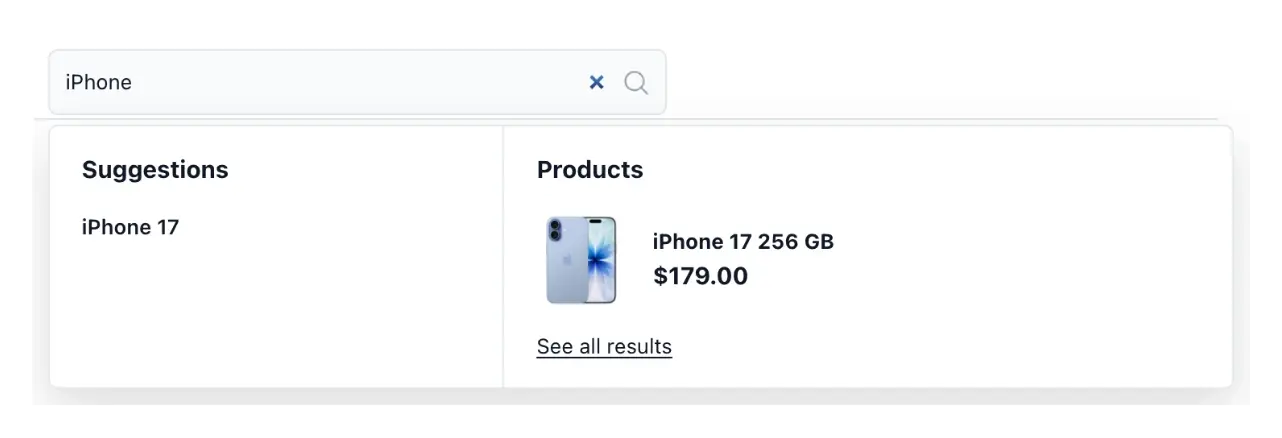
Configure which product and category suggestions appear while visitors search. The search field belongs to your theme header; the suggestion settings determine the content offered beneath it. Menu links and search suggestions serve different journeys and can be prepared together.
Check the result with real category names and product references, including on a phone. Search configuration improves access to the catalogue; it does not create new products or change their availability.
Prepare a clear route through the shop
Prepare the destinations. Maintain the page or catalogue entry first. The menu links to that content rather than holding another copy of it.
Arrange the choices. Choose clear labels and order for the main menu and footer. Coordinate category browsing and search separately.
Check the buying path. Follow each important destination in the shop, including on a phone. Confirm that the result matches what its label promises.
Make an expanding shop easier to explore
Create a deliberate set of links instead of leaving visitors to discover every destination alone.
Questions about Navigation
Yes. Create and order the links in each menu; each footer menu forms its own column of links.
They use the existing catalogue categories and the roots, pictures and order chosen for their presentation.
Yes. The search settings control the supported product and category suggestions.
Its placement and appearance belong to the theme header; suggestions have their own navigation settings.
No. Link to a destination that is actually published and available to visitors.
Yes. Check the category menu opening, useful search terms and the last entries on a small screen before relying on the new arrangement.