Billing and invoices
Understand the amounts recorded for your project
Consult project invoices and hosting billing to understand the amounts recorded for your application and infrastructure.
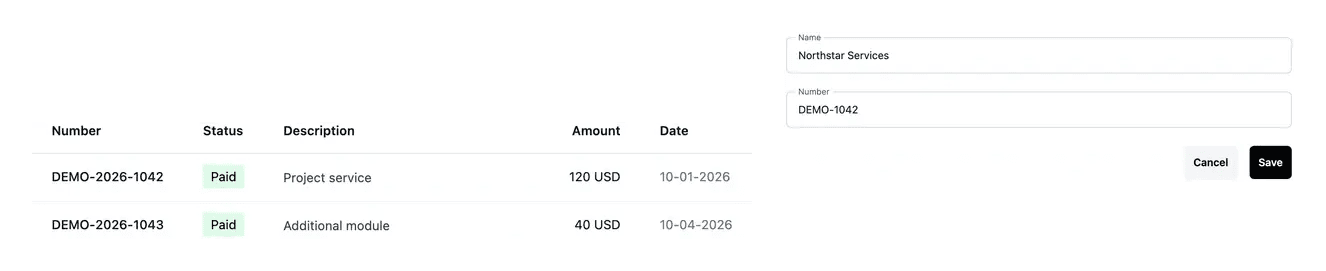
Read charges in the context of their actual operation
- Review invoices
Find recorded project amounts and invoice information.
- Understand hosting charges
Distinguish production subscription and test running time.
- Keep identity current
Maintain company and address details used by the project.
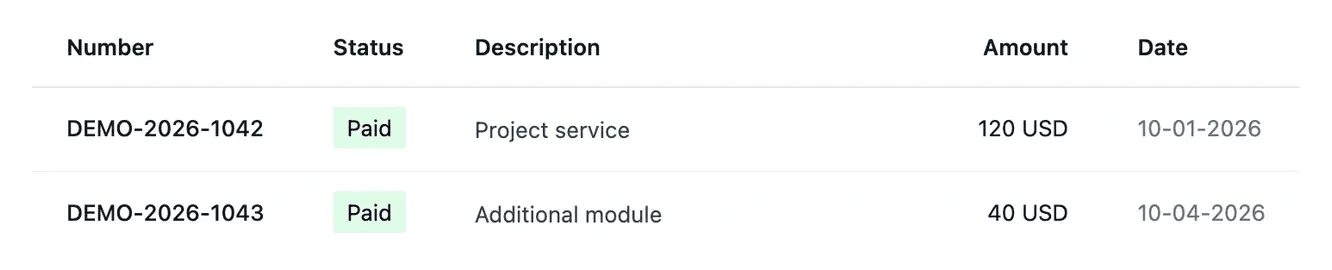
Look up the recorded project charges
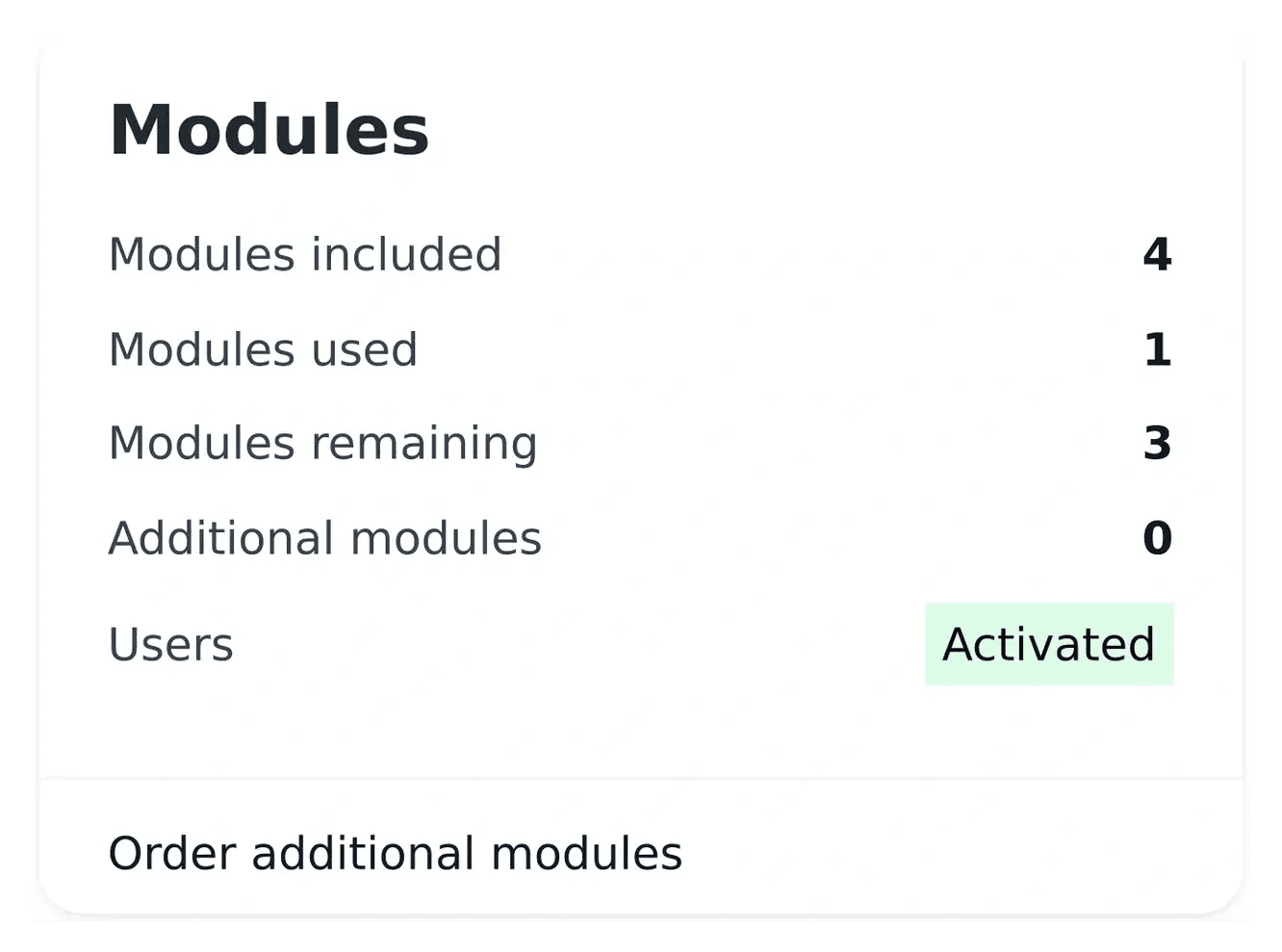
Invoices give you a place to review the amounts recorded for the project. Use them alongside the offer recap when confirming an application purchase or extension.
Check the selected project and currency. Keep the billing identity complete before confirming an operation that requires it.
Compare the offer, hosting usage and invoice record
Identify an application operation. The invoice description, date and amount help connect a record to setup, subscription or an extension. Use the actual project recap rather than a public example to understand the operation concerned.
Explain a hosting amount. Production subscription and test running periods have different billing contexts. Inspect the environment and recorded duration in infrastructure billing, then compare the applicable amount and currency.
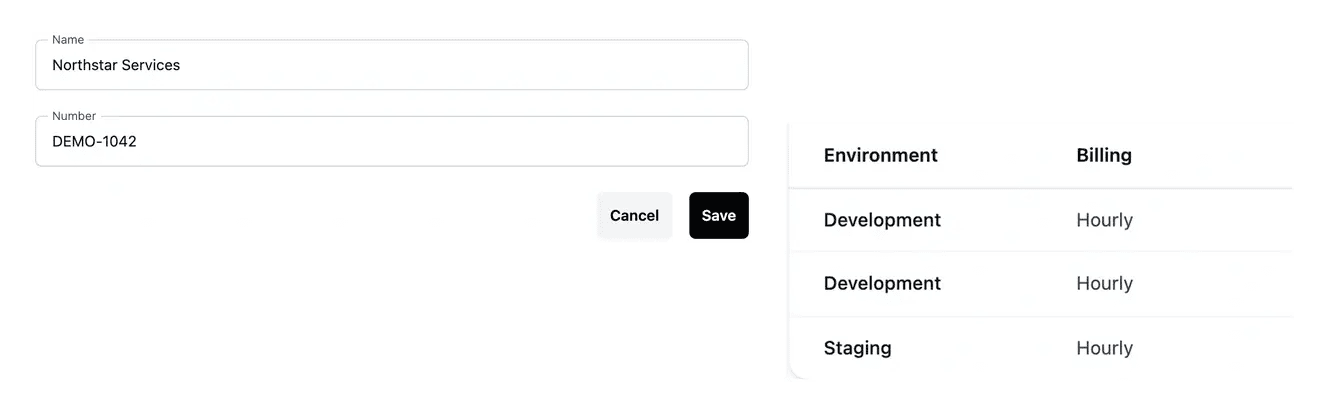
Keep the billing identity consistent. Company and address details belong to project settings. Review them in the intended environment when correcting the identity used by the project, while keeping the invoice record and offer state distinct.
Understand what contributes to hosting cost
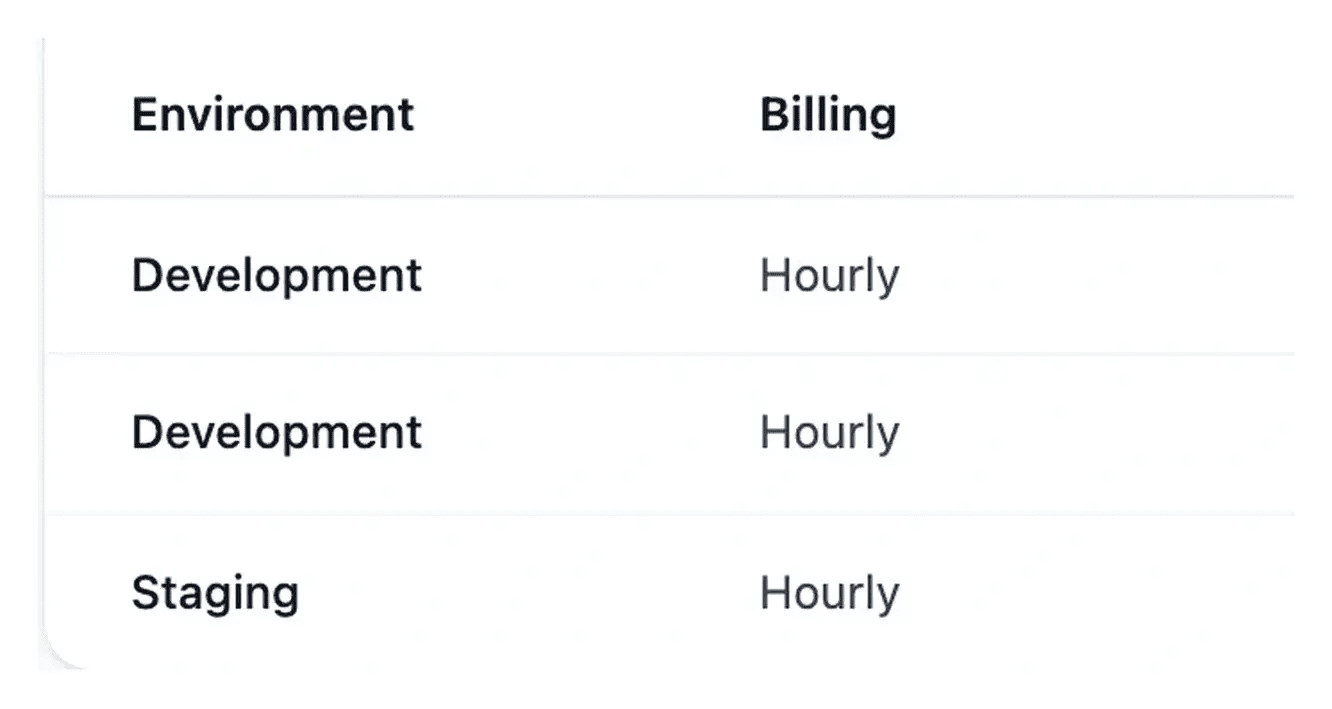
Infrastructure billing shows the production subscription and usage of development and staging. Recorded running periods help explain the usage amounts.
Company information, offer conditions and hosting usage belong to related views. Consult the relevant detail when an amount needs explanation.
Match a recorded amount to its purpose
Read the invoice’s description, amount, date and status together. Those details help explain what the recorded charge concerns and where it stands in the billing history.
For hosting, consult the corresponding environment information as well. Keeping project invoices and hosting billing in their own context makes the recorded amounts easier to understand.
A clear reading of recorded charges
Find the invoice. Choose the correct project and read its number, description, date, state and amount.
Review the relevant detail. Use the application offer or hosting period corresponding to the charge. An offer change can still be applying after its billing record exists.
Clarify an unexplained difference. Keep the reference, period and amount when reporting a question through the project feedback tools.
Keep project charges understandable
Use the record and its business context to explain an amount, with the relevant offer or hosting detail close at hand.
Questions about Billing and invoices
Open the project invoice list after selecting the correct project. Its columns identify the reference, description, amount, state and date of the recorded operation.
Read the currency attached to the actual invoice or confirmation. A public price shown for another selected country does not replace that record.
The billing record and operational application describe different stages. Check the offer’s current state alongside the invoice rather than assuming one automatically proves the other.
Infrastructure billing shows running periods, duration and amount. Hourly sessions use the displayed billing rules, including rounding; the detail provides context for the recorded cost.
The current invoice screen presents the recorded data without a separate PDF download action. Use the reference and amount shown when following up through the project tools.