Hosting and infrastructure
Understand the infrastructure behind your application
Inspect the hosting services, servers and network that support your project’s environments.
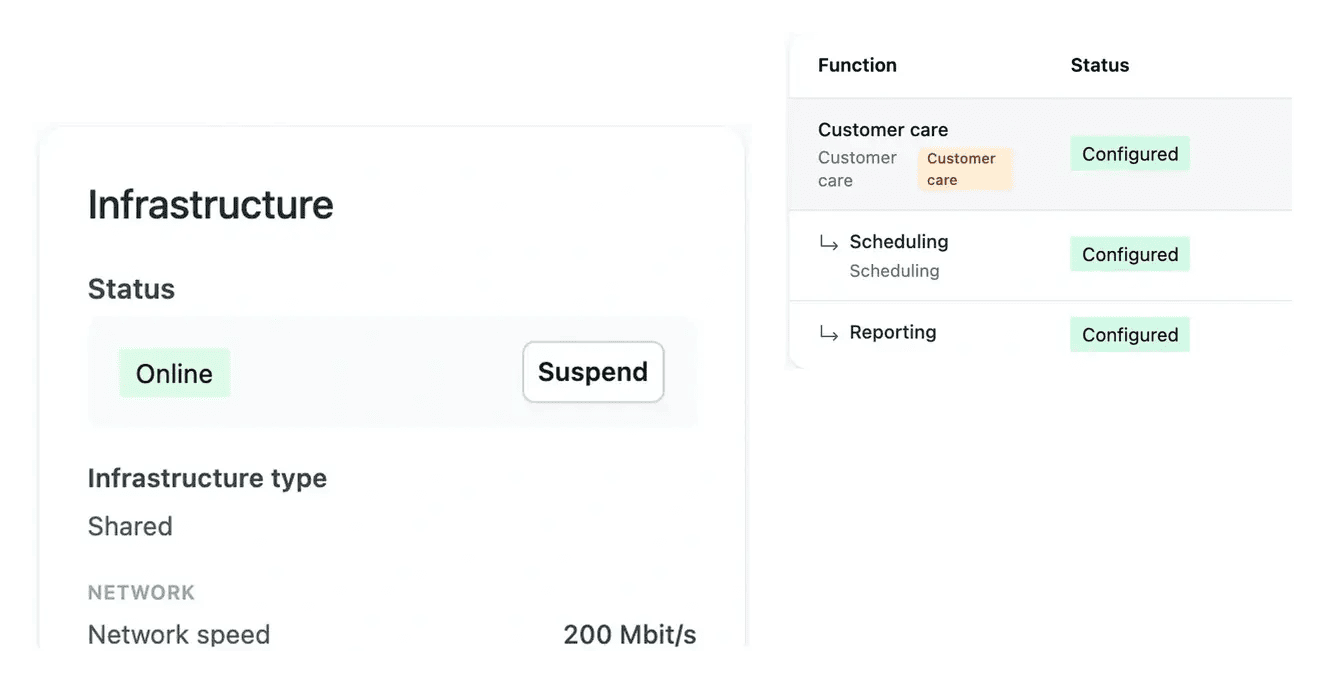
Resources, services and costs in their project context
- See the composition
Consult the services and resources in each environment.
- Inspect server details
Review the project servers and their configuration.
- Understand the cost
Read hosting estimates and usage separately from the application offer.
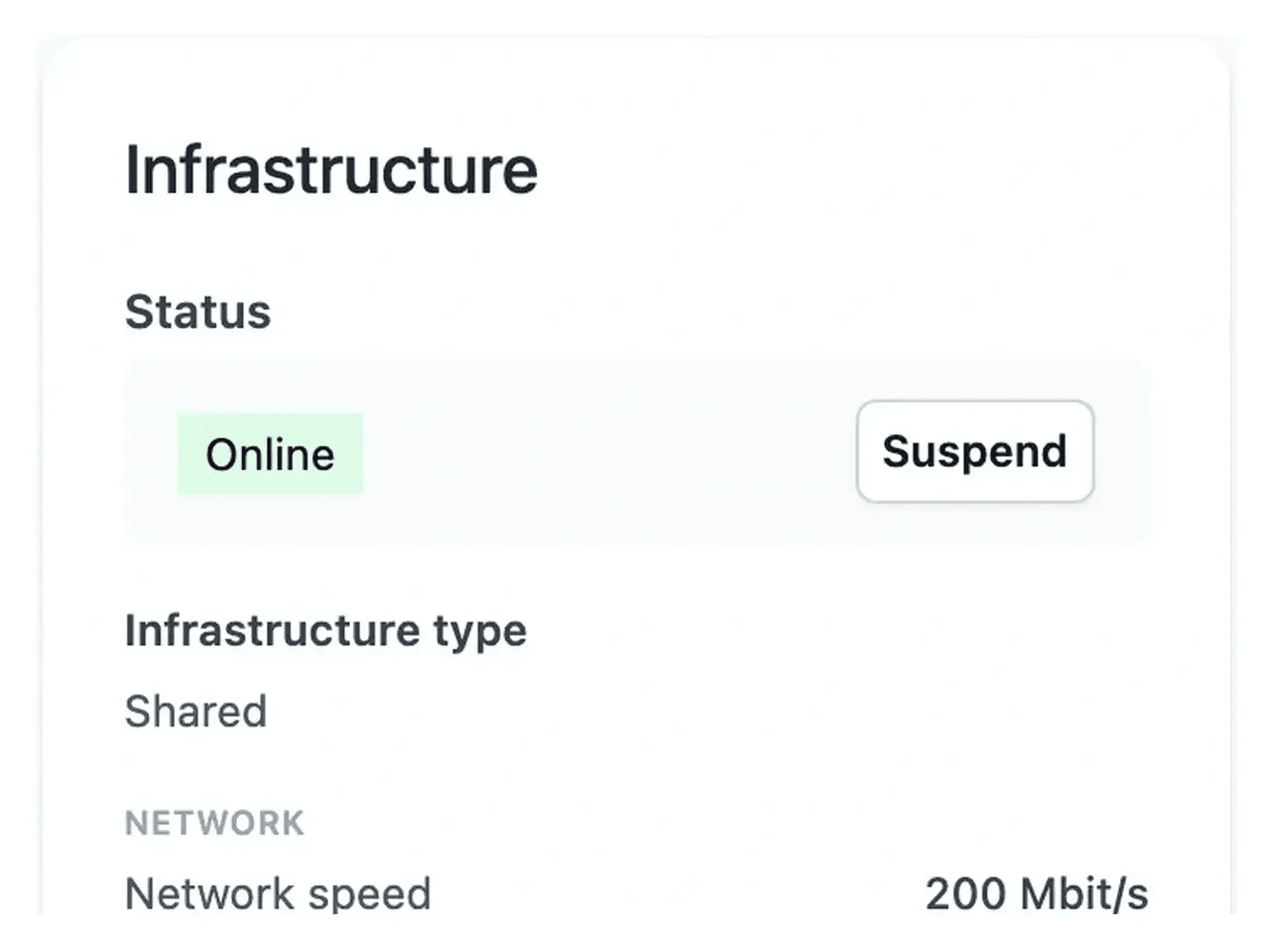
Know what runs behind your application
Infrastructure presents the services needed for the selected project and environment. Open the server and network views to understand the installed composition.
The hosting location and project requirements shape the available infrastructure. Review the proposed resources and price before treating the configuration as final.
Inspect what runs and what can be adjusted
Review the production composition. Hosting combines the services required by the project, with their server and network resources. Review the actual composition and location before treating the configuration as final, especially when the application scope changes.
Inspect an operational service. A service state provides context when an environment or upload is not available. Open the corresponding server or network views to understand the installed resources rather than interpreting every unavailable screen as an application defect.
Assess a resource change. When adjustment is offered, compare the current plan with the available resources and displayed price. The requested configuration and the resulting server state are separate stages to follow.
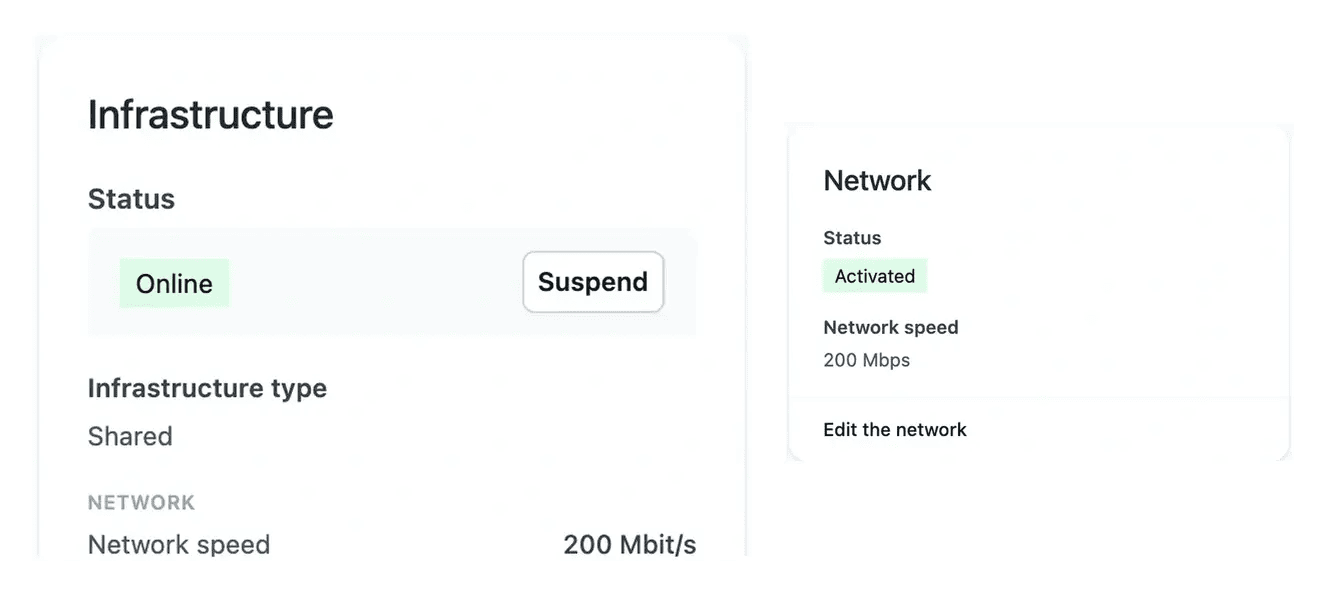
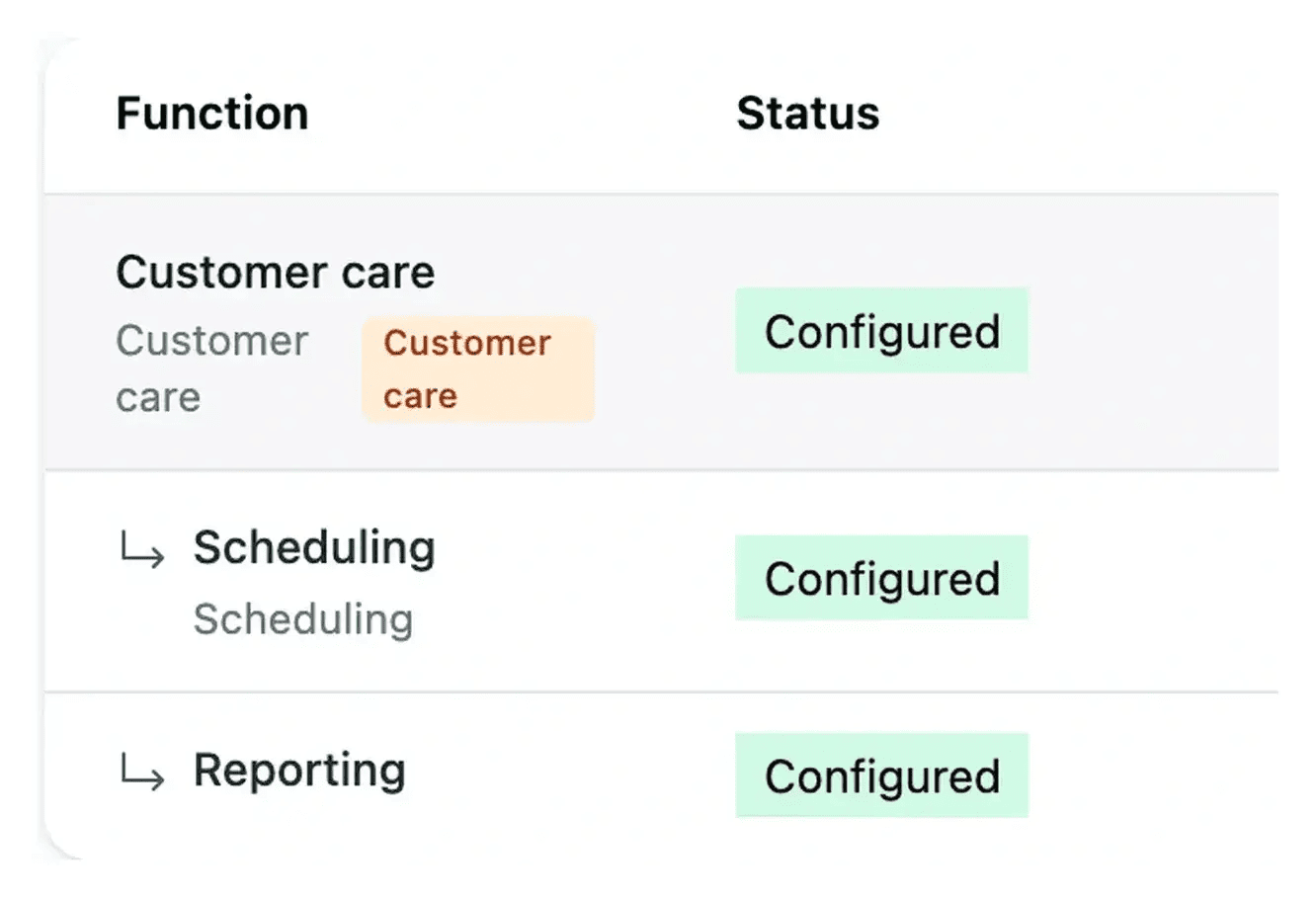
Follow installation and operation in context
Check installation and service states when an environment is not yet available. Use the operational controls for the selected environment and inspect the result afterwards.
Hosting has its own billing view. Production subscription and the running time of test environments are shown separately from the project setup and application subscription.
Read infrastructure in the context of an environment
The services, servers and network describe what runs a particular environment. Checking the environment first gives the infrastructure information its practical context.
Use the corresponding service addresses to review the application and public surfaces. A service entry and a working user journey provide complementary information about the project’s operation.
From hosting choices to operational follow-up
Select the environment. Confirm whether you are reviewing development, staging or production. Read the relevant services and installation state.
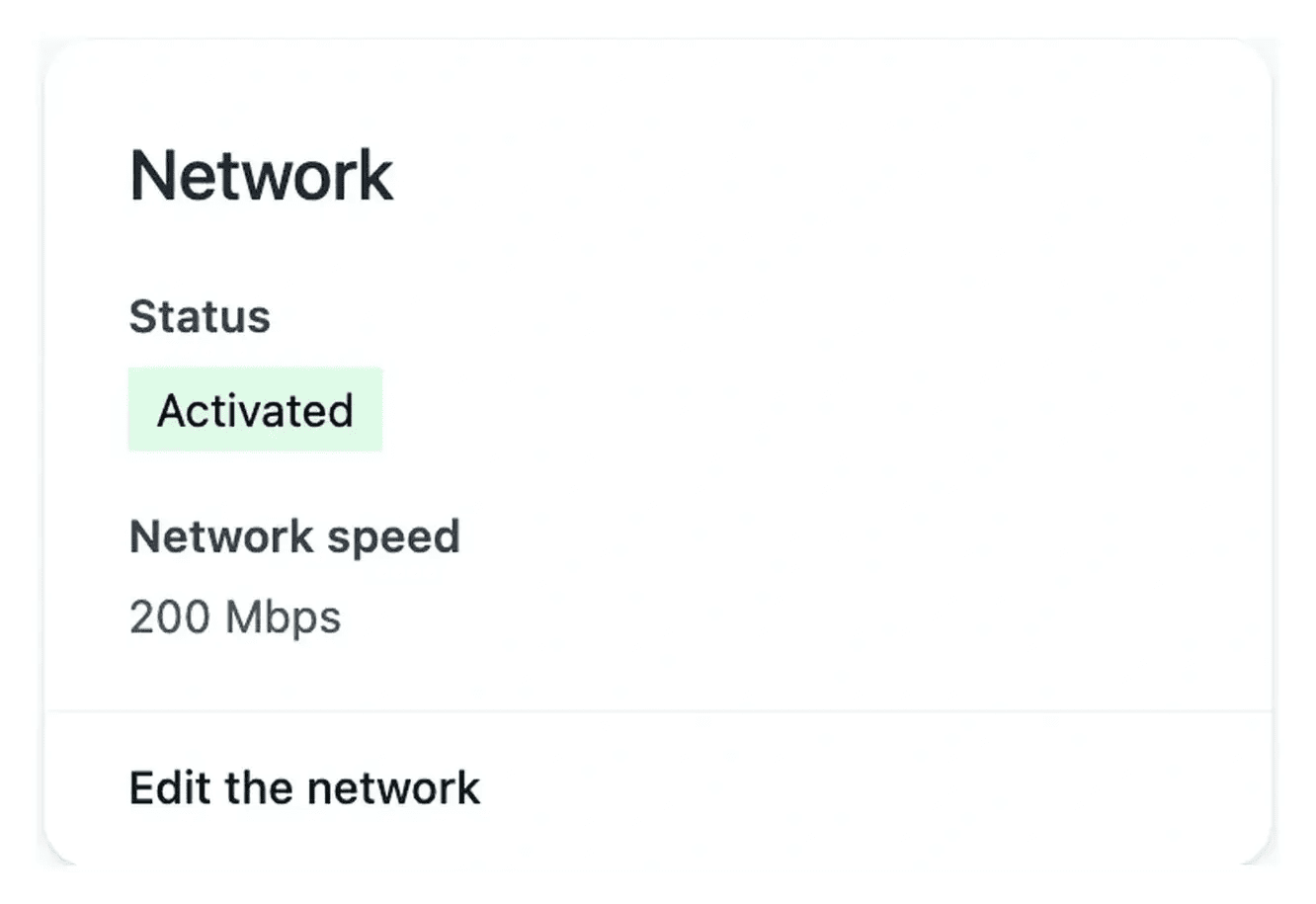
Inspect resources and network. Use server and network views for their function, capacity and available configuration. Review the cost before a permitted change.
Follow the resulting state. Check the installed configuration after the request applies. Read infrastructure billing separately from the application offer.
Keep hosting understandable as the project grows
Use the actual service composition, resource choices and billing views to connect the application’s needs with its operational setup.
Questions about Hosting and infrastructure
Its composition follows the project requirements, location and available plans. Inspect the resources and services actually proposed or installed rather than relying on a generic server list.
Infrastructure includes server and network views for the selected environment. They show the function, state and resources relevant to that project.
Use the adjustment controls offered for the server or network. Review the current plan, available options and price, then follow the resulting state after confirmation.
The project presents hosting costs separately from application setup and subscription. Review production hosting and test-environment usage alongside the actual offer and invoices.
Confirm the project and environment, then inspect installation or operating state. A service not yet provisioned and a paused test environment are different situations.