Optional project API
Expose agreed application operations when you need them
Review an API scope for an eligible project and distinguish planned routes from the endpoints already built.
Treat the API as a defined project option
- Review the option
Check API availability and the corresponding project offer.
- Define the route scope
Clarify the business operations the API should expose.
- Inspect the route catalogue
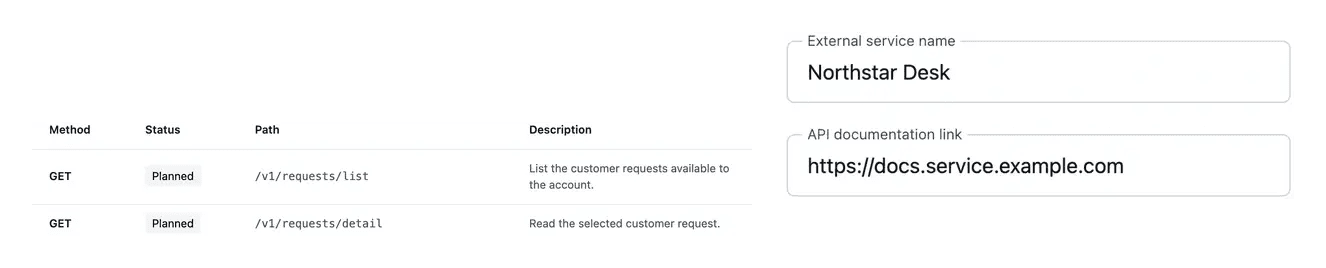
Consult method, path and the planned or live status of each route.

Add an API when your project needs one
The project API is an optional part of the offer. Review its scope and conditions before activation, rather than assuming every application includes it.
The API tools organize the proposed routes by business area. Clarifications help define what each operation should do before its implementation.
Distinguish intended routes from working endpoints
Prepare access for another system. A project may need another application to use its business operations. Review the optional API scope and offer rather than assuming every function is automatically exposed. The agreed operations define what the integration should access.
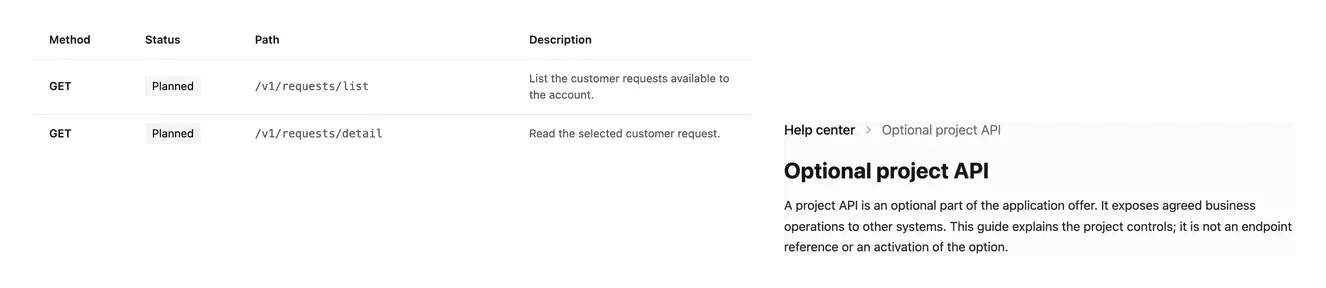
Inspect the route catalogue. The catalogue shows each route’s method, path, description and state. It helps distinguish proposed scope from endpoints registered as live. This is a practical reference when following the API’s preparation.
Choose the correct integration direction. Using another provider’s API and exposing your own application are different needs. External connections cover the former; the project API covers agreed exposure. Choose the route that matches the business exchange you want.
Tell an exposed API apart from an external connection
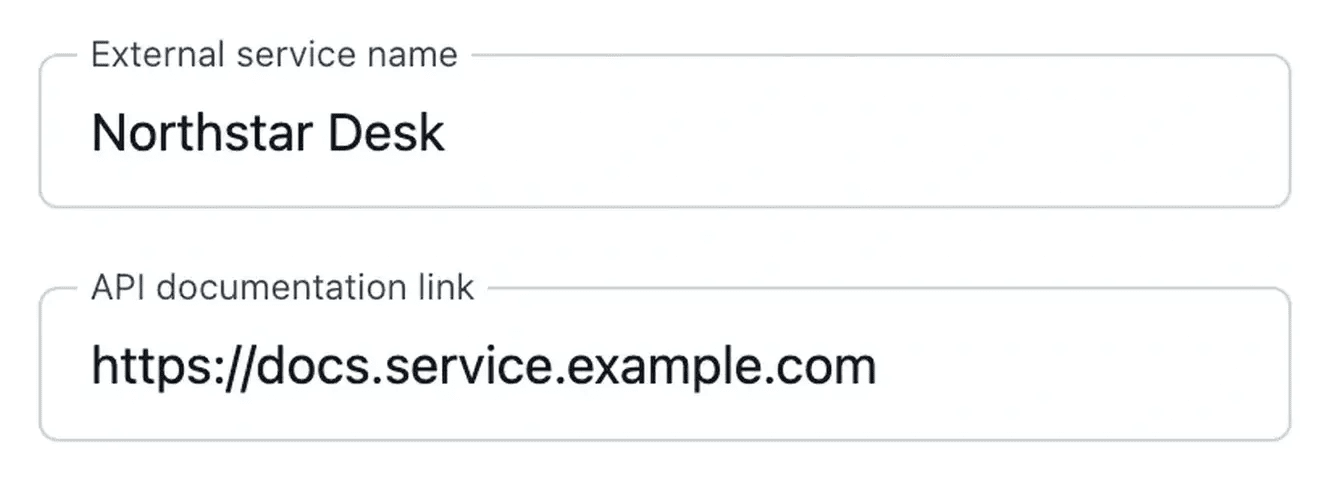
A project API exposes the agreed operations of your application. An external connection describes how your application uses another service; they serve different needs.
Use the route catalogue to inspect method, path and whether an endpoint is planned or live. This presentation does not activate an API for your project.
Assess the API option against a concrete need
Identify who will consume the project’s data and which operations that integration requires. This helps distinguish an optional API scope from a connection to an existing external service.
For an eligible project, inspect the planned routes and their construction state. Confirm the relevant service and environment before considering an endpoint available to an integration.
From an optional scope to verified exposure
Review availability and conditions. Check the API option in the actual project offer. Decide whether the application needs that exposure before activation.
Clarify the operations. Review the proposed business operations and answer questions about their expected behavior. Follow preparation and construction states.
Consult what is live. Inspect the route catalogue and published reference for an activated project. A planned route is not a working endpoint.
Define the integration scope before adding an API
Explain the operations another system needs and review the option’s conditions. The API should serve an agreed business exchange.
Questions about Optional project API
It is an option whose availability and price appear in the actual offer. An application can operate without activating it. This presentation does not provision or enable an API for your project.
It describes an intended operation that is not yet registered as a live endpoint. Use the catalogue state and the actual published reference before starting an integration.
The project API views show the areas to expose, questions, infrastructure and construction states. Resolve the stated prerequisites and inspect the resulting route catalogue.
Use the API reference belonging to the activated project and relevant environment. Do not derive an endpoint or an authentication example from a planned route alone.
They describe another service your application uses. That direction of integration is distinct from exposing your own application operations through the project API.