Give your support team the context behind every request
Ultineo E-commerce brings the requests buyers open from their account into one support inbox, each with its customer, its order and the item concerned. Around it, a help center answers recurring questions in your shop, and e-mail and SMS leave a sending history your team can check.
What slows a support team down every day
- Questions without a reference
A message that says a parcel has not arrived, with no order number, sends the agent searching before replying. A buyer who asks from their account refers to the order or the item concerned, so your team receives context instead of an unidentified question.
- The same questions every day
Delivery, returns and buying conditions come back day after day, and each agent words the answer differently. Your shop opens with standard help articles that you keep or adapt, and you add your own subjects and articles for what is specific to your business.
- Messages nobody can trace
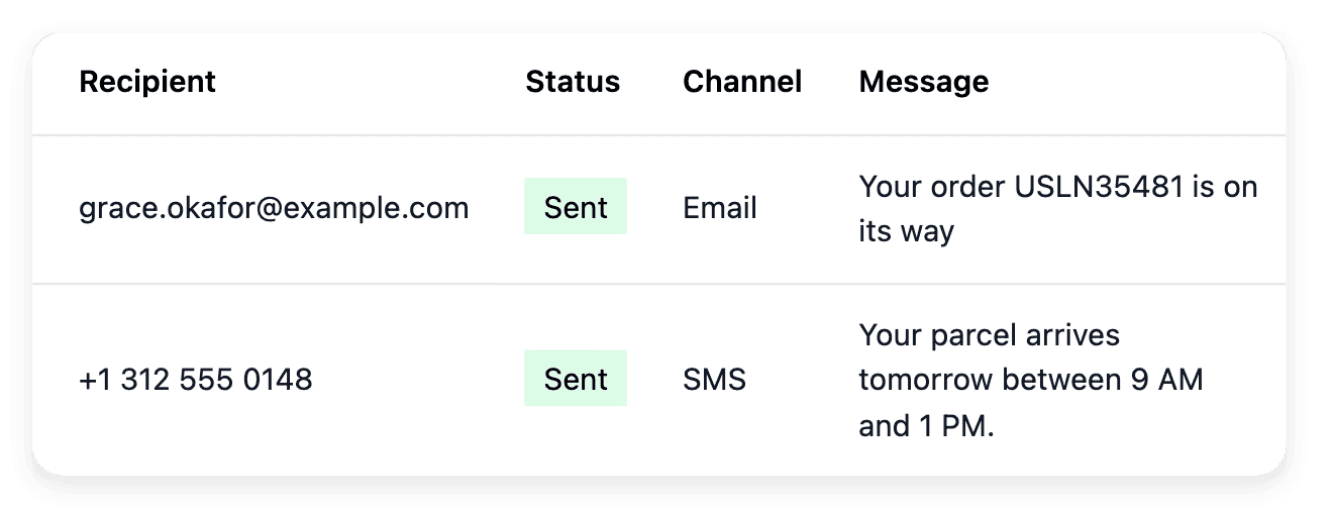
An update sent from a personal mailbox or phone leaves the rest of the team unable to say what the buyer was told. E-mails written from your shop use its configured sender, the SMS settings show which sender identity is currently used, and each channel keeps a sending journal with the recorded states.
From the buyer’s question to a resolved request
-
1
Set your support subjects In Support, open the Settings tab and set the topics a customer picks before writing. Clear subjects help the buyer describe the issue before your team reads the conversation.
-
2
Put your help center online In Documentation, keep or edit the ready-made articles, then add a subject and an article for each recurring question. A new article is a draft until you open it and put it online.
-
3
Answer from the request The Overview tab of Support counts the new requests and those awaiting your reply. Open one, read the exchange in sequence, then click Answer, type your message and send it: the customer reads your answer in their account.
-
4
Give the conversation a state Close the conversation when the case is resolved, and reopen it when the exchange needs to continue. Its history lets another member of your team follow the case.
Handle a request from first question to resolved case
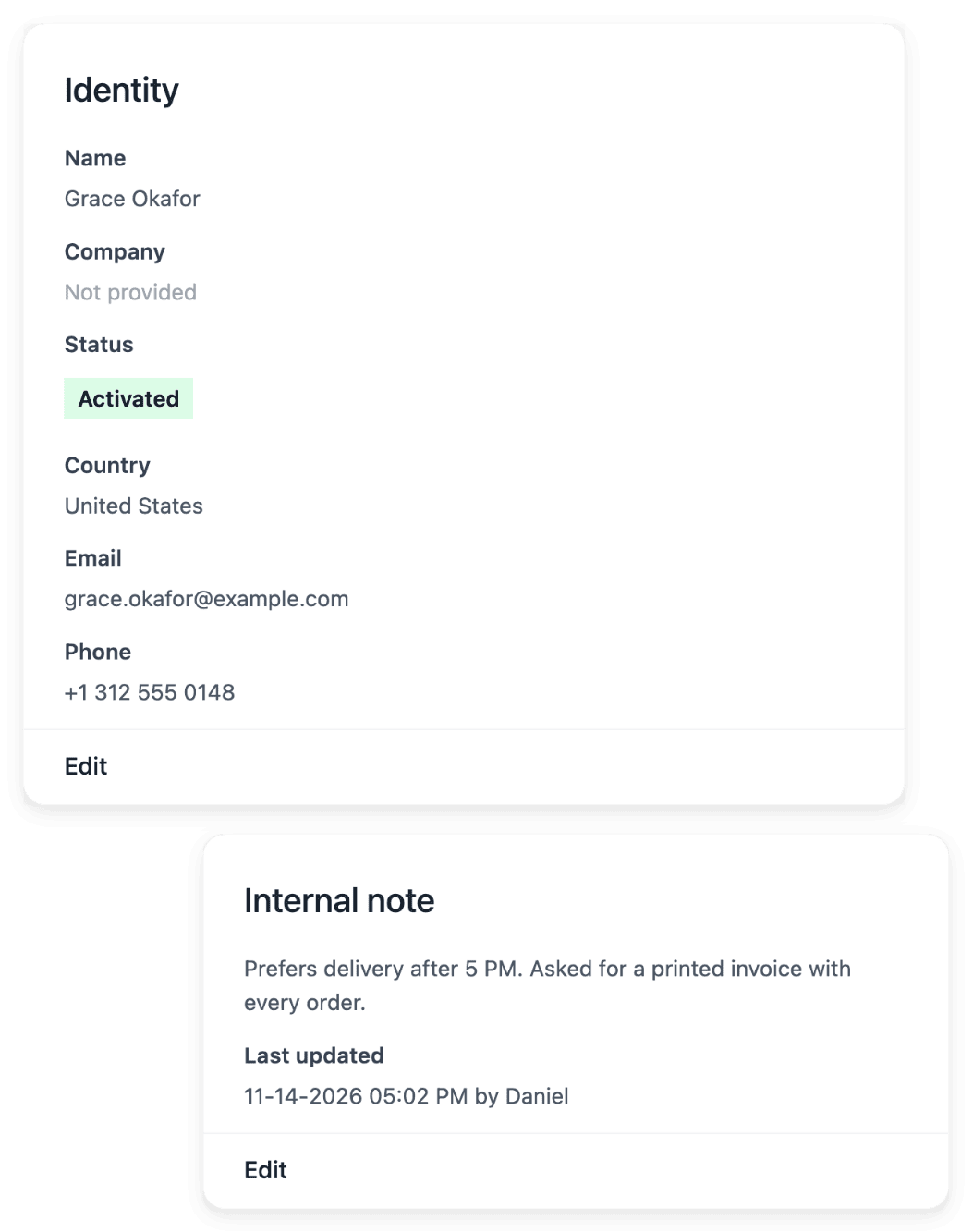
Requests arrive with a subject the buyer picked first, from the list you maintain for the request form of your shop. The support landing and the list show the work still waiting for an answer, and the searchable history brings back an older conversation. When a question needs more than the request shows, the customer record gives your team the buyer’s contact details, addresses, earlier orders and internal notes.
Requests are the ones customers open from their shop account, with the purchase they concern. Reading the exchange and wording the answer stay your team’s work, and the support record remains the place to follow what was actually exchanged with the customer.
Publish a help center your buyers can read first
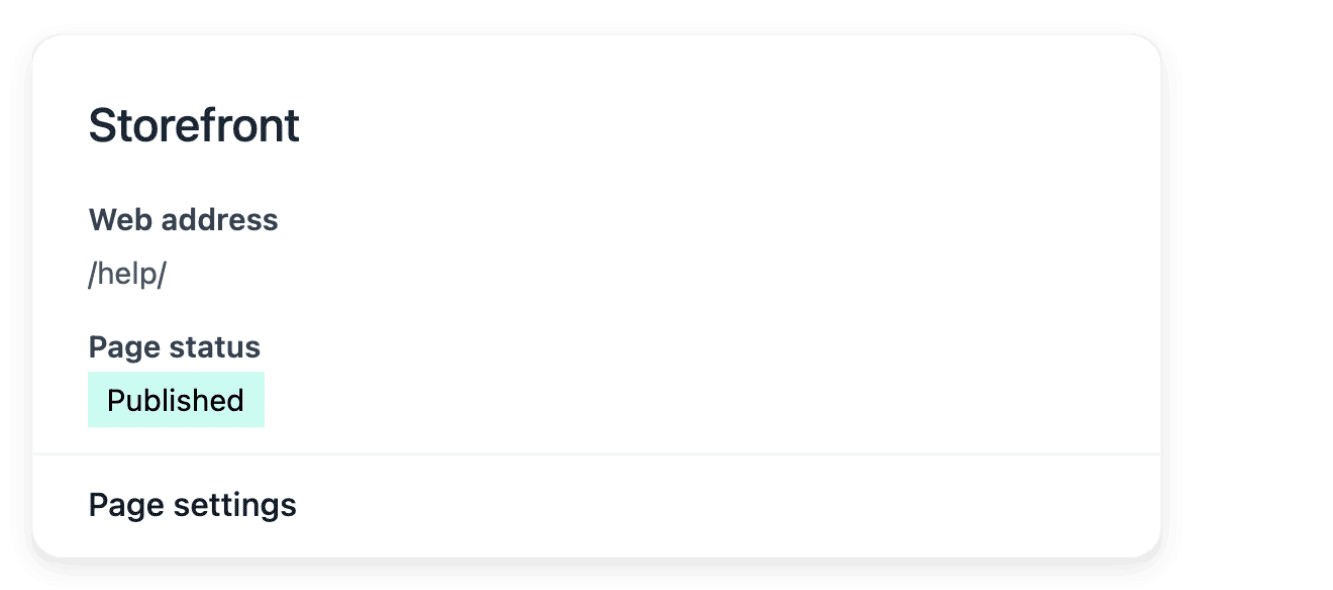
Your help center comes with ready-made articles marked as standard text, which you keep or edit; an edited article becomes customized, and you can restore the standard wording. You organize the subjects, add your own articles on delivery, products or buying conditions, preview an article before making it visible, then publish or withdraw it. Customized articles can be translated into the languages your shop serves by a task you launch, when the service is ready, and you review each result.
The help center complements Support: it does not replace a conversation about an individual order. Keeping the answers true is your work, so re-read the articles after you change delivery, returns or shop policy, since translation does not replace checking the answer itself.
背后的功能
看看您还能做什么
- Handle after-sales
Follow returns, refunds, delivery incidents and buyer requests, each one with its order.
- Returns and refunds
Handle the item coming back and the money going back as two records, each with a status you can check.
- Delivery incidents
Record each lost, damaged or refused parcel with its shipment, its references and the carrier’s answers.
Go further
Keep questions, purchases and replies connected as your shop grows
Send your application to open a shop: each one is studied by our team before an account is opened.
Questions
是的。发送个人电子邮件时,您需要选择客户、主题和内容,并采用您商店的固定品牌布局;发送短信时,您可以通过姓名、电话号码或电子邮件查找收件人,并确保措辞适合简短格式。每个渠道都有各自的设置和各自的发送历史记录,您可以在其中查看记录的状态。已发送的消息不能证明买家已阅读。
Yes, with support reply assistance, when its settings and the availability of the service allow it. Your agent types the reply, and the assistance rewrites it in the language of the buyer as the agent sends it, or first puts it back in the reply form with "Rewrite and review", where the agent reads and edits the proposal. This is a defined task, not a general chat assistant.
Their own account in your shop, which is not your merchant workspace. From it, a buyer follows their orders, opens requests linked to their purchases and reads your answers, without describing a purchase from memory. You can use the account appearance settings to keep this area recognizable as your shop.