Tokens and hosting usage
Read project activity without mixing its measurements
Read incoming and outgoing AI tokens alongside the running time recorded for test hosting.
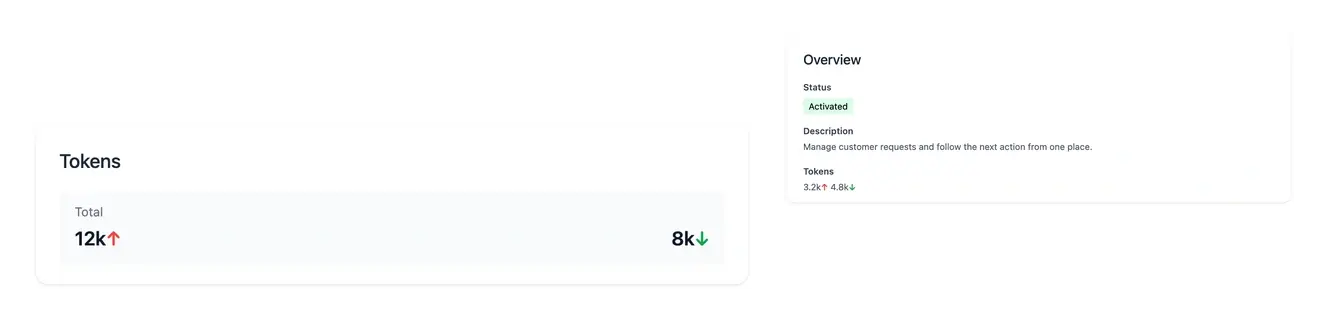
Separate AI work from hosting time and invoices
- Read both token directions
The up arrow shows incoming tokens; the down arrow shows generated output.
- Distinguish the work
Follow token counters for analysis, construction and AI change requests where displayed.
- Inspect hosting usage
Review development and staging running periods and their recorded costs.
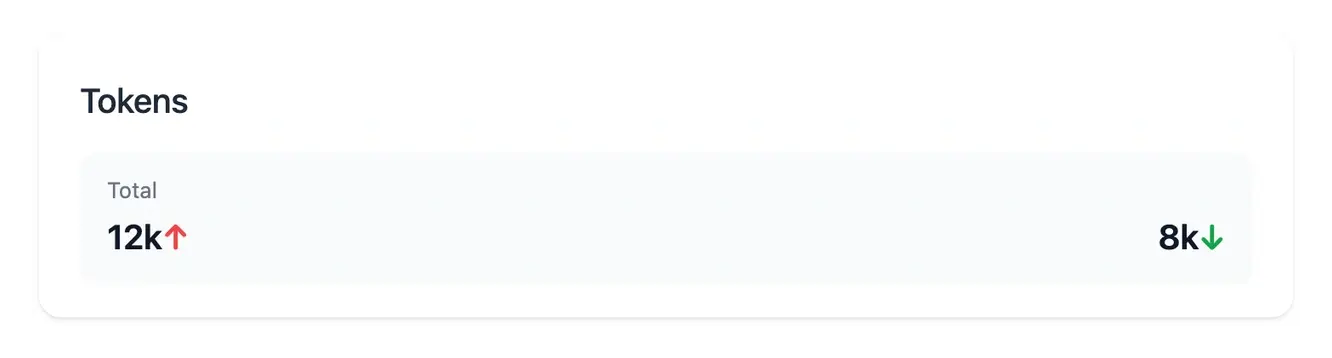
Understand the work represented by the counters
AI input and output are different quantities. The counters show each direction separately and retain a zero value when no usage has been recorded.
Use the totals and the relevant project views to understand the analysis, build or change-request work involved. A token count is a usage measure, not a promise of a delivery date.
Understand what each counter represents
Follow input and output work. AI counters display the information provided to the work and the output generated. Reading both directions gives a more useful picture than one combined figure. The relevant request or project view supplies the context behind those counts.
Understand a running test period. A test environment’s elapsed time belongs to hosting usage. Inspect its recorded period, duration and amount, including whether the session is still open. That measurement has a different purpose from an AI token count.
Compare activity with the actual charges. Application subscription, optional scope and hosting are read through their offer and billing views. Use the recorded invoice and confirmation amount to understand what is due, rather than deriving a charge from an isolated activity counter.
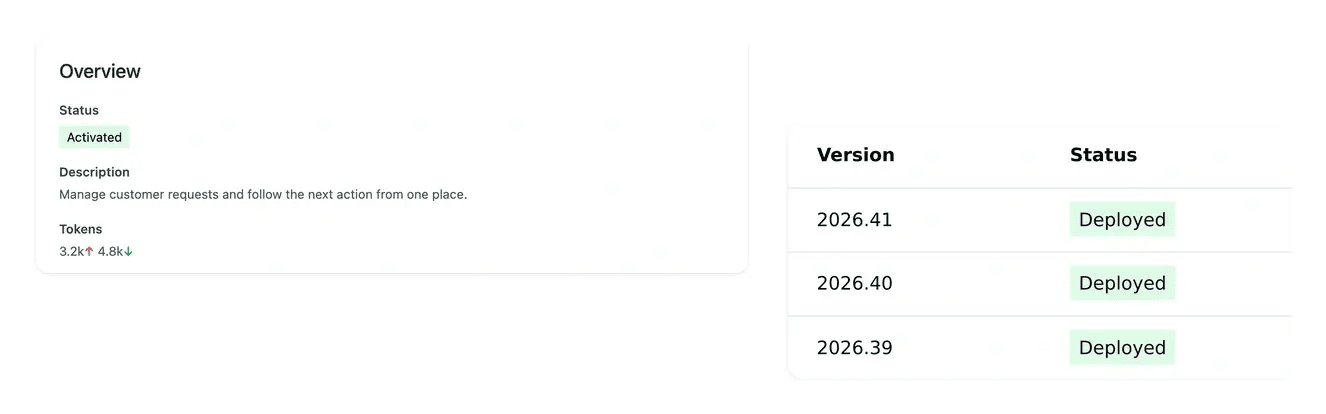
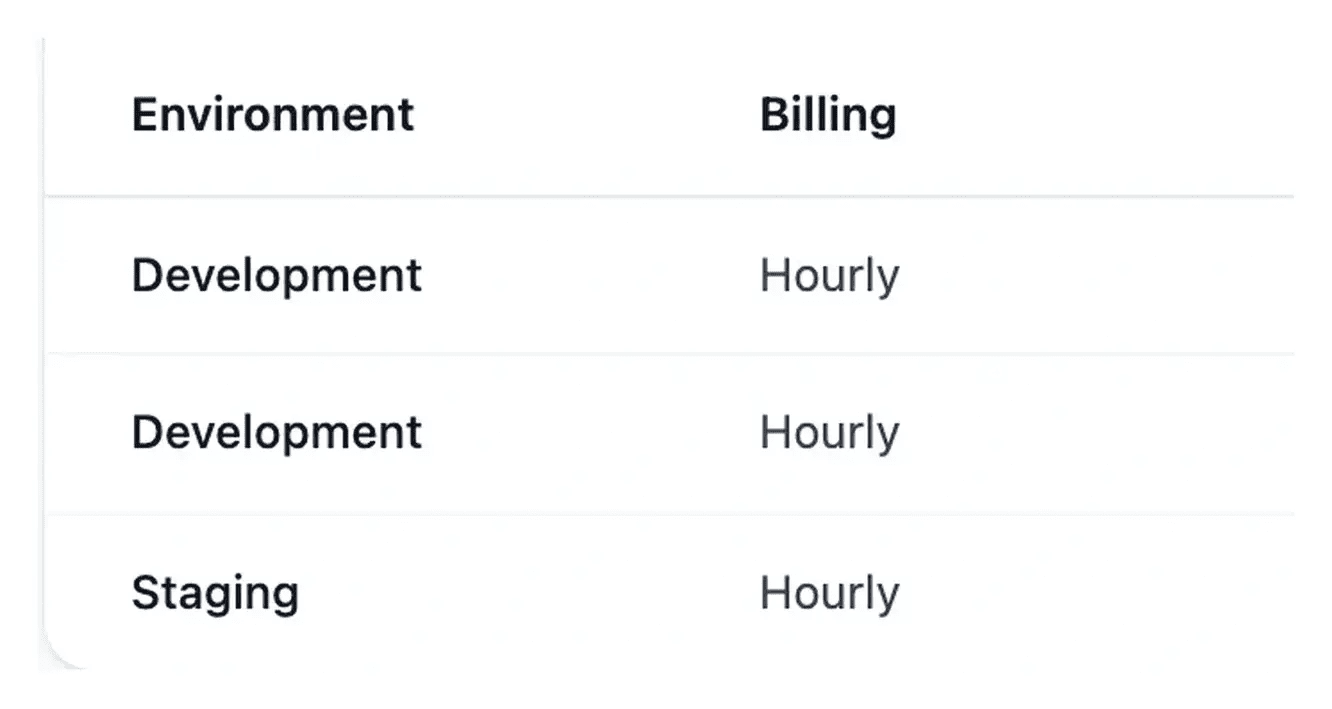
Keep AI usage and hosting cost understandable
Hosting usage records test environment running periods. The billing view presents the associated amounts alongside the production subscription.
Consult the actual offer and invoices for amounts due. Token counters, server running time and the application subscription describe different parts of project activity.
Interpret usage with the work that produced it
Incoming and outgoing tokens describe different parts of recorded AI activity. Read them with the relevant analysis or construction work to understand the context of the totals.
Hosting information has its own scope and environment. Consult the corresponding usage and billing views when reviewing costs, rather than treating a token total as an invoice amount.
A clearer reading of usage and cost
Read token directions. The upward arrow represents input and the downward arrow output. A zero remains visible for each direction.
Inspect hosting periods. Review the environment, running period and billed amount. Ongoing sessions continue to accrue; hourly sessions use the displayed billing rules.
Confirm project amounts. Use the actual offer, recap and invoices. Activity measurements help explain the work but have different meanings and purposes.
Keep project activity understandable
Read the measurement in its context, then use the appropriate offer or invoice to assess an amount.
Questions about Tokens and hosting usage
The up arrow shows input tokens and the down arrow generated output. They are distinct quantities, so compare each direction separately in the relevant project or request context.
Both directions remain visible with zero counts. The category does not disappear simply because the recorded amount is zero.
They measure AI input and output. They do not establish a number of finished screens, a delivery date or a server-running duration. Review the work state and application result separately.
Recorded hourly sessions are rounded up to whole billed hours, with a minimum of one hour per session. Compare the actual duration and applicable rate in the hosting detail.
Use the project offer, confirmation recap and invoices. Tokens and hosting time explain different activity, while billing records provide the amount and currency concerned.