Pages
Turn maintained content into clear shop destinations
Compose shop pages from reusable sections and choose when each page is published.
Build pages around what your shop needs to explain
- Your page collection
Maintain the pages your shop needs and their public addresses.
- Arrange the content
Add and order existing sections to build the page.
- Draft before publication
Prepare content before making the page available to shoppers.
Compose content in an ordered sequence
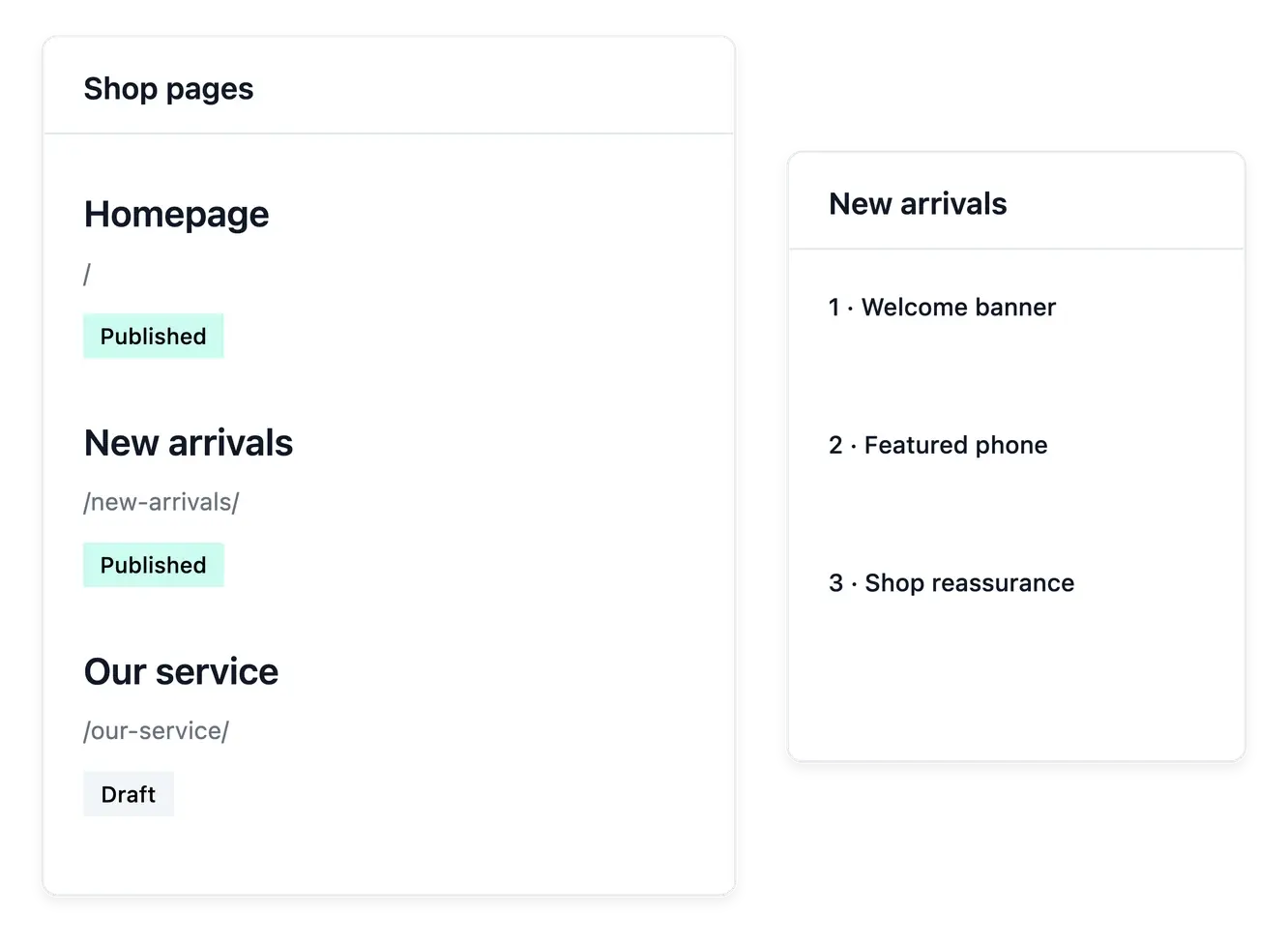
Create the shop's pages with their title and public address, then add existing sections in the order you need. The page holds the composition; each section carries its own content and supported presentation.
Prepare a draft while developing the message, then publish when ready. Work on a focused purpose for each page, whether it introduces the range, explains a service or gives customers a reason to trust the shop.
Give each page a readable structure
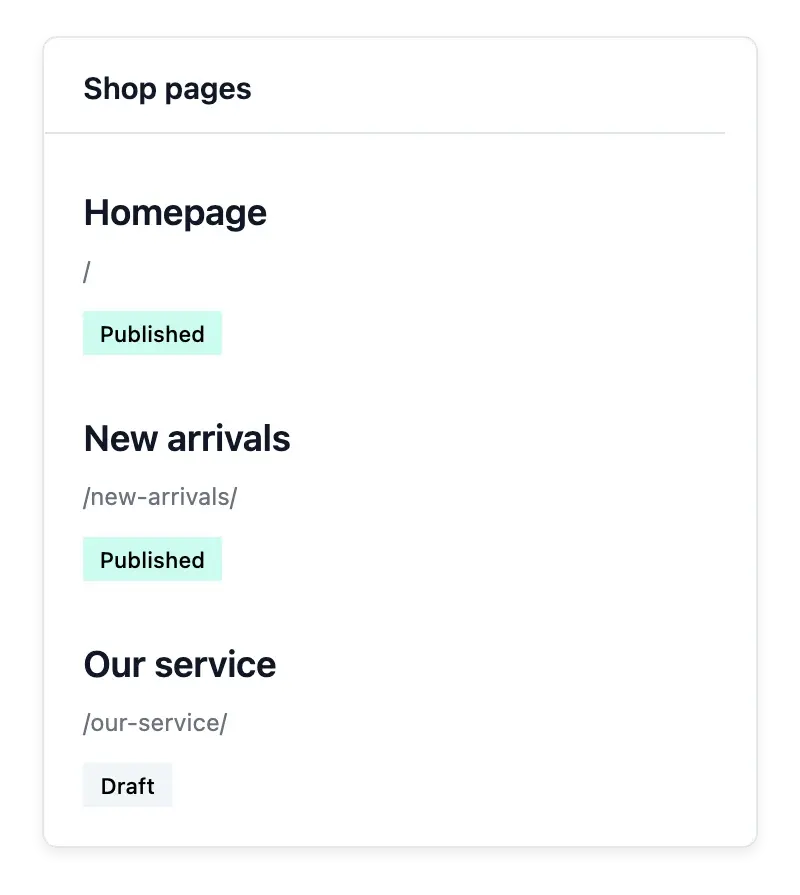
A named destination. Maintain each page in the page directory. Choose a name that helps the team find the right destination when editing navigation.
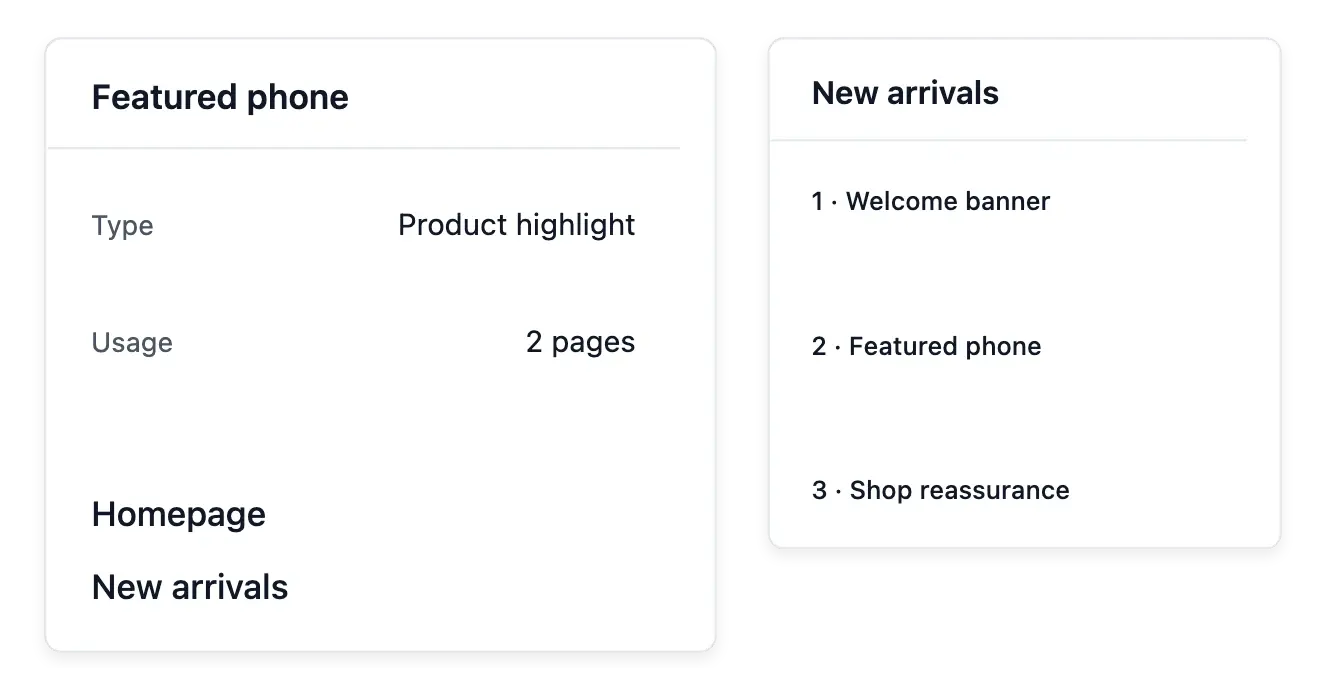
Sections in reading order. Arrange the existing sections to build the page’s message. A page groups maintained content instead of replacing the product catalogue.
Navigation is a separate choice. Decide how the page is reached through the shop menu. Creating a page does not by itself establish the whole navigation journey.
Keep pages, sections and menus connected
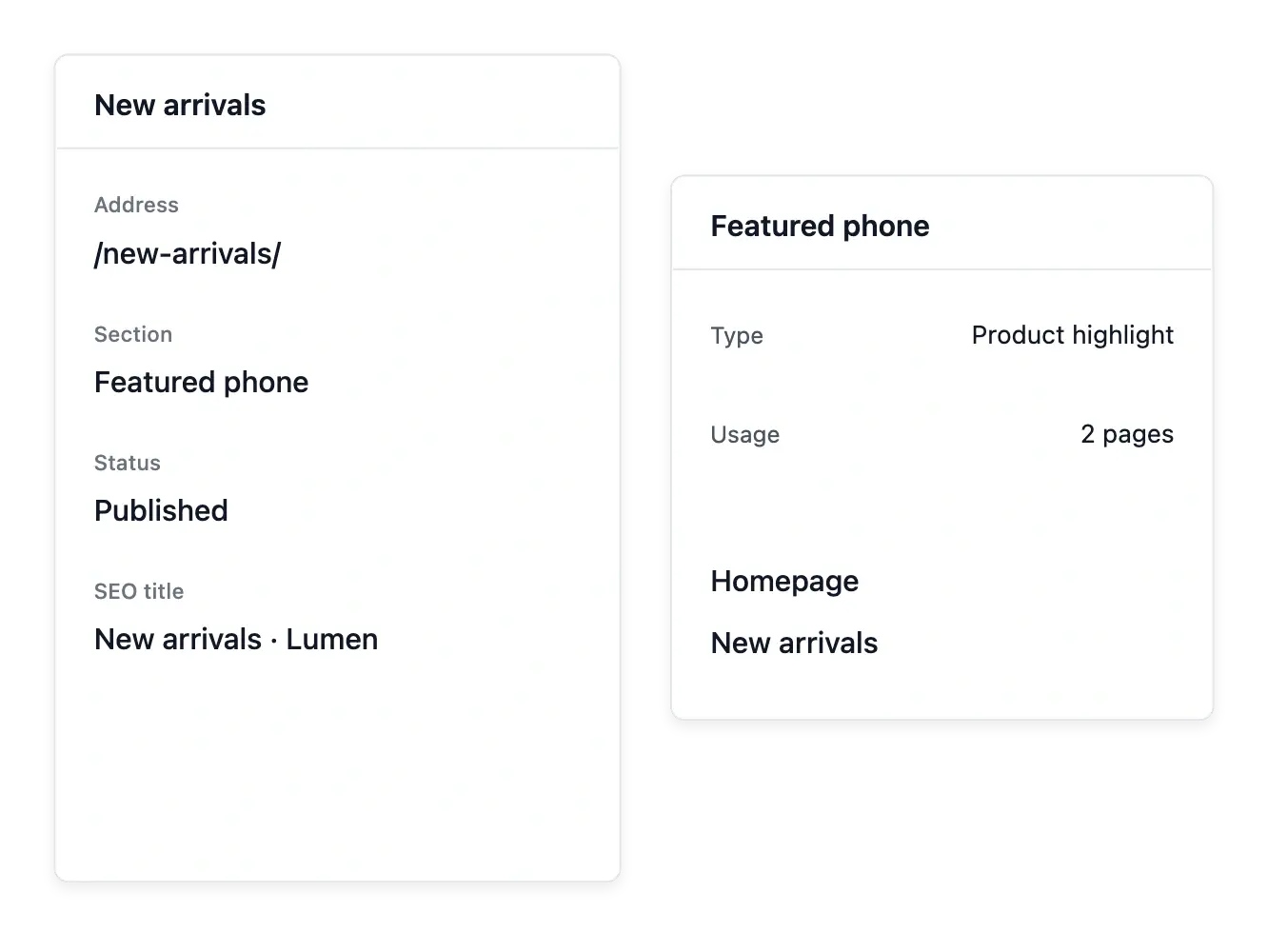
A reusable section can appear on several pages. Review its other placements before changing shared content, then use Navigation to give visitors a clear route to the published page.
Maintain the page's search information alongside its visible content. Publishing a page makes it available under its configured address; it does not guarantee that search engines will rank it or that every menu already links to it.
From a page idea to a shop destination
Prepare the destination. Define the page’s purpose and choose the sections it needs. Keep the message focused on the customer question it should answer.
Arrange the content. Add the relevant sections and review their order. Maintain wording and imagery in the section that owns them.
Connect and review. Link the destination where appropriate in navigation, then inspect the page. Keep publication settings aligned with the shop’s intended availability.
Give your shop space to tell a richer story
Create focused pages and arrange the supported blocks without writing code.
Questions about Pages
Yes. Add existing sections and order their placement on the page.
Yes. Prepare the content before publishing it.
Page information includes its address; review existing links when changing it.
Do not assume that. Maintain the intended link in Navigation.
In its section record, with awareness of other pages that reuse it.
No. Maintain search information, but ranking is decided by external search engines.