Development, staging and production
Build, test and serve users in separate environments
Use separate environments to build, test a selected version and run the application for users.
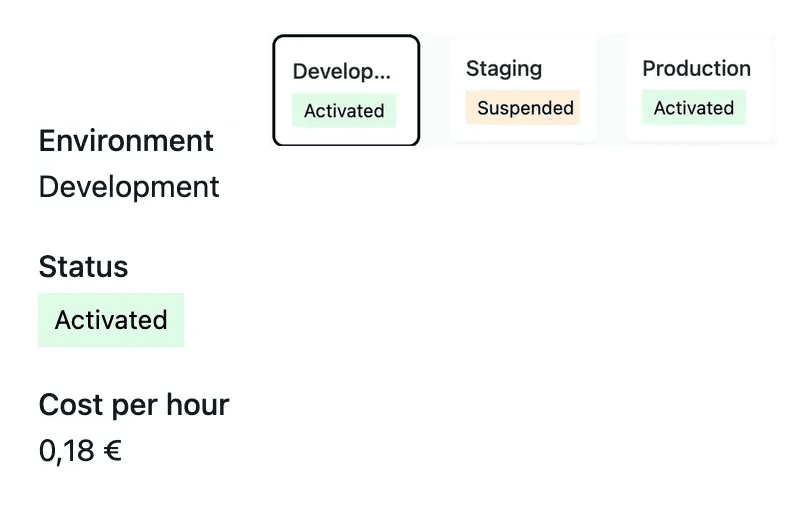
Give each installation a clear purpose
- Develop the next change
Review the latest work in the development environment.
- Test a release
Use staging to check the chosen version and its user journeys.
- Run the live application
Keep production tied to the version intended for users.
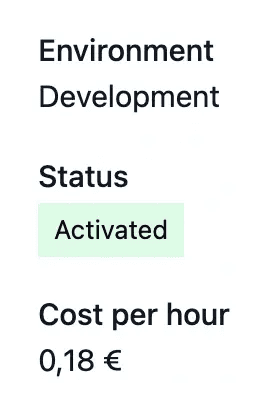
Give each environment a clear purpose
Development receives ongoing work. Staging is a place to review a release. Production serves the version you want your users to rely on.
Environment views show the installed resources and operational state. Confirm the environment before using restart or publication controls.
Keep availability distinct from the version being tested
Inspect the latest development work. Development receives ongoing changes. Use it to review the implementation against the requested behavior before preparing a release, while keeping production on its intended version.
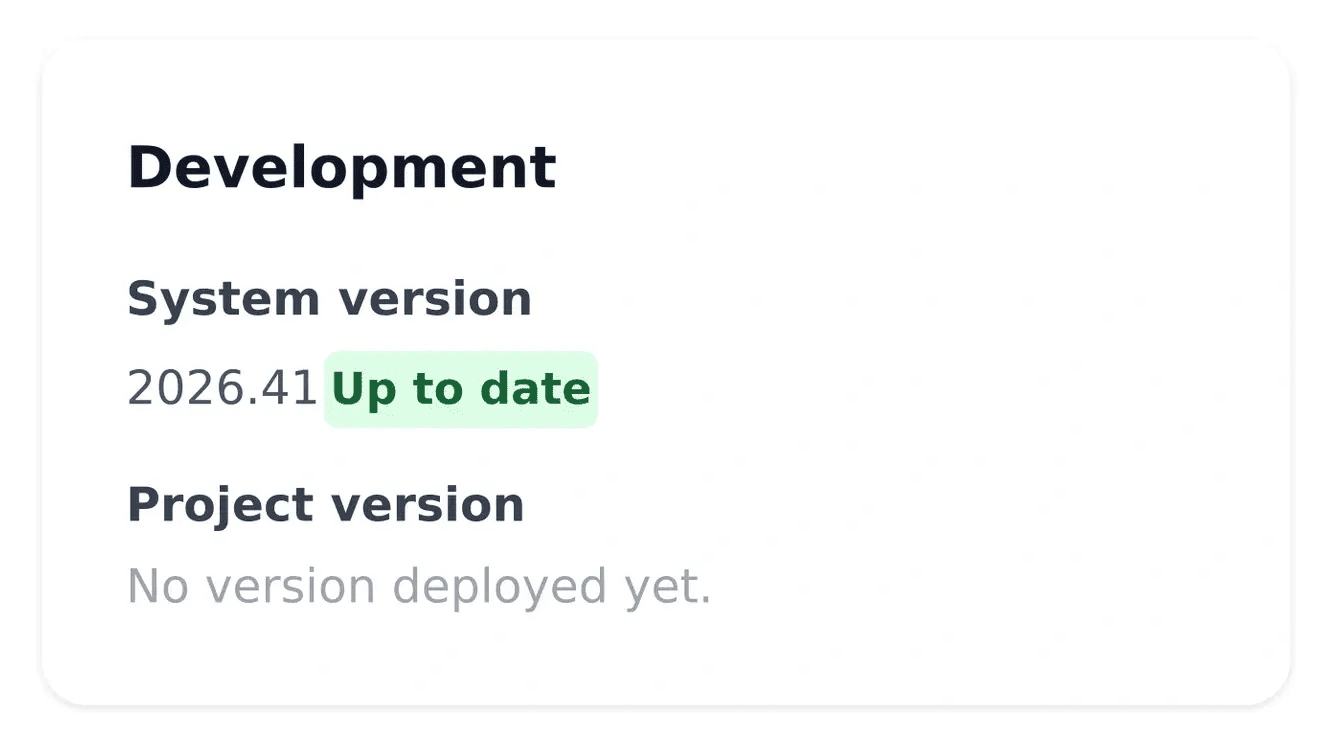
Review a version on staging. Staging provides the context for checking a selected release. Confirm both availability and the running version, then test the user journeys relevant to publication. A started environment does not automatically select a new version.
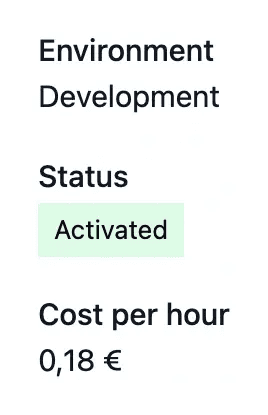
Manage test running time. Development and staging can be paused when they are not needed. Their running periods contribute to hosting usage. Read the actual state and billing period so availability decisions remain connected to their cost.
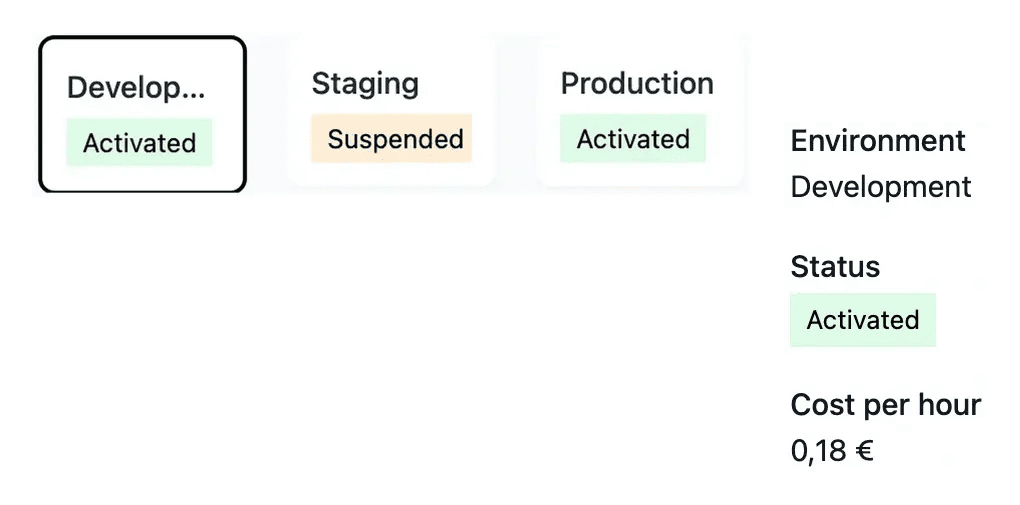
Keep testing availability and running cost visible
Development and staging can be paused when they are not needed. Their running time is recorded for hosting usage, while production follows its subscription.
Before a test, verify that the required environment is available. Afterward, consult the operational state and cost view rather than assuming it must remain running.
Give each environment a clear role in the review
Development supports construction, staging supports review before publication and production serves the live application. Select the environment that matches the action you intend to perform.
Read its current state and version before testing a change. The same project can serve different versions across environments, which is why a successful development test is only one step in publication.
A clear purpose for each stage
Develop the next result. Review current work and its ordinary and exceptional cases in development. Use the project tools to follow prerequisites and construction.
Test the intended release. Make staging available, confirm its version and test the complete task. Availability and deployment are separate decisions.
Confirm the live version. Production serves the published release. Verify its version and user journey after deployment.
Keep experimentation and live use understandable
Use separate environments to review work, verify publication and manage the running time of tests.
Questions about Development, staging and production
They separate ongoing development, release testing and live application use. This gives each review a clear context and helps you identify which version a user is actually seeing.
Starting restores availability. Deployment determines the version running there. Read the current version after the environment is available and deploy the intended release when needed.
Use the offered controls for development and staging and follow the resulting state. The request and the actual paused state are distinct stages.
The billing view records their running sessions using the applicable hourly rate. Sessions are rounded to billed hours; review the period and amount shown for the actual project.
Follow the displayed state and retry time before submitting another action. Confirm the resulting availability instead of assuming the first request has already completed.