Project offers
Choose the application scope before confirming the offer
Review setup, subscription, included business areas and optional extensions before confirming your project scope.
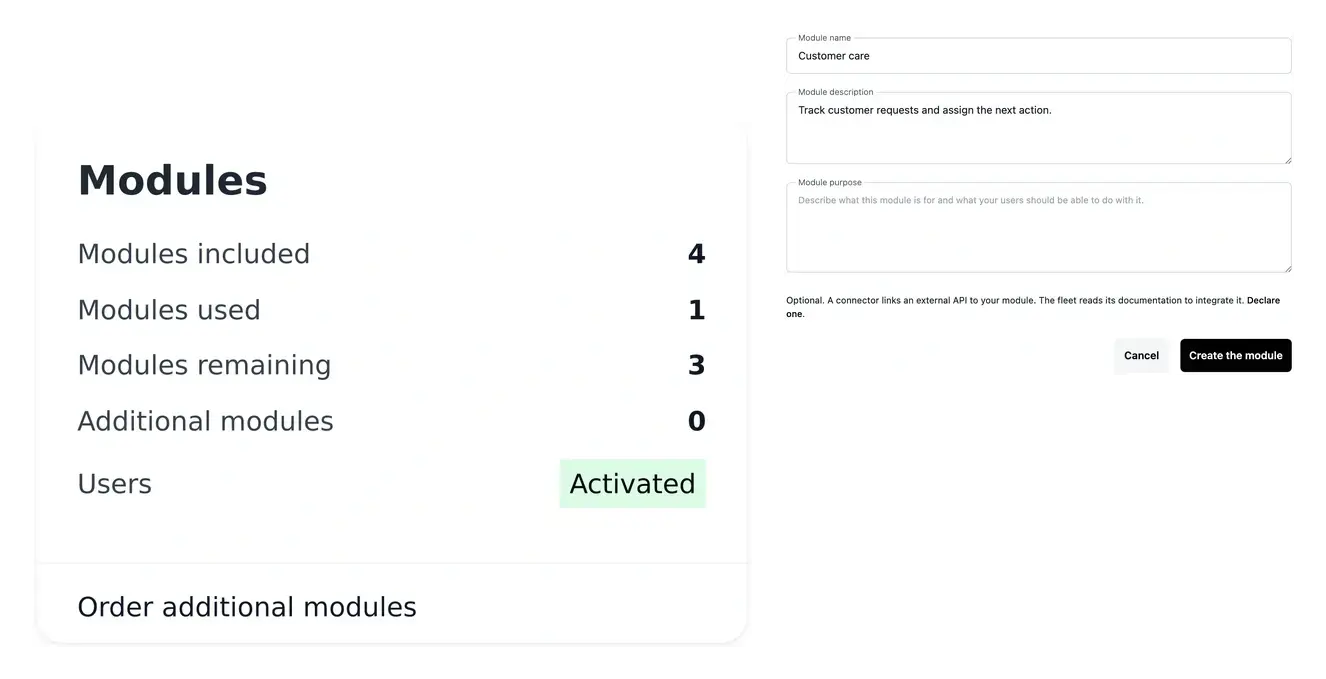
Know what is included and what changes the cost
- Compare the scope
Check the chosen level and what its application offer includes.
- Review extensions
Inspect additional business areas and available options.
- Separate hosting
Read infrastructure pricing alongside the application offer.
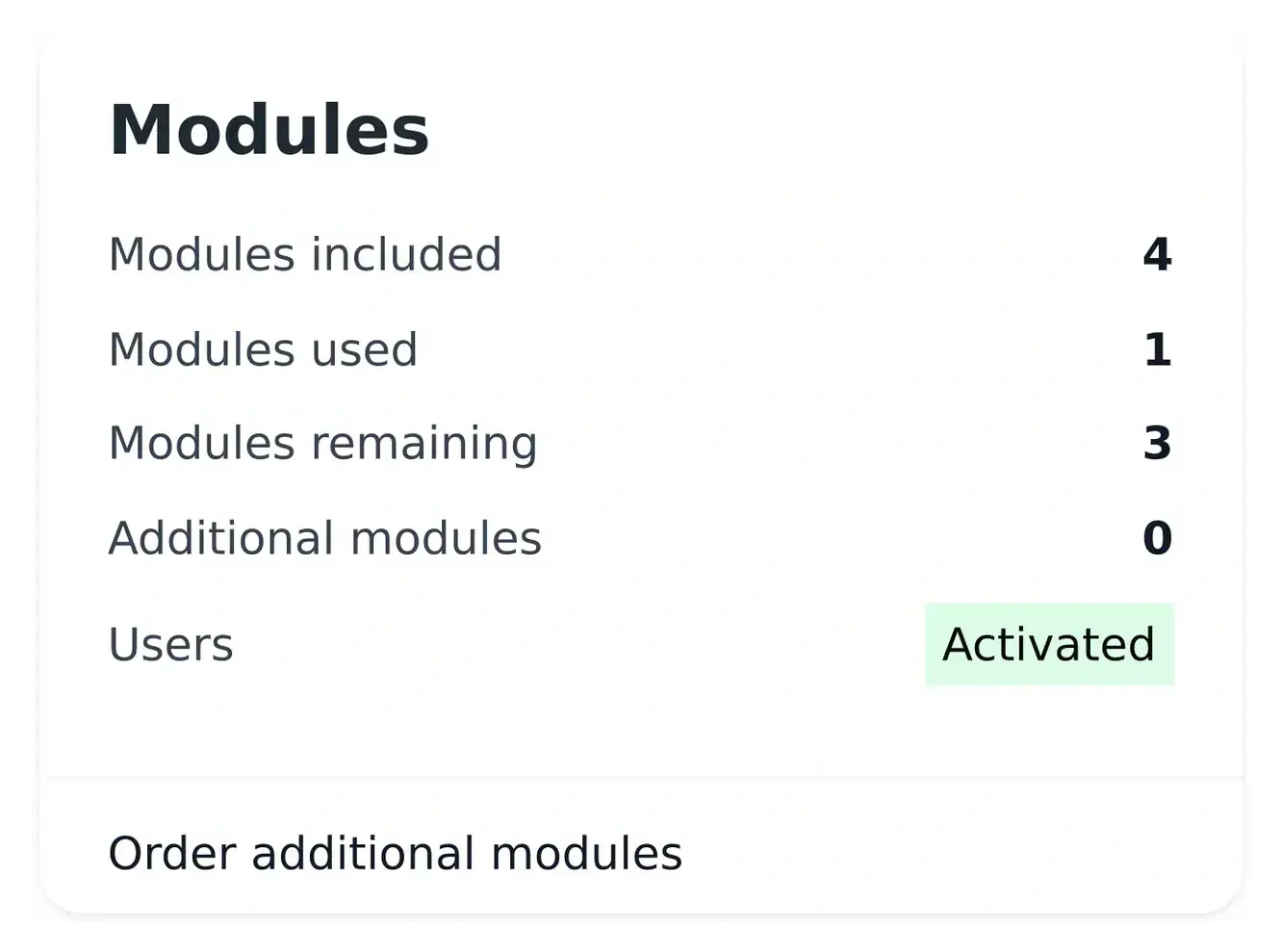
Know what your application offer covers
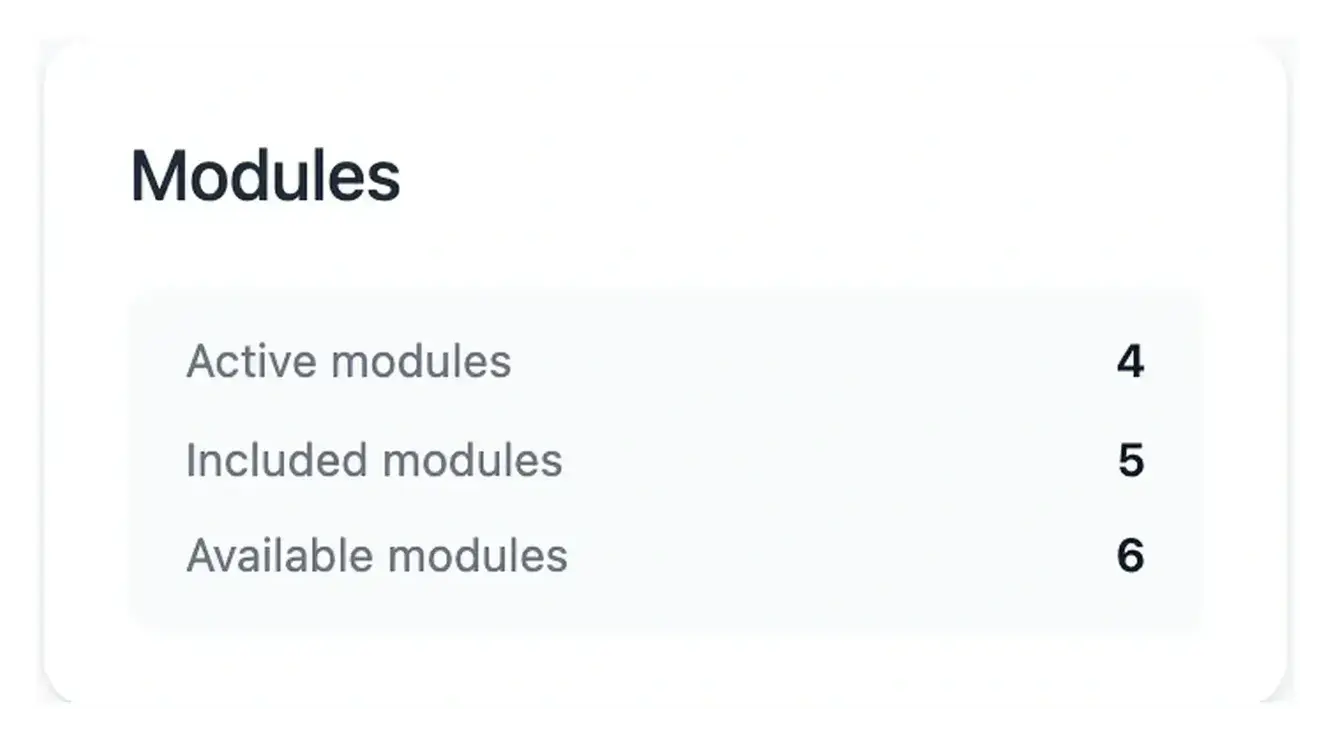
The offer view presents the selected project level and its conditions. Review the setup and recurring subscription, together with the included number of business areas.
A business area can contain several functions and pages. Its allowance should be assessed against your business scope rather than by counting individual screens.
Connect the plan to the business result you need
Compare the initial scope. Review setup, recurring subscription and the number of included business areas. An area can cover several functions and pages, so compare the offer with the coherent capabilities your business needs rather than with a raw screen count.
Review a later extension. An additional area or offer change has a confirmation path of its own. Inspect the proposed scope, quantity and recap before confirming. Follow the application of the change separately from its billing record.
Read the complete project budget. Hosting and test-environment usage are presented through infrastructure billing. Optional items should be considered alongside the application offer so a public subscription price is not mistaken for the whole operating cost.
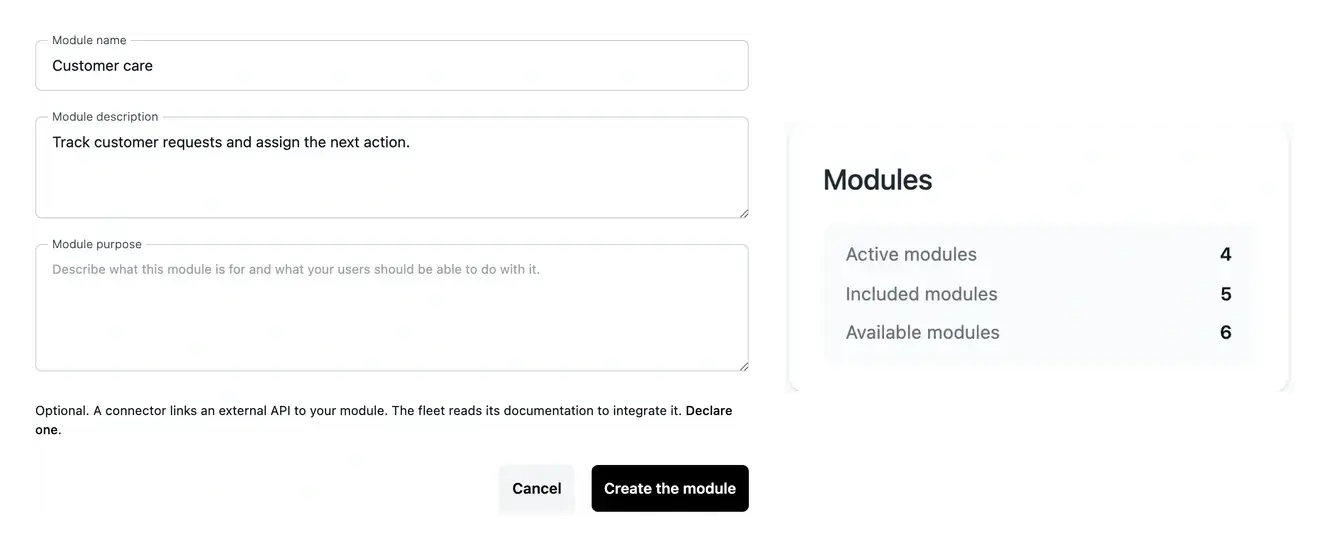
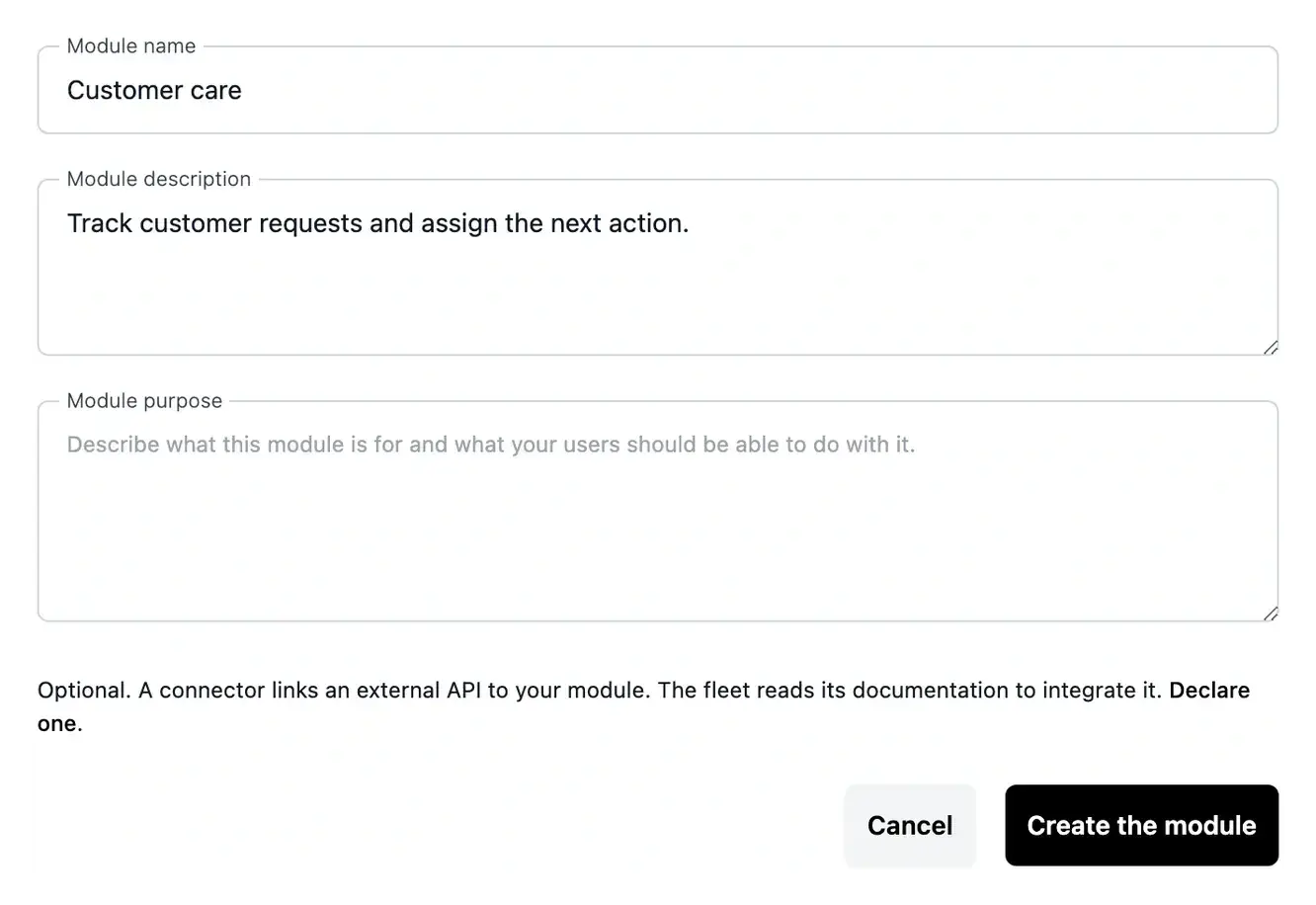
Check the recap before adding scope
An offer change or additional area has its own confirmation path. Review the amount and the project billing identity shown there.
Public pricing helps compare the levels, while the offer displayed in your workspace provides the conditions for your actual project. Hosting is reviewed separately.
Discuss an extension with its effect on the scope
An additional business area changes what the project needs to cover. Compare the proposed extension with the areas already included in the current offer.
Review the recorded installation and subscription information before confirming. The project’s actual offer recap gives the conditions to use for that decision.
From your business need to a confirmed scope
Review the selected offer. Read setup, subscription, included allowance and options in the actual project workspace.
Check the proposed change. Inspect the scope and amount of an extension or upgrade. Complete the required billing identity and review the recap.
Follow the resulting state. Confirm what has been requested and what is applied. Use the offer and invoices as the reference for the project conditions.
Choose a scope you can understand and review
Bring the business areas required by the project, then compare the application offer, hosting and optional extensions before confirmation.
Questions about Project offers
It counts business areas in the agreed scope. Each can contain several functions and pages. Compare included, used and remaining areas in the workspace rather than counting screens.
The project offer and confirmation recap provide the applicable amounts and conditions. Public pricing helps compare levels, while invoices record the operation concerned.
The workspace presents offer changes and additional areas. Review the scope and recap before confirmation and follow the resulting state after the request.
Hosting is read separately through the infrastructure plan and billing. Include production subscription and test running periods when reviewing the complete budget.
Review the option’s availability and state in the actual offer. Its activation is a separate project decision; the application can operate without exposing its own API.