Returns
Keep every return connected to its item and order
Define your own return stages and follow every returned item with its order and customer.
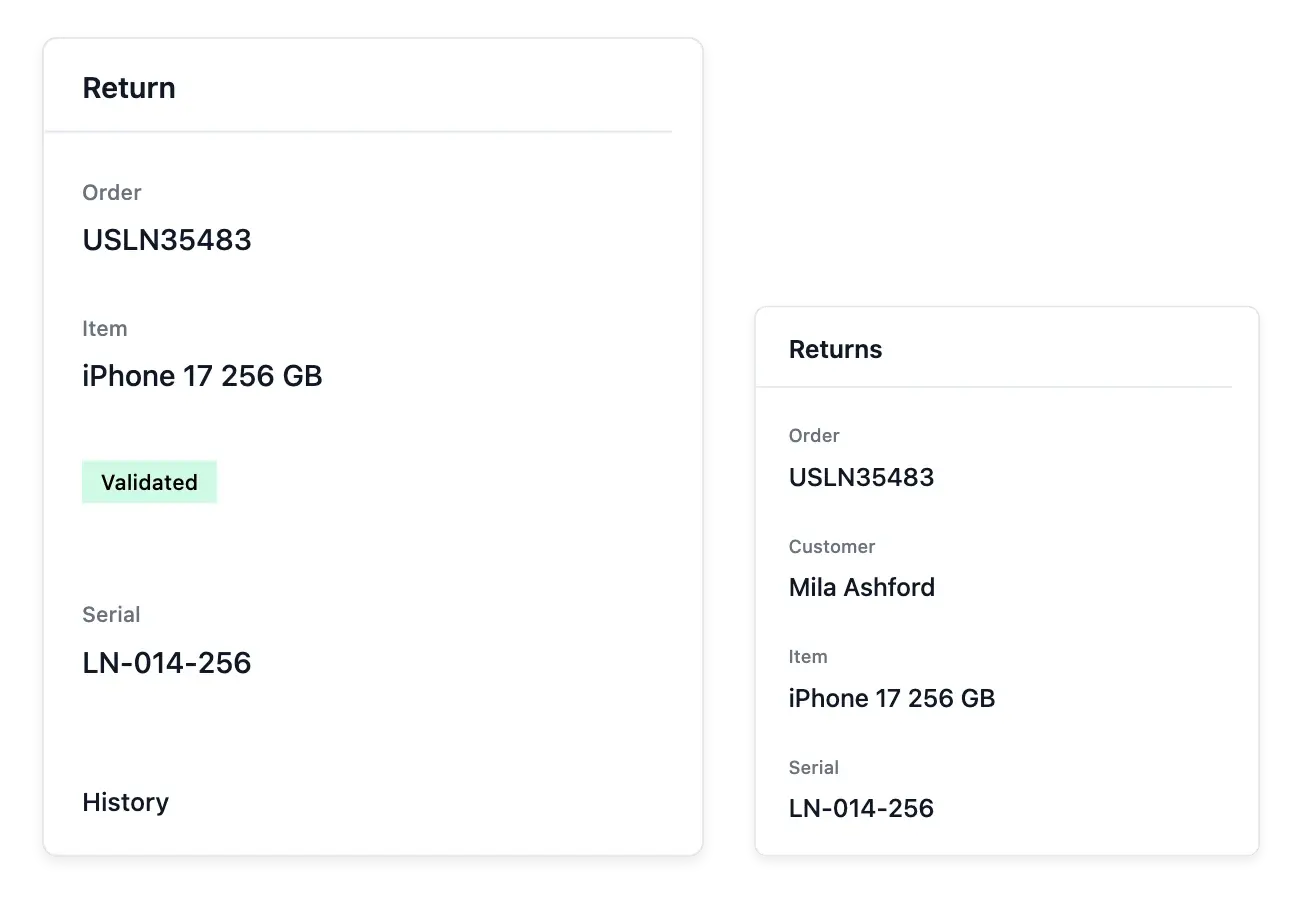
Give returned items a clear next step
- Your return process
Create the stages a return goes through, including the problems that need attention.
- Find every return
Search by order, customer or serial number and filter by stage.
- One return record
Follow the item and advance the return from its own record.
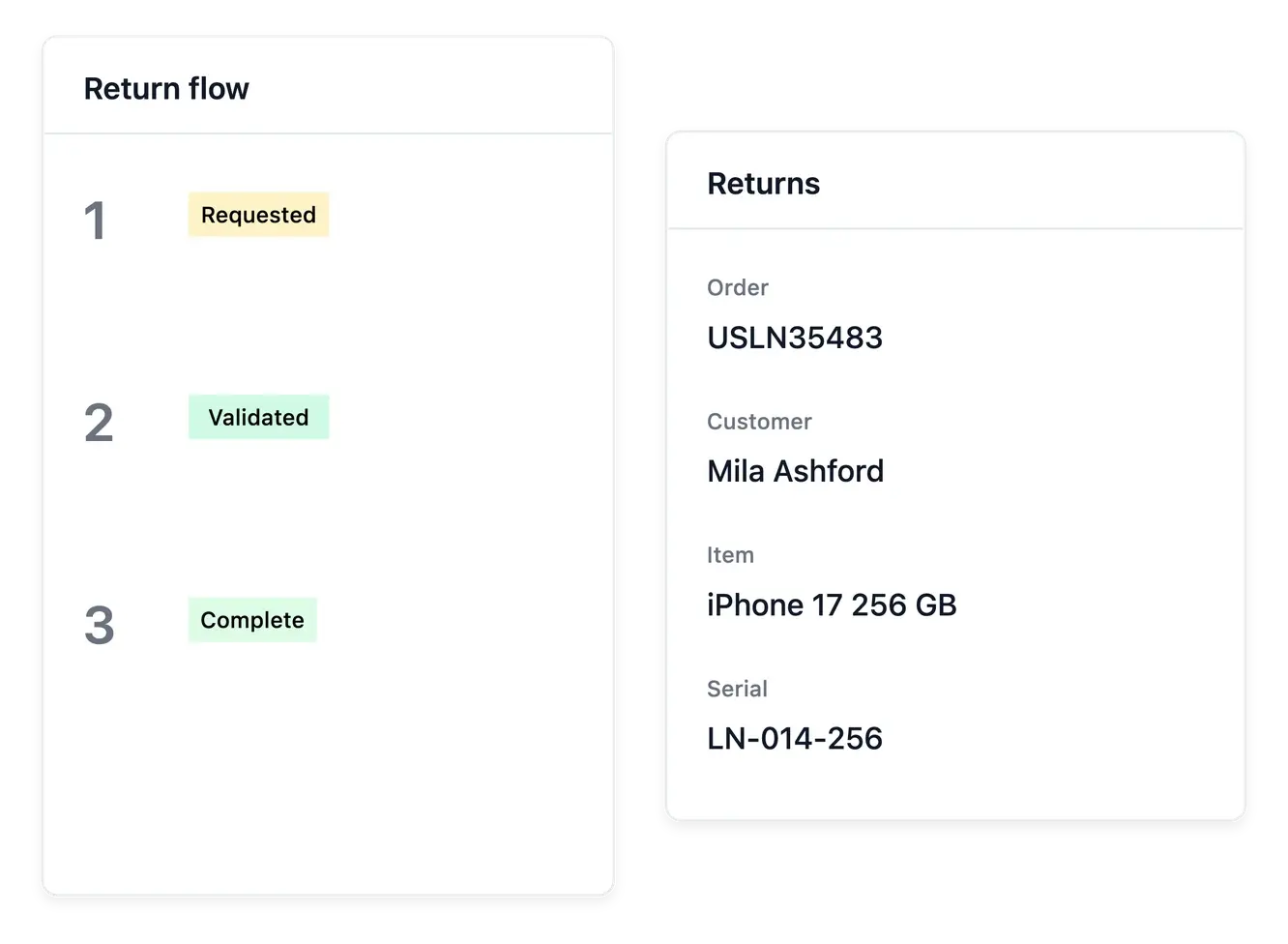
Define the return flow your shop follows
Create the stages used by your return process, including problem states that need attention. Your list can then show where each item stands rather than presenting every return as the same unresolved task.
Find a return by order, customer or serial number and open its own record. Keep the item and purchase context visible when deciding the next step or correcting handling information.
Track the case as well as the item
Stages for your process. Maintain the supported return stages, including cases needing attention. The state should explain the next handling step for the team.
An identifiable item. Find returns by order, customer or serial number. These references help distinguish several items associated with the same purchase.
History kept with the case. Read the recorded progression before deciding another step. A return state describes handling, rather than proving a payment refund.
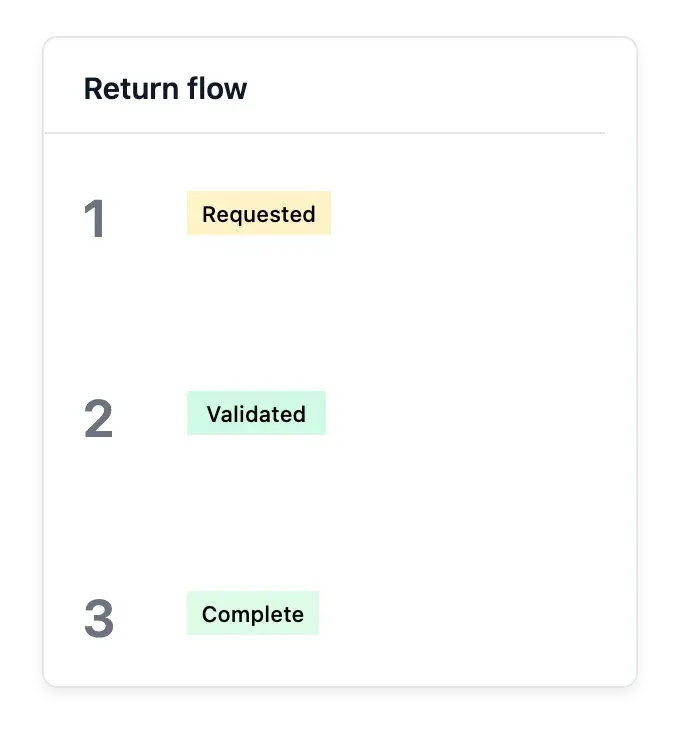
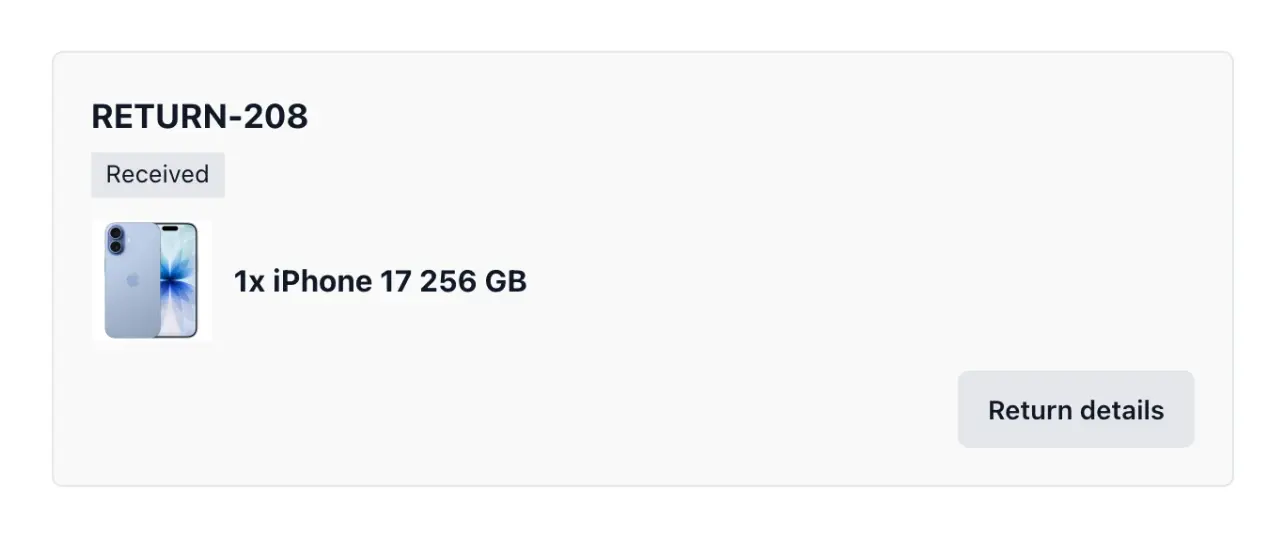
Advance the case without confusing it with a refund
The return record moves through your configured flow and retains its history. Use it to follow the physical or operational case and keep the relevant customer context attached.
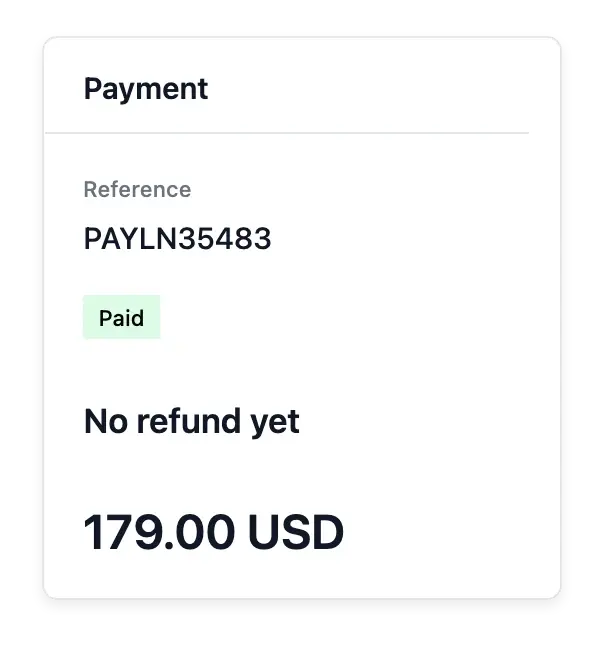
A returned item and money returned are distinct events. Consult the original payment and refund workflow when the case calls for reimbursement, rather than assuming a return stage alone confirms a gateway payment.
Keep return handling connected to the purchase
Prepare the return flow. Choose the stages your team uses and review their meaning. Keep problem states distinguishable from ordinary processing.
Open the purchase context. Confirm the returned item and original order before updating the case. Use the available record to maintain handling information.
Decide the after-sales outcome. When reimbursement is required, inspect the original payment separately. Physical return, stock correction and gateway refund require their own confirmed outcomes.
Make after-sales handling easier to organize
Give each returned item a readable process and a specific record to follow.
Questions about Returns
Yes. The return-flow settings maintain the stages used by your shop.
Yes. Supported search includes serial number alongside order and customer context.
Open its record and use the applicable action for the next stage.
Yes. The configured flow can distinguish stages that need attention.
No. Review the payment and refund outcome separately from the item's return state.
No. A refused delivery has its own parcel workflow; customer item returns have their own records.