Characteristics
Make product details easier to compare
Define names, units and accepted values, then assign them to the right products. Give shoppers consistent information when they compare capacity, color or material.
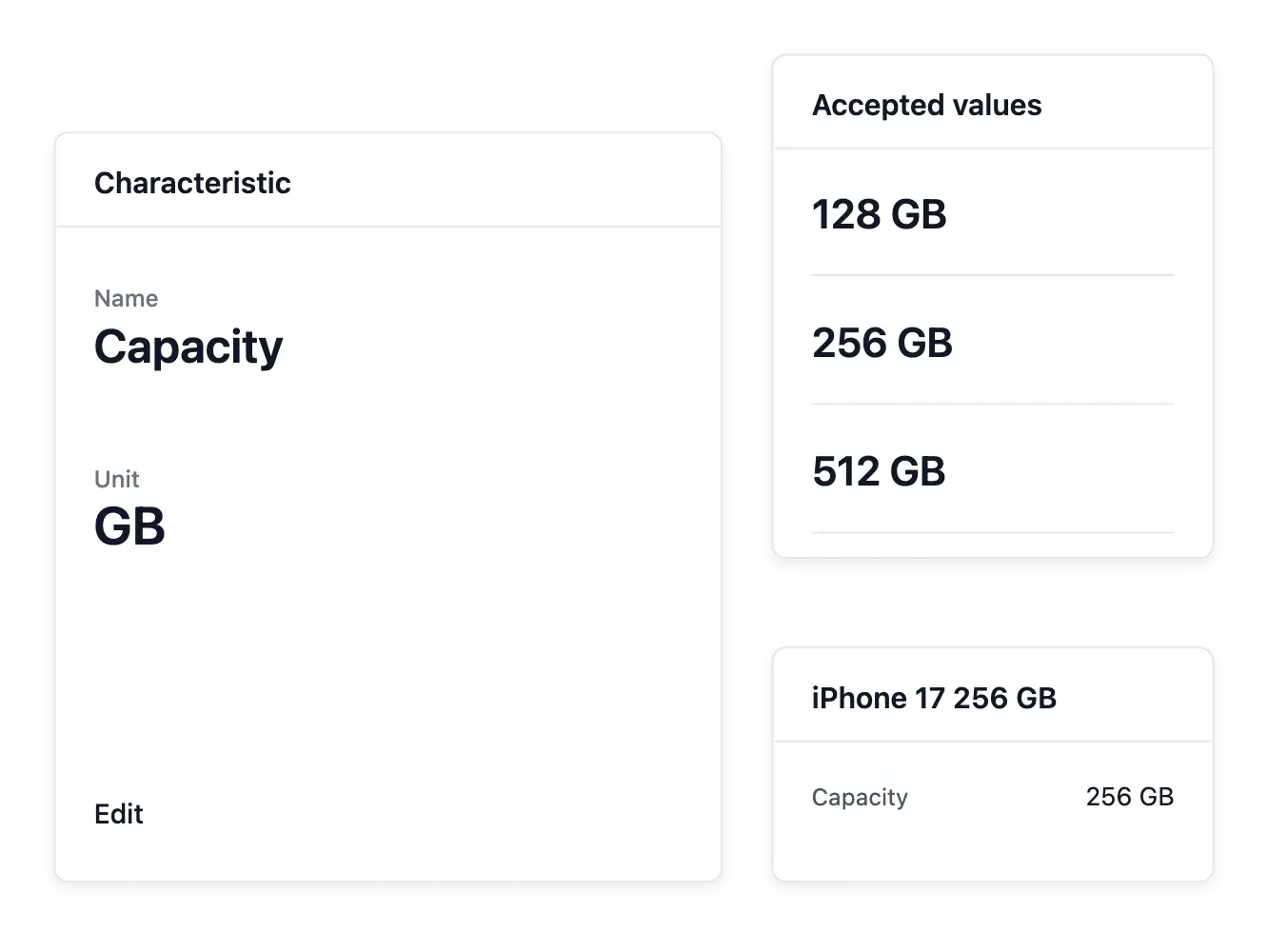
Describe products with comparable details
- Names and units
Describe each characteristic and the unit it is measured in.
- Accepted answers
Maintain a curated set of values instead of inconsistent free text.
- Product information
Attach the relevant values to products and add explanatory notes when needed.
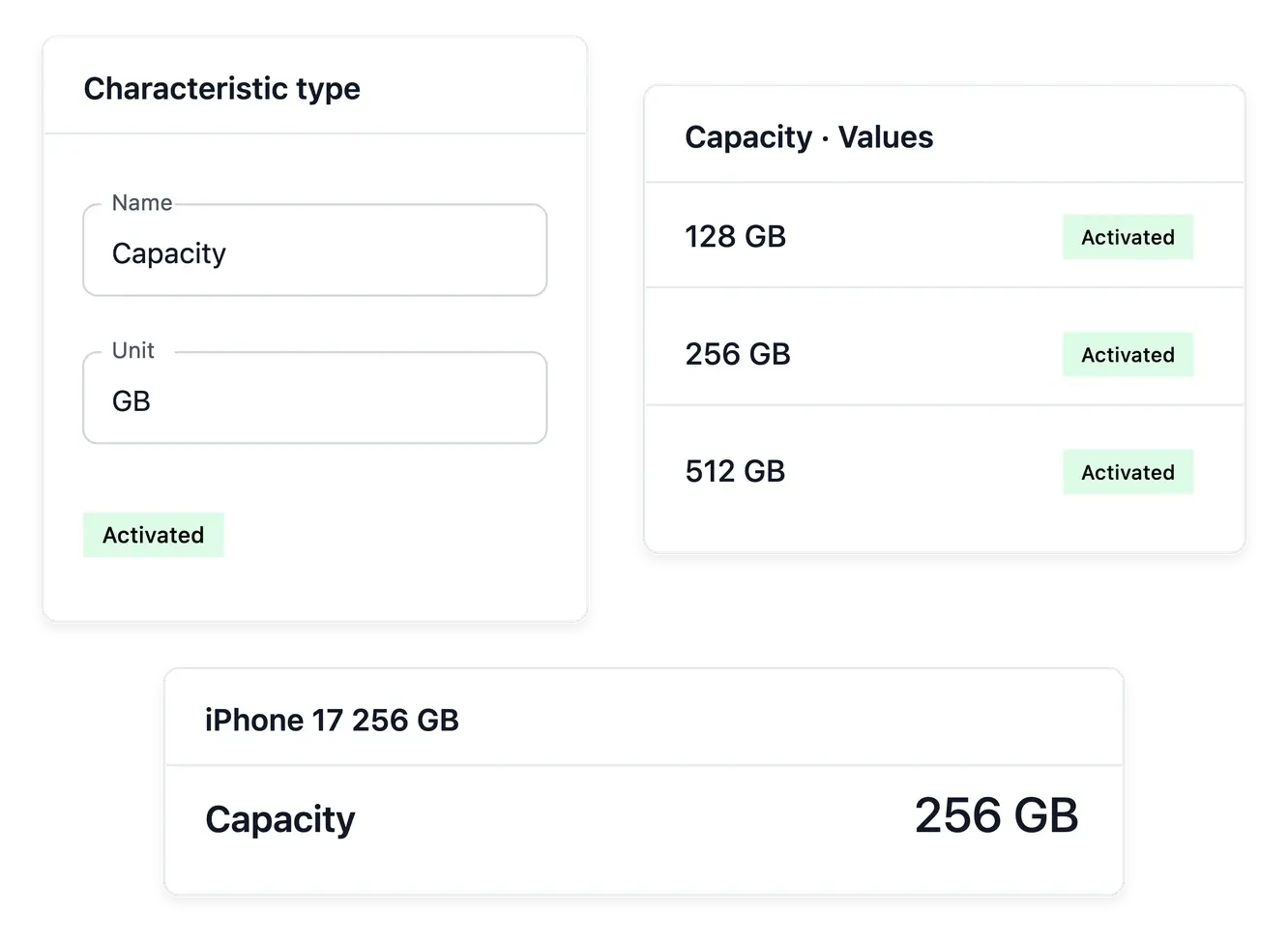
Turn specifications into clear choices
Define a characteristic's name and unit, then maintain the answers products may use. Color, capacity or material become consistent information rather than several spellings of the same property scattered across the catalogue.
Attach the relevant values to each product and add an explanatory note when a short answer needs context. The vocabulary can also point to a shop page that explains a measurement or a particular choice.
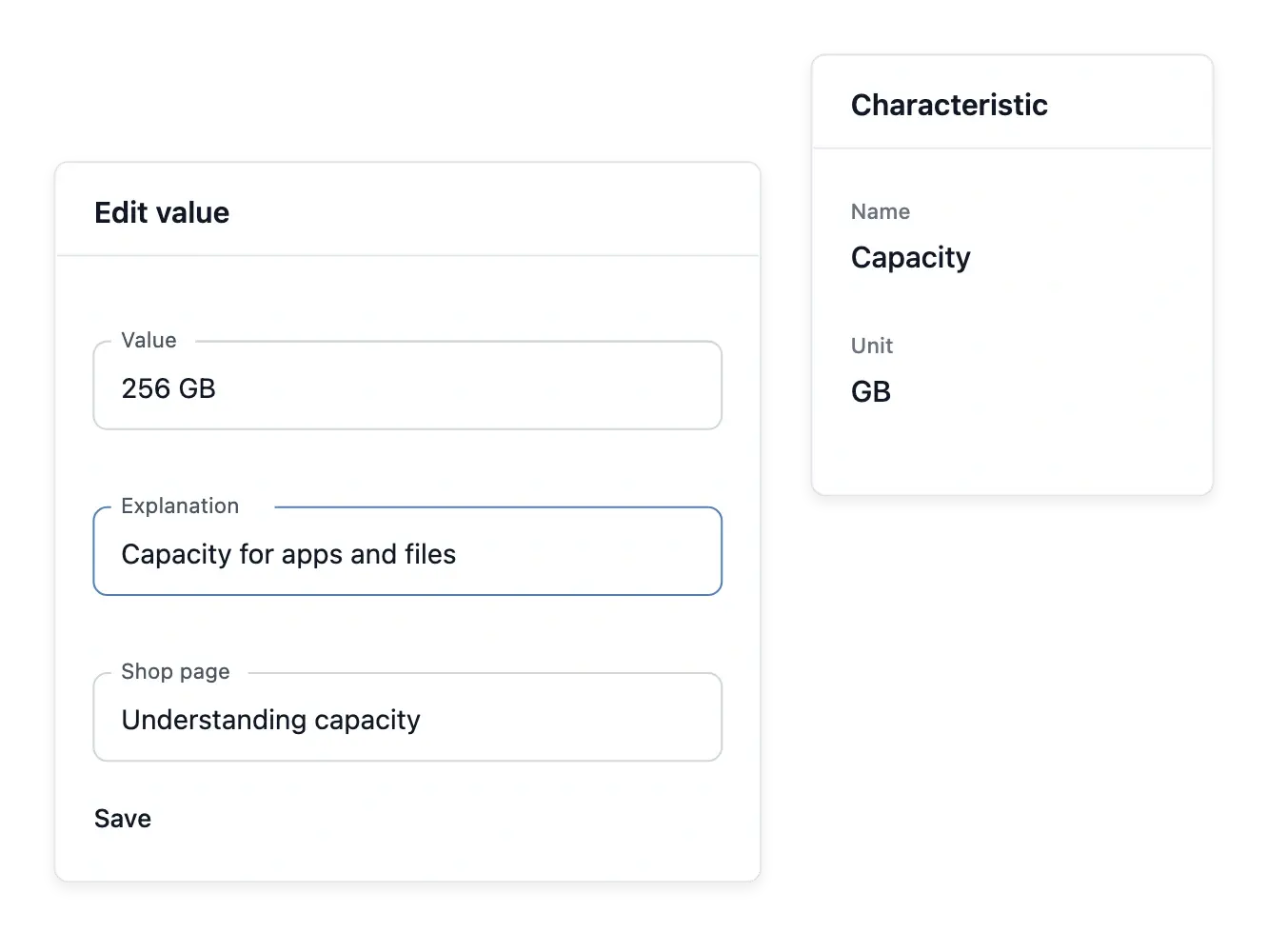
Explain the answer, not just its label
A short value such as 256 GB may need more context. Maintain explanatory wording alongside the accepted answer and link an existing shop page when customers need a fuller explanation of the measurement.
Keep the unit in the characteristic definition and the values in its shared vocabulary. Your team can reuse the same answer on product records instead of maintaining several spellings of the same capacity.

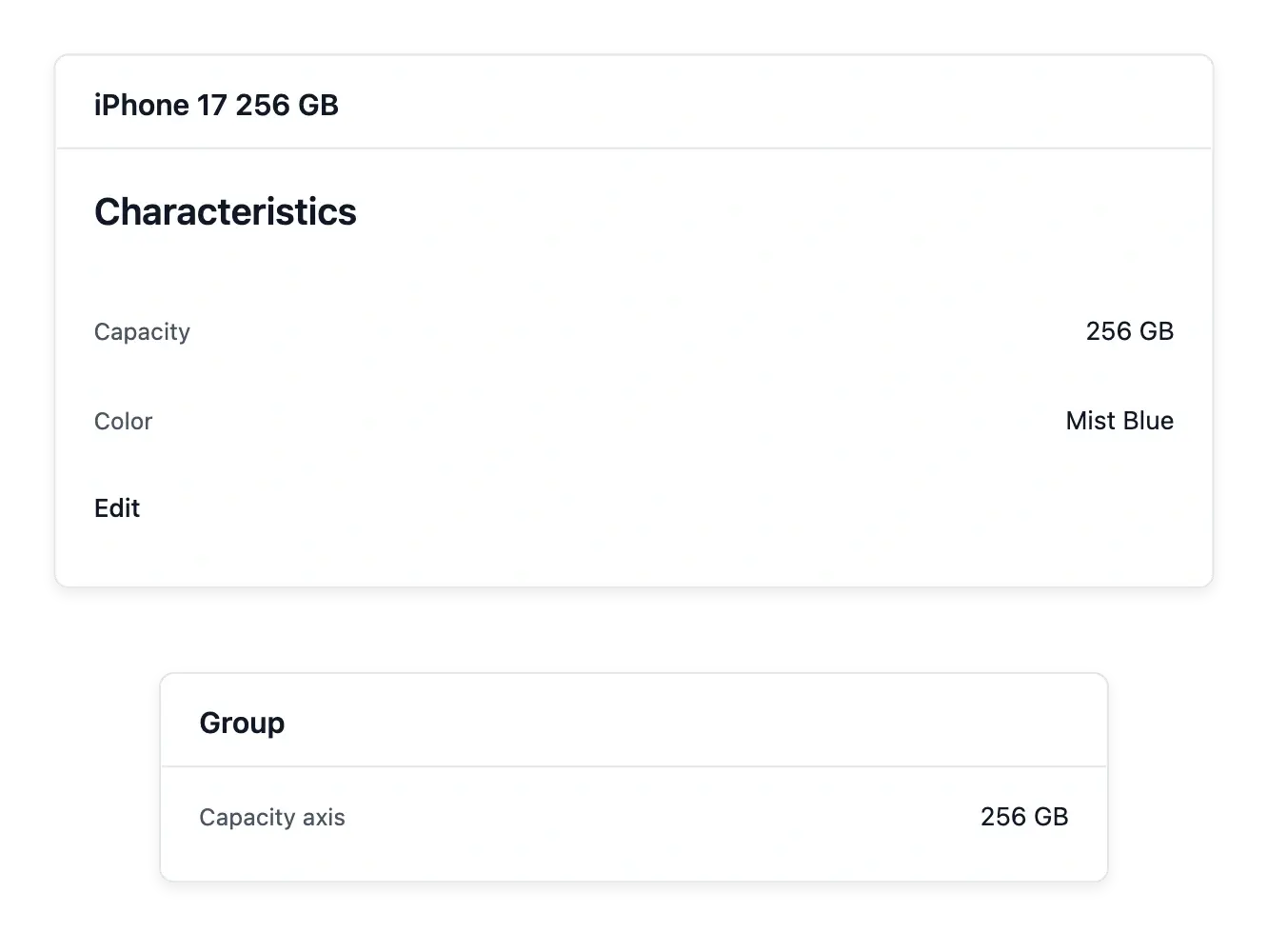
Use product differences to guide customers
Precise characteristics help shoppers understand why one reference fits their needs. Product groups can use characteristics as option axes, connecting descriptive work to the choices presented for related versions.
Maintain the vocabulary as the range expands, then correct assignments on the products concerned. A characteristic explains an item; it does not set its stock or selling price.
Assign a precise answer to the right item
Open the product’s characteristics tab and select the value that describes this reference. Its capacity belongs to this item; it should not be inferred from the name of the wider product family.
Review the assignment when adding a related version. A group may use the characteristic as a choice axis, while each product continues to keep its own price and available stock.
Make a richer catalogue easier to understand
Give customers the details they need to compare your range with confidence.
Questions about Characteristics
Yes. Its definition includes the unit used to describe the value.
Yes. Maintain accepted values so product information follows the same vocabulary.
Use the characteristics tab of the product's record.
Yes. A value may carry explanatory wording and a link to an existing shop page.
Yes. Product groups can use characteristics as axes for related versions.
No. Descriptive values and stock quantities are separate subjects.