Domain names
Give your shop an address customers recognize
Connect your own domain with guided ownership and address checks.
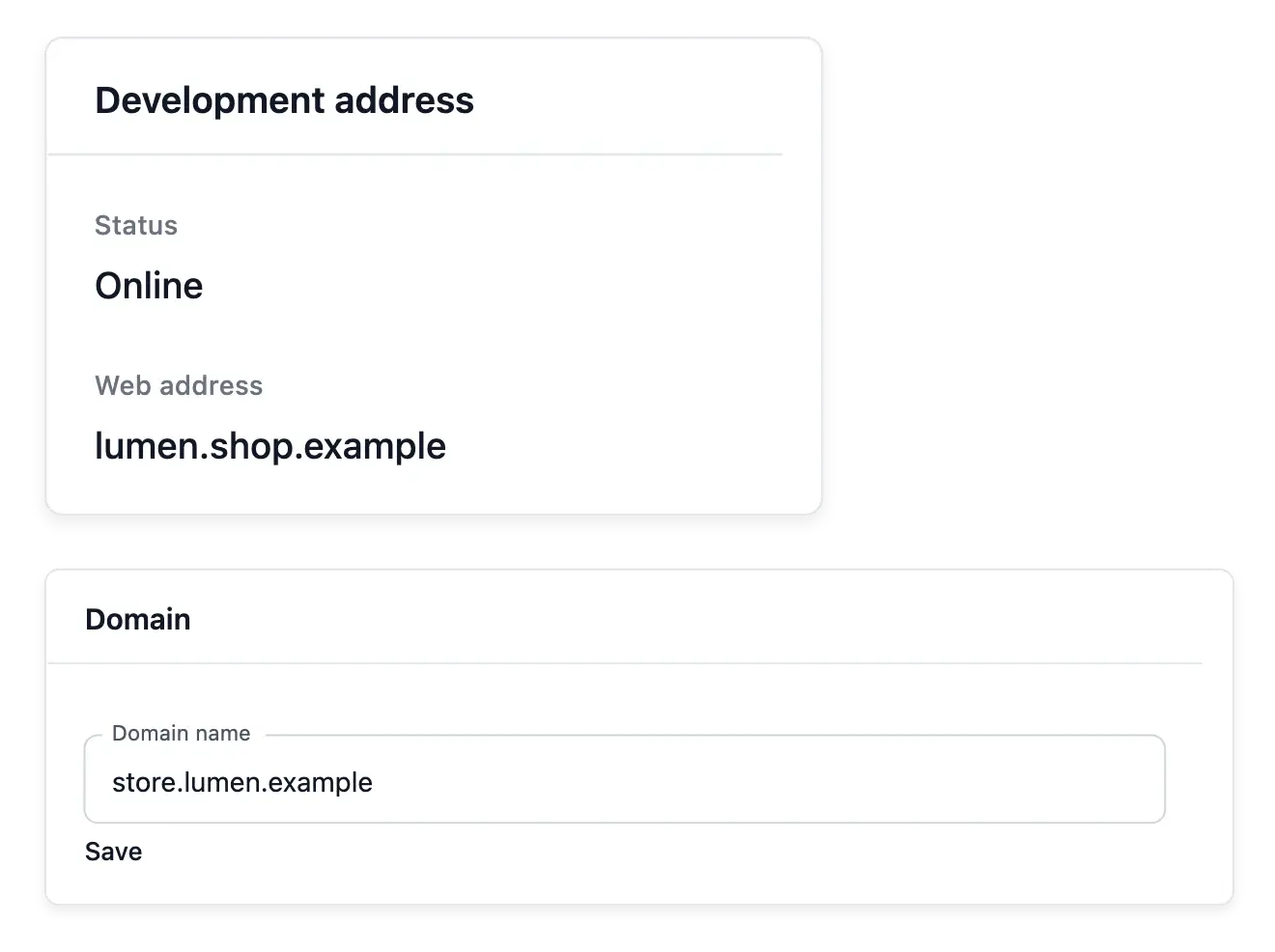
Give your shop an address that belongs to your brand
- Declare your domain
Enter the domain you own from your shop’s publication workspace.
- Guided connection
Follow the ownership and DNS steps shown for your address.
- Live verification
Check current results instead of relying on an old saved answer.
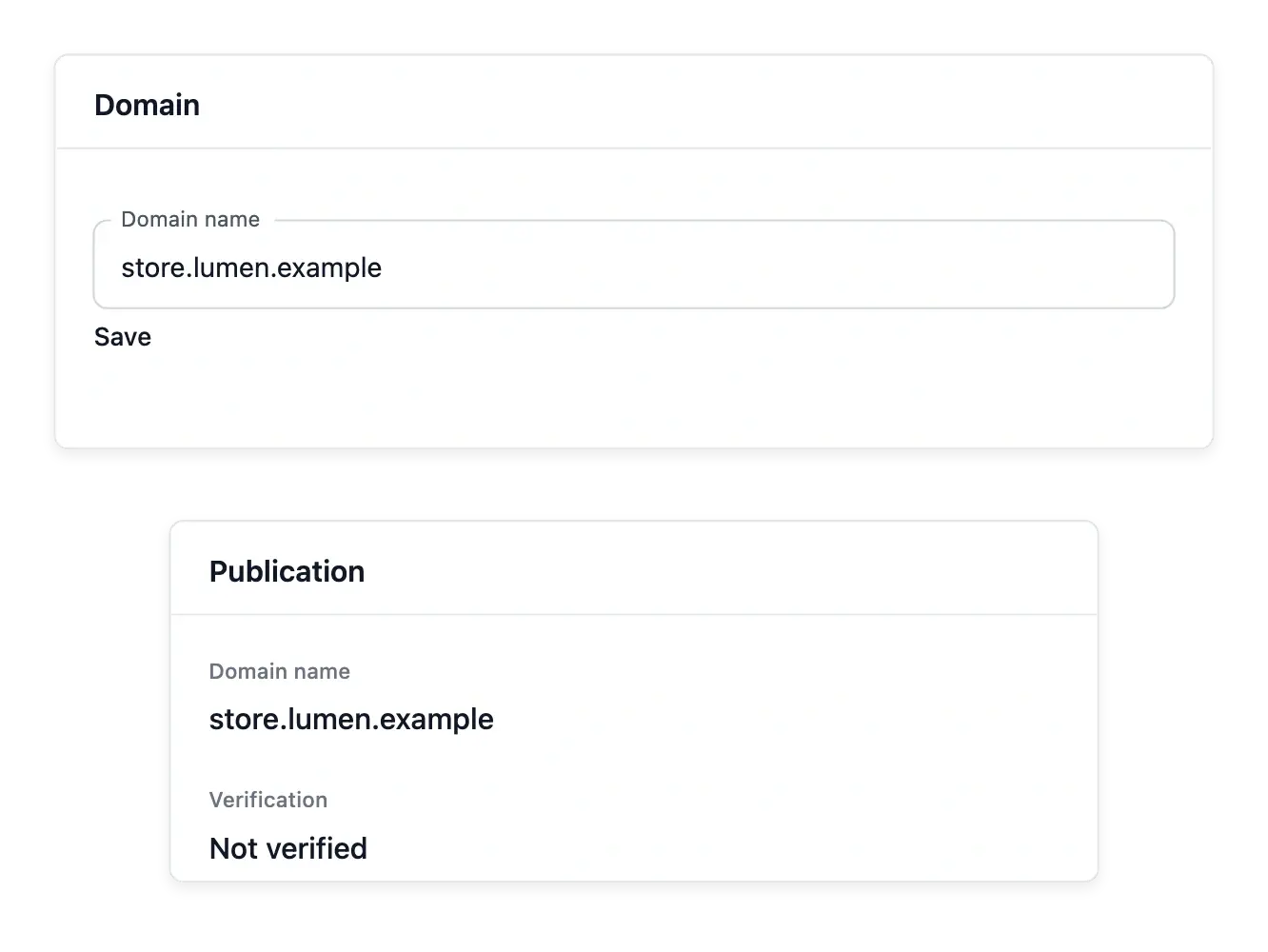
Connect a domain you already own
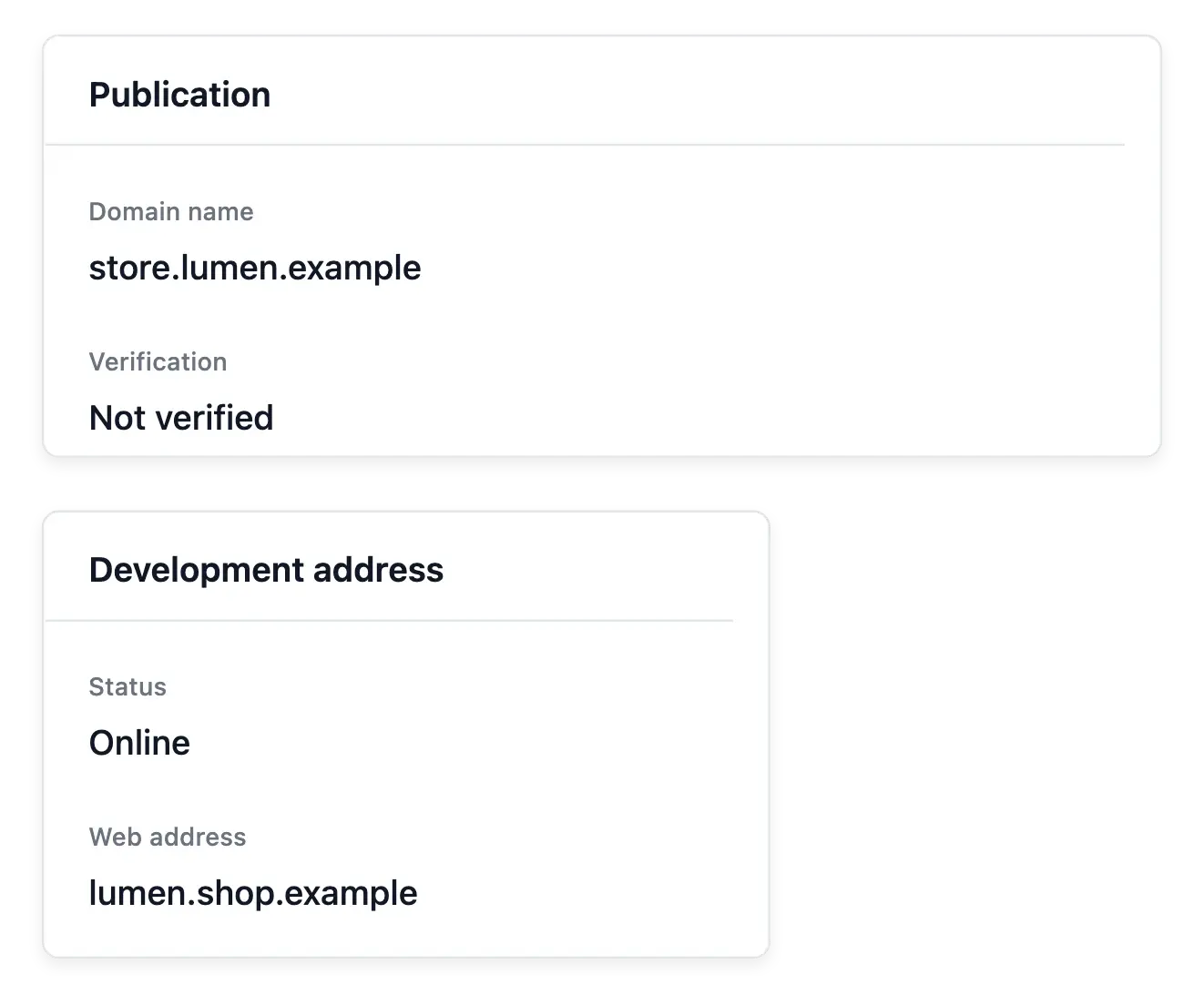
Declare the domain in Publication and follow the ownership and DNS steps shown for it. The shop gives you the connection instructions; changes required by your registrar are made in that provider's own account.
Run a current verification after updating the records. The check asks for the present result rather than relying on an old answer, helping distinguish a completed connection from a change still waiting to take effect.
Know which address reaches your shop
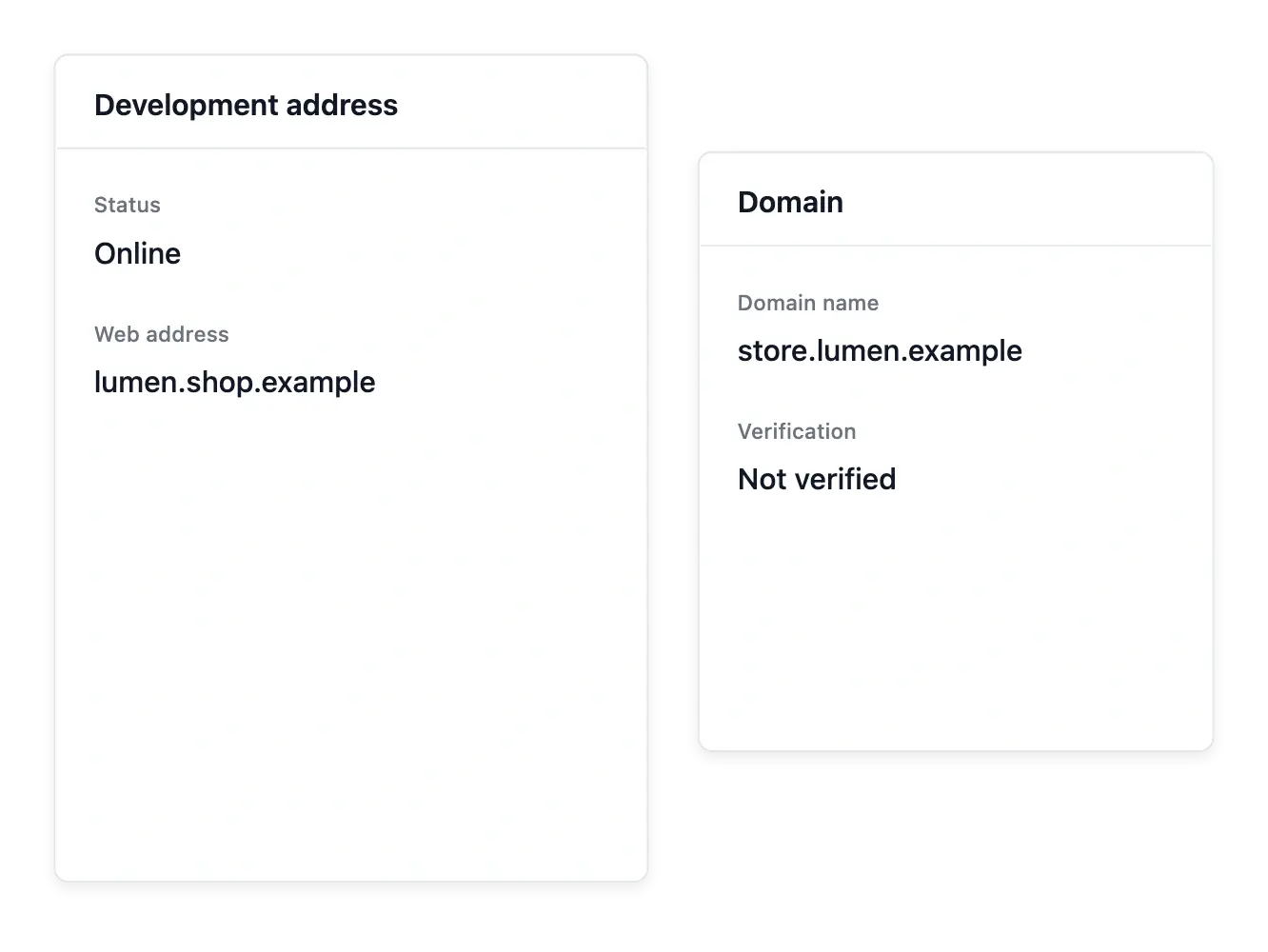
The shop’s publication address. Read the address and connection state in Publication. Keep the destination identifiable before sharing it with customers.
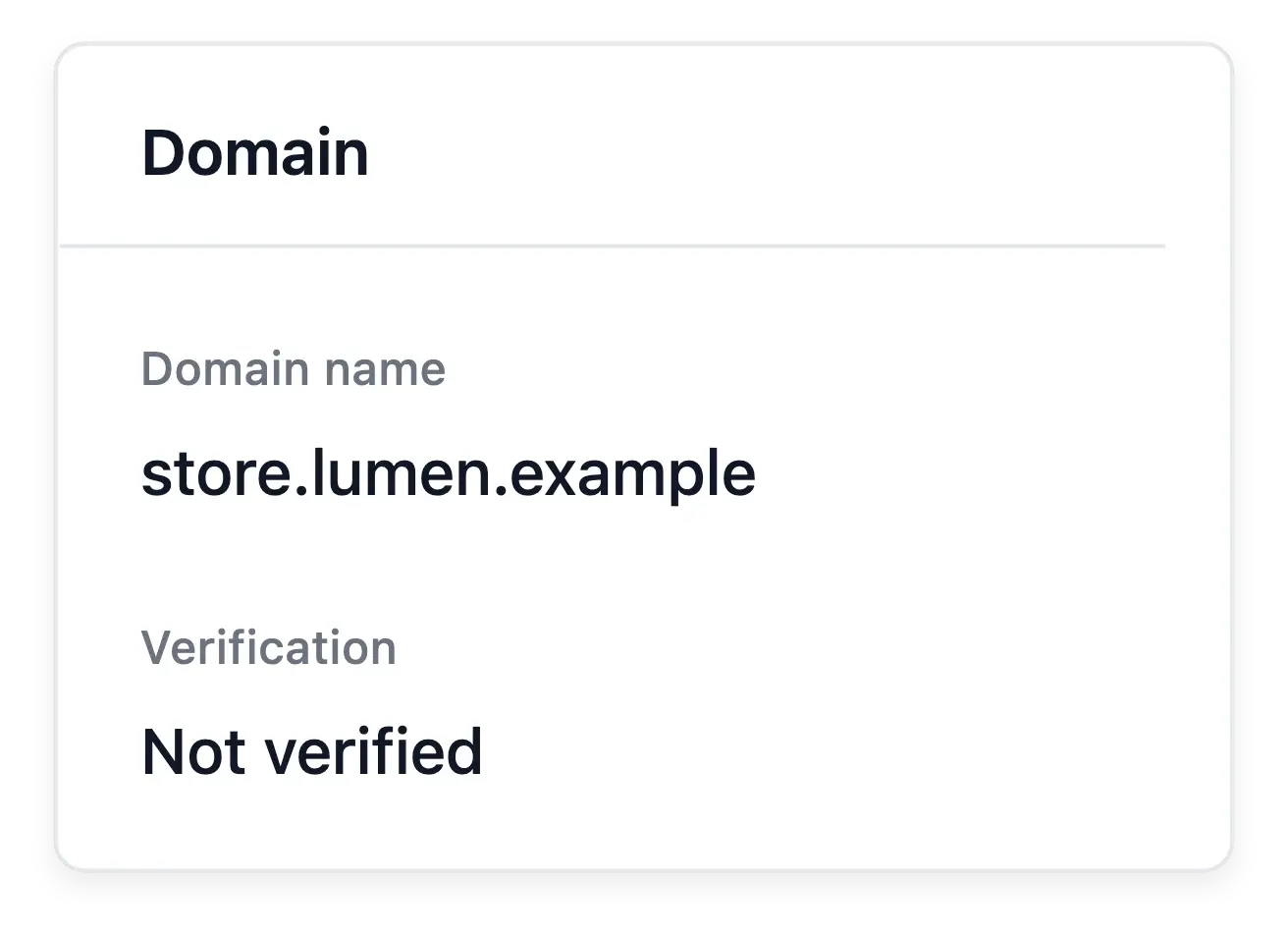
Your own domain. Follow the supported domain setup and displayed instructions. A name entered in the settings is distinct from a working connection.
Country availability separately. The domain supplies an address; publication settings decide the countries served. Delivery coverage is another setting to review.
Keep the address connected to publication
Your shop can start with its provided address before using a personal domain. Follow the preparation and availability states when changing the final address, and review the links your customers use.
A shop serves one final personal address at a time; declaring a new domain replaces the previous one. This workflow connects an existing domain, rather than buying it or automatically changing settings at your registrar.
Connect the address before communicating it
Prepare the domain setting. Choose the address you intend to use and follow the displayed configuration instructions. Preserve access to the domain’s own management tools.
Inspect the connection. Read the recorded state and check the address actually reaches the intended shop. Do not treat a saved name as proof of readiness.
Review before launch. Confirm the destination alongside countries and delivery coverage. Use Publication to review the shop’s availability after domain setup.
Give your next stage a recognizable destination
Prepare ownership, DNS and the live address check for your shop's domain.
Questions about Domain names
No. Obtain it from your chosen provider, then connect it here.
In the domain provider's account, using the instructions shown by the shop.
The live check inspects the current ownership and address information.
Yes. A personal domain is not required to begin using the provided shop address.
The current workflow serves one final personal address; a new declaration replaces the previous one.
No. Complete ownership and DNS steps and read the current preparation or connection state.