Public website
Explain your application before visitors sign in
Present your application with a public showcase site whose pages explain the product, offer and contact path.
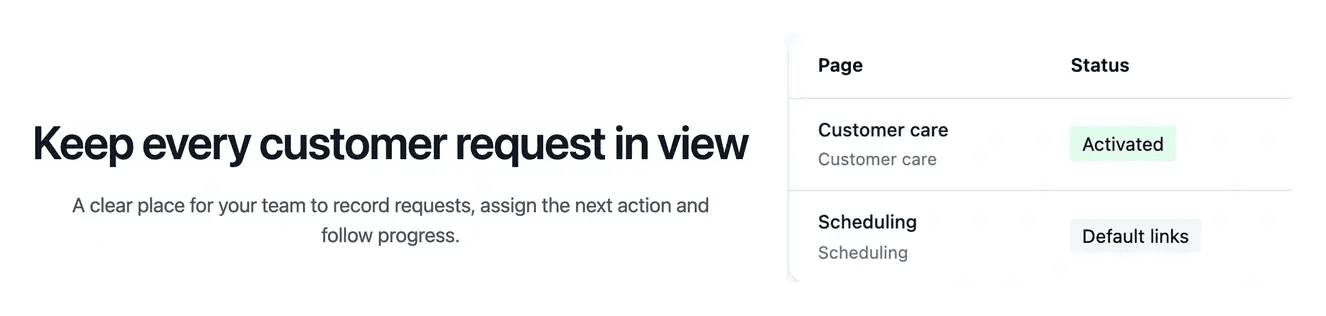
A public presentation connected to the actual product
- Explain the product
Prepare public pages from the agreed application functionality.
- Review each page
Follow the page definitions, questions and build status.
- Connect the public address
Use the website service and project domain configuration.

Give future users a useful product presentation
The website tools cover the homepage, product information, pricing, contact and legal content. Review what each page should explain to a visitor before the build.
Clarification questions help refine the audience, benefits and calls to action. Keep the public claims consistent with the functionality your application supports.
Give every public page a clear role
Help a prospect understand the service. The homepage introduces the application; feature pages explain the workflows and value behind it. Use concrete examples and an understandable scope so a visitor can judge whether the product addresses their situation.
Connect the offer to the product. Pricing should explain the application scope and separate hosting or optional items clearly. Keep the public presentation consistent with the conditions shown in the project workspace, rather than promising functions or costs the offer does not cover.
Provide a clear next step. A contact path, sign-in link and documentation serve different stages of the visitor journey. Organize them so someone can ask a useful question, reach the application or learn how a supported task works.
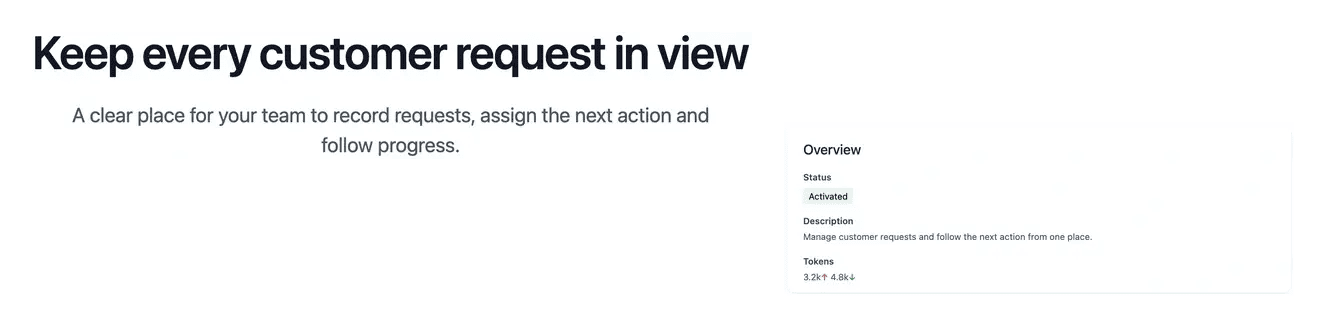
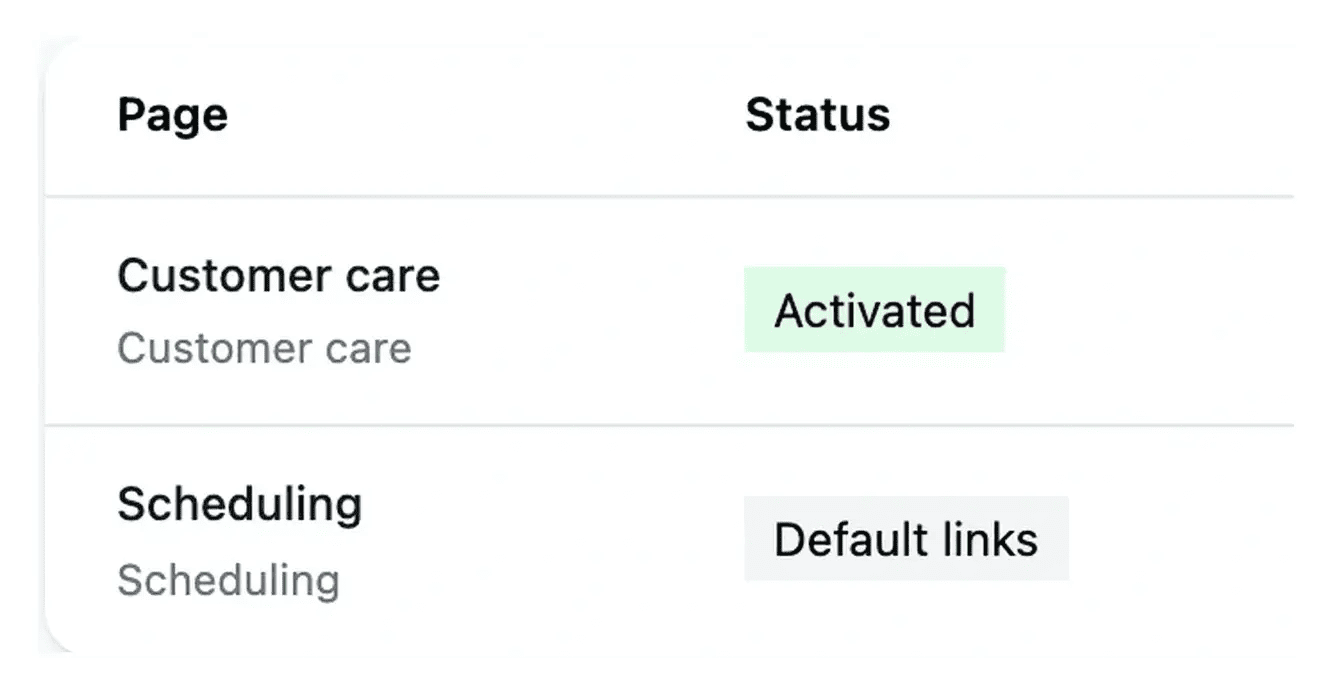
Keep pages, navigation and visuals coherent
Website configuration lets you inspect each page and the common navigation. Prepared visuals support the message without replacing the need for clear product copy.
Follow the build and service status, then verify the public pages in the intended language and domain. Pricing and final project conditions should remain consistent with the offer.
Give visitors a useful path through your offer
The public site should help a visitor understand the product, explore the relevant capabilities and decide how to contact you. Each page has a role in that journey.
Review the page content alongside its navigation, title and illustrations. A coherent presentation lets the visitor move from a broad promise to a concrete explanation of the product.
From page definitions to a reviewed public site
Define the audience and message. Review the purpose of each page and the questions it should answer. Supply the actual company and business information required.
Prepare navigation and content. Answer clarification questions and organize the page links. Keep selected visuals connected to the supported message of their section.
Verify the published journey. Review the built pages, languages, links and public address. Check the intended version before considering the site ready for visitors.
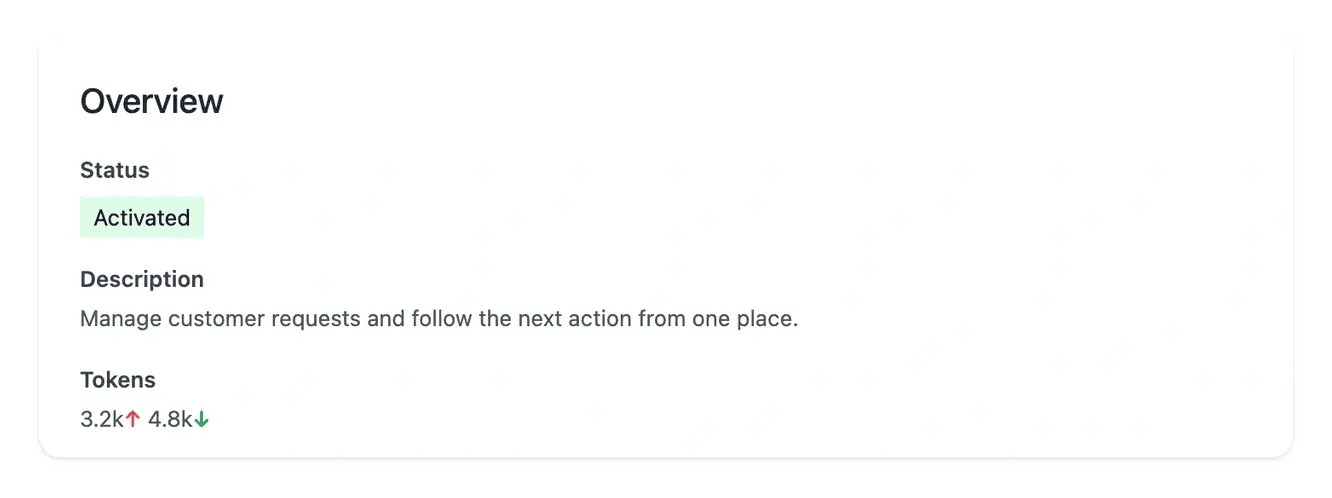
Give future users a useful introduction to your application
Explain the product, its offer and the next action with the same clarity used to define the application itself.
Questions about Public website
Its scope can cover a homepage, product and feature presentations, pricing, contact and legal content. The project offer determines the type of website available; review the page definitions and conditions in your workspace.
The website explains the service publicly. The application hosts the customer journeys and working tools. They are related services with different purposes and addresses.
Website configuration exposes their definitions, states and available actions. Review the intended audience and message, answer questions and check the built result for each page.
Use the actual publisher identity, contact details and applicable business policies. Supply missing facts before finalizing the content; a generic placeholder cannot establish the company’s terms.
It provides practical instructions on a separate service. Link it from the public navigation and the relevant feature pages so a reader can move from understanding the product to completing a task.
In production, robots.txt allows crawling by default and includes the main sitemap, which links to one sitemap per activated country and picks up published pages automatically. Add Allow or Disallow rules for a named bot or for all compliant crawlers. Development and staging always refuse crawling, and these rules do not protect private content.
Cookie settings are configured per environment: show the consent box, enable only the categories your website actually uses (additional features, audience measurement, marketing) and optionally replace the default translated notice with your own English and French text. Necessary cookies always remain active and new visitors have no optional category selected. Visitors can accept, refuse or customize their choice; it is remembered for six months and can be changed from any page.