Identity
Make your shop recognizable wherever customers meet it
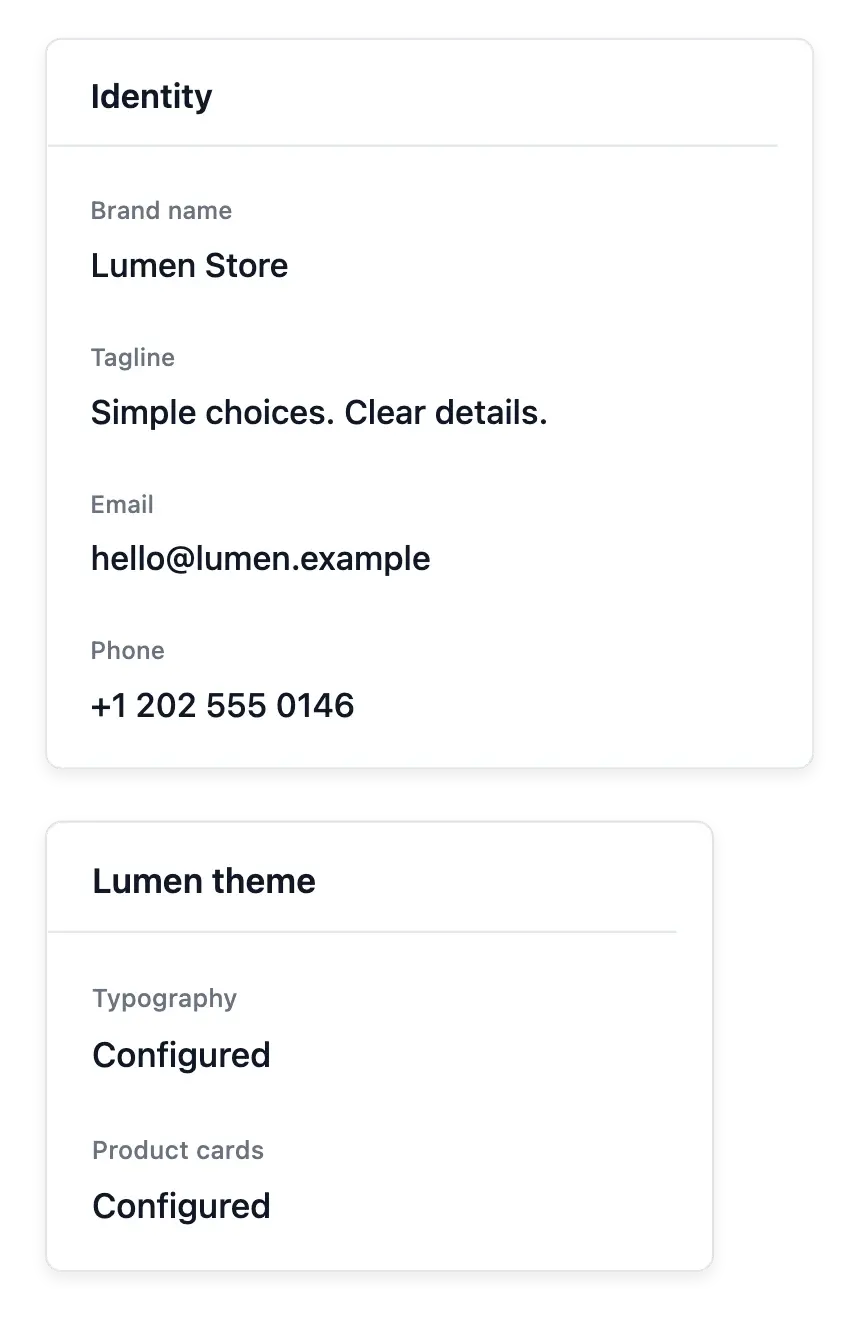
Set your shop name, logo, tagline, contact details and social links in one place.
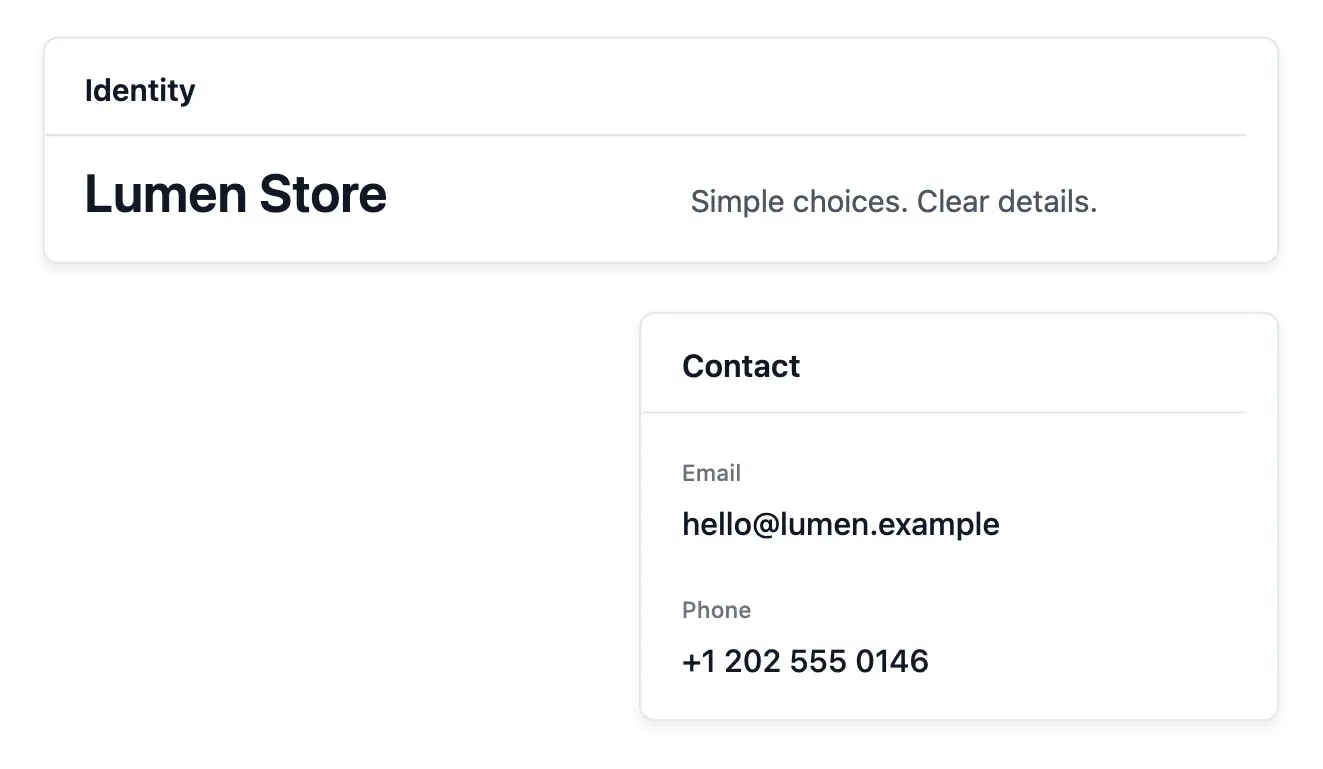
Give the shop a recognizable identity
- Your brand
Maintain the name, logo and tagline your visitors recognize.
- Contact information
Keep your shop’s contact details current.
- Used across the shop
Reuse the same identity across storefront pages and customer communications.
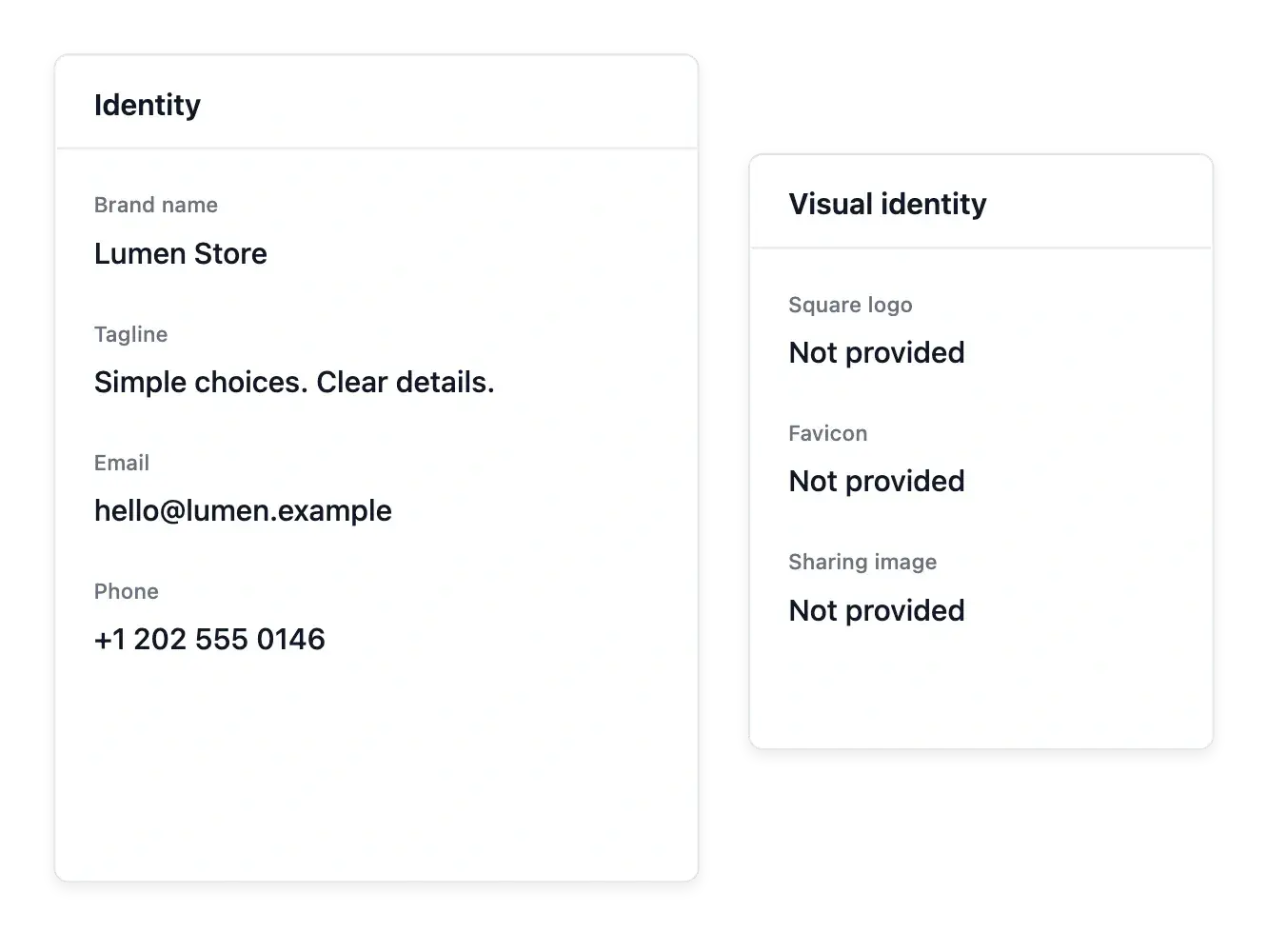
Keep the essentials of your brand together
Maintain the shop name, logo, tagline and contact information from one workspace. These are the identifying details reused around the storefront, so a correction belongs here rather than in every page separately.
Add the supported social-network information and keep contact details current. Distinguish who your shop is from how a particular page is arranged: identity supplies the common reference customers recognize.
Brand assets customers can recognize
The shop name. Maintain the name in the identity settings. Keep it consistent with the business information customers use to recognize the seller.
Brand images. Choose the supported logo and identity images from your library. Review their appearance against the background where customers will see them.
Identity and appearance. Use the theme for colors, typography and buttons. Identity supplies the recognizable name and imagery; each tool keeps its own responsibility.
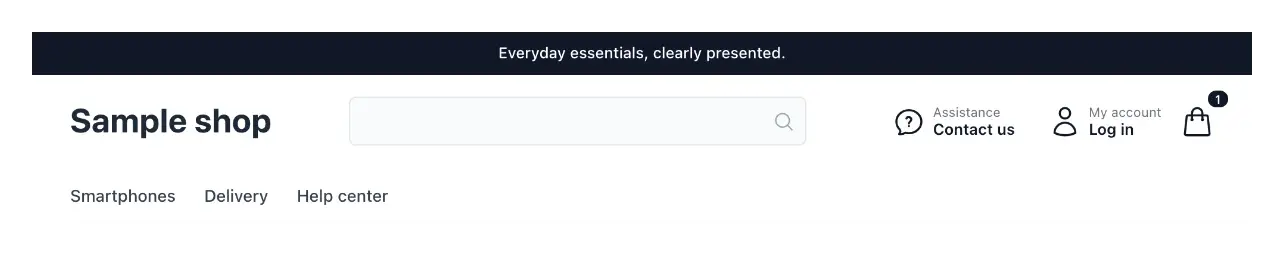
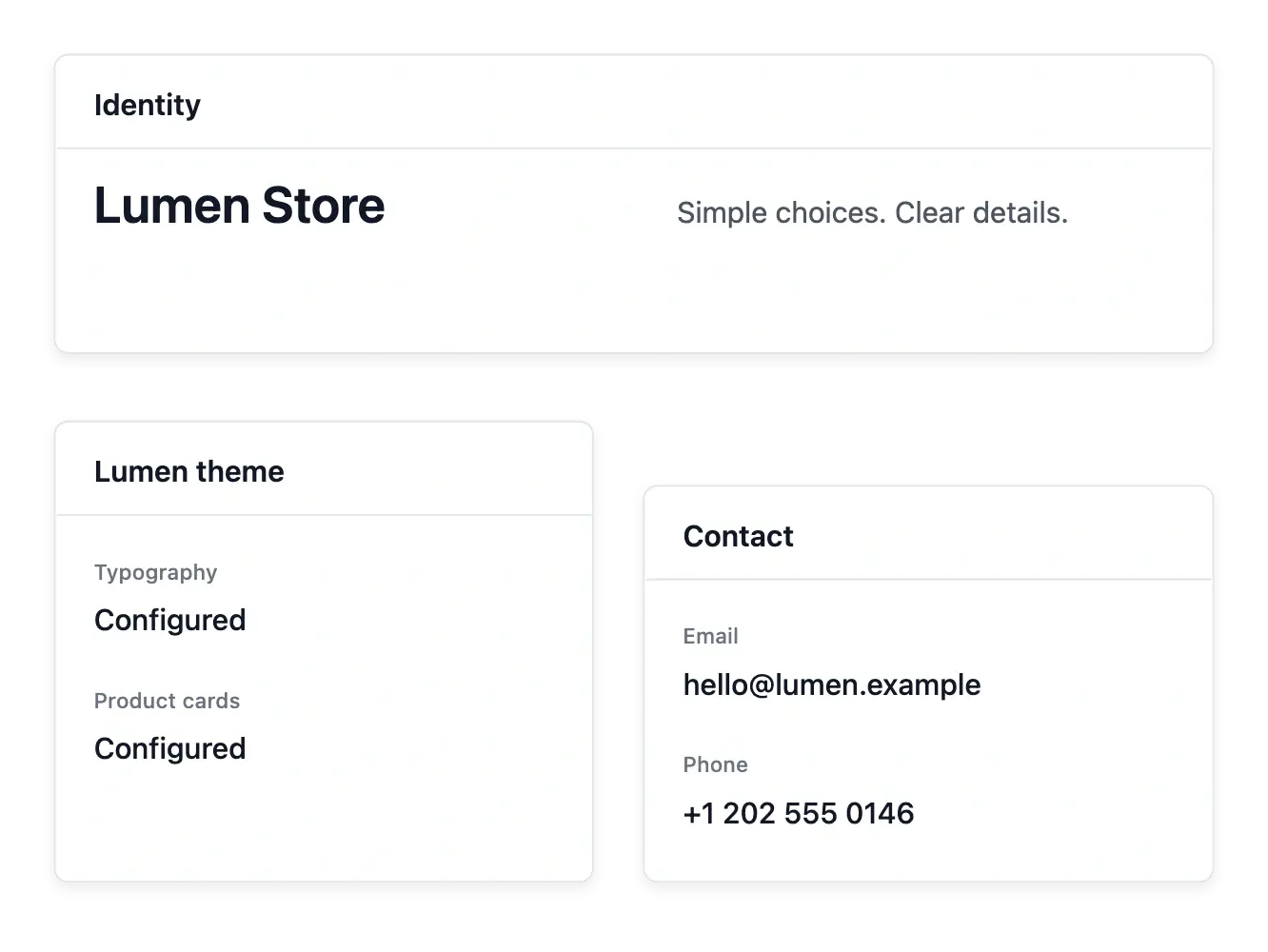
Let brand content and visual style work together
The theme defines colors, type and spacing; identity supplies the name and imagery those settings present. Use both when refreshing the brand so a new logo does not remain paired with outdated wording.
Check the storefront and customer communication context after an identity change. Maintaining these fields does not register a trademark or replace your legal and company information.
Carry your brand through the buying journey
Prepare your assets. Select clear brand images and maintain the shop name before arranging pages. Keep the original files available in the image library.
Check the shop context. Review identity alongside the theme and navigation. Product photographs describe items; brand images identify the shop that sells them.
Maintain it as the shop evolves. Replace outdated identity assets and inspect the result in the shop. Keep the page content and business details aligned with the new presentation.
Give your next stage a stronger shop identity
Keep the name, logo and contact details your customers recognize consistent.
Questions about Identity
In shop identity, alongside the logo and tagline.
Yes. Maintain the shop's logo through its image settings.
Yes. Contact details are part of the identity workspace.
Yes. Maintain the supported social-network fields for the shop.
The theme owns those settings; identity supplies the brand content.
No. It changes the shop's recorded presentation, not an external registration.