Communication
Keep shop communication recognizable and traceable
Manage customer emails and SMS with your shop’s sender identity, templates and sending history.
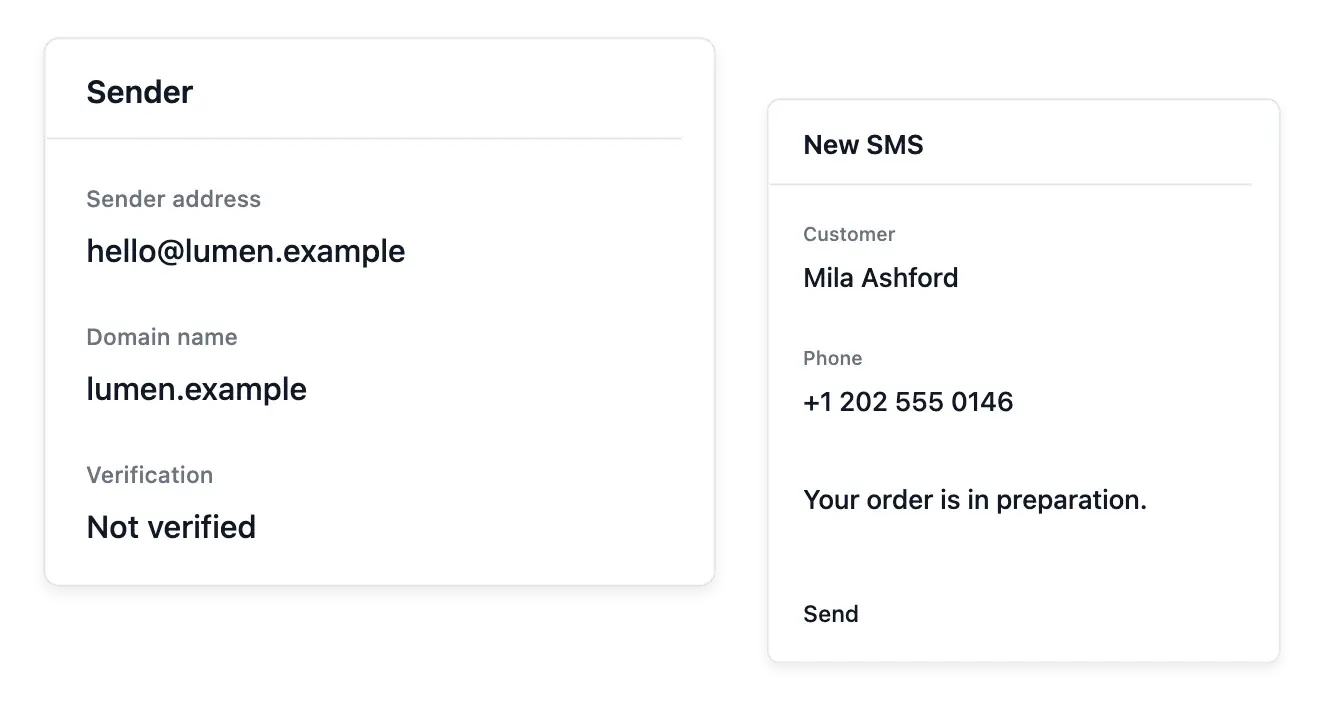
Keep customer communication connected to your shop
- Email identity
Use the configured shop sender and supported customer-email templates.
- SMS communication
Prepare supported text messages and follow their recorded sending states.
- History and usage
Review each channel’s sending journal and its own service consumption.
Send emails with an identifiable shop sender
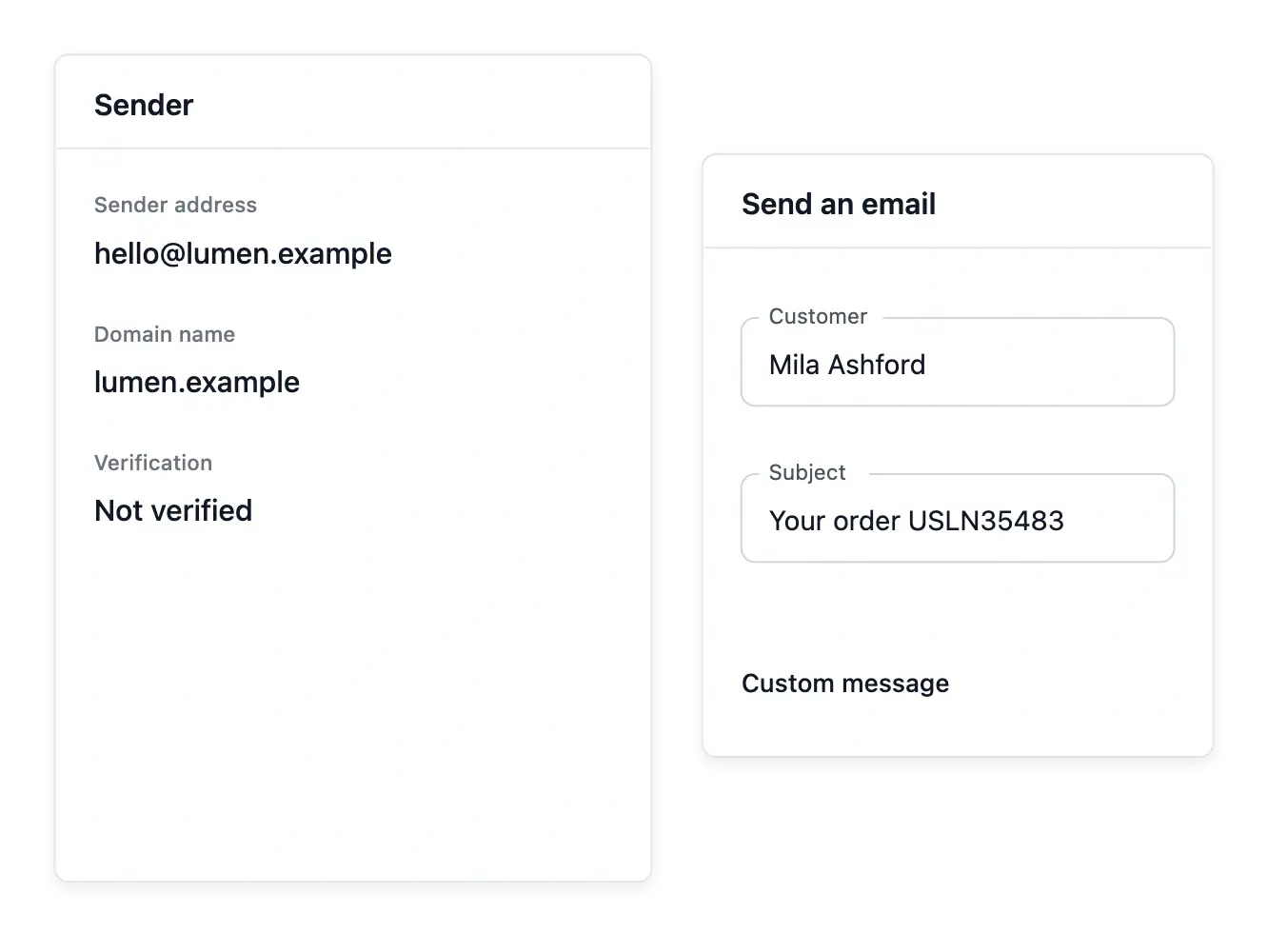
Configure the shop's sending address and follow its verification and domain-authentication instructions. A recognizable sender gives customers context for the message, while the configuration state tells your team what is ready.
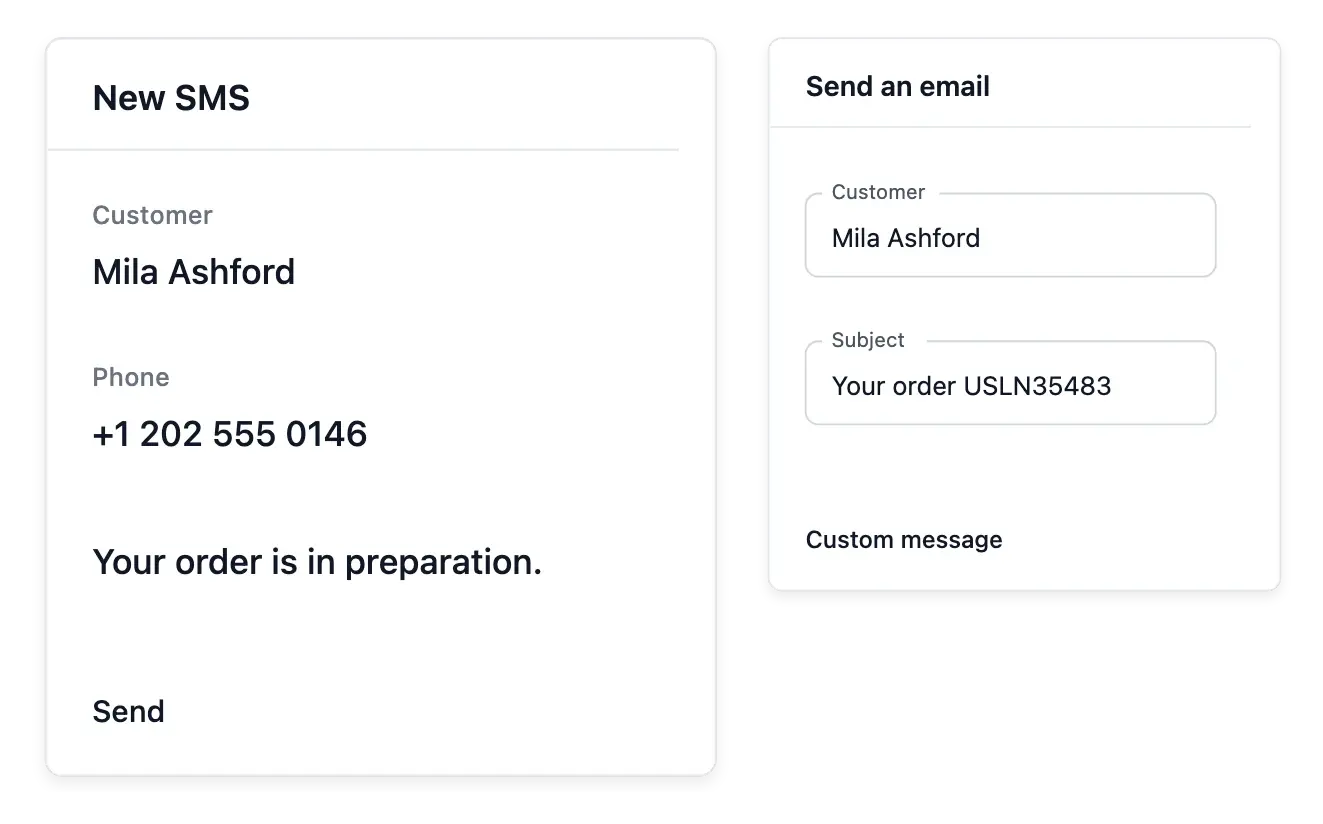
Choose a customer, subject and message for an individual email. The supported shop layout provides the presentation; check the recipient and wording before submitting a message about a particular purchase or relationship.
Prepare a recognizable sending context
The shop’s sending address. Maintain the sender and follow its verification instructions. Customers should recognize the shop when receiving a purchase-related message.
Domain authentication. Read the provided authentication instructions and configuration state. Setting a sender name alone is not proof that domain authentication is ready.
Individual messages. Choose a customer, subject and content for the supported shop email. Review recipient and wording before submitting a message.
Use SMS for the messages suited to a phone
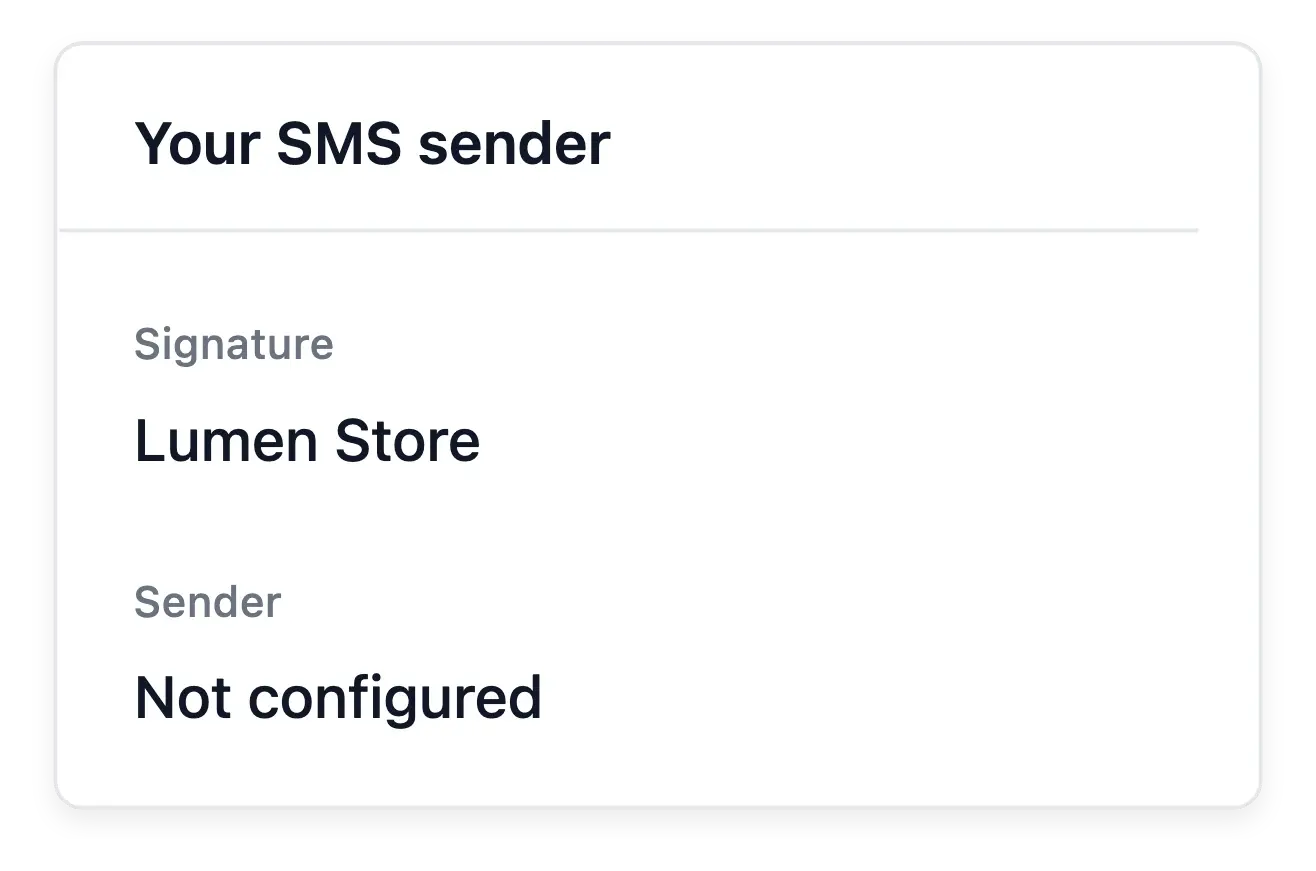
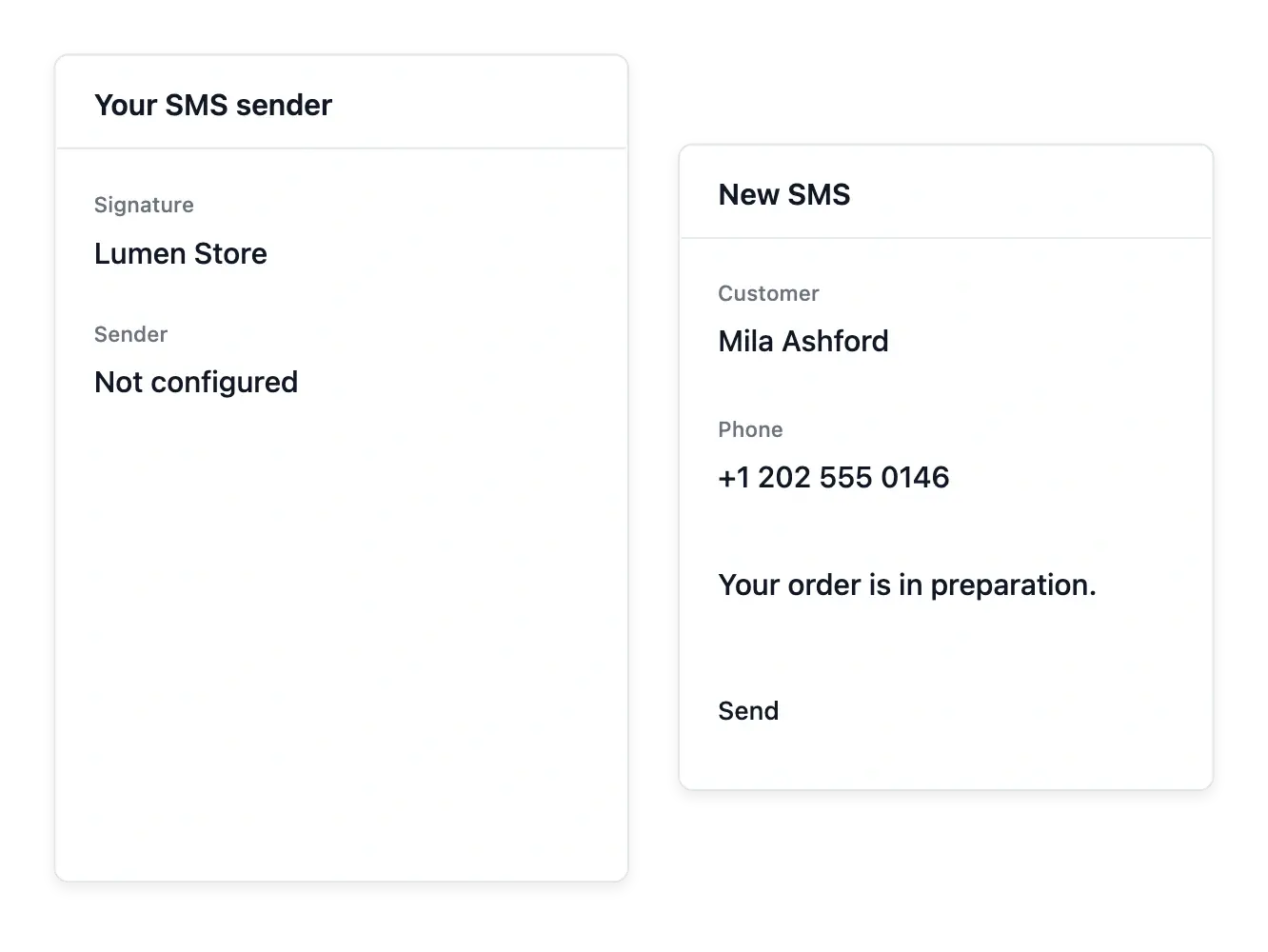
Prepare supported SMS messages for your customers and configure the available sender identity. Use a valid recipient number and check the recorded sending history to distinguish submitted, completed and failed messages when the provider reports those states.
Emails and SMS have separate settings, delivery constraints and usage costs. Use the service-cost view to understand consumption and the verification tools to inspect contact details. A sent message does not guarantee that a customer has read it.
From sender configuration to recorded outcome
Prepare the sender. Complete the available sending setup and read its readiness state. Keep email settings distinct from the shop’s SMS sender configuration.
Write with purchase context. Confirm the customer and intended subject, then prepare the message in the shop layout. Keep the wording specific to the case.
Inspect sending and consumption. Review the available sending history and service usage. A submitted or sent message does not prove that the customer read it.
Give customer messages a recognizable shop voice
Prepare your sender and keep each recorded email available for follow-up.
Questions about Email
Yes. Both messaging tools belong to the selected shop, with their own settings and sending histories.
Use the shop email sender configured and verified for the supported email service.
No. Messages use the shop’s fixed branded layout; you write the content of each individual email or SMS, but the templates themselves are not edited from the shop tools.
Inspect the sending history and the status or error information recorded by the service.
No. They are separate metered services; check their own unit prices and consumption.
No. Submission, delivery and reading are different events. Only rely on the states actually recorded.