Support
Answer customers with the purchase in view
Answer customer requests with their order, item and full conversation in view.
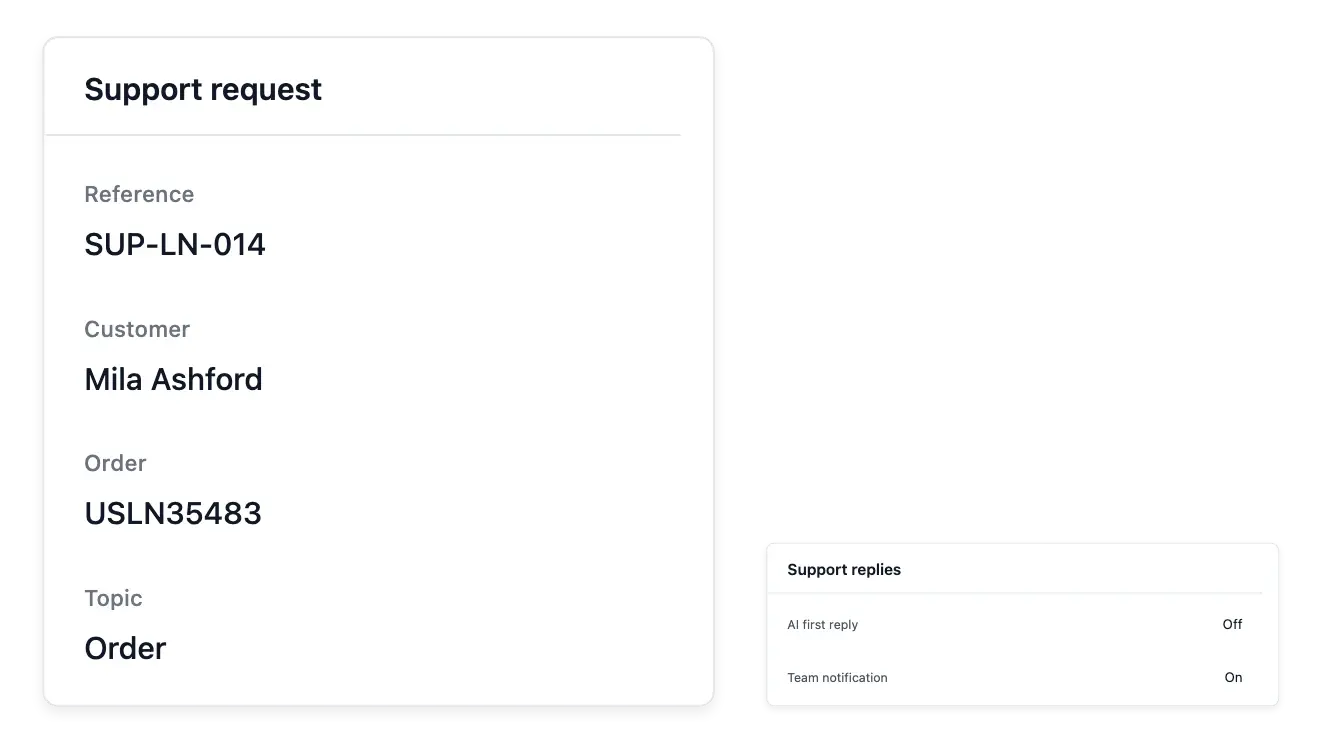
Answer with the purchase context in view
- One inbox
Find requests waiting for an answer and search your complete history.
- Conversations in context
Read the customer, order and item alongside the exchange.
- Your own support setup
Choose request subjects and reply assistance settings; close or reopen requests.
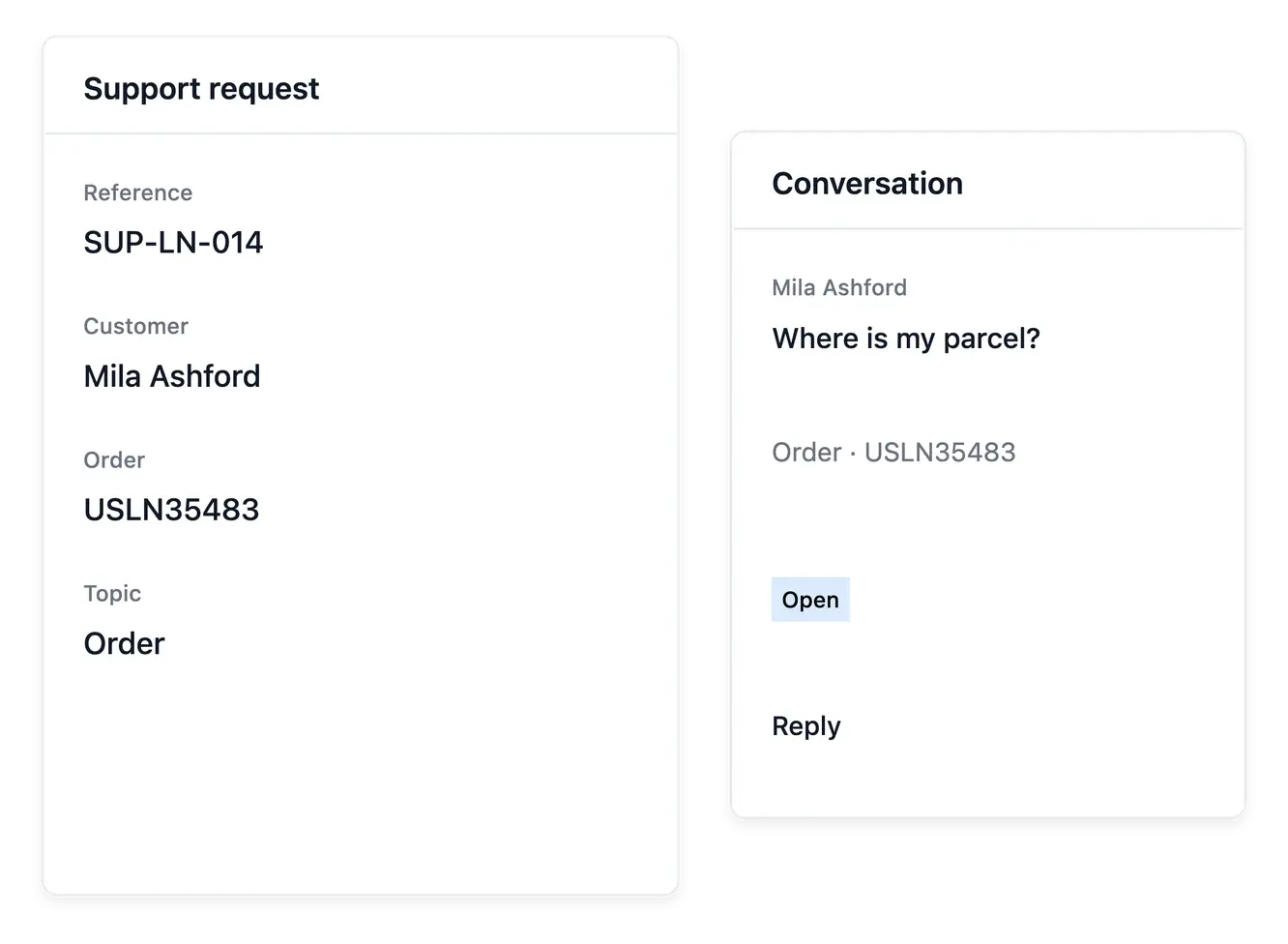
Keep the conversation and its subject together
Support collects requests opened by customers from their accounts. Find conversations waiting for an answer or search the history, then open the request with its customer, order and item context.
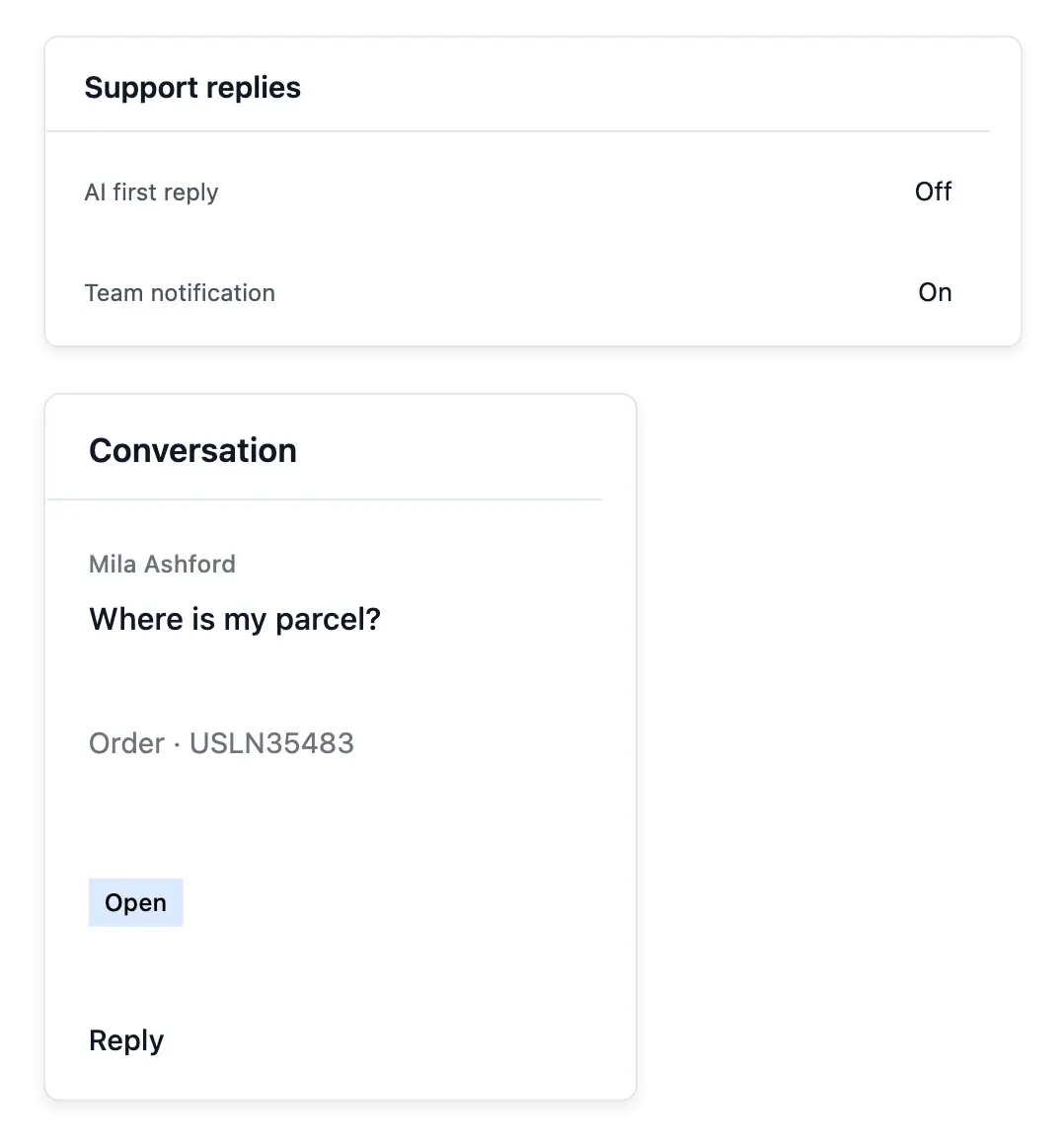
Read the exchange in sequence before replying. Set the subjects customers can choose and the available reply-assistance settings to match your shop's handling process, instead of relying on a separate inbox without purchase references.
Keep the exchange attached to the purchase
Requests needing an answer. Use the waiting requests and searchable history to locate the conversation. The customer, order and item provide the handling context.
Subjects your shop handles. Maintain the subjects customers can choose. Clear categories help the buyer describe the issue before the team reads the conversation.
Assistance under your control. Use supported reply-assistance settings when available and review the result. The recorded exchange remains the evidence of what was communicated.
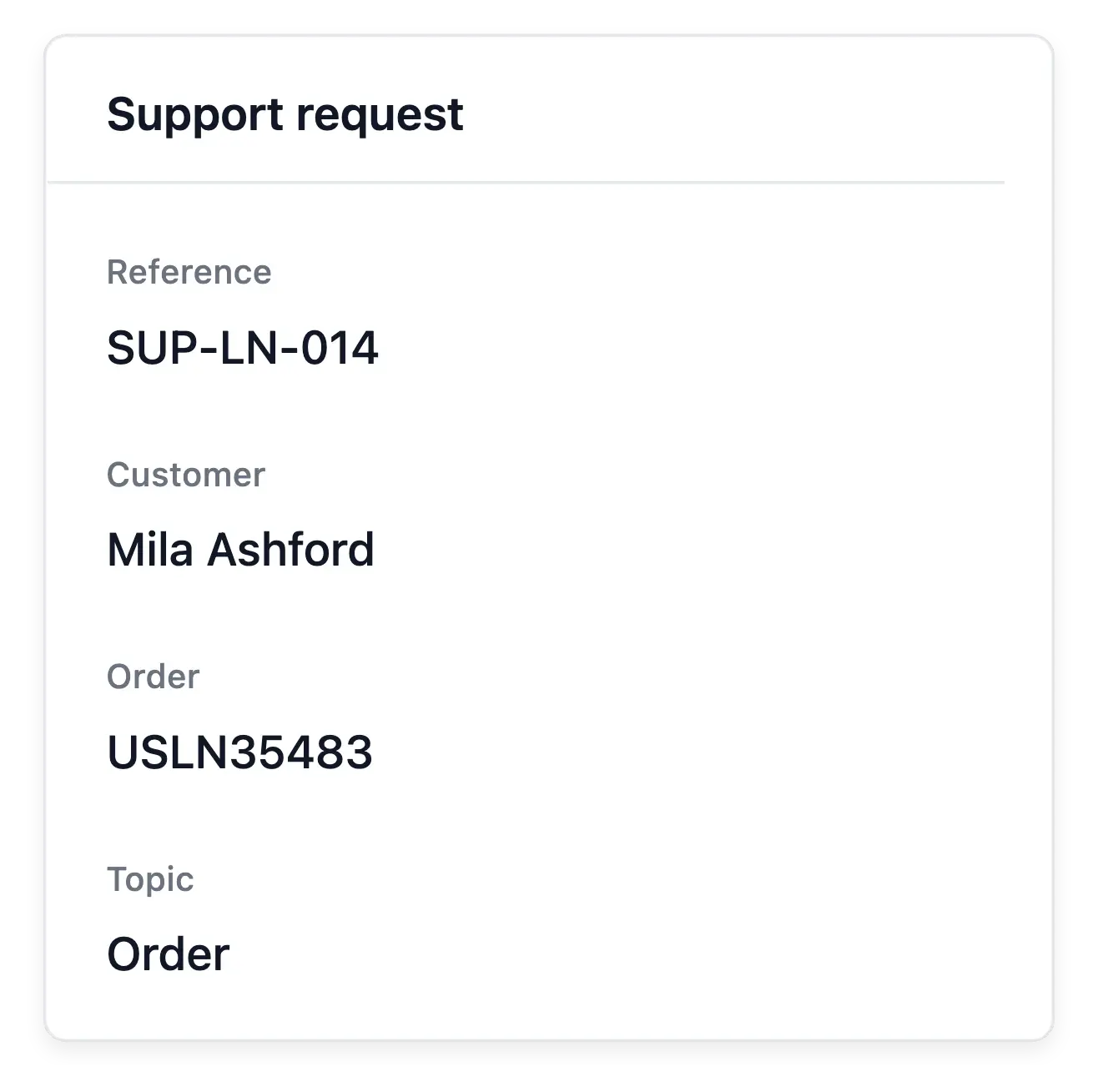
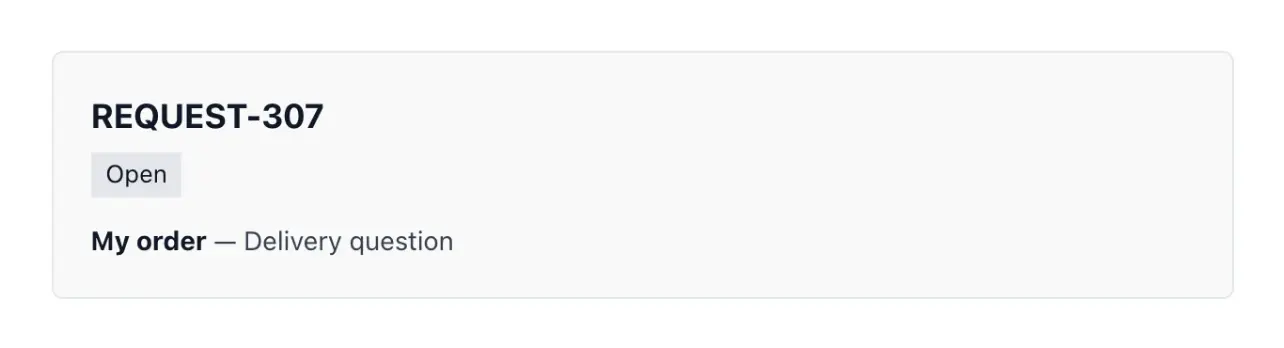
Keep a clear state for each conversation
Close a resolved request or reopen it when the exchange needs to continue. If the case requires an item return, the associated workflow keeps the after-sales action connected to the original purchase.
Reply assistance depends on the settings and service availability. Review the context and result; the support record remains the place to follow what was actually exchanged with the customer.
From an incoming question to a resolved case
Read before replying. Open the conversation and follow the exchange in sequence. Confirm the purchase concerned rather than asking the customer to reconstruct it.
Handle the next step. Reply using the available workflow and connect a return when the case requires it. Keep physical handling in its own record.
Close or resume the exchange. Close a resolved request or reopen it when the discussion continues. Review history so another team member can follow the case.
Build customer confidence through better follow-up
Keep questions, purchases and replies connected as your shop grows.
Questions about Support
Customers open them from their shop account, with the supported purchase context.
Yes. The support landing and list help identify work waiting for an answer.
Yes. Maintain the subjects offered by your shop's request form.
Yes. The request actions support closing and reopening the conversation.
Yes. When applicable, the request can connect to the return workflow.
No. Follow the configured assistance and inspect the recorded exchange and outcome.