Theme
Give the whole shop a consistent visual language
Choose colors, fonts, button styles and spacing that apply consistently across the shop.
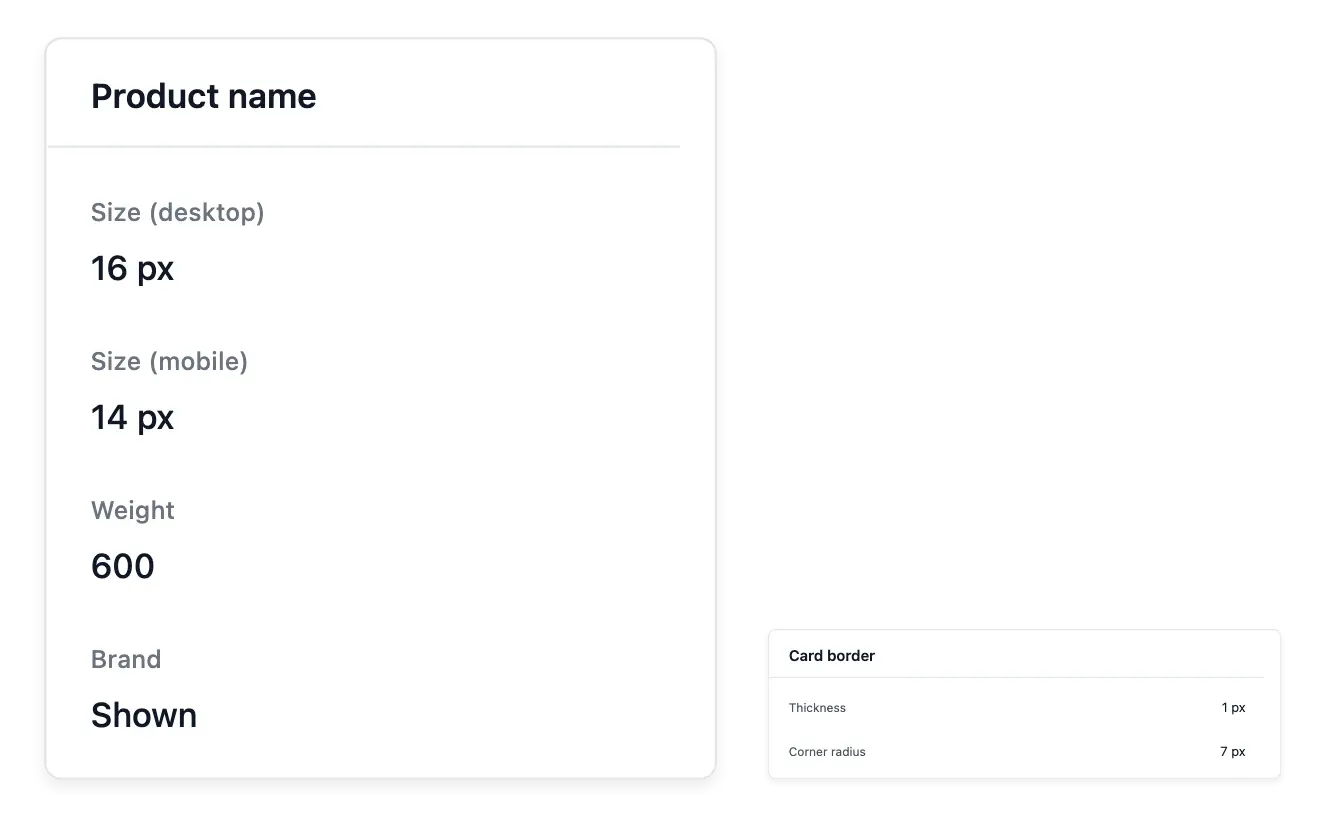
Give your pages a consistent visual language
- Your visual style
Set the palette and typography for headings and body text.
- Buttons and spacing
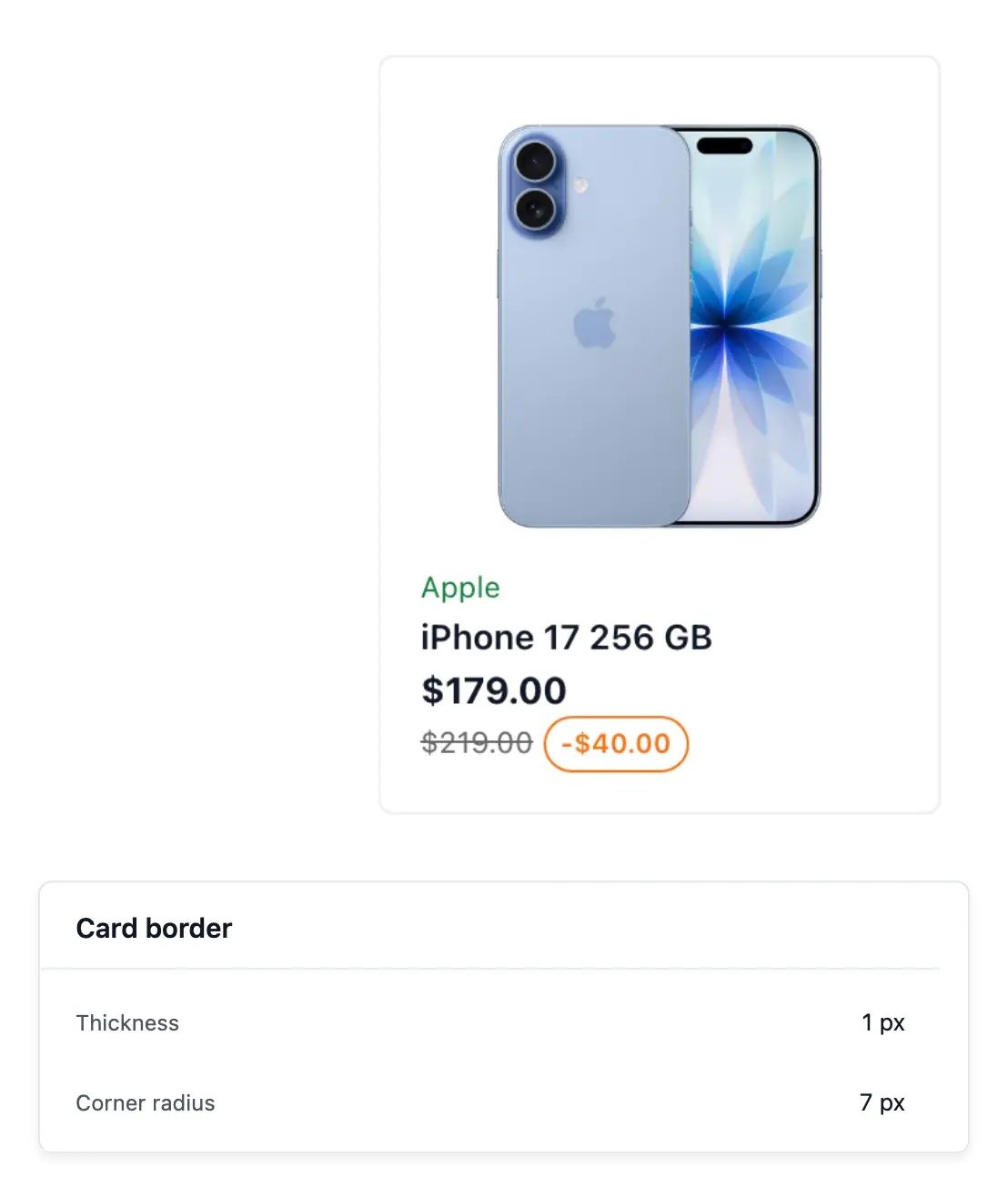
Adjust button shapes, corner rounding and content density.
- See the result
Preview the theme and restore the default appearance when needed.
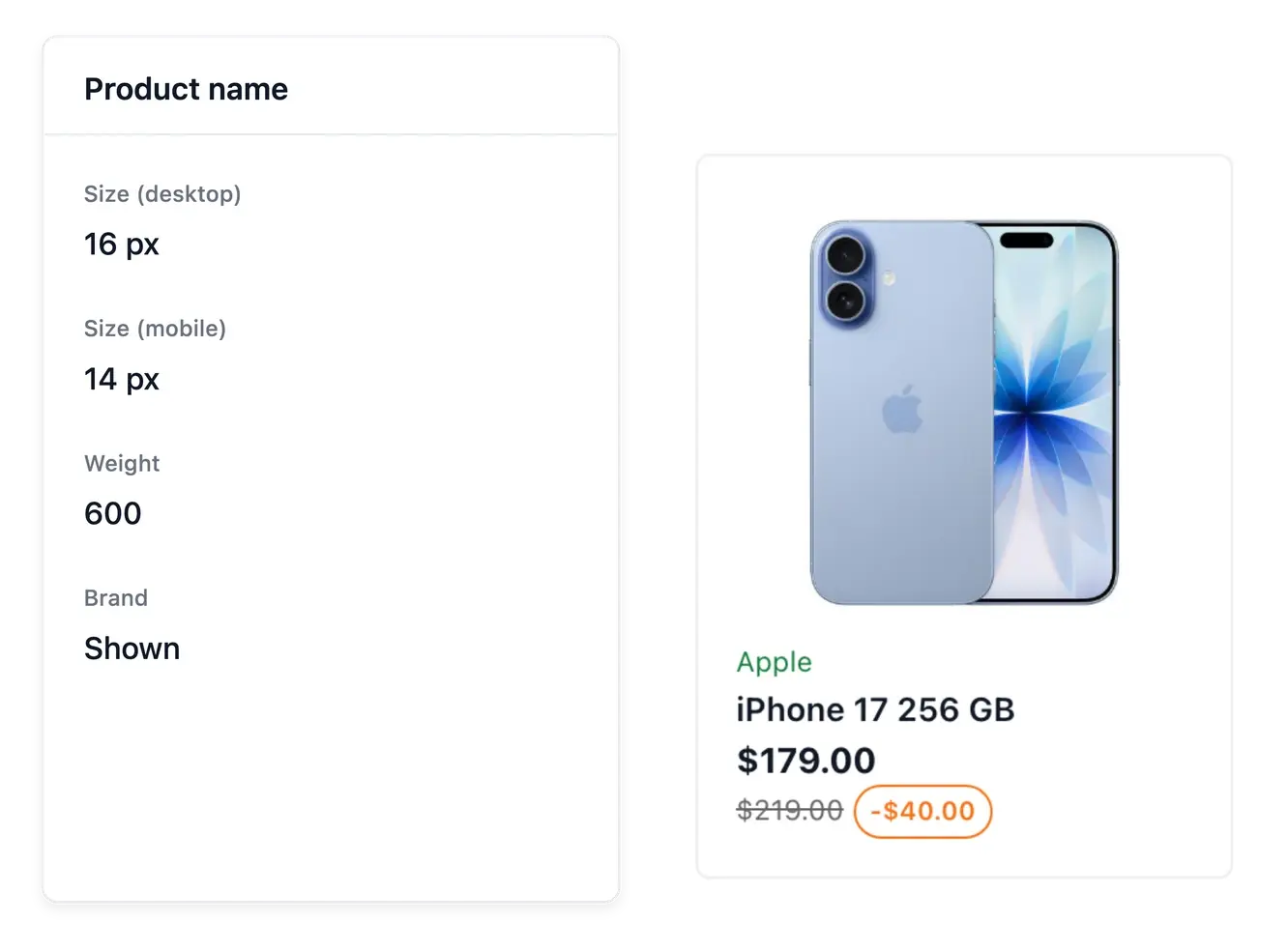
Set the look at shop level
Choose the available palette, heading and body typography, button style and spacing. Shared appearance settings let the shop keep a coherent look as pages and product content change.
Inspect the available previews when adjusting rounding, density or the parts of a look. A theme changes presentation; it does not rewrite the product information or arrange every section's content for you.
Choose a visual language for the whole shop
Colors and typography. Maintain the shared palette and heading and body fonts. The same visual choices accompany pages as the catalogue changes.
Button appearance. Choose the available button style and rounding. Review the contrast between button background and text before making the look available.
Spacing and density. Use the supported spacing controls and previews to tune readability. A presentation setting does not change a product’s stored description or price.
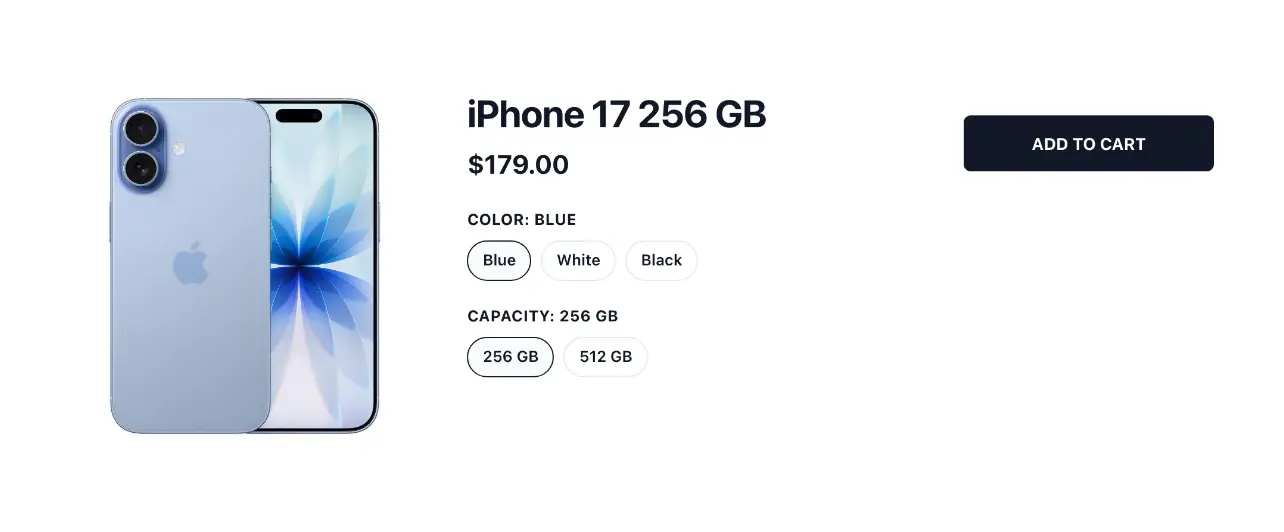
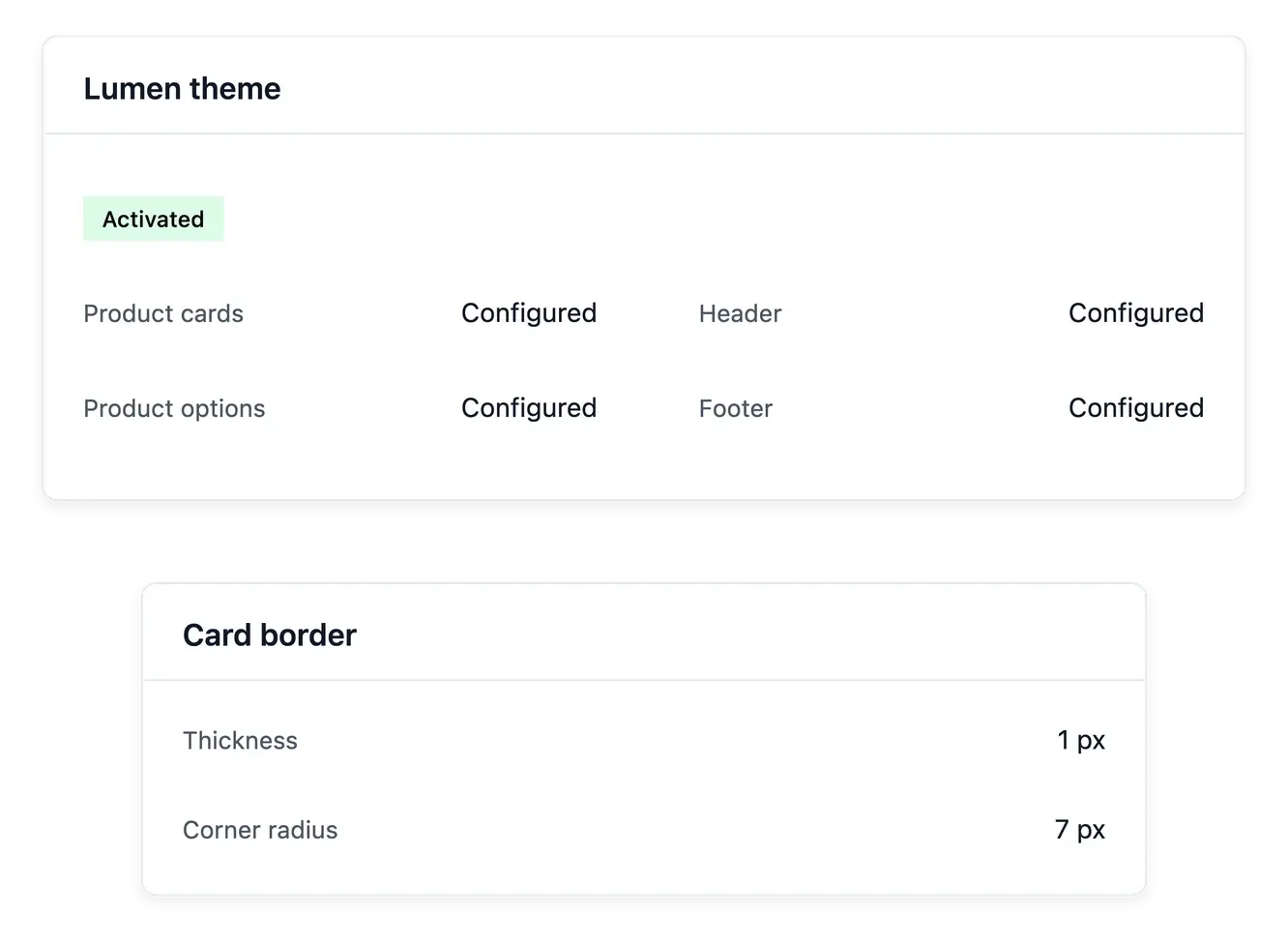
Develop the look without losing content
Use the theme's availability and reset actions when managing a look. Review the result alongside identity, navigation and section settings so the visual choices remain understandable on the real shop.
Pages keep their composition and sections keep their content. Treat the theme as the common visual foundation, then use each section's supported controls for the details specific to that block.
Refine the look without rebuilding the content
Start from the common look. Set the main palette, fonts and buttons before refining a particular area. This avoids conflicting visual decisions across the buying journey.
Inspect the relevant area. Use the available theme previews and inspect product or account settings where needed. Keep each area’s content in its own section controls.
Coordinate identity and pages. Check the logo, navigation and section arrangement alongside the theme. Availability and reset actions concern the look, not the catalogue records.
Give a growing shop a coherent appearance
Refine your visual identity through the supported settings without writing code.
Questions about Theme
Yes. The theme provides the supported typography settings for both.
Yes. Available appearance controls include button styling and corner treatment.
Yes. The relevant theme views provide previews of supported appearance choices.
Yes. A reset action is available for the applicable theme settings.
No. It changes presentation, while your recorded content remains separate.
No. Pages and sections manage content and arrangement; the theme supplies common styling.