Payments
Read each payment with the sale that explains it
Connect your shop’s Stripe, Adyen or PayPal account and follow each payment with its order and refund history.
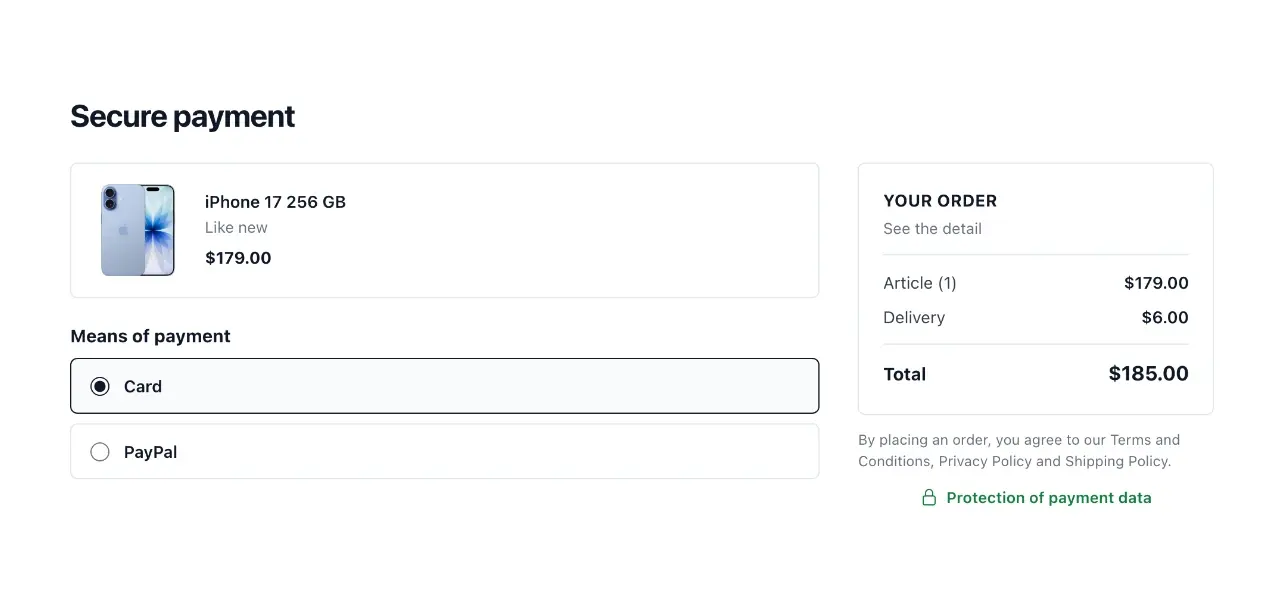
Read the money behind each order
- A payment register
Follow amounts, methods and payment states in one place.
- Order and customer context
Open the related order and customer from the payment register.
- History and refunds
Consult the payment history and refunds before deciding the next action.
Keep the payment record understandable
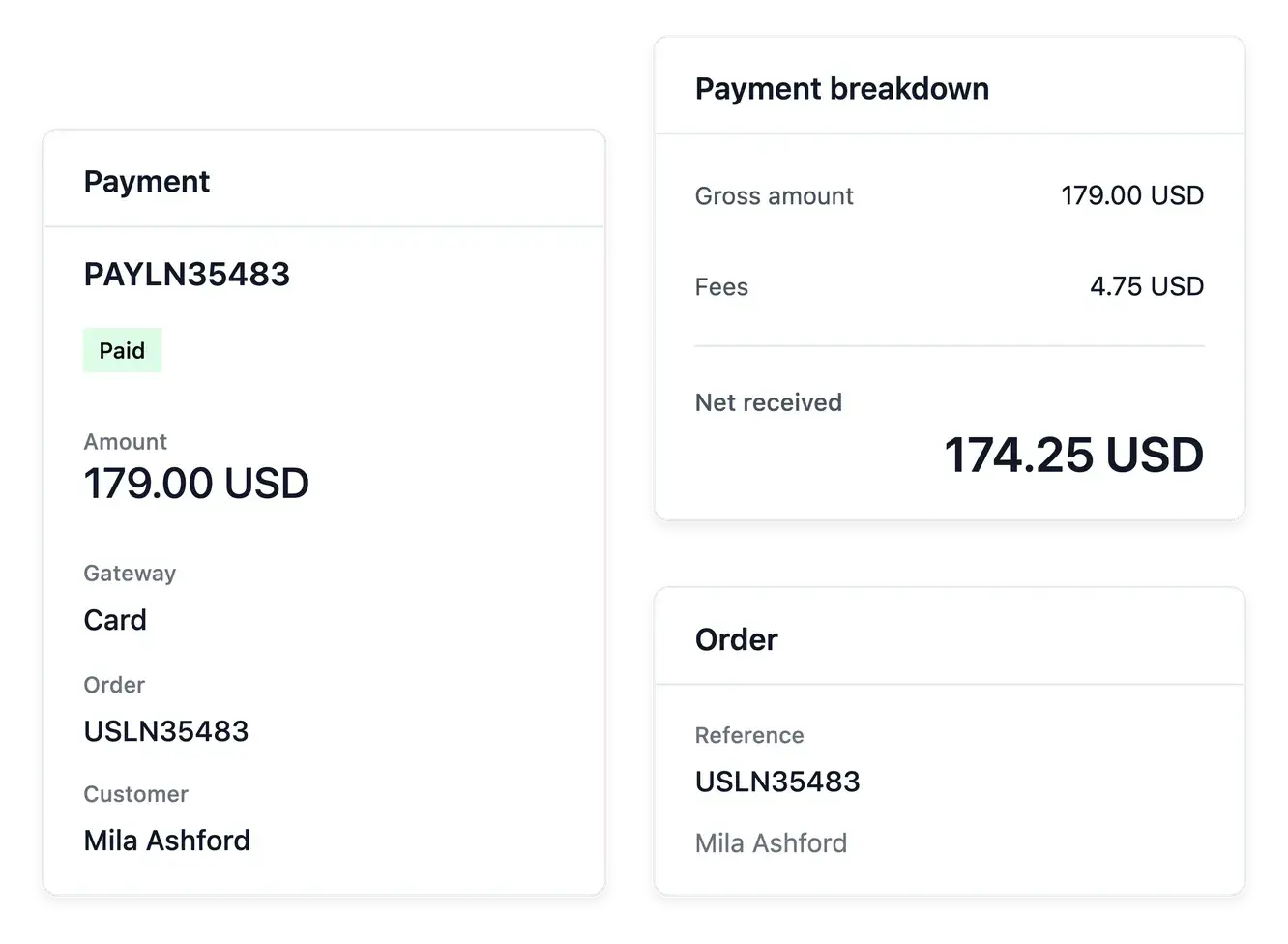
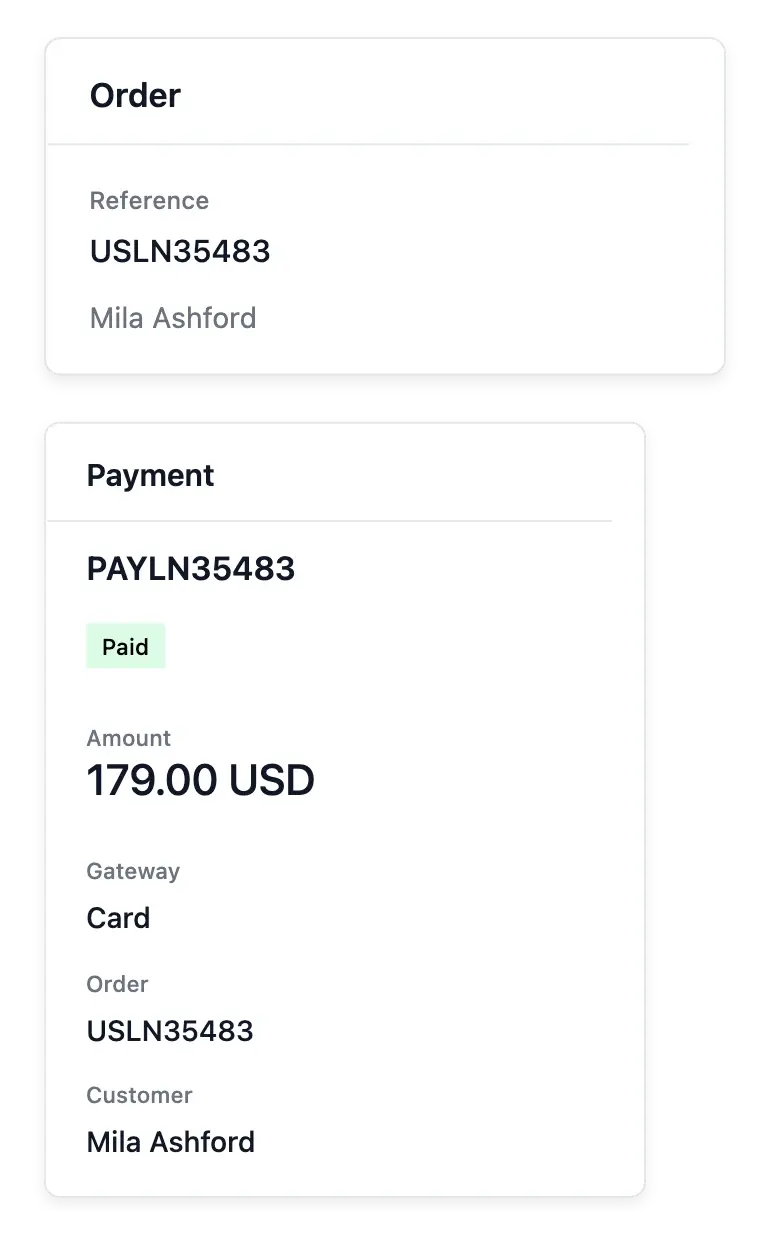
The payment register shows amounts, methods and states with links to the customer and order. Open a payment to inspect its recorded amount, fees, net information and refunds before choosing an applicable action.
Connect your own Stripe, Adyen or PayPal account in the shop payment settings. Each provider has its required live credentials and verification steps; Adyen also requires the appropriate merchant account and live configuration. A saved setting alone does not prove that the account is ready to collect payments.
Distinguish a request from money received
The payment’s own state. Read the recorded payment state and associated information. An attempt, pending operation and completed payment are different outcomes.
An identifiable transaction. Keep the payment linked to its order and gateway context. Use those references when investigating the result with the configured provider.
Refund context. Consult the payment breakdown before reviewing a refund. The original amount and already recorded refunds determine what remains to inspect.
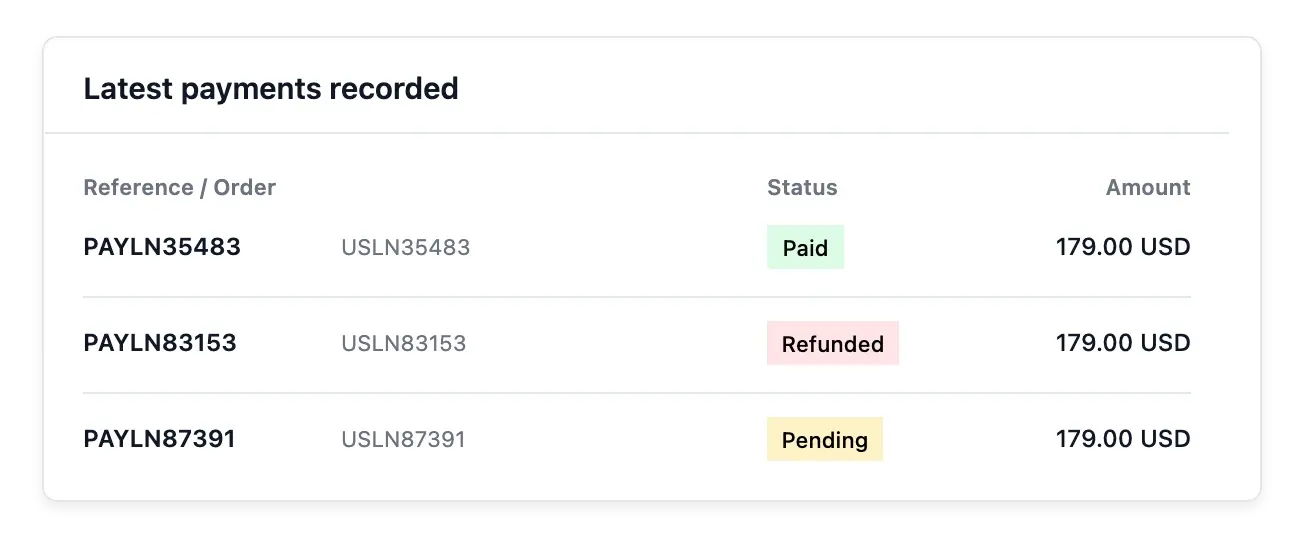
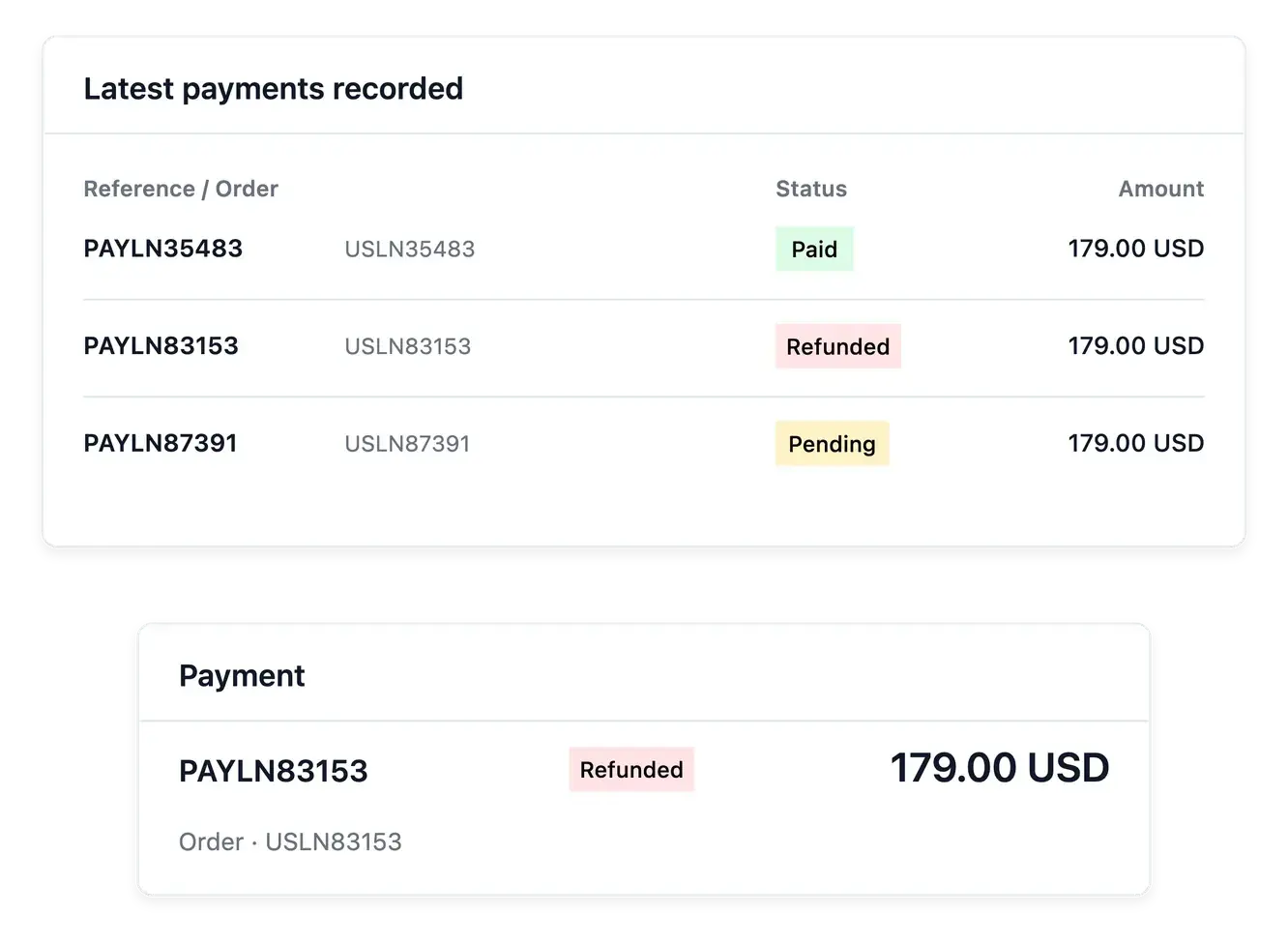
Connect payment outcomes to the sale
Consult payment history and the refund view when a customer asks about money returned. Gateway execution depends on the configured account and supported provider, so read the actual result rather than inferring success from an attempted action.
Use the provider settings to prepare collection and the record to follow a particular transaction. An order waiting for payment, a failed payment and a completed refund represent different work for your team.
Investigate a payment with its order attached
Find the relevant record. Use the payment directory to open the transaction associated with the order. Confirm the amount and customer context.
Read the result. Inspect the recorded state and gateway information. When a result remains uncertain, investigate it before telling the buyer it succeeded.
Choose the next action. Use the supported payment or refund workflow for the case. Keep parcel handling separate from the payment provider’s actual outcome.
Make your shop's financial operations easier to follow
Keep each payment tied to its purchase and read its real recorded outcome.
Questions about Payments
Yes. The payment register links each payment to its order and customer.
No. The recorded payment amount is protected rather than treated as editable selling information.
Yes. The payment's refund view keeps those operations connected.
No. Payment and shipment states are separate; inspect the linked order and shipment.
Use the payment settings and related integration shortcuts for the shop's configured accounts.
No. Consult the refund's actual state and provider outcome before treating money as returned.