Carts
Understand the baskets that become orders
Understand which checkout baskets become orders and configure an email reminder for those left behind.
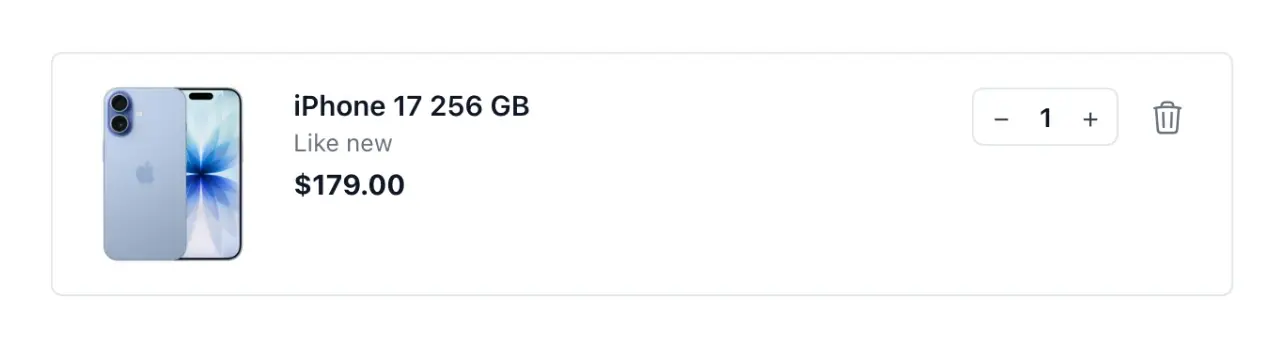
Understand the baskets that reach payment
- Checkout baskets
Read the contents, customer and value of baskets recorded at the payment step.
- Conversion over time
Compare finalized and unfinished baskets over the dates you choose.
- One reminder
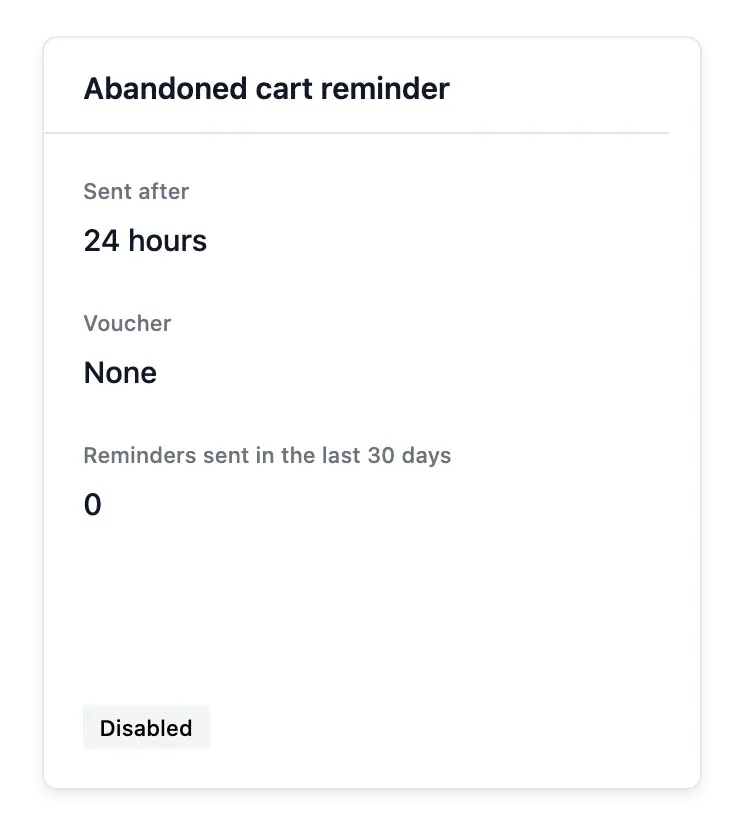
Configure a single reminder email after abandonment, with an optional voucher.
See the point between intention and order
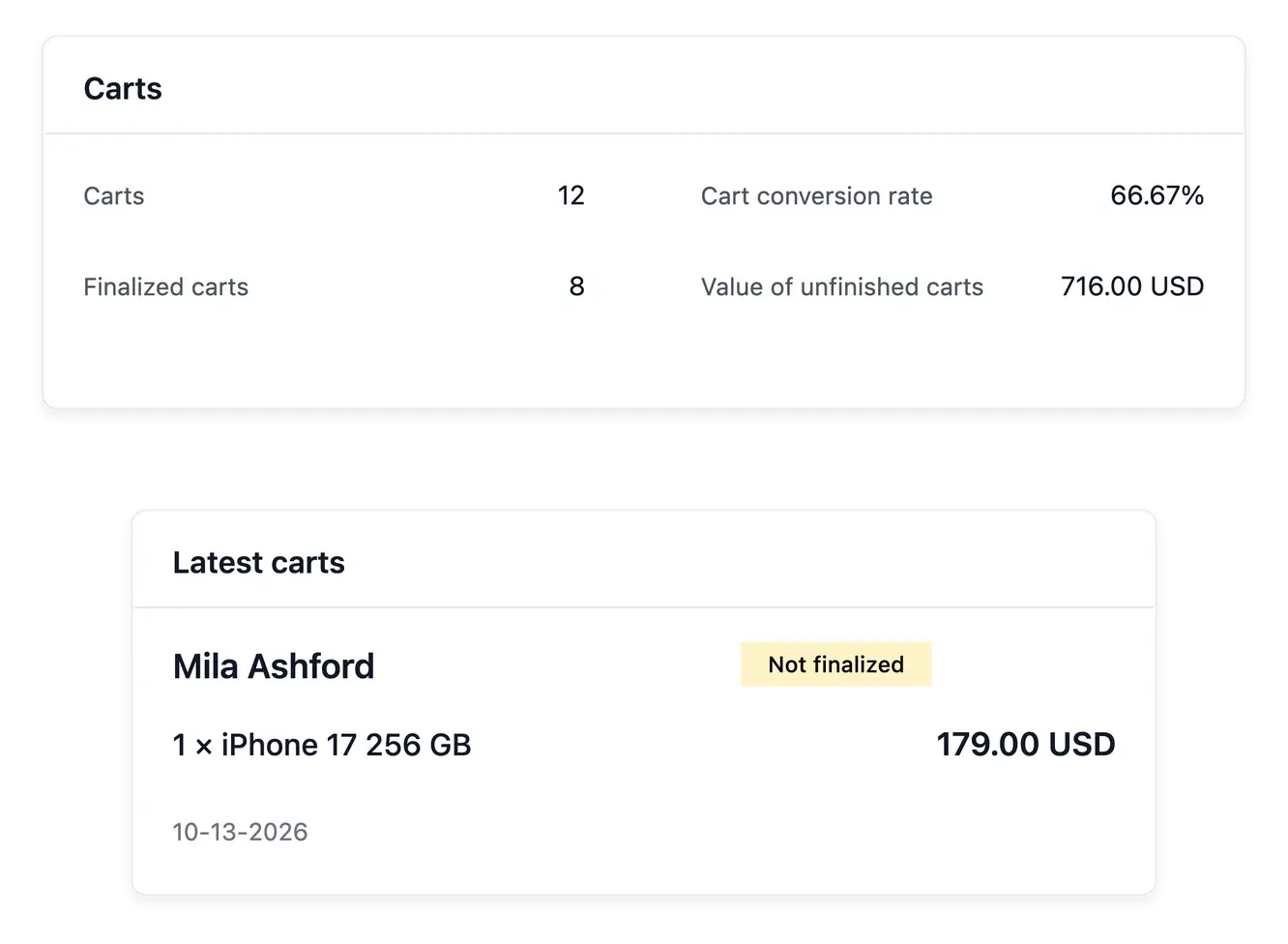
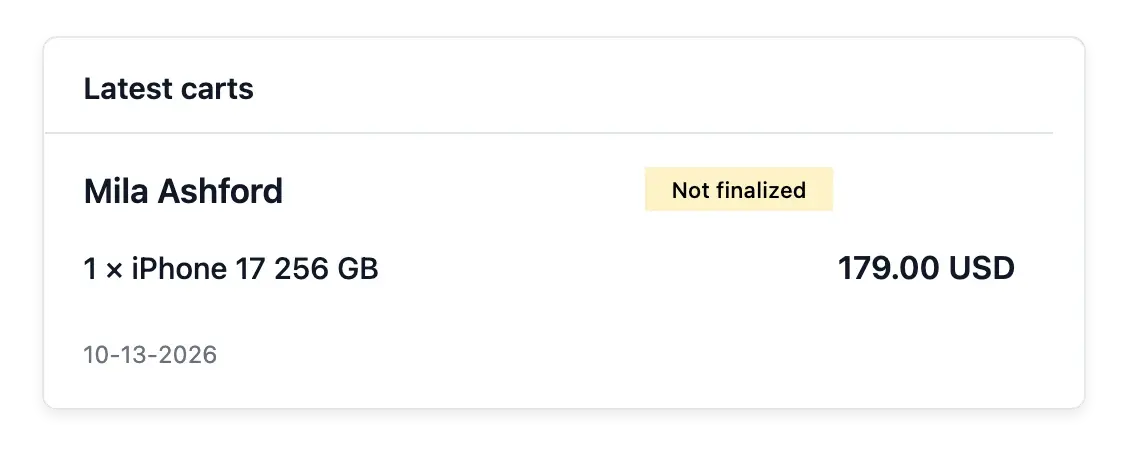
Carts lists baskets recorded when a shopper reaches the payment step. Open a record to read the selected items, customer information and quoted value, then see whether it became an order.
Choose dates to compare finalized and unfinished baskets. The conversion measure concerns these recorded baskets, not every visitor or every local basket that never reached that step.
Understand the basket recorded at payment
The recorded buying step. These baskets are recorded when shoppers reach payment. They are different from all browsing visits or local baskets never taken that far.
Items, value and customer. Open the basket to review its selected products and quoted amount. Check the customer context before considering a reminder.
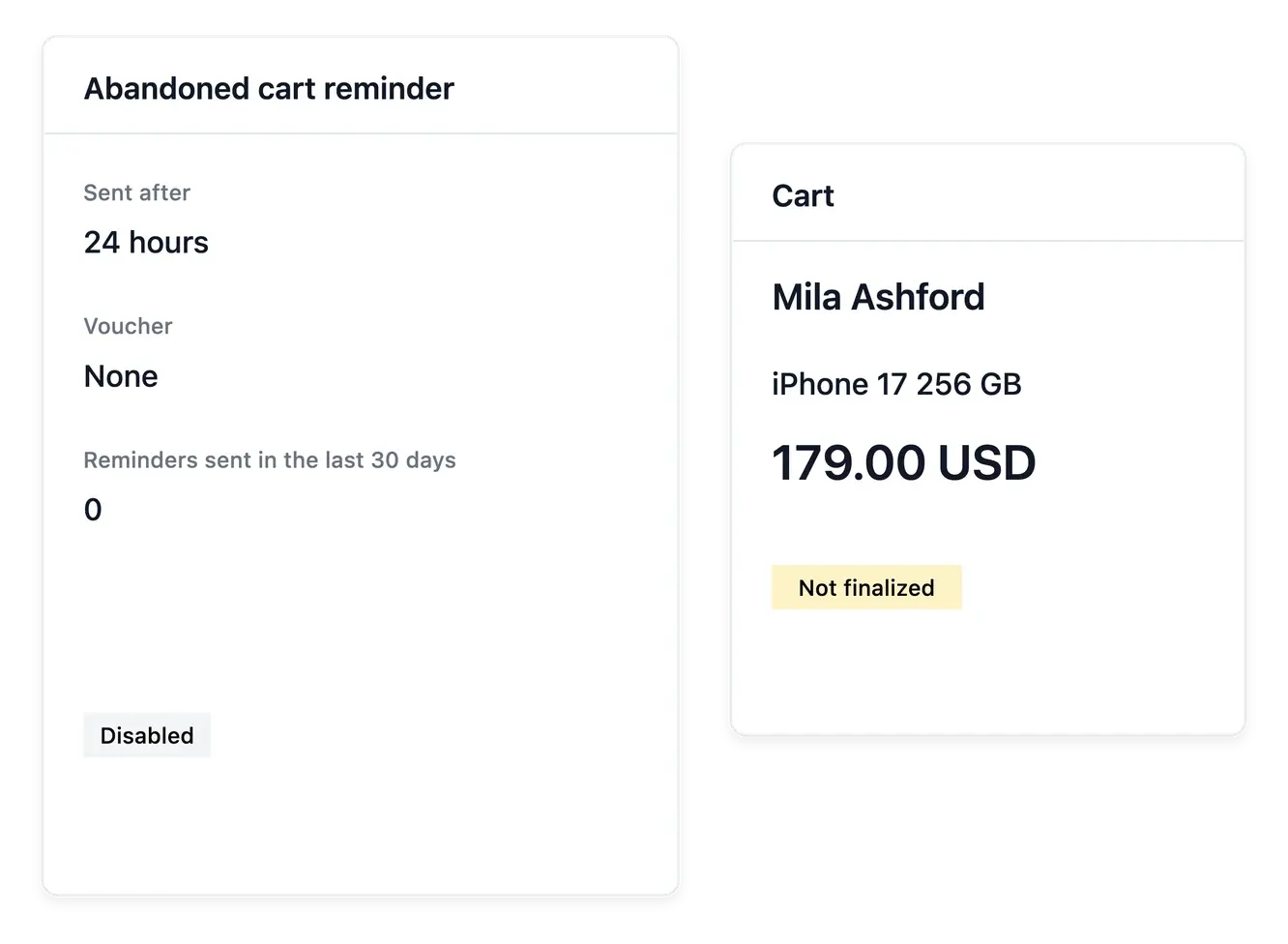
A single reminder setup. Configure the supported abandonment email and optional voucher. Sending readiness and reminder conditions remain part of the setup.
Use a measured reminder workflow
Configure a single reminder email after abandonment and optionally include a voucher. Check the shop's sending setup and reminder conditions before enabling it, so the message matches the buying experience you offer.
A reminder gives the shopper another opportunity to return; it does not guarantee recovery. Consult the basket record and related order status to distinguish a remaining opportunity from a sale already finalized.
Follow unfinished baskets without guessing
Choose the period. Compare recorded finalized and unfinished baskets over the selected dates. Keep this conversion measure tied to the baskets it actually covers.
Prepare the reminder. Review timing and any voucher with the sending setup. Keep the message relevant to the unfinished purchase.
Check the outcome. Inspect the basket and any resulting order. A reminder offers another opportunity to buy; the order record shows whether the purchase proceeded.
Give more buying intentions a clear path forward
Read unfinished baskets and configure the supported single reminder with care.
Questions about Carts
When the shopper reaches the payment step; not every browsing session produces a record.
Yes. The detail shows items, customer context and quoted value.
Yes. The collection and figures distinguish baskets that became orders from unfinished ones.
No. The current workflow provides one abandonment reminder email.
Yes. An optional voucher can accompany the configured reminder.
No. Its basis is the recorded baskets in the selected period, not total traffic.