SMS
Prepare a clear update in the right customer context
Send text messages to your customers and follow your shop’s sending history and sender identity.
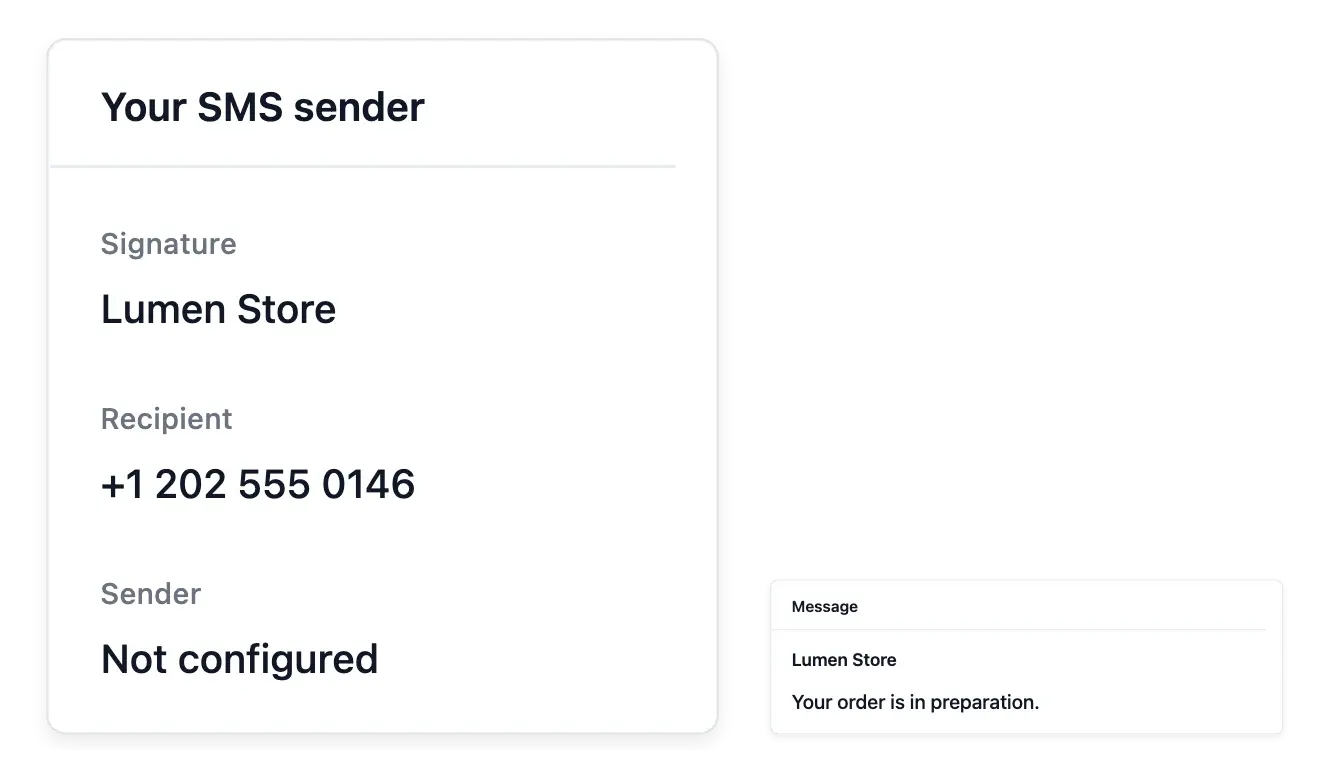
Keep a short customer message tied to its recipient
- Choose the customer
Find the recipient by name, phone number or email.
- Your sender identity
Request a sender name and see which identity is currently used.
- Delivery context
Read sending states and filter manual or automatic messages in the history.
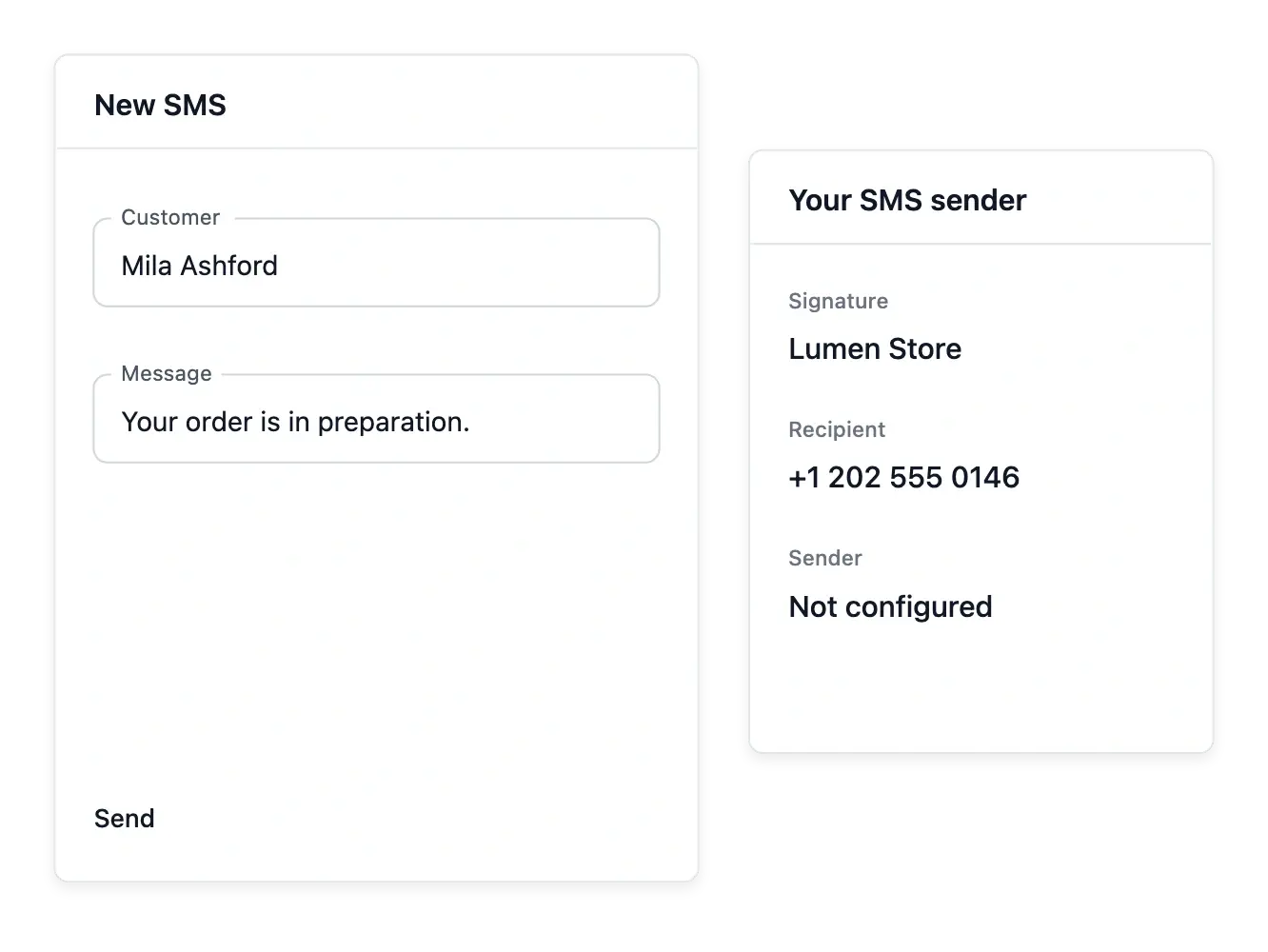
Choose the customer and inspect the number
Find the recipient by the supported name, phone or email search and prepare the message. Use SMS for wording suited to a short format, while keeping the customer's identity clear before sending.
Request the shop's sender name and read which identity is actually used. A requested name is not necessarily already validated; the displayed sending context helps avoid promising a signature the service is not yet using.
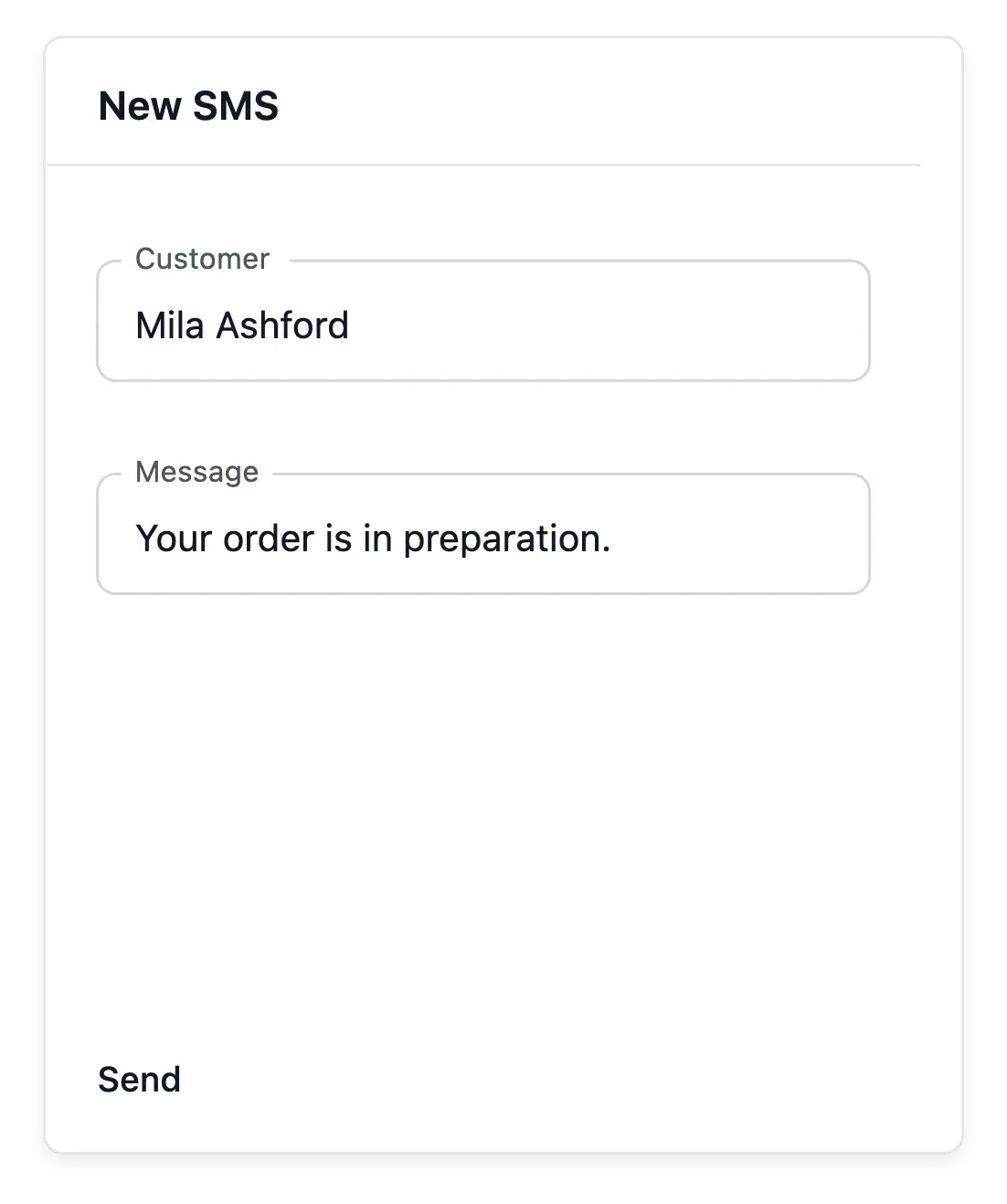
Prepare a short message for the right recipient
Recipient search. Find the customer using the supported name, phone or email search. Confirm the number before writing a case-specific message.
Requested sender identity. Request the shop’s sender name and read the identity actually used. A requested name can still be awaiting validation.
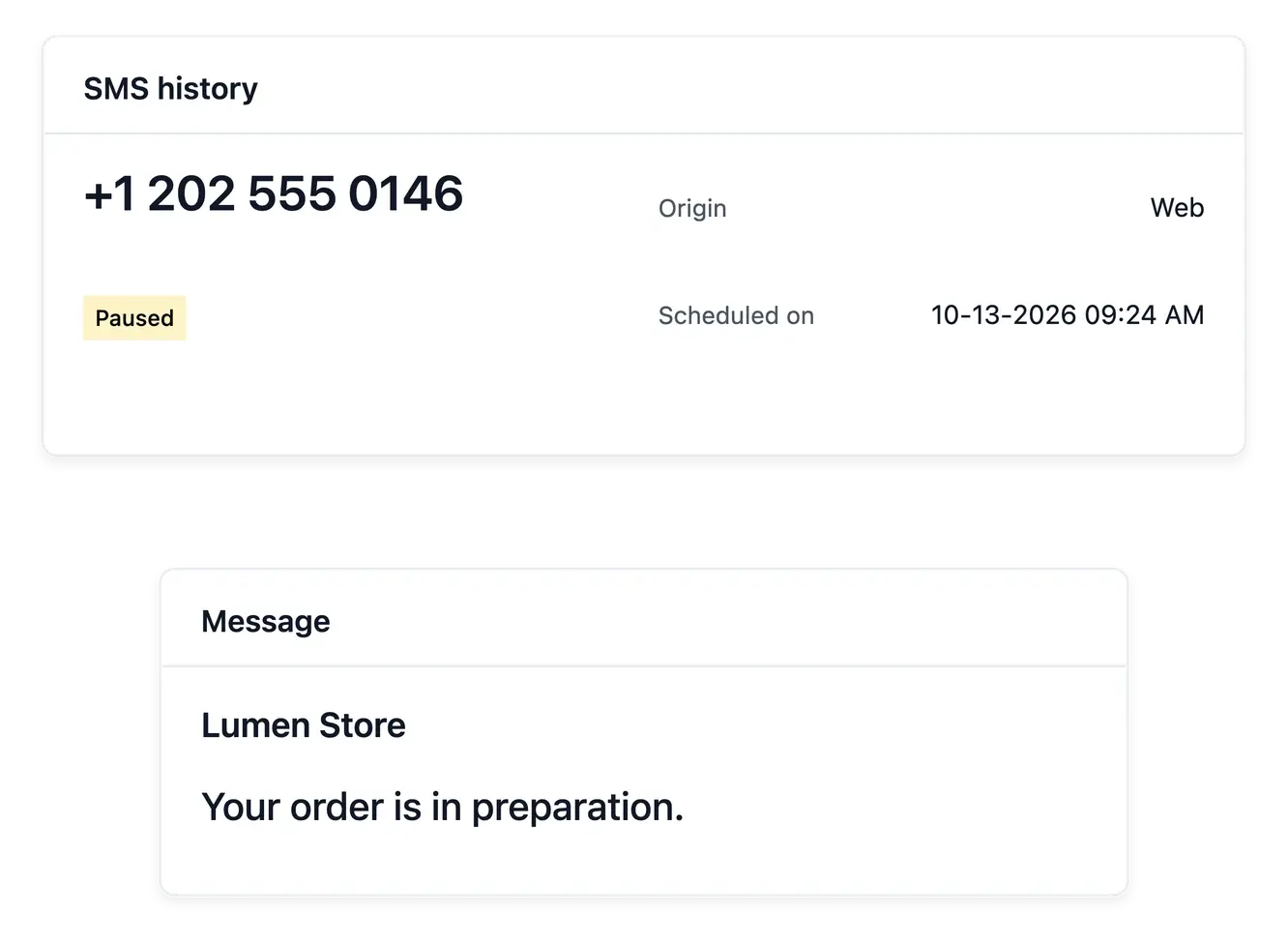
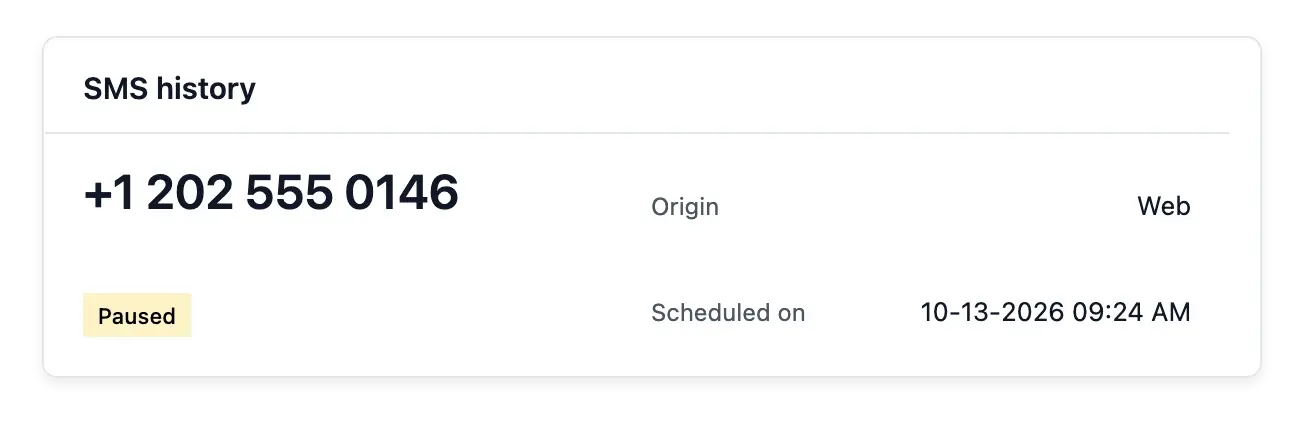
Sending states and reasons. Consult SMS history for recorded states; the send screen names the reason when it refuses a message. Sending requests and confirmed delivery are different information.
Follow the message after the sending action
SMS history brings manual and automatic messages together for search. Read sending states, and the reason the send screen gives when it refuses a message, instead of treating a request to send as confirmed delivery.
Phone verification and Usage complement this tool: one provides number information, the other shows recorded consumption. Neither replaces the specific SMS outcome or establishes permission for every type of communication.
Check identity, wording and sending result
Choose the customer. Use recipient search and verify the contact context. Phone verification can inform the number; it does not authorize every communication.
Review the short format. Keep the wording suitable for SMS and check the displayed sender. Read the complete message before submitting it.
Follow the recorded result. Search manual and automatic messages in history. Use Usage for consumption and the SMS record for the particular sending outcome.
Keep short customer communication understandable
Prepare the recipient, current sender and message with a record your team can follow.
Questions about SMS
Search the customer using the supported name, telephone or email fields.
Yes. Sender settings support a request and show the identity currently used.
Do not assume that. Read its validation state and the current sender shown.
Yes. The send screen names the reason when it refuses a message; sending history shows each recorded message’s status.
Yes. The history filter separates manual and automatic sending records.
No. A number check and the actual SMS delivery outcome are different information.