Catalogue settings
Give your catalogue a consistent foundation
Keep brands, characteristics, groups, condition descriptions and warranties consistent across products.
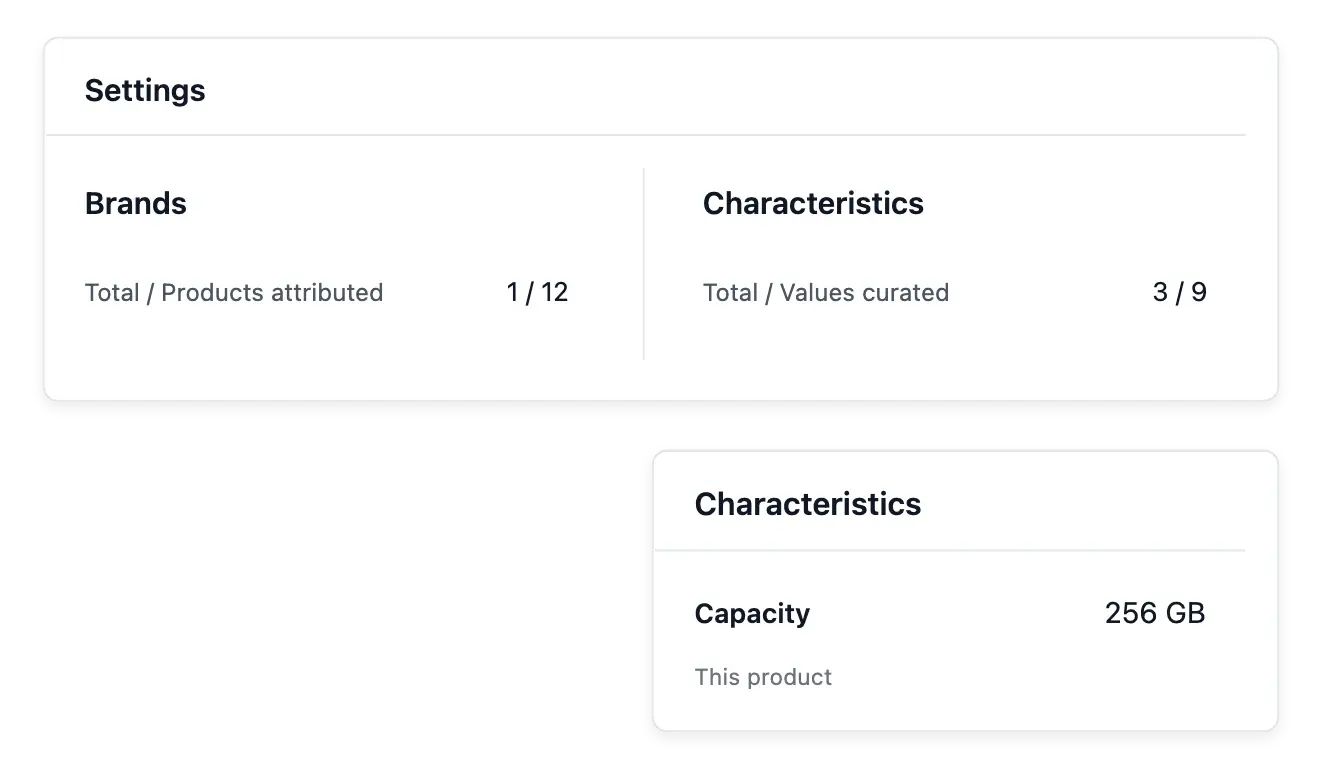
Give the catalogue a common language
- A shared vocabulary
Define catalogue terms once and select them on each product.
- Characteristics and grades
Curate allowed answers and describe the condition grades in your own words.
- Groups and warranties
Organize versions of a reference and the cover your shop offers.
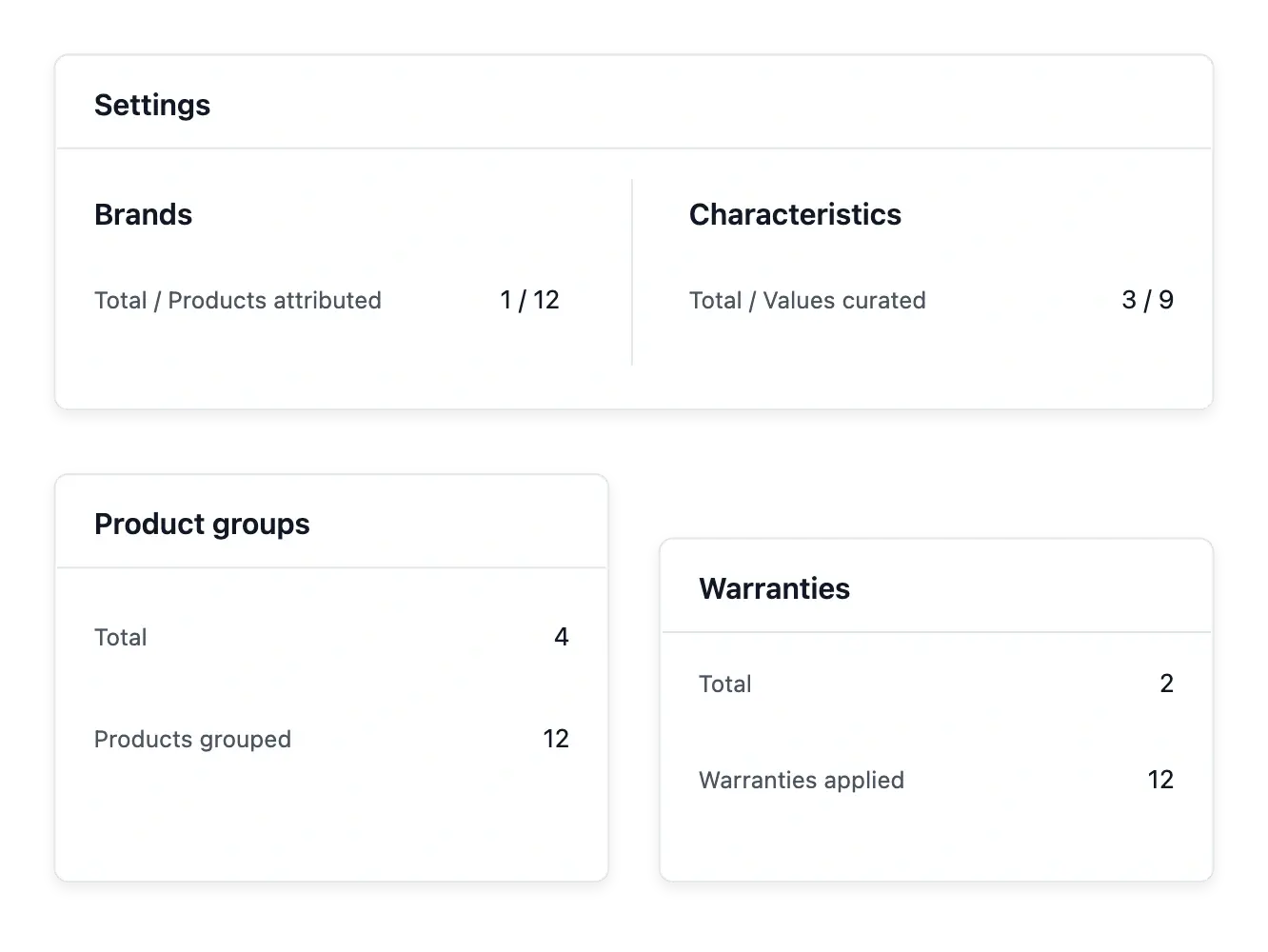
Define once, reuse across products
Catalogue settings gather the vocabulary your team selects while preparing products: brands, characteristics, accepted values, condition descriptions, product groups and warranties. Consistent choices make a growing range easier to maintain.
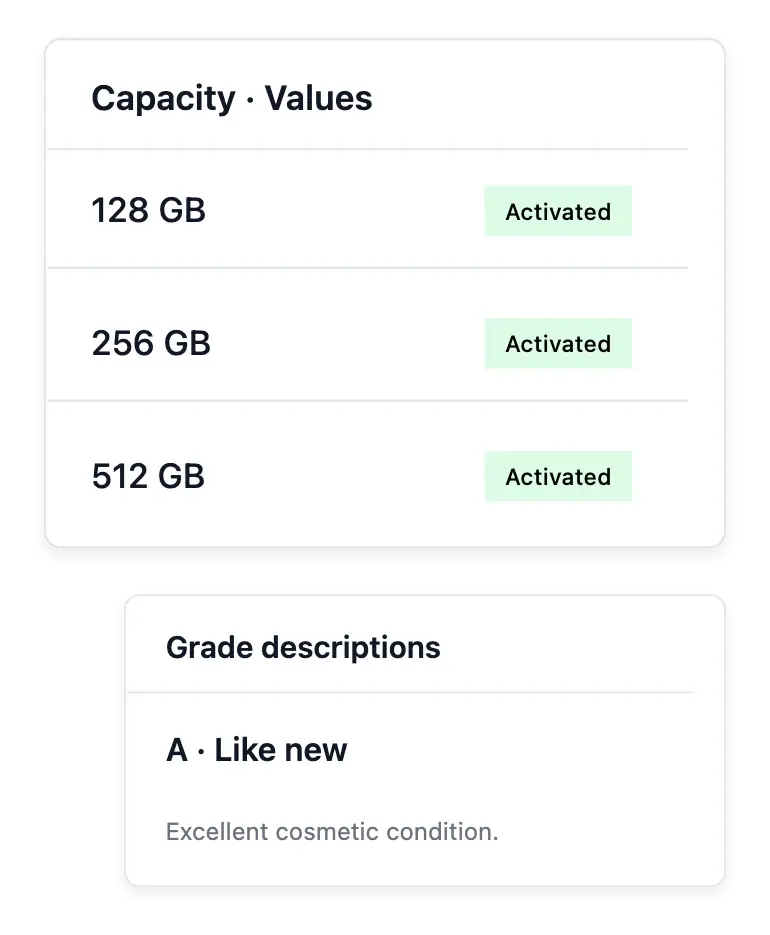
Describe each condition grade in your own words and add useful explanations to characteristic values. A customer should understand what a grade or measurement means for your shop, without guessing from an abbreviated label.
Keep the terms behind the catalogue consistent
Condition descriptions. Explain what each condition grade means in your shop. Shared wording helps your team describe the same level consistently.
Reusable product vocabulary. Maintain brands, characteristics and accepted answers in their own directories. Products select these entries instead of rebuilding the vocabulary every time.
Groups and warranty definitions. Keep variant groups and warranty terms organized alongside the catalogue. Product settings still determine each item’s own offer and assignment.
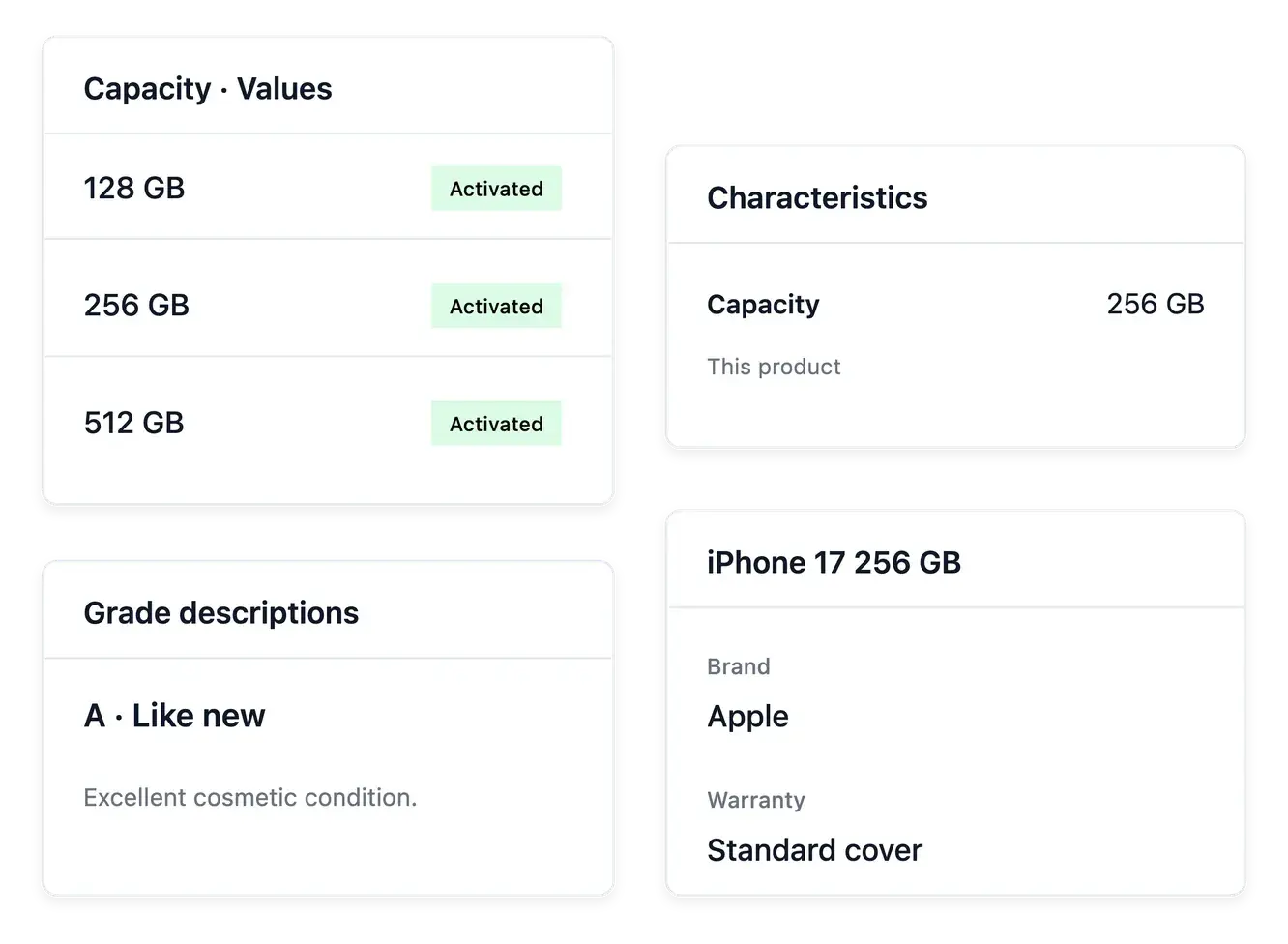
Separate the vocabulary from the item
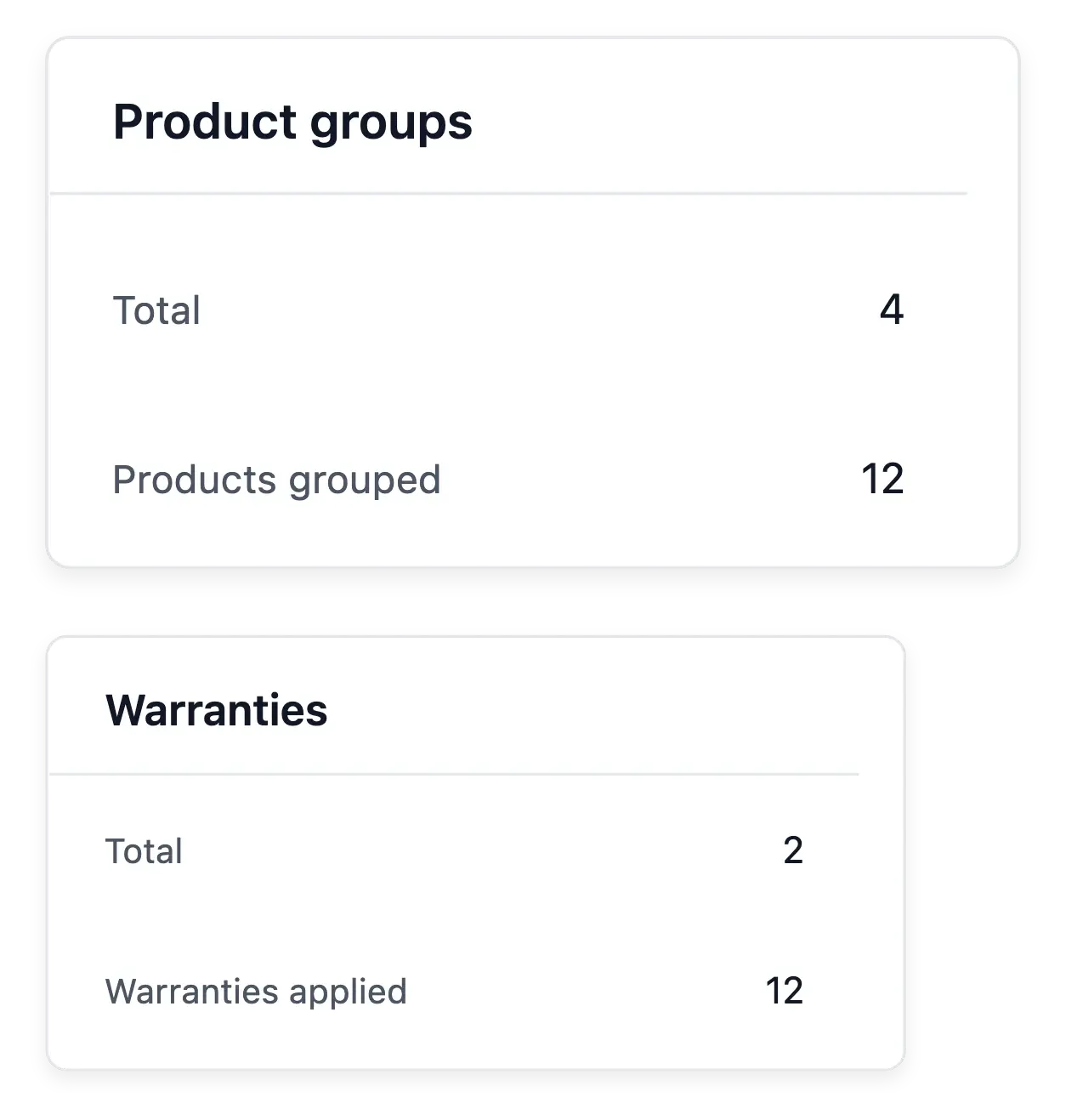
The settings landing shows how much of the catalogue uses each family of information. Open the relevant directory to refine its entries, then select them on the products they describe.
Categories organize the shelves; catalogue settings define the terms used on those shelves. Prices, stock and availability remain product decisions, and page design stays in the shop builder.
Set the rules before expanding the range
Review the settings overview. Start with the families of information and their usage counts. Open the directory corresponding to the term your team needs to maintain.
Prepare shared definitions. Choose consistent names and useful explanations before assigning them widely. A descriptive change should remain separate from price or quantity decisions.
Apply them to the range. Select the definitions on the relevant product records and inspect their presentation. Use categories to organize shelves and the builder to arrange pages.
Give your expanding range consistent foundations
Build shared terms that your team can apply clearly from one product to the next.
Questions about Catalogue settings
Brands, characteristics and their values, condition descriptions, groups and warranties are maintained here.
Yes. Write the descriptions that explain what each offered condition means in your shop.
The vocabulary lets you curate accepted values, which products then select.
Yes. Supported value settings include explanatory wording and a link to an existing shop page.
No. Prices and stock are maintained with products, rather than in the shared vocabulary.
Category structure has its own workspace. These settings describe products rather than arrange their shelves.