Giải pháp · Quy mô doanh nghiệp
Keep what your business has already built
Ultineo E-commerce takes in a shop that already sells, with its catalogue and its sales history. Ultineo SaaS builds software around the processes you already run and Ultineo Reasoning launches AI reasoning from your own tools: three separate products, each with its own access.
What matters when your business already runs
- Nothing starts from zero
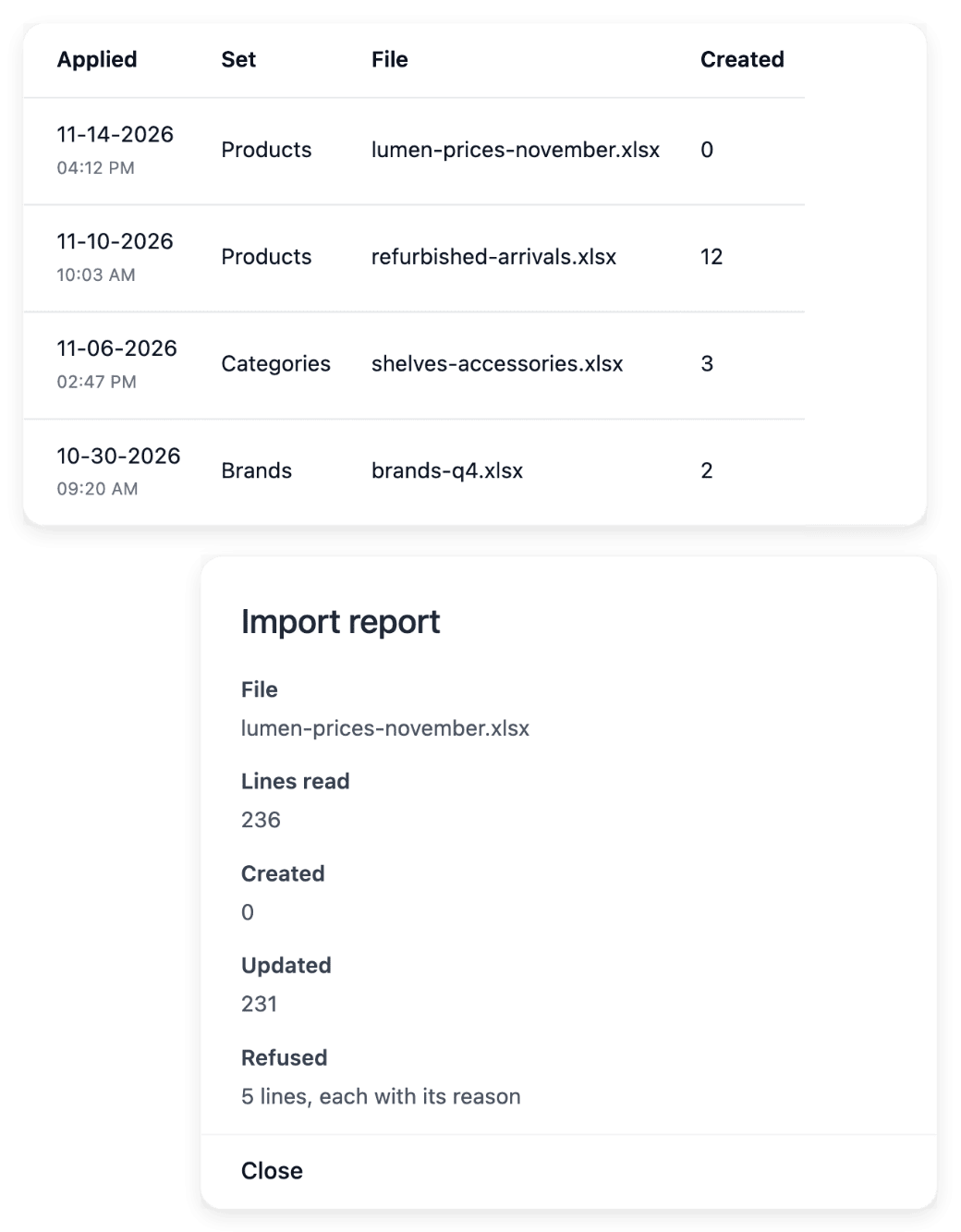
Your catalogue, your customers and your past orders already exist somewhere, and the business cannot leave them behind. Catalogue data moves in as spreadsheets, with a report for every line, and the E-commerce API imports a sales history with its original dates.
- Several markets to read
A business that sells in several countries has to see what each one brings before deciding where to put its effort. Statistics shows your sales by product, country, payment method and promotion over the period you choose, and you add each country you can deliver to, with no limit on their number.
- Live work to protect
Customers and colleagues rely every day on what already works, so a change cannot be tried out on them. You can test an import before anything is written, and a software project keeps development and production apart, with pre-production as an option it can add: production serves the version you want your users to rely on.
What an established business takes on next
- Move the shop you already run
Bring the catalogue from files and the sales history through the API. Allo Allo, the example shop of this site, existed before it moved, and its customers, its orders and its support requests came with it.
- Open more countries
Activate a country for your shop, then prepare its delivery zones, its rates, its payment methods and the content its buyers will read.
- Build software around your processes
Bring the process your team already knows: the people involved, the information they exchange and the decisions they make. You review the proposed scope and the complete offer before construction.
- Put AI into your own software
Add a reasoning step to an existing screen: a summary, a suggested reply, a classification. One call launches the run with its fields, another reads it back with its answer.
How an established business moves in
-
1
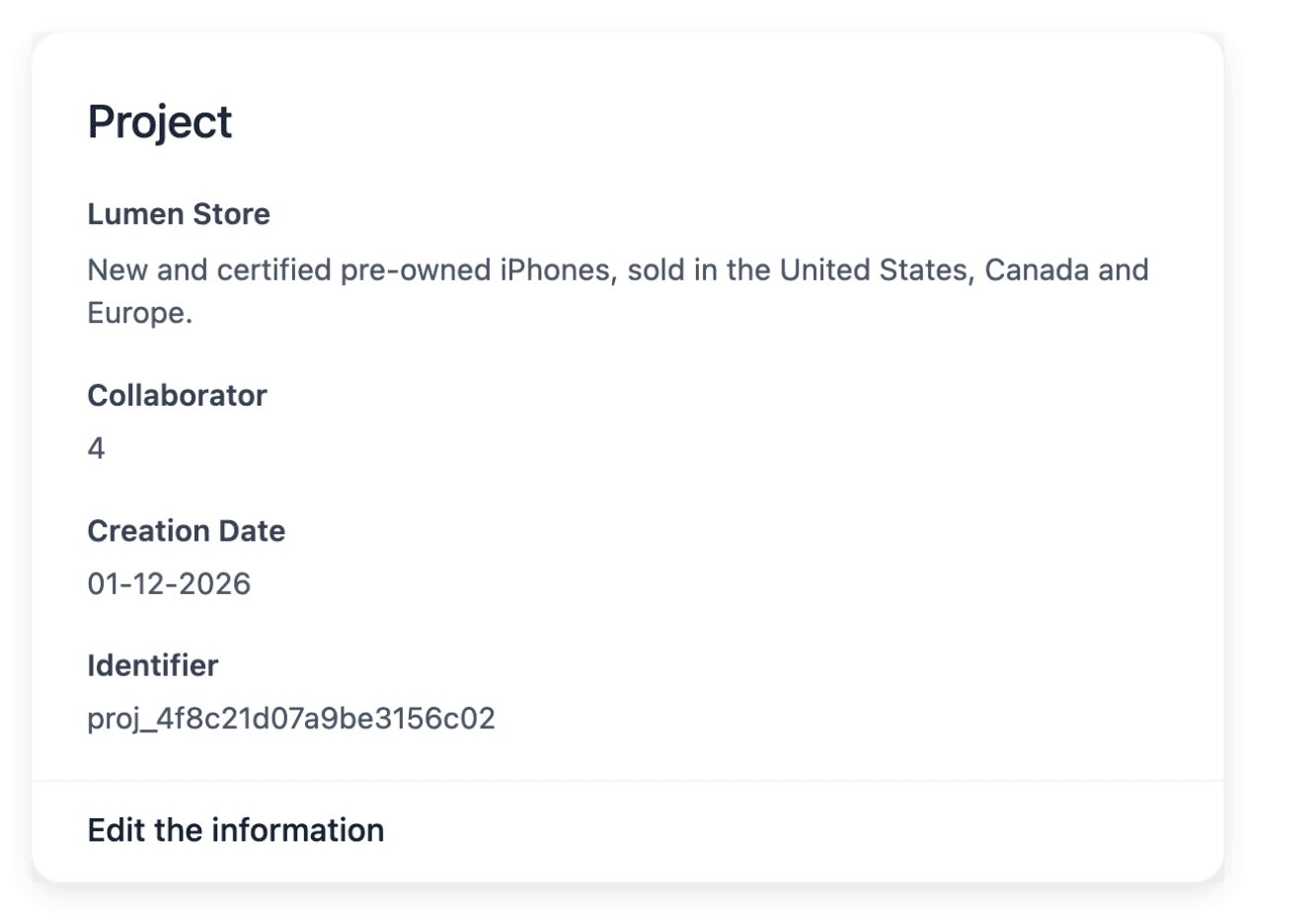
Present what you run today In your application for a shop, say that you want to move your store or to discuss using Ultineo at scale, with your volumes, your markets and your growth plans. For software, choose what you want to build, for instance a replacement for software you use today, and say how many people will use it.
-
2
Chuẩn bị quyền truy cập và kết nối Once your shop is open, an administrator of its project creates an API key in the workspace, on the API Access tab. In a software project, declare the external services the application has to use.
-
3
Run a trial first Để kiểm tra một phép nhập, hãy gửi dưới dạng thử nghiệm (dry run): bạn sẽ nhận được báo cáo đầy đủ về những gì sẽ được tạo, cập nhật, giữ nguyên hoặc từ chối, và không có dữ liệu nào được ghi. Trong một dự phần mềm, hãy xác nhận phiên bản của môi trường bạn đang kiểm thử, môi trường tiền sản xuất nếu dự án có, và kiểm thử toàn bộ tác vụ.
-
4
Import, publish and check Import the catalogue first, then the sales history, and read records back to check what was saved. In a software project, publish the release you tested, then verify its version and the user journey in production.
Connect your shop to the systems you already run
API E-commerce cho phép các công cụ của riêng bạn điền dữ liệu vào cửa hàng và đọc lại: một lần đồng bộ ERP hoặc nguồn dữ liệu nhà cung cấp gửi bản ghi theo lô, rồi đọc lại bất kỳ bản ghi nào để kiểm tra những gì đã được lưu. Tài liệu tham chiếu của nó bao gồm danh mục, lịch sử bán hàng và phiếu giảm giá. Mỗi khóa được tạo với quyền truy cập đầy đủ hoặc hạn chế, và khóa hạn chế bị giới hạn, theo từng tài nguyên, ở quyền đọc hoặc đọc và ghi.
No connector is installed for you: your technical team or your service provider builds and tests the exchange against the documented endpoints. Each resource is read back one record at a time, with no list and no search, and you should not assume that every screen of the workspace has an equivalent endpoint.
Connect your software to the services you already use
In a software project, a connection starts with the name of the external service and its documentation: you explain which business action requires it and the information that should move between the systems. The declaration keeps test and production access details separate, since they can belong to different provider accounts. A declared connection can then be linked to more than one business area.
Declaring a service supplies the requirements of the integration; it does not prove that the workflow works, so test the complete exchange in the relevant environment before you rely on it in production. Describe too the response you expect when the service is unavailable.
Các tính năng đằng sau
- Kết nối bên ngoài
Mô tả dịch vụ bên ngoài cần kết nối, cung cấp tài liệu của dịch vụ đó và liên kết nó với các lĩnh vực kinh doanh liên quan.
- Quốc gia, ngôn ngữ và tiền tệ
Bán hàng ở nhiều quốc gia và ngôn ngữ
- Thống kê
Báo cáo doanh số theo sản phẩm và thị trường
- Phát triển, thử nghiệm và triển khai
Sử dụng các môi trường riêng biệt để xây dựng, kiểm tra phiên bản đã chọn và chạy ứng dụng cho người dùng.
- API dự án tùy chọn
Xem xét phạm vi API cho một dự án đủ điều kiện và phân biệt các tuyến đường được lên kế hoạch so với các điểm cuối đã được xây dựng.
- API
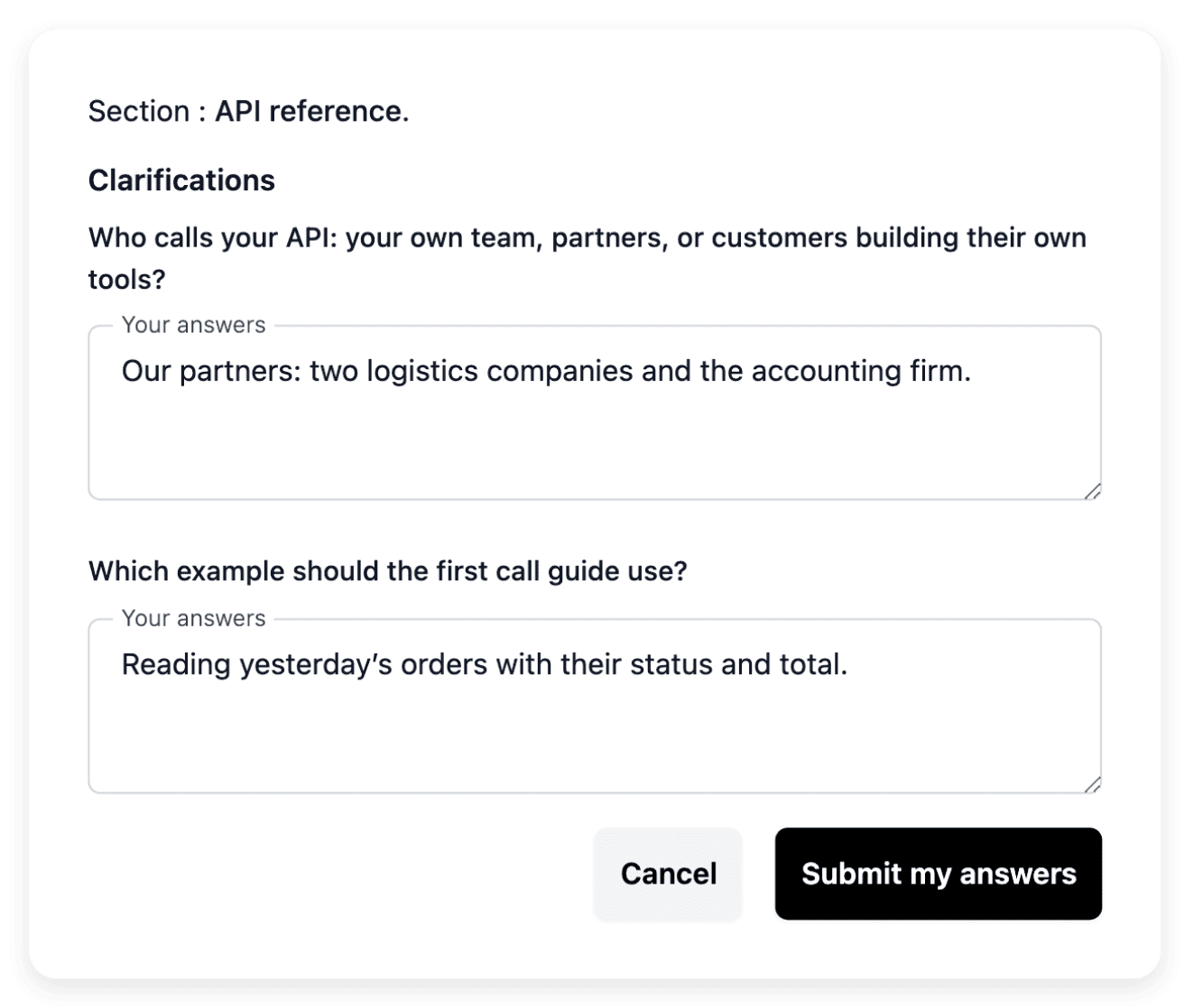
Chạy suy luận của bạn từ bất kỳ phần mềm nào.
Tìm hiểu thêm
- Hướng dẫn liên quan
Chọn thị trường tiếp theo từ chính số liệu của bạn
- Ultineo E-commerce
- Ultineo Reasoning
Tell us what your business runs today
Each product has its own start: an application for a shop or for software, a first exchange with our team for reasoning.
Câu hỏi
No. They are three separate products, each with its own access and its own pricing page. A shop account and a software project are each opened after an application reviewed by our team. For reasoning, there is no self-service account: our team opens your access after a first exchange.
A shop account is opened for a business that has been operating for at least six months and whose products can be shipped and delivered to at least three countries. A business that delivers in one country only does not meet that second condition. A software project asks for a defined business need and a budget that matches one of the published offers.
Through a project API, which is an option of a project and not a part of every application. Its availability and its price appear in the offer of the project, it exposes the operations agreed for that project, and an application can operate without it. A planned route is not a working endpoint: inspect the route catalogue of the activated project before you start an integration.
Through the reasoning API, which runs your reasoning from any software: it exchanges JSON over HTTPS and authenticates every call with a project key. A key is tied to one project and can never read or write the data of another project. Our team opens your project and hands you its first key.