Business areas
Organize functionality around your business areas
Organize the application around the areas of your business, then inspect the functionality and pages within each one.
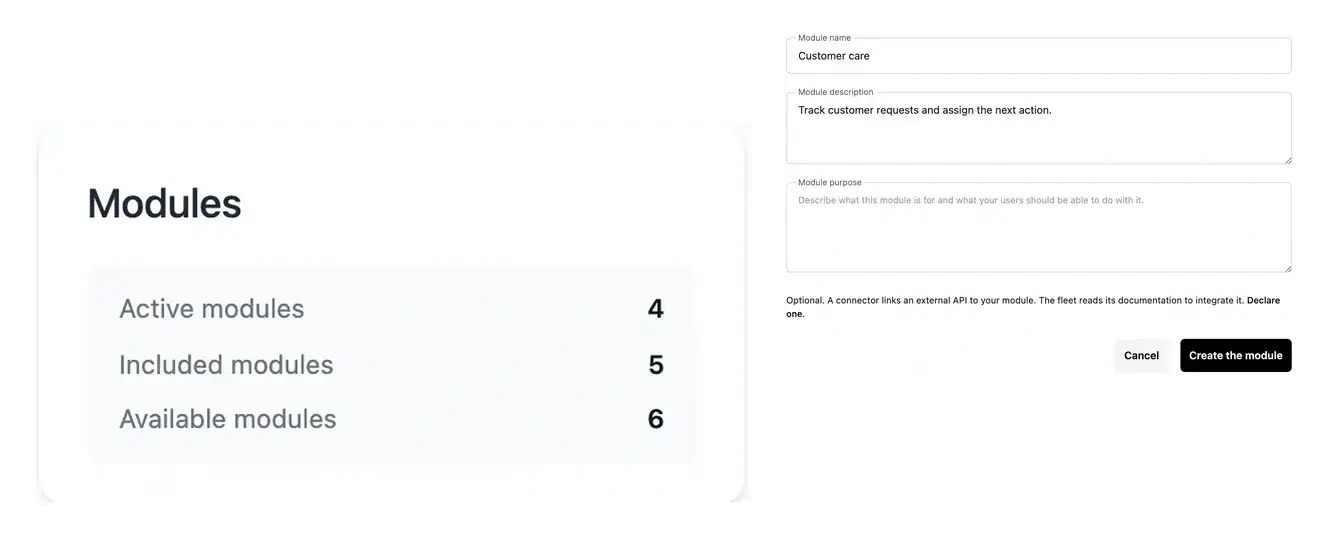
A scope that remains understandable as the application grows
- Structure your scope
Group related work into understandable business areas.
- Inspect the detail
Open the associated functionality, page plans and analysis.
- Plan the next extension
Review additional areas and their place in your offer.
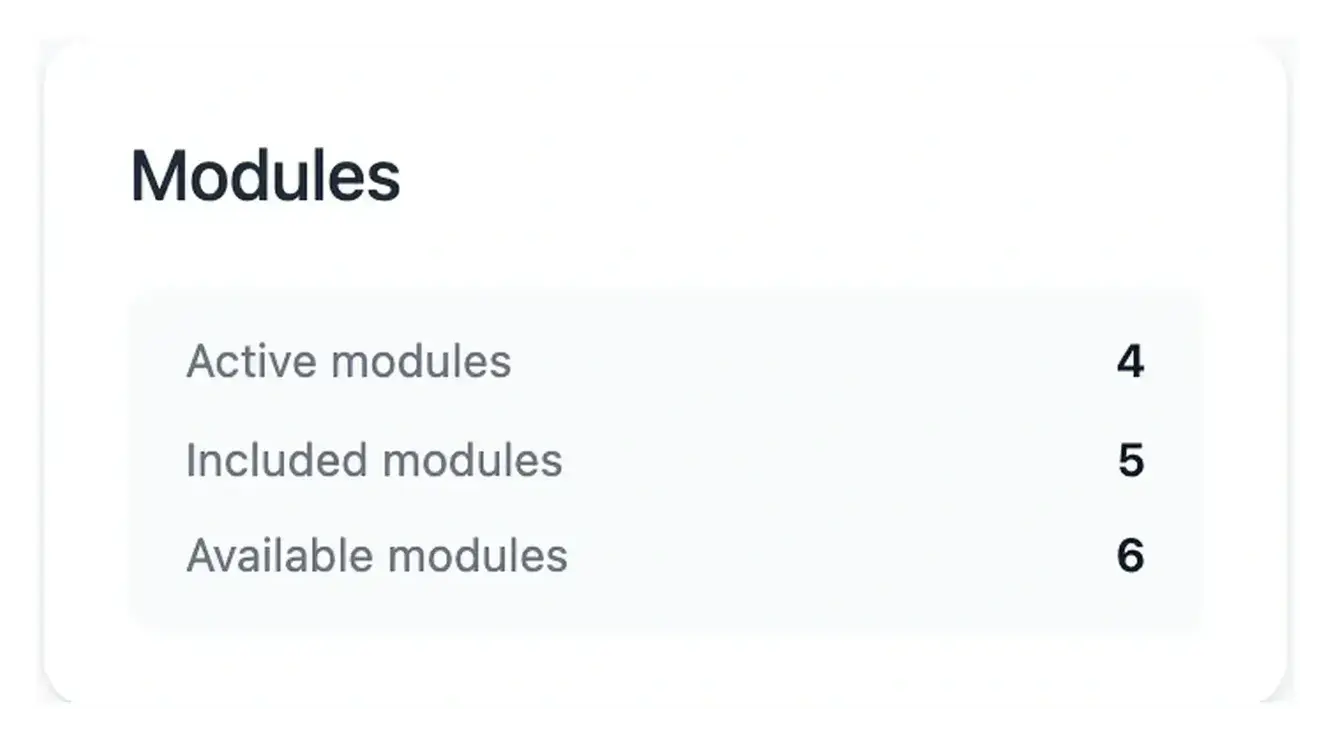
Build around your business rather than a list of screens
An area groups related functionality: for example, customer management can contain several actions and pages. This gives your project a structure that remains understandable as it grows.
Open an area to review its proposed scope, configuration and evolution. Clarify what belongs there before asking for the next change.
Group related work without counting every screen
Structure a customer journey. A customer-management area may cover a list, a detail, validation and follow-up. Treating those tasks as one coherent area makes their purpose easier to discuss than a disconnected collection of page names.
Understand what the offer includes. The project allowance counts business areas. Each area can contain several functions and pages, so a growing page list does not automatically represent another area. Review the included and additional scope against the business outcome you need.
Extend an established application. A new requirement may refine an existing area or introduce a distinct capability. Inspect the current functions first, then describe the difference you want. This gives the extension a clear relationship with work already agreed.
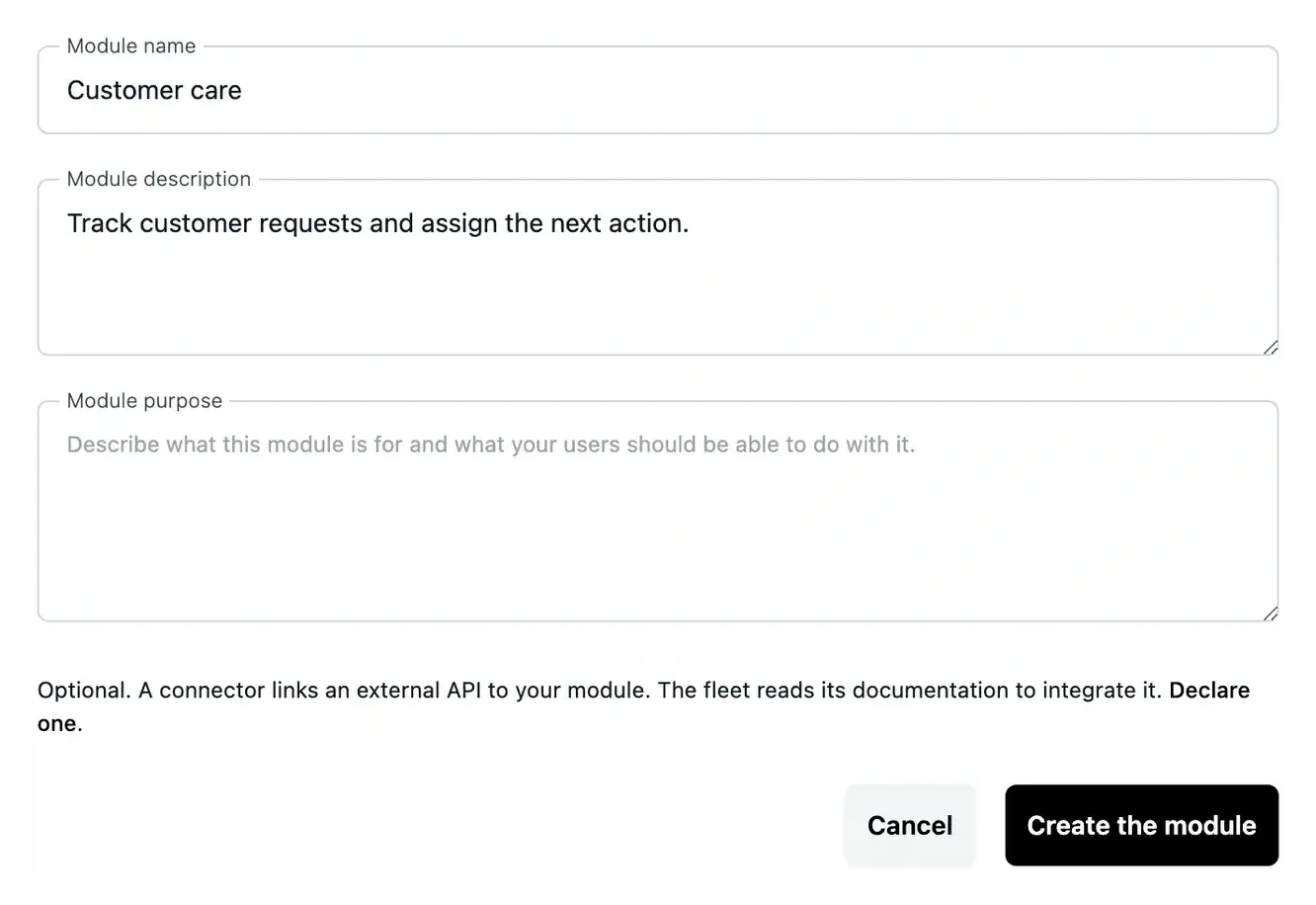
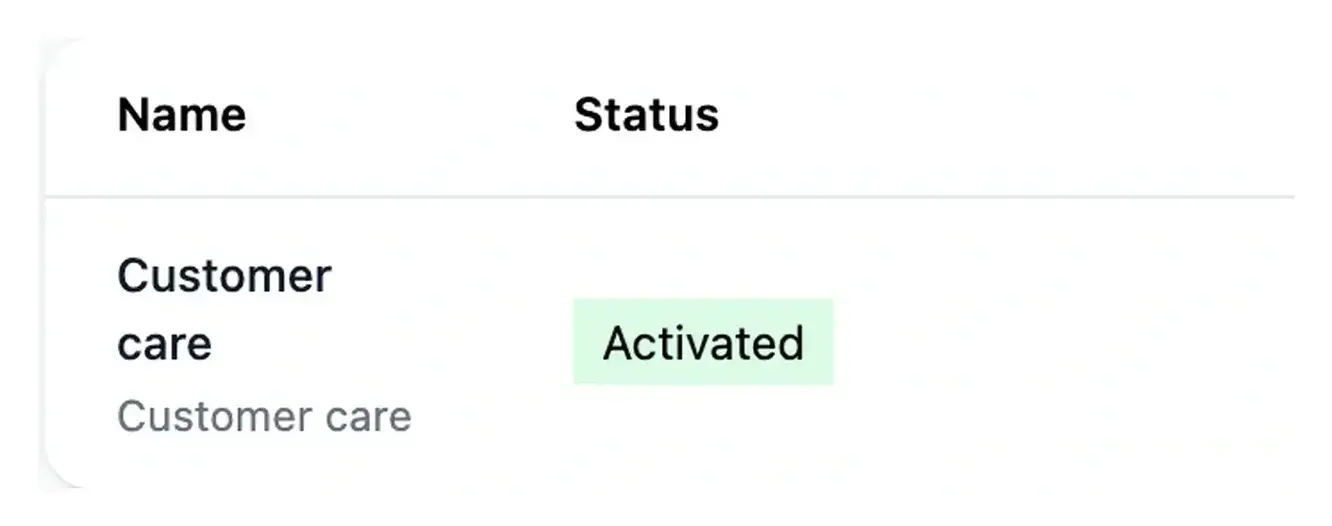
Keep included scope and extensions visible
Project offers include a number of business areas. This allowance counts those areas, rather than every page or individual function inside them.
When your needs expand, inspect the additional area and its offer before confirming. Existing areas can continue to evolve through their functionality and Studio requests.
Make responsibilities easier to understand
A business area groups related work, such as customer management or scheduling. Its functions and pages describe how that work will be carried out in the application.
Use this structure to explain what belongs together and what needs a separate evolution. A clear boundary makes later requests and roadmap reviews easier to follow.
From an area of activity to its functions and pages
Define the purpose. Name the area and explain what users should achieve with it. Include the rules and responsibilities that make its scope coherent.
Review the proposed detail. Inspect its functions and pages, answer questions and follow preparation. Create the data storage when requested before construction begins.
Follow the evolution. Use the area’s progress and evolution views to understand changes. Check the corresponding offer when an additional area is needed.
Shape the application around the work your team performs
Start with a few coherent business areas and review the tasks inside each one. The resulting structure gives both the initial build and future changes an understandable scope.
Questions about Business areas
No. An area groups related tasks and can contain multiple functions and pages. The structure connects their purpose; it does not impose a one-page limit on that part of the business.
It counts business areas in the agreed project scope. Consult the offer’s included, used and remaining allowance. Do not infer it from the number of individual pages shown in the application.
Yes. Open the area to review its definition and associated functions and pages. Clarifications let you explain missing rules before the work continues.
The relevant work needs to be ready, with its questions and prerequisites resolved. The launch tools show eligible work; an area’s data storage may need to be created first.
Explain which existing task changes, the new result and any additional responsibilities. Review whether it remains within the area or needs separate scope, then follow the corresponding offer and build process.