AI change requests
Turn a page problem into a request you can follow
Describe a change in plain language, attach the existing page and follow the request in Studio.
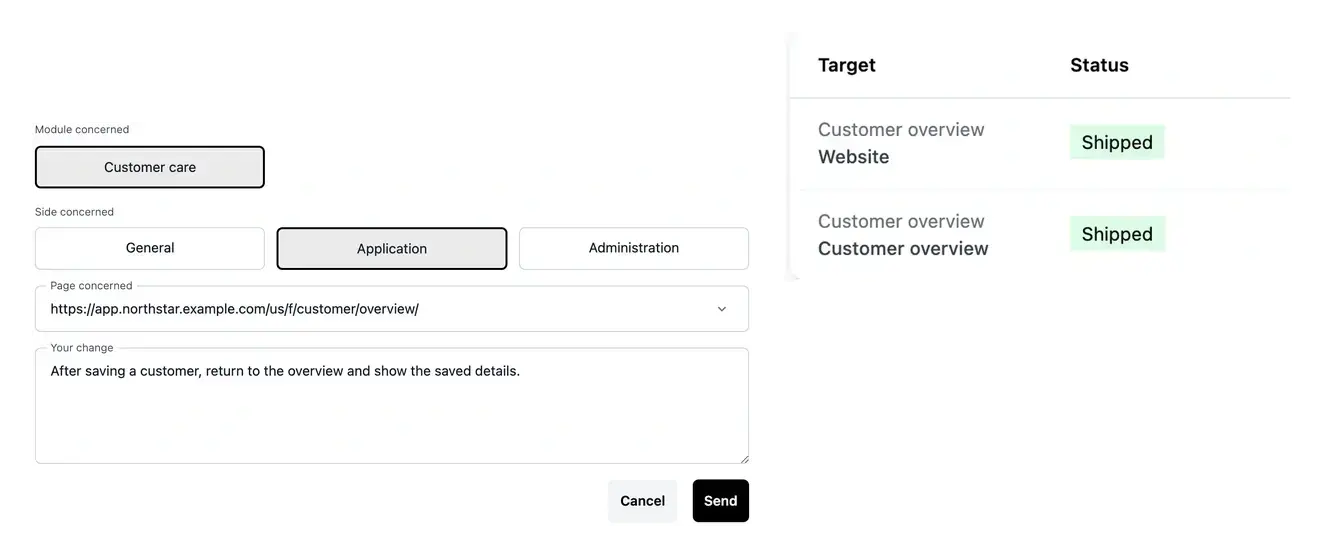
A precise target, a clear request and visible follow-up
- Paste the page URL
Recognize a known project page from its URL, or keep searching by name.
- Prepare several requests
Use the arrow to add a pending item, then Send all to submit the batch.
- Follow the work
Open request details, status and clarification questions.
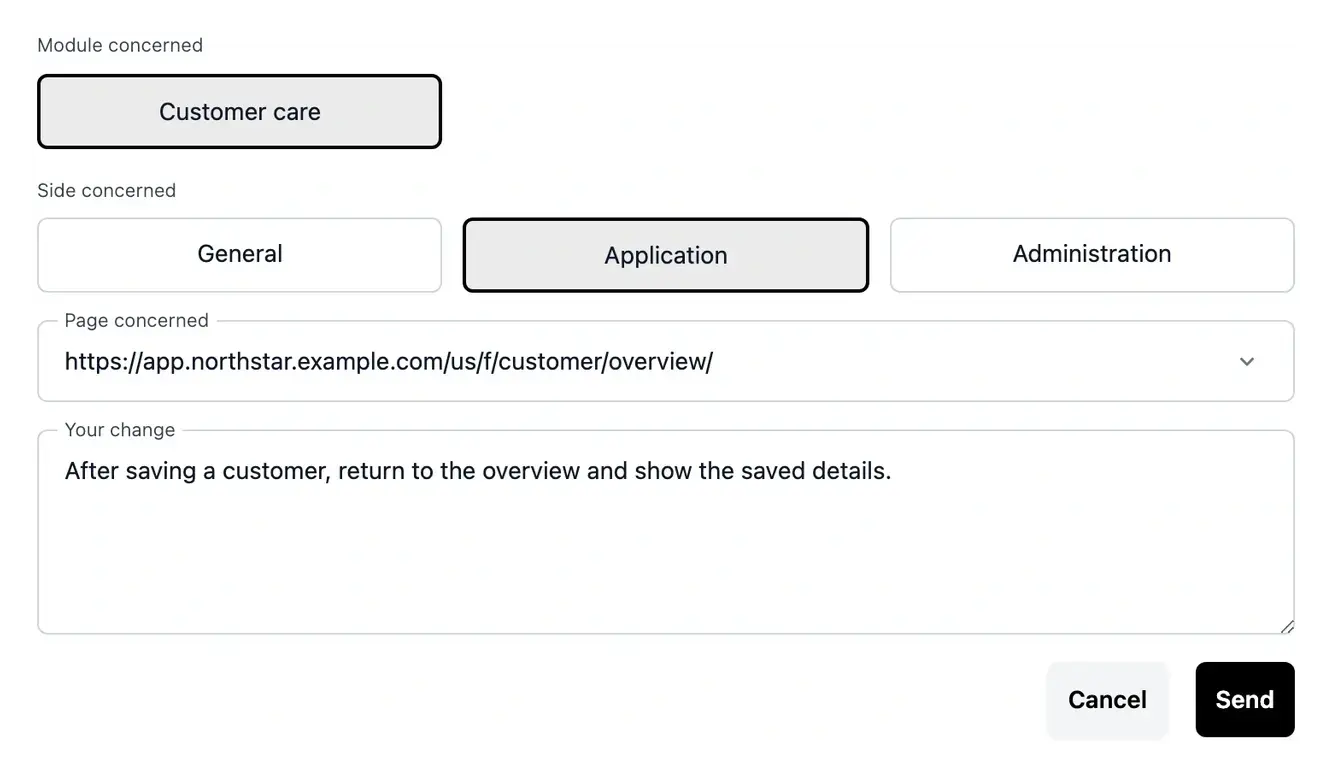
Give each request a concrete target
Paste the URL of the project page you want to change. When it matches a known route, Studio selects the page and its project context. Name search remains available when you do not have the link.
Describe what happens now, what should happen and an example that makes the result easy to verify. Keep requests in a batch within the same business area.
Describe the change in the context of the real page
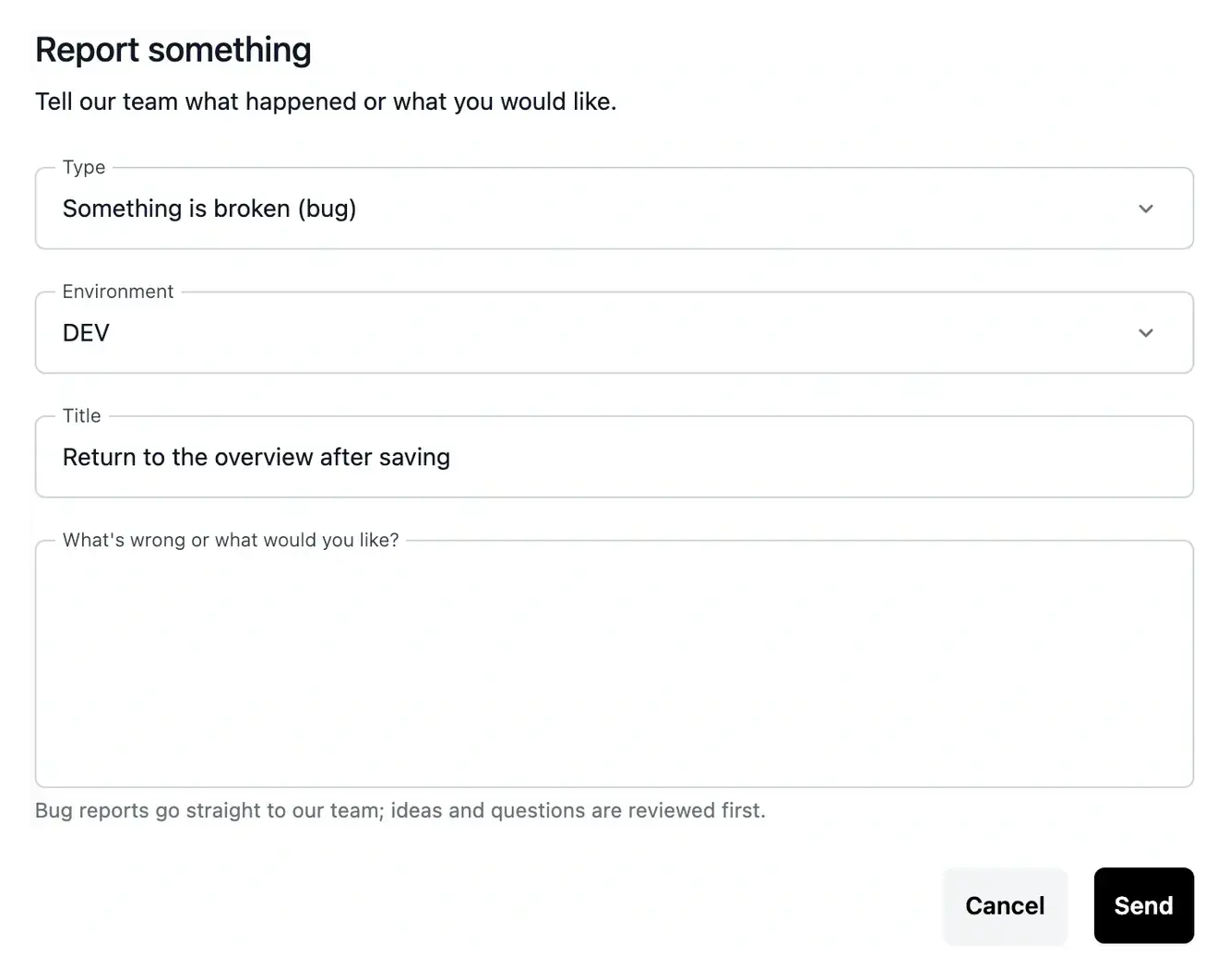
Correct an awkward user journey. If an editor returns to the wrong screen or a validation loses entered information, attach the existing page and explain the expected result. A concrete before-and-after situation gives the request a testable target instead of the vague instruction “improve this page”.
Prepare several related adjustments. You may want to refine several actions within the same business area. Prepare each request in the pending list, review the group and submit it together. Separate rows keep the individual changes understandable while retaining the common project context.
Follow an evolution after submission. A submitted request has its own detail and state. Open it to understand the work, answer questions and read the recorded result. Use that information when reviewing the changed page rather than assuming the submission immediately changed production.
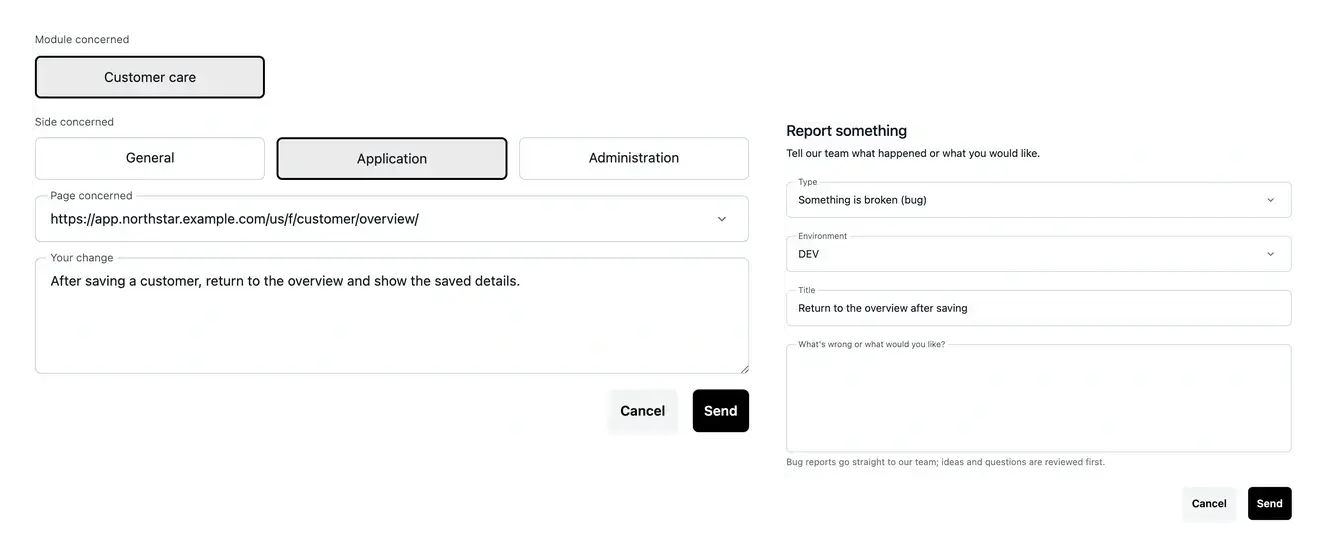
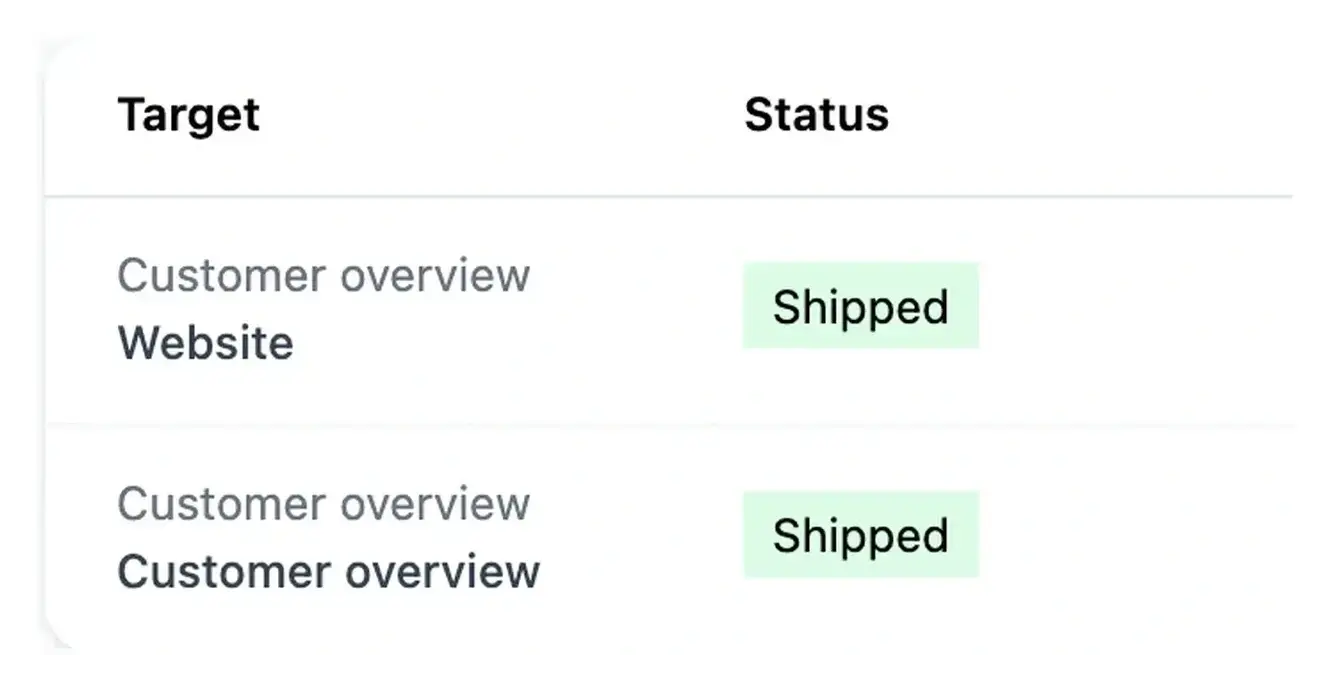
Prepare, send and follow your changes
The arrow adds your text to the pending list. Review that list, then use Send all to submit the requests for work.
Consult the list or search to find earlier requests. Open an item to follow its status, provide clarifications and review the associated token counts.
Write a change that can be demonstrated
For example, explain where an editor should return after closing and which page currently appears instead. Attach the page and describe the sequence that reproduces the issue.
A request with a clear before-and-after example gives you a useful review criterion. When the work is ready, repeat the same sequence in the environment serving that version.
From the page URL to a reviewed result
Choose the existing page. Paste a known project URL or search by name. Check the selected page and business-area context before describing the change.
Prepare, review and send. Explain the current and expected behavior. The arrow adds a pending row; Send all submits the reviewed batch for the same area.
Follow and verify. Read the request details and answer any questions. Test the development result, then publish the reviewed version through the deployment process.
Make the next change easy to understand and verify
Bring the page, the situation to improve and an example of the expected result. Studio keeps the request and its follow-up connected.
Questions about AI change requests
It adds an item to the pending list. You can review, edit or remove it before submission. Send all is the action that submits the prepared batch; read its confirmation to know which requests were recorded.
Use a known page address belonging to the selected project’s available services. Studio can match the existing route and context. If the address is not recognized, confirm the project or use name search in the same field.
The first item fixes its context. Keep the batch within that area, then submit or remove the prepared rows before starting work for another one.
Read the confirmation and inspect the pending rows that remain. Retry those items; recreating successful requests would duplicate the work already recorded.
Read the recorded result and reproduce the example described in the request. Check the changed page in development and verify the relevant environment version when publishing it.