Ultineo Studio
Explore the capabilities behind your application project
Ultineo Studio connects the decisions that shape an application with the work that builds it and the services that run it. Browse four stages of the project, then open a capability for practical examples, its workflow and the points to review.
Choose a starting point that matches your situation
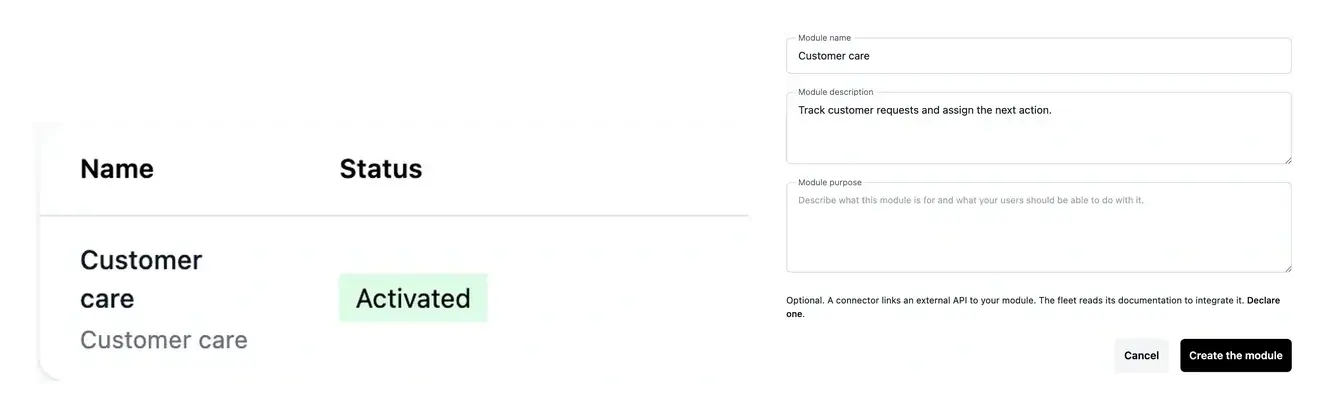
- A new application
Start with project preparation, business areas and specifications. Describe the people involved, the data they use and the outcome of each workflow before choosing an initial scope. The offer and roadmap help you separate the first useful version from later improvements.
- An existing page to improve
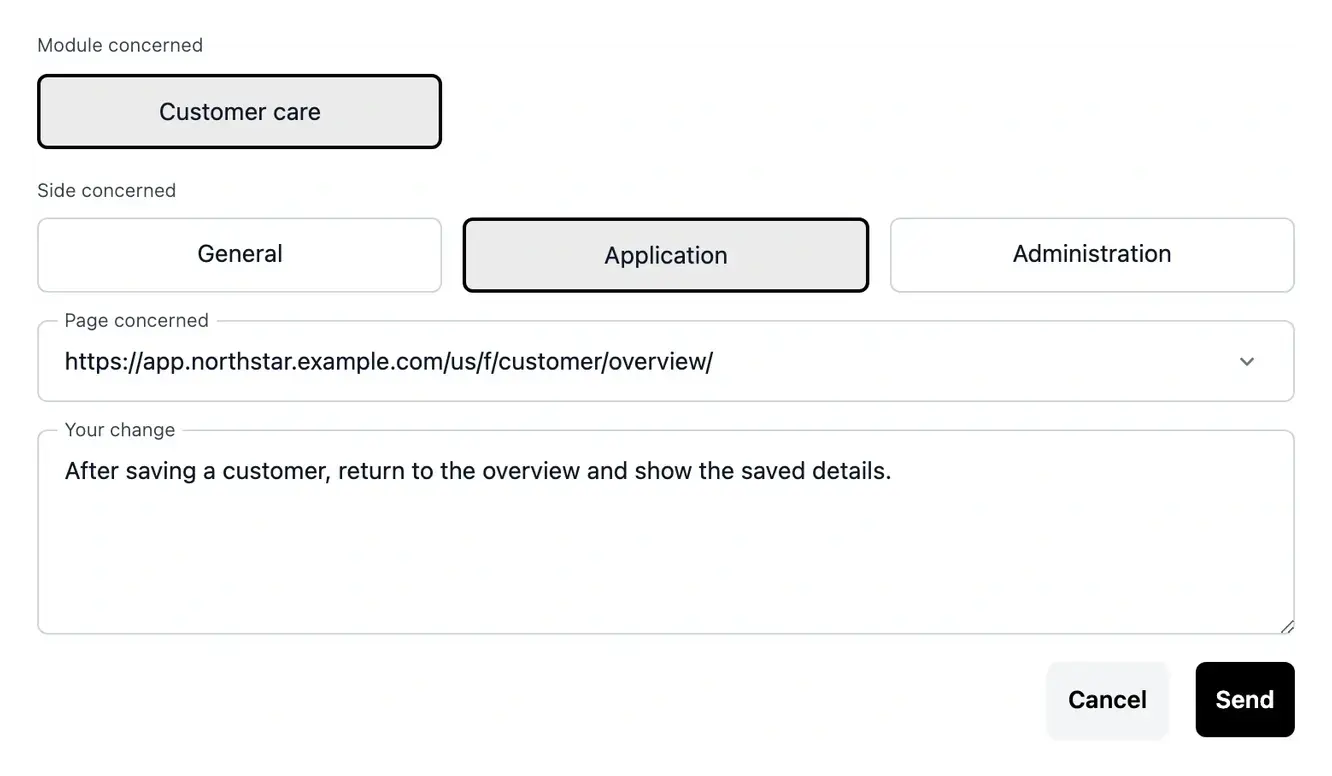
Start with Studio. A page URL provides a target for the request; your description supplies the expected behavior. Application structure, clarifications and tasks help you follow the work and review the result before considering a release.
- A version ready for users
Start with environments and releases. Verify the intended version, the workflows affected, access and public domains. Website, documentation, usage and invoices complete the operational picture when the application is in use.
Give the application a coherent structure
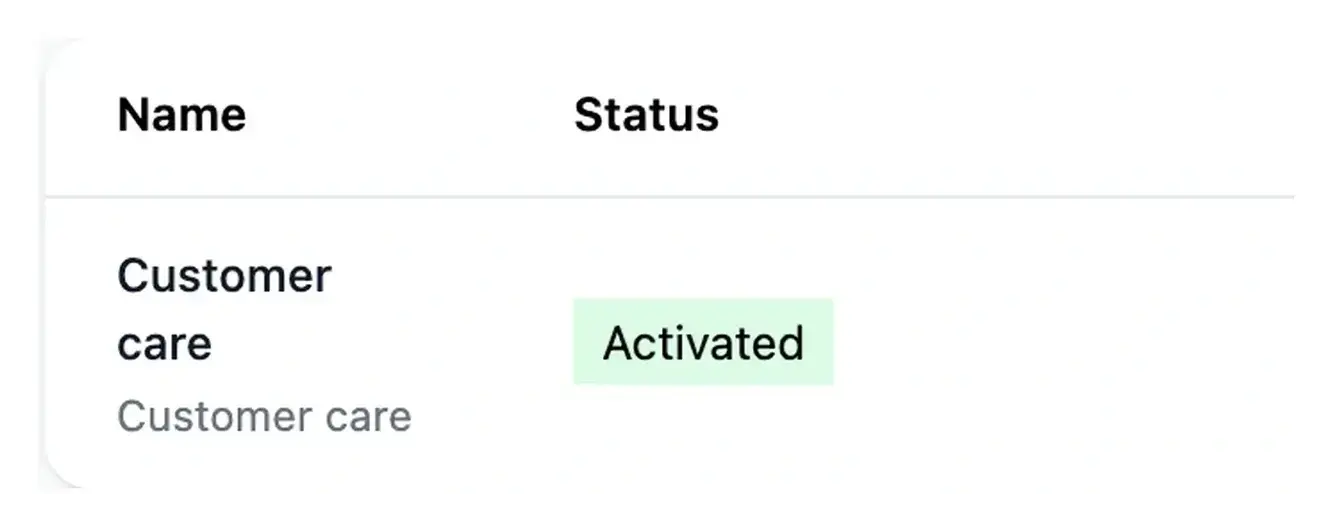
Project preparation and business areas turn a broad need into a structure you can review. Functions describe the behavior and pages give each user action an identifiable place.
Explore the planning and construction categories below to see how the product moves from a brief to an application that can be tested.
Improve a screen with its context attached
Studio, clarifications and task follow-up work together around the changes your application needs. Start from the page and explain the outcome you expect.
The related capability pages show the purpose and practical flow of each tool. Dedicated guides then help you perform the corresponding action.
Bring the product into everyday operation
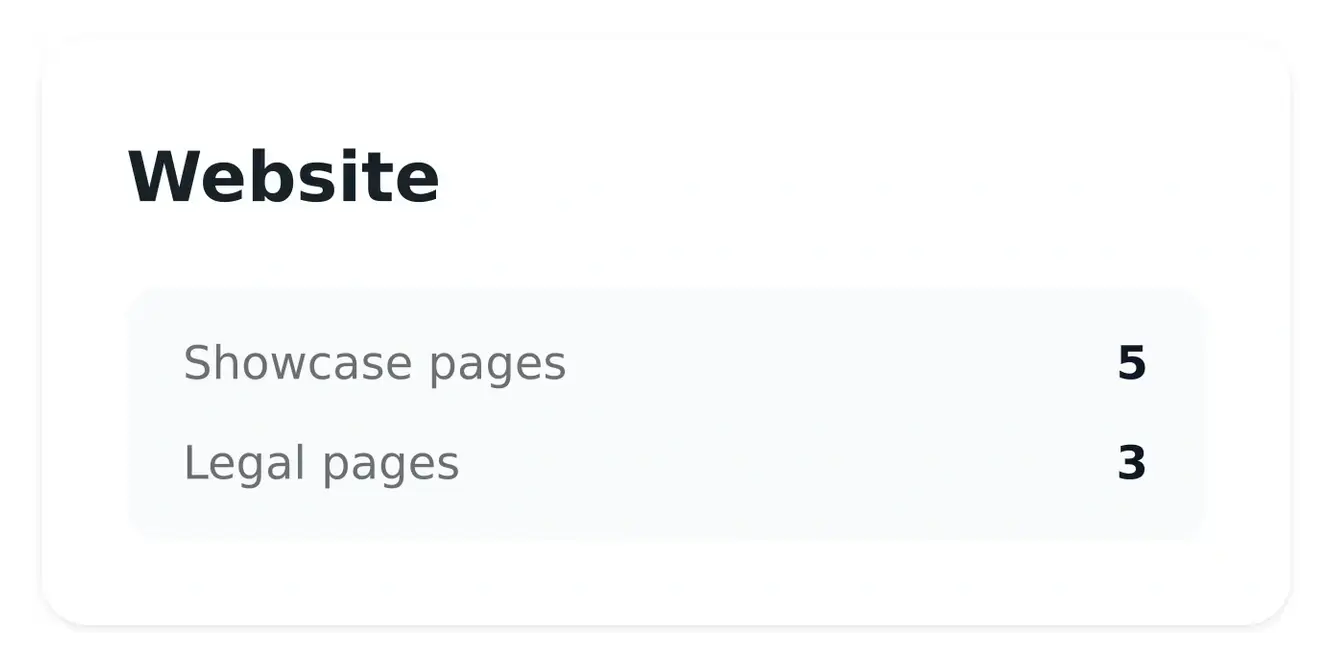
Deployment, hosting, domains and access give the live application its operating context. The website and documentation help visitors and users find their way.
The operation capabilities cover usage, invoices and company settings. They explain how to read the information recorded for the project.
Prepare your project
- Project preparation
Turn your idea into a clear brief, with the business context, users and practical constraints needed to start.
- Project workspaces
Keep the selected project, its configuration and its progress together as you move through Ultineo Studio.
- Business areas
Organize the application around the areas of your business, then inspect the functionality and pages within each one.
- Functional specifications
Review what a function or page should do before the implementation turns it into a working screen.
- Roadmaps
Break project evolution into a visible sequence of phases and follow the scope of each roadmap.
- Project offers
Review setup, subscription, included business areas and optional extensions before confirming your project scope.
Build and improve
- Application and pages
Inspect the application structure, functions and individual pages, including their route, presentation and search metadata.
- AI change requests
Describe a change in plain language, attach the existing page and follow the request in Studio.
- Clarifications
Answer the questions that make a project requirement or change request precise enough to build.
- Tasks and progress
Find what needs your attention, follow work in progress and consult the history of project actions.
- External connections
Describe the external service to connect, provide its documentation and associate it with the relevant business areas.
- Files and media
Supply project references and supported media uploads, with a view of the project’s media service.
Publish and explain
- Optional project API
Review an API scope for an eligible project and distinguish planned routes from the endpoints already built.
- Public website
Present your application with a public showcase site whose pages explain the product, offer and contact path.
- Website navigation
Configure the links in your public header and footer so visitors can reach the pages that matter.
- Website visuals
Prepare and select images for the public pages, keeping each visual connected to the message it should support.
- Product documentation
Give users practical guides that explain the application’s journeys and help them complete their tasks.
- Versions and deployment
Follow the versions of your application and choose a tested release for the next environment.
Run and manage
- Hosting and infrastructure
Inspect the hosting services, servers and network that support your project’s environments.
- Development, staging and production
Use separate environments to build, test a selected version and run the application for users.
- Domain names
Connect the project’s public services to the addresses you want your users to recognize.
- Tokens and hosting usage
Read incoming and outgoing AI tokens alongside the running time recorded for test hosting.
- Billing and invoices
Consult project invoices and hosting billing to understand the amounts recorded for your application and infrastructure.
- Administration access
Manage the accounts that can sign in to your application’s back office, in the selected environment.
- Company and registration settings
Maintain the project’s company details and address, and decide whether users can create an account publicly.
- Feedback and issues
Report a problem with useful context and keep a visible record of the feedback sent for your project.
Define the first useful version of your application
Bring a real workflow, the users who perform it and the result you need. Use the catalogue to discuss a coherent scope rather than a disconnected list of screens.
Finding the right capabilities
The catalogue explains the available project workflow. Inclusion depends on the confirmed offer, the business areas in scope and the services selected. Use Pricing to compare the public plans, then check the project offer before treating a capability as included.
A business area groups related work, such as orders or customer administration. It can contain multiple functions and pages. Page details describe individual screens; the offer counts business areas. Keeping this distinction clear makes both scope and budget easier to review.
Open Studio for the selected project and attach the page concerned. Explain the steps, what happens and the result you expected. Clarifications may ask for missing information. Follow the request and review the affected workflow after the change is available.
They are separate surfaces with different purposes. The application supports the workflow, the website explains the product publicly and documentation guides users through actions. Review each surface affected by a change so public explanations and practical guides remain consistent with the application.
Each capability page links to its dedicated practical guide on the documentation site. Use the website to understand the use case and the guide to prepare the required information, follow the actions and check the result.