Roadmaps
Follow construction as a sequence of clear phases
Break project evolution into a visible sequence of phases and follow the scope of each roadmap.
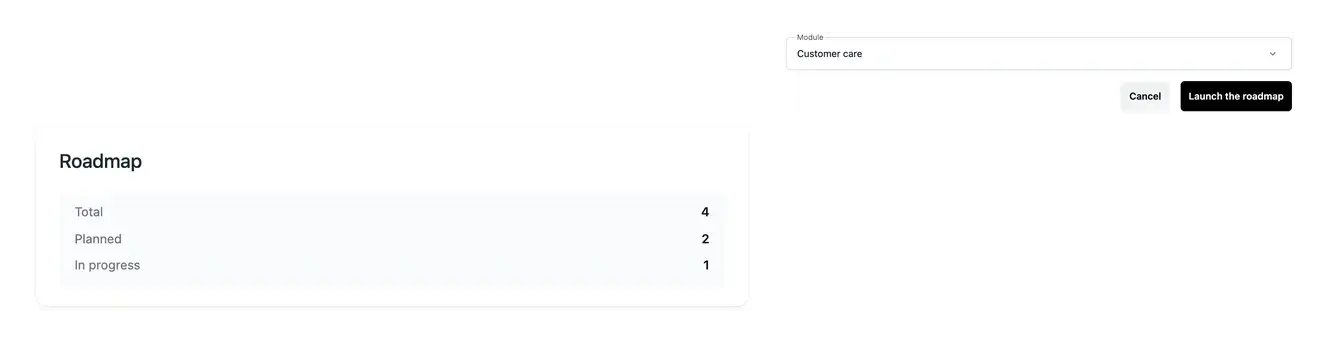
Keep the larger objective connected to the work
- Organize a larger goal
Create a roadmap for a coherent project evolution.
- Inspect the phases
Read the sequence and status of the planned work.
- Keep the scope attached
Follow the related project context and roadmap details.
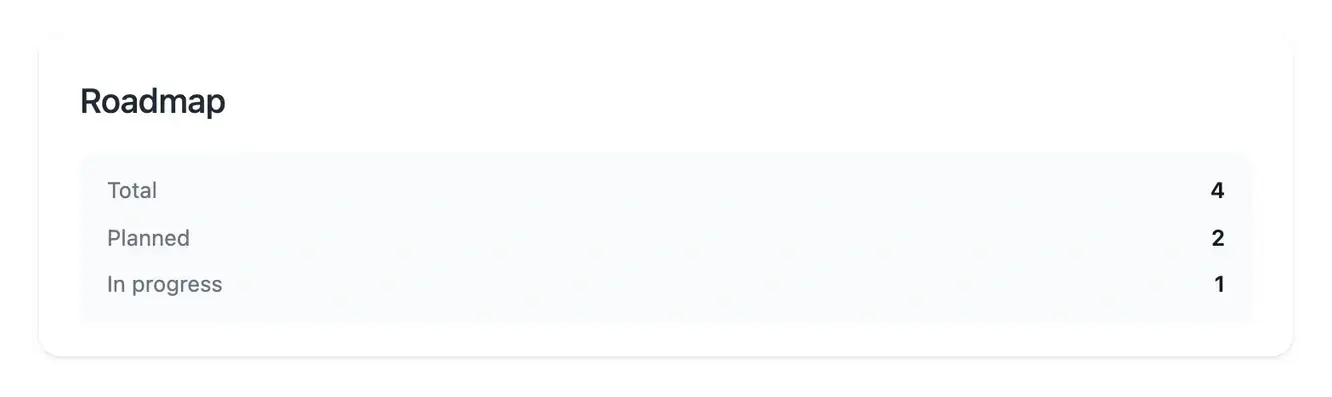
Give a larger change a structure
A roadmap describes a broader objective and the phases needed to reach it. Use it when the work covers several steps that should remain understandable together.
Open the roadmap details to inspect its overview, phases and settings. Check the expected outcome before assessing individual work items.
Understand what is ready, underway and still missing
Start from work ready to build. A business area may contain functions and pages at different preparation stages. Before launching its roadmap, review the ready work and required data storage. This keeps construction connected to an eligible scope rather than to an incomplete idea.
Follow a substantial evolution. A change can involve more than one screen or action. Its roadmap provides a view of the construction phases and associated work. Use that sequence to understand the progress of the whole objective while keeping the detail available.
Keep a question connected to the phase. When information or a prerequisite is missing, open the item concerned and provide the response there. You retain the relationship between the objective, the current phase and the business rule that needs attention.


Follow progress without confusing a plan with a release
The roadmap and task views help you see the planned sequence and recorded work. Questions and prerequisites may still need attention as the project progresses.
A completed work item and a production publication are separate facts. Use the deployment views to verify which version is actually running.
Review progress with its remaining scope
A phase tells you which part of the work is being organized. Read its scope alongside the progress information to understand what the current version is intended to cover.
Keep the review tied to the planned pages and actions. When a new need changes the scope, describe it clearly rather than treating a progress indicator as evidence that it is already included.
A practical view of the construction journey
Check readiness. Inspect the selected business area and resolve its questions and installation prerequisites. The launch form presents eligible work.
Follow the phases. Open the roadmap details to read the sequence, current state and progress. Use the associated task views when an action needs attention.
Review before publication. Test the completed user journeys in development. Roadmap progress and the version running in production are checked in separate views.
Keep a larger change understandable from start to result
A clear scope and visible phases help you follow a substantial evolution, answer questions in context and review the result before it is released.
Questions about Roadmaps
The launch tools select a business area eligible for construction. Its functions or pages must be ready and required storage available. Prepare and clarify the scope before using the launch action.
It organizes construction progress. The agreed functionality and page definitions still explain what should be built and provide the reference for reviewing the result.
Open the roadmap details and phase view. Use its associated work items to understand a particular step or respond to a question. Tasks provides the actions requiring your attention.
Construction progress and production publication are separate milestones. Test the result and check the selected version in Deployment before telling users that a change is live.
Read the state and associated detail. Complete the question or prerequisite in its context, rather than opening a duplicate launch for work already being prepared.